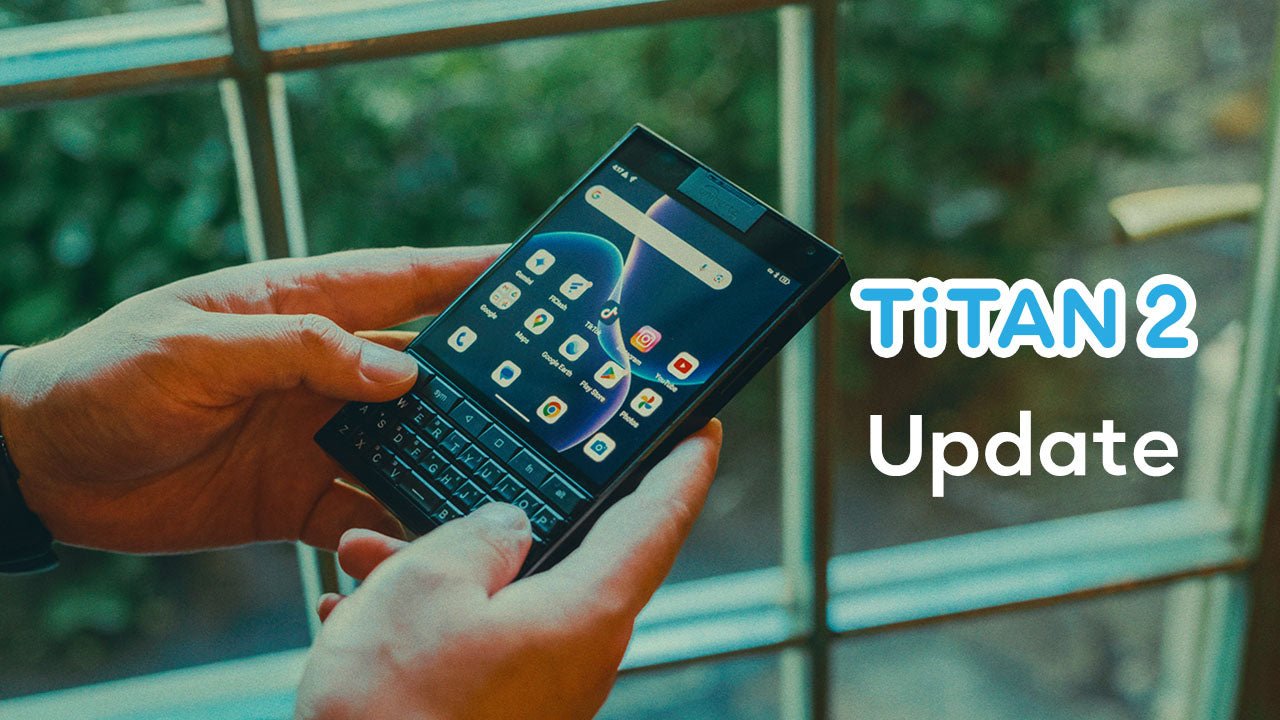


Dear Titan 2 Users,
We're excited to announce a new update for Titan 2! To update your Titan 2 and enjoy the latest features, please go to Settings > About Phone > System Update*. Check for updates and install the latest software.
This major update brings several important improvements, including:
- Security patch updated to 20260305.
- Added Alt key to wake the screen (Settings > Gestures > Keyboard Gestures).
- Added Battery Health feature (Settings > Battery).
- KIKA input method supports Flick Typing (Settings > Gestures > Keyboard Gestures).
- Removed three-button navigation option.
- Improved the Screen Flip Assistant’s mouse‑mode logic.
- Restored the lock screen and input-method switch UI to Android 15 design.
- Notifications optimized to be no pop-up and muted.
- Supported switching between full-screen and mini mode for individual apps (Settings > Intelligent Assistant > App Compatibility Mode).
- Improved keyboard shortcuts (letter keys to launch apps).
As a precaution, we strongly advise you to back up your important data to your Google account or another reliable device. This helps ensure the safety and security of your information.
* DO NOT use unofficial flashing tools to install the ROM, as they may format the device and cause loss of important parameters. If this occurs, users will need to send their devices to our after-sales technical department for parameter reconfiguration to restore functionality, which won't be warranty-covered.
We appreciate your support and trust in Unihertz. If you have any questions or require further assistance, please don't hesitate to reach out to our customer support team.
Thank you for choosing Titan 2!
Best regards,
The Unihertz Team