



Jelly Star – Das kleinste Android 16-Smartphone der Welt
Zertifiziert von




Optionen wählen
Zertifiziert von
Zertifiziert von
Jelly Star – Das weltweit kleinste Android 16-Smartphone

Der neue Star der Jelly-Serie mit transparentem Design und LED-Licht. Immer noch klein, aber leistungsstark.
Jelly Star vorstellen
Entdecken Sie Jelly Star, ein elegantes, winziges Smartphone mit transparentem Rückseitenpanel, dynamischer LED-Beleuchtung und fortschrittlichen Funktionen im Kreditkartenformat.

Galerie

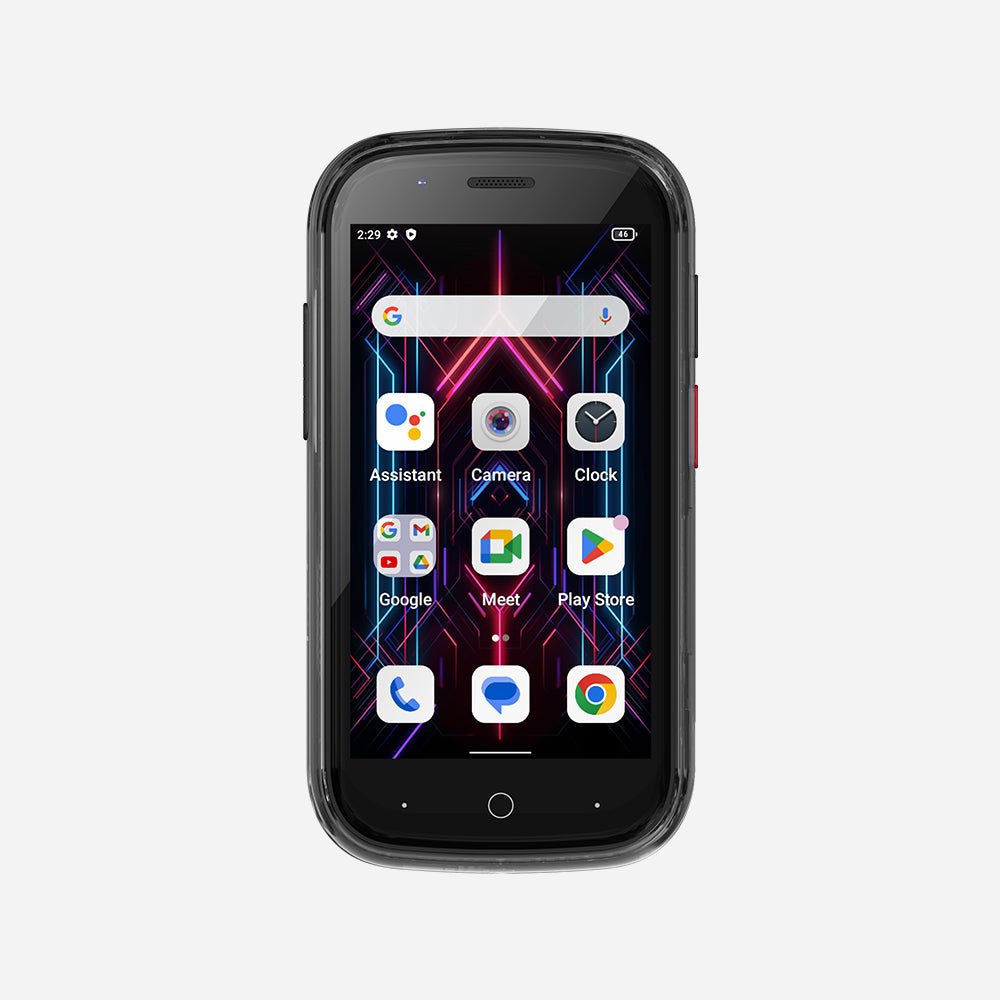
3-Zoll-Anzeige
Jelly Star besticht durch ein ultrakompaktes Design mit einer 3-Zoll-Anzeige – gerade so groß wie eine Kreditkarte. Sein kleines und leichtes Gehäuse macht es unglaublich portabel, sodass Sie es überallhin mitnehmen können!

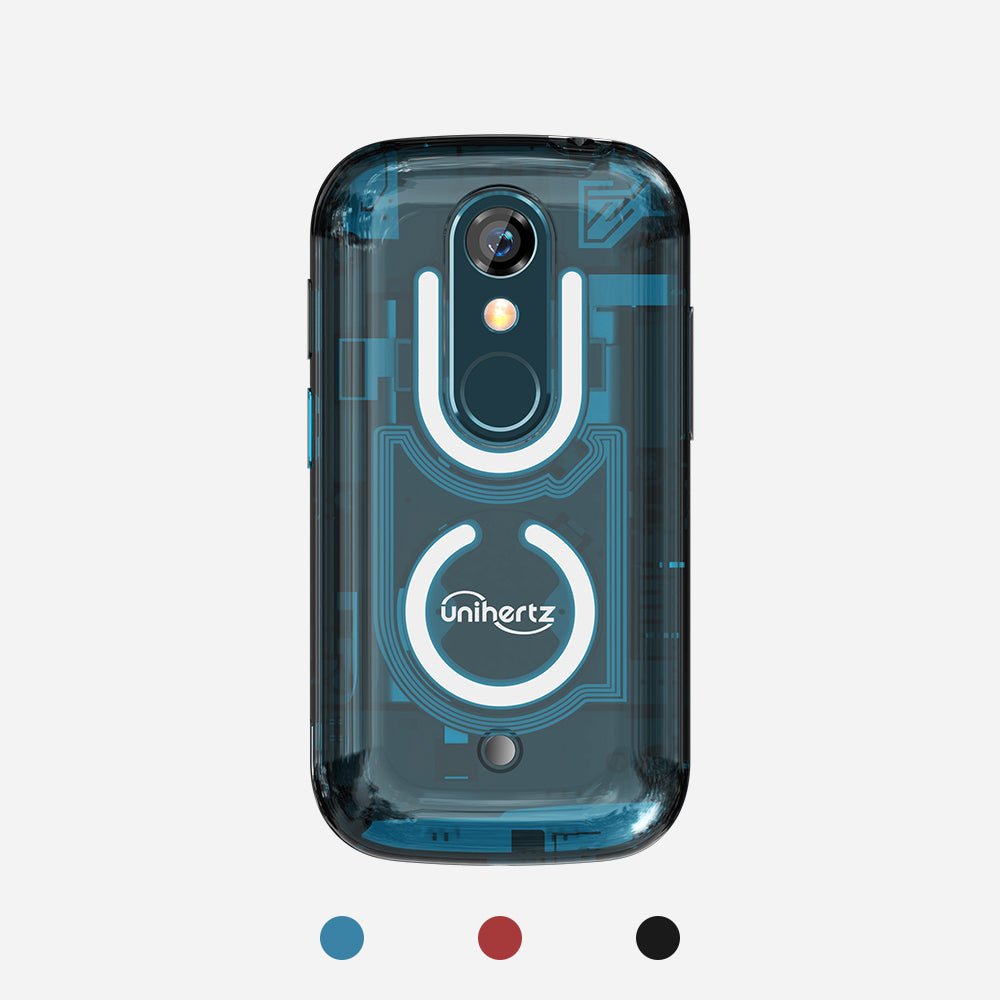
Transparentes Rückseitendesign
Mit seinem einzigartigen transparenten Rückseitendesign und LED-Licht zieht das Jelly Star überall die Blicke auf sich und wird zum echten Gesprächsthema. Es ist in zwei Farben erhältlich: Blau und Rot – wählen Sie die, die am besten zu Ihnen passt. (Update: Die neue schwarze Version des Jelly Star ist jetzt bestellbar.)

Dynamische LED-Benachrichtigung
Das LED-Licht des Jelly Star pulsiert im Rhythmus von Benachrichtigungstönen, Klingeltönen und Musik und sorgt so für ein unterhaltsames und interaktives Nutzungserlebnis.

Hohe Leistung
Jelly Star verfügt über einen Octa-Core 6nm MediaTek Helio G99 Prozessor und ist dadurch außergewöhnlich leistungsstark, sodass Sie mehr in kürzester Zeit erledigen können.

Großer Speicher
Mit 8 GB RAM und 256 GB Speicher erfüllt Ihr Smartphone all Ihre Anforderungen. Wechseln Sie blitzschnell und ohne Verzögerung zwischen Programmen und speichern Sie viele wichtige Dateien!

2000 mAh Akku
Jelly Star ist mit einem 2000 mAh Akku ausgestattet, der in Kombination mit dem 6nm-Chipsatz eine verlängerte Akkulaufzeit gewährleistet. Sie können Ihr Jelly Star den ganzen Tag lang mit nur einer Ladung nutzen, ohne sich Sorgen machen zu müssen, dass der Akku leer wird.

Neue 48 MP Kamera
Die leistungsstarke 48MP-Hauptkamera und die 8MP-Frontkamera des Jelly Star ermöglichen atemberaubende Fotos. Egal, ob Sie wunderschöne Landschaften, besondere Momente mit Ihren Liebsten oder einfach nur Selfies aufnehmen – die Kameras des Jelly Star bieten außergewöhnliche Bildqualität und Detailreichtum.

Android 16 OS
Jelly Star wird vom Android 16-System angetrieben, das speziell entwickelt wurde, um ein personalisiertes Erlebnis zu bieten und gleichzeitig all Ihre Daten sicher und geschützt zu halten. Sie können auf Millionen von Apps im Google Play Store zugreifen, um soziale Netzwerke, Navigation, Videostreaming, Musik und mehr zu genießen – bleiben Sie verbunden und unterhalten.

Update: Jelly Star bietet jetzt ein Update auf Android 16 an und führt spannende neue Funktionen ein, darunter ein aktualisiertes Betriebssystem, den neuesten Sicherheitspatch und eine Vielzahl neuer Tools. Gehen Sie zu Einstellungen > Über das Telefon > Systemupdate, um nach Updates zu suchen und die neueste Software zu installieren.
Vertrauenswürdige Qualität
Jelly Star hat die Google-Zertifizierung, FCC, CE, JATE und weitere erhalten und erfüllt somit hohe Qualitätsstandards, denen Sie voll vertrauen können.

NFC
Einfache, reibungslose und schnelle Zahlungen sowie Datenübertragungen. All das bietet Jelly Star mit NFC.

Globale LTE-Unterstützung
Jelly Star unterstützt weltweit die wichtigsten Frequenzen und Bänder, sodass es mit verschiedenen Netzbetreibern kompatibel ist und Sie stets verbunden bleiben.

Programmierbare Taste
Sie können eine Shortcut-Taste programmieren, um schnellen Zugriff auf jede gewünschte Funktion Ihres Smartphones zu erhalten. Klicken, doppelklicken oder lang drücken – Sie können bis zu drei verschiedene Aktionen individuell festlegen!

3,5 mm Audioanschluss
Ein kabelgebundenes Headset geht nie der Akku aus, da es keinen benötigt. Einfach einstecken und Ihre Lieblingsmusik genießen!

Dual Nano SIM-Karten
Um die perfekte Work-Life-Balance zu halten, ist Jelly Star mit Dual-SIM-Karten ausgestattet. Eine hält Sie bei der Arbeit auf Trab, die andere lässt Sie das Leben in vollen Zügen genießen. Alternativ können Sie eine einzelne SIM-Karte verwenden und den Speicherplatz nach Bedarf erweitern.

Infrarot-Port
Ausgestattet mit einem IR-Blaster ermöglicht Jelly Star eine bequeme und einfache Steuerung mehrerer Haushaltsgeräte direkt in Ihrer Hand.

Zusätzliche Funktionen
Mit den zusätzlichen Funktionen wie Fingerabdruck-Entsperrung, USB OTG, FM-Radio, GPS usw. bietet Jelly Star ein umfassendes und vielseitiges Erlebnis für Nutzer, die mehr von modernen Smartphones erwarten.

Abmessungen & internes Design


Medienempfehlungen


Jelly Star | Jelly 2 | Jelly 2E | |
Grundlegende Informationen | |||
Abmessungen | 95.1 × 49.6 × 18.7mm | 95 × 49.4 × 16.5 mm | 95 × 49.4 × 16.5 mm |
Gewicht | 116 g (mit Akku) | 106,5 g (mit Akku) | 110 g (mit Akku) |
Prozessor | Helio G99 Octa-Core 2,0-2,2GHz | Helio P60 Octa-Core, 2,0GHz | Helio A20 Quad-Core 1,8GHz |
Betriebssystem | Android 13 | Android 11 | Android 12 |
Speicher | 8GB + 256GB UFS 2.2 | 6GB + 128GB UFS 2.1 | 4GB + 64GB (eMMC + LPDDR4X) |
Akku | Nicht entfernbarer 2000 mAh Akku | Nicht entfernbarer 2000 mAh Akku | Nicht entfernbarer 2000mAh Akku |
Laderate | 10W | 10W | 10W |
SIM-Kartentyp | Dual Nano SIM-Karte | Dual Nano SIM-Karte | Dual Nano SIM-Karte |
Micro SD | Ja | Ja | Ja |
Kartenslot | SIM 1 + Hybrid (SIM oder Micro SD) | SIM 1 + Hybrid (SIM oder Micro SD) | SIM 1 + Hybrid (SIM oder Micro SD) |
Anzeige | |||
Abdeckglas | Panda Glass | Corning Gorilla Glass | Corning Gorilla Glass |
Material | LCD | LCD | LCD |
Anzeigegröße | 3,0 Zoll | 3,0 Zoll | 3,0 Zoll |
Auflösung | 480 × 854 Pixel | 480 × 854 Pixel | 480 × 854 Pixel |
Kamera | |||
Rückkamera | 48MP AF | 16MP AF | 16MP AF |
Frontkamera | 8MP FF | 8MP FF | 8MP FF |
Konnektivität | |||
Bänder | 2G GSM: Bänder 2/3/5/8, 3G WCDMA: Bänder 1/2/4/5/6/8/19, 3G CDMA2000: Bänder BC0/BC1, 4G FDD-LTE: Bänder 1/2/3/4/5/7/8/12/13/17/18/19/20/25/26/28A/28B/66, 4G TDD-LTE: Bänder 34/38/39/40/41 | 2G GSM: Bänder 2/3/5/8, 3G WCDMA: Bänder 1/2/4/5/6/8/19, 3G CDMA2000: Bänder BC0/BC1, 4G FDD-LTE: Bänder 1/2/3/4/5/7/8/12/13/17/18/19/20/25/26/28A/28B/66, 4G TDD-LTE: Bänder 34/38/39/40/41 | 2G GSM: Bänder 2/3/5/8, 3G WCDMA: Bänder 1/2/4/5/8, 3G CDMA2000: Bänder BC0/BC1, 4G FDD-LTE: Bänder 1/2/3/4/5/7/8/12/17/18/19/20/25/26, 4G TDD-LTE: Bänder 34/38/39/40/41 |
Wi-Fi | WLAN 802.11 a/b/g/n/ac 2.4GHz/5GHz, Wi-Fi Direct, Wi-Fi Anzeige, Wi-Fi Hotspot | WLAN 802.11 a/b/g/n/ac 2.4GHz/5GHz, Wi-Fi Direct, Wi-Fi Hotspot | WLAN 802.11 a/b/g/n/ac 2.4GHz/5GHz, Wi-Fi Direct, Wi-Fi Anzeige, Wi-Fi Hotspot |
Bluetooth | Bluetooth 5.3 | Bluetooth 5.1 | Bluetooth 5.2 |
NFC | Ja | Ja | Nein |
Navigation | GPS + GLONASS + BeiDou + Galileo | GPS + GLONASS + BeiDou | GPS + GLONASS + BeiDou + Galileo |
Funktionen | |||
Sensoren | Fingerabdruck (hinten montiert), G-Sensor, Kompass, Gyroskop, Näherungssensor, Umgebungslichtsensor | Fingerabdruck (hinten montiert), G-Sensor, Kompass, Gyroskop, Näherungssensor, Umgebungslichtsensor | Fingerabdruck, G-Sensor, Gyroskop, Näherungssensor, Umgebungslichtsensor, Kompass |
Fingerabdruck | Ja | Ja | Ja |
Gesichtserkennung | Ja | Ja | Ja |
Infrarotanschluss | Ja | Ja | Ja |
USB | USB Typ C | USB Typ C | USB Typ C |
USB OTG | Ja | Ja | Nein |
Programmierbare Taste | Ja | Ja | Ja |
Lautsprecher | Ja | Ja | Ja |
3,5-mm-Kopfhöreranschluss | Ja | Ja | Ja |
UKW-Radio | Ja | Ja | Ja |
Verschiedenes | |||
Farbe | Rot / Blau / Schwarz | Grün | Silber |
LED-Licht | Ja | Nein | Nein |
SAR-Wert | Kopf-SAR (EU): 0.602 W/kg, Körper SAR (EU): 0.798 W/kg, Kopf-SAR (US): 0.953 W/kg, Körper SAR (US): 0.845 W/kg | Kopf-SAR (EU): 0.512 W/kg, Körper SAR (EU): 0.973 W/kg, Kopf-SAR (US): 0.795 W/kg, Körper SAR (US): 1.271 W/kg | Kopf-SAR (EU): 0.228 W/kg, Körper SAR (EU): 0.434 W/kg, Kopf-SAR (US): 0.496 W/kg, Körper SAR (US): 0.827 W/kg |
GENERAL QUESTIONS
1. Go to Settings ->System ->About Phone ->IMEI number 1 and 2.
2. Look for the IMEIs on the box of the phone (if you still have it).
Settings ->System ->About phone ->Wireless update
Please follow these steps to clear cache before searching for the update again:
Settings -> App Notifications ->See all apps ->Show System (top right corner with 3 dots) ->Wireless update-> Clear Data and Cache
Reset to Factory Settings (When your phone can be turned on)
Settings ->System ->Reset Options ->Erase all data (factory reset)
Reset to Factory Settings (When your phone cannot be turned on)
Power off your phone -> Press and hold the Power and Volume up buttons -> After your phone vibrates, keep holding the buttons for 5 seconds to enter Recovery mode -> Press the Volume up and down buttons to select the option to clear data or restore your device to its factory settings -> then press the Power button to confirm -> Reboot your phone.
If you have forgotten your phone password and want to unlock it, you will have to restore your device to its factory settings. Then you can set it up again and set a new screen lock.
However, all data on your phone will be erased and cannot be restored. It is recommended that you confirm whether you have backed up your phone data on the cloud or by other means. It is also recommended that you confirm whether you or someone else has changed the PIN/password. If you still cannot recall the password, refer to last Question to restore your device.
English, English(UK), German, French, Italian, Portuguese, Spanish, Russian, Dutch, Japanese, Simplified Chinese, Traditional Chinese(Zhuyin, Cangjie, Quick input).
For the keyboard input of other languages, we may consider adding them in the future if we receive enough demands.
On the other hand, Android system supports a wide range of languages, with which you will be able to turn on touch screen input as a supplement.
TELECOM COMPATIBILITY
1. Check the feedback from other users here.
2. Please find the the phone's supported bands in product specs and check if those meet your sim-card carrier's needs or contact your carrier.
* Due to different carrier's policy regarding to unlocked phones, LTE wireless service may not be available even if listed bands are supported by your carrier. When this happens, please contact your carrier for more details.
Our phone can work fine in Verizon network. However, as it is not certified by Verizon, you cannot activate your new SIM card with it. Please activate the new SIM card with another Verizon certified device and then use it in your Unihertz phone.
TECHNICAL ISSUES (PROBLEM SHOOTING)
Please follow the guide to do a micro-calibration for your phone (you can also contact us for a video guide):
1. Please clear the dust in your proximity censor hole on top of your phone.
2. Input *#3377# in the Dial-up interface.
3. Click Distance calibration.
4. Follow the guide to finish the process.
Please permit the apps to run in the background by activating them in the following three settings:
1. Settings ->DuraSpeed
2. Settings ->Intelligent assitance ->App blocker
3. Settings ->App¬ification ->See all apps ->this app ->Battery ->Battery optimization and Background restriction->Don't optimize
You can also watch a video guide here.
It is not advised to downgrade your smartphone since there might be compatibility issues.
Please contact your operator and check the APN parameters.
1. Go to Sound Recorder app and run a recording test.
2. Check whether your SIM card works well on the other phone.
1. Please check if this only happened to some or all of friends you called.
2. Stay in the same location and insert your SIM card into another Android phone and the same issue arises.
3. Turn on call record in the call interface to record a call, then check whether the sound recorded is normal.
1. Please send us a full screenshot of your battery usage in Settings ->battery ->battery usage.
2. Follow these steps to capture the battery log and send it to service@unihertz.com for further analysis.
REPAIR AND WARRANTY
For repair, please send without the accessories.
For replacement or refund, please send with accessories in one package.
The broken glass is not covered by warranty.
Please send the smartphone back to us after negotiating with service@unihertz.com as we do not provide phone screen separately. Repair or replacement fee may apply.
The repaired/ replaced device will get extra 90 days warranty or the remaining original warranty period, whichever is longer.
Customer Reviews
I have tried many different methods to curb my phone addiction (e-ink phones, dumbphones, iPhone mini with restrictions etc.), and every single one has deal-breaking flaws EXCEPT for the Jelly Star. It really is the best option available if you want to lower your screen time, but still have the functionality necessary in the modern world. I've been using my Jelly Star for about 2 years and still love it.
PROS:
- Does everything you need a phone to do.
- Great conversation starter.
- Small: fits in any pocket, it's adorable.
- Very sturdy, especially with the included case.
- 99% of apps work perfectly.
- Typing is surprisingly easy with swipe and voice-to-text.
- HEADPHONE JACK, PROGRAMMABLE BUTTON, 2 SIM-CARD SLOTS!!
- NFC Card reader works great.
Cons:
- Only 4g. Sometimes doesn't work in areas where 4g has been discontinued.
- Cameras are decent, but could be better.
- Battery life is short, but I don't use it much anyway. Lasts me all day and more.
- Fingerprint sensor sometimes doesn't work.
- Hotspot works, but is pretty slow.
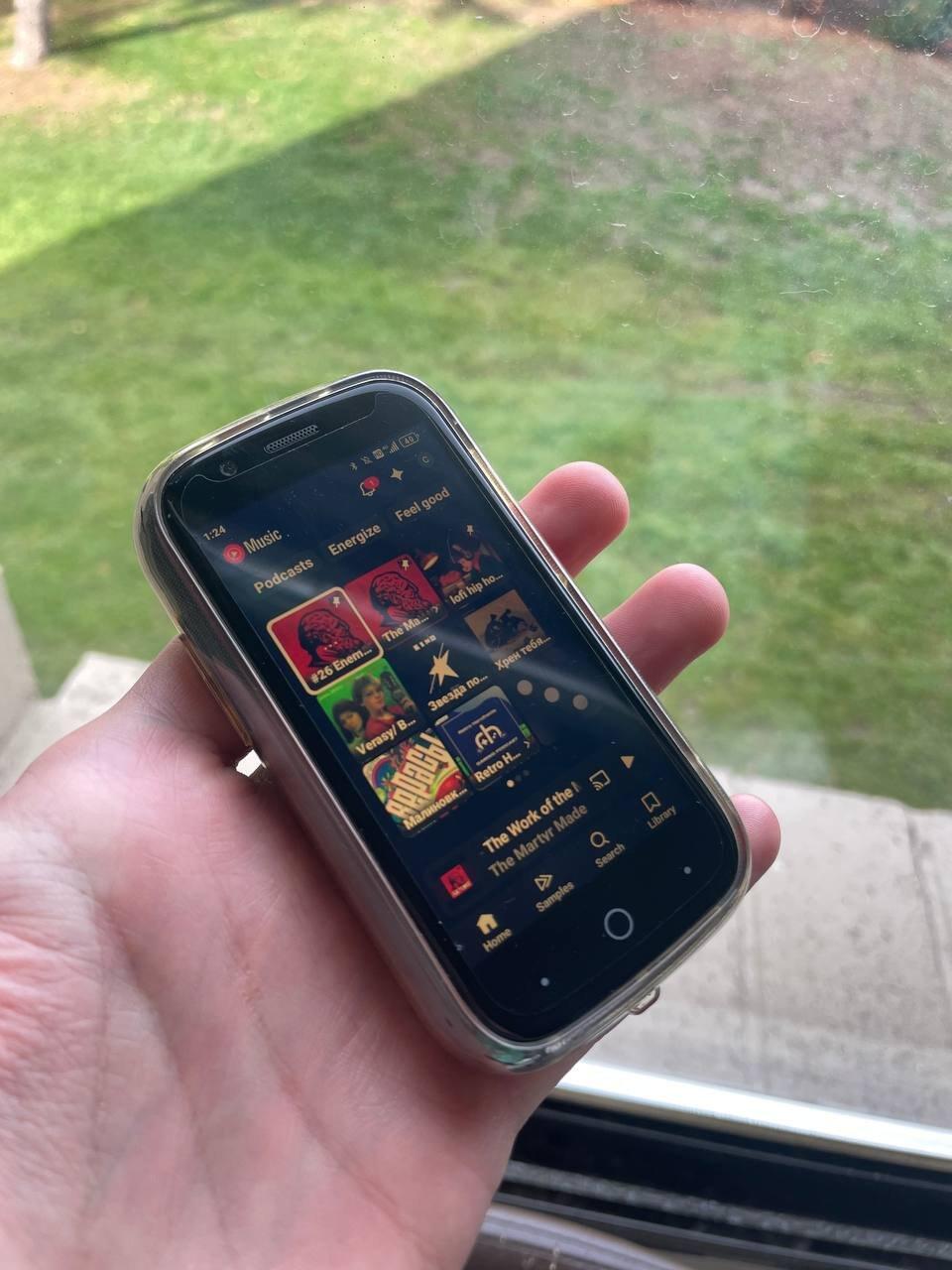
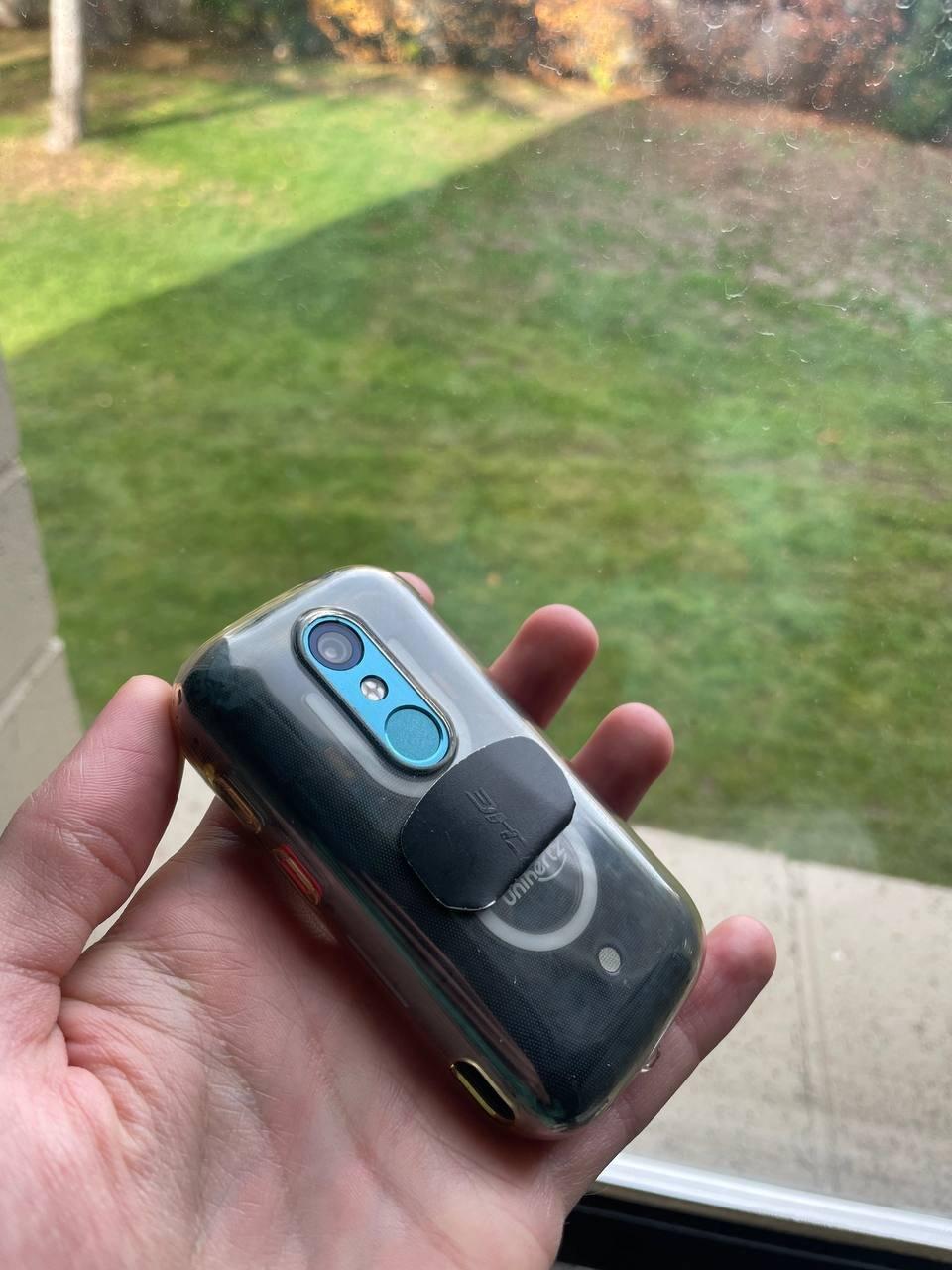
(The first picture is one I took with the Jelly Star. On the back I have a piece of metal to stick the phone to a magnetic mount in my car for Maps.)

Used the phone for a month and after that it just started malfunctioning. The navigation buttons at the bottom of the screen (Back, Home, and Recent Apps) are no longer functioning properly (it runs okay after unlocking, then after using a few seconds it just stops functioning). In addition, the touchscreen often malfunctions— certain areas of the screen become unresponsive, while other areas register touches incorrectly, causing the phone to select items different from where I actually tap.
Contacted the support team and tried to return the product for replacement (at my own expense) but after some complications with customs and all the support team's unclear instructions (we've been exchanging emails for an entire month) I just figured it'd be easier to just throw the useless device away.
3mm Head-Jack, SD Card, LED Notification, and whole lot of awesomeness. Sometimes a simple device is all you need. I am a fan of Unihertz. I would like to review the Jelly Star Max next.
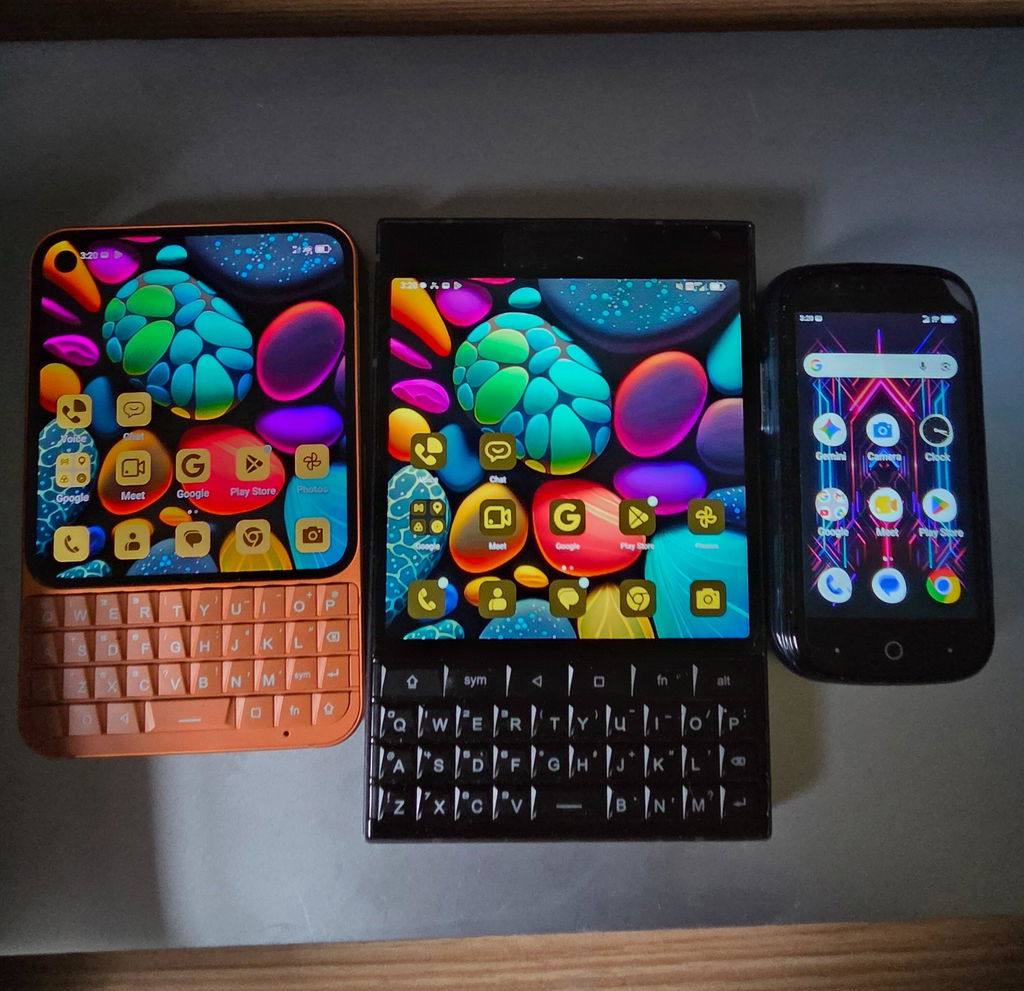
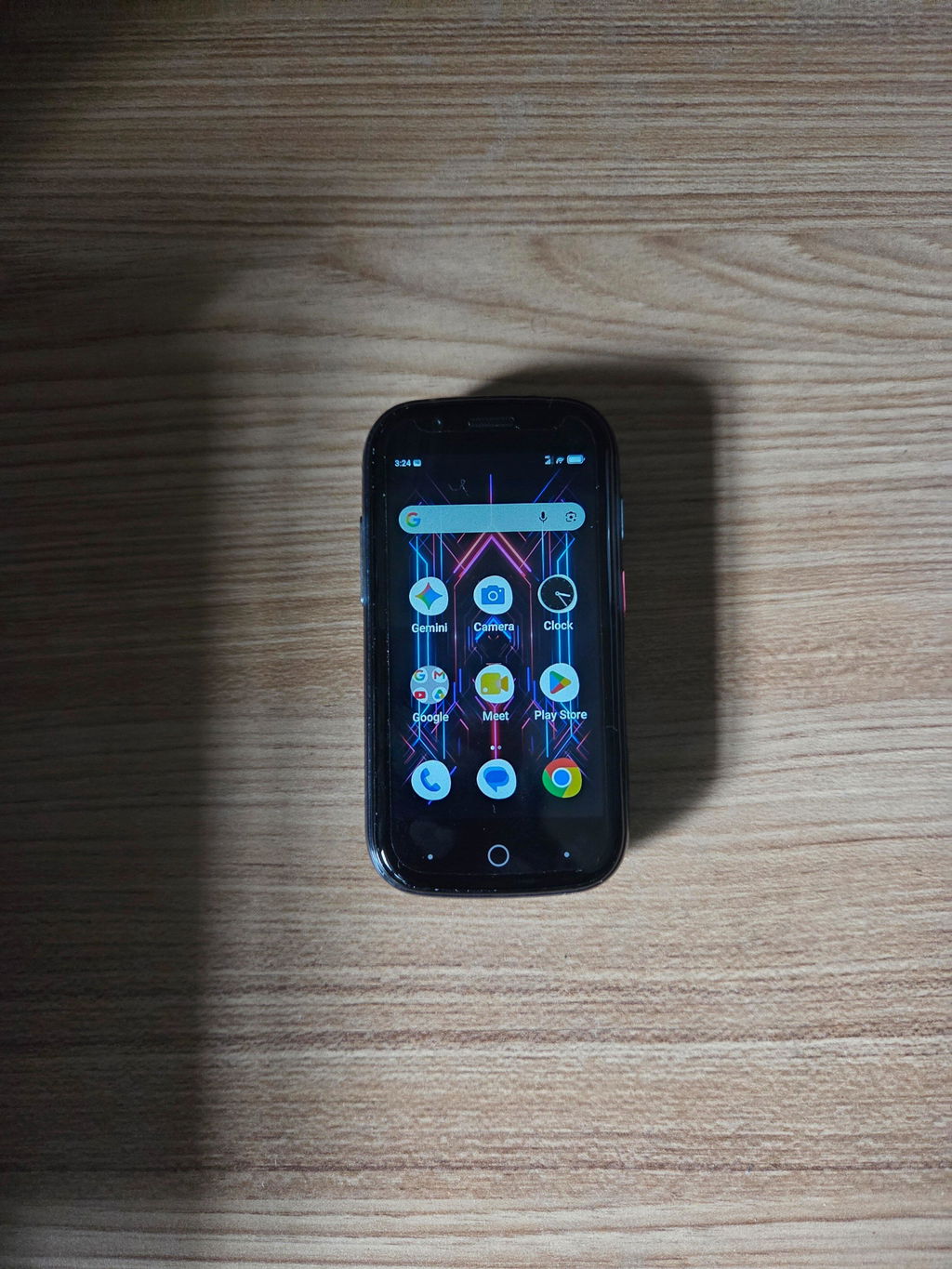
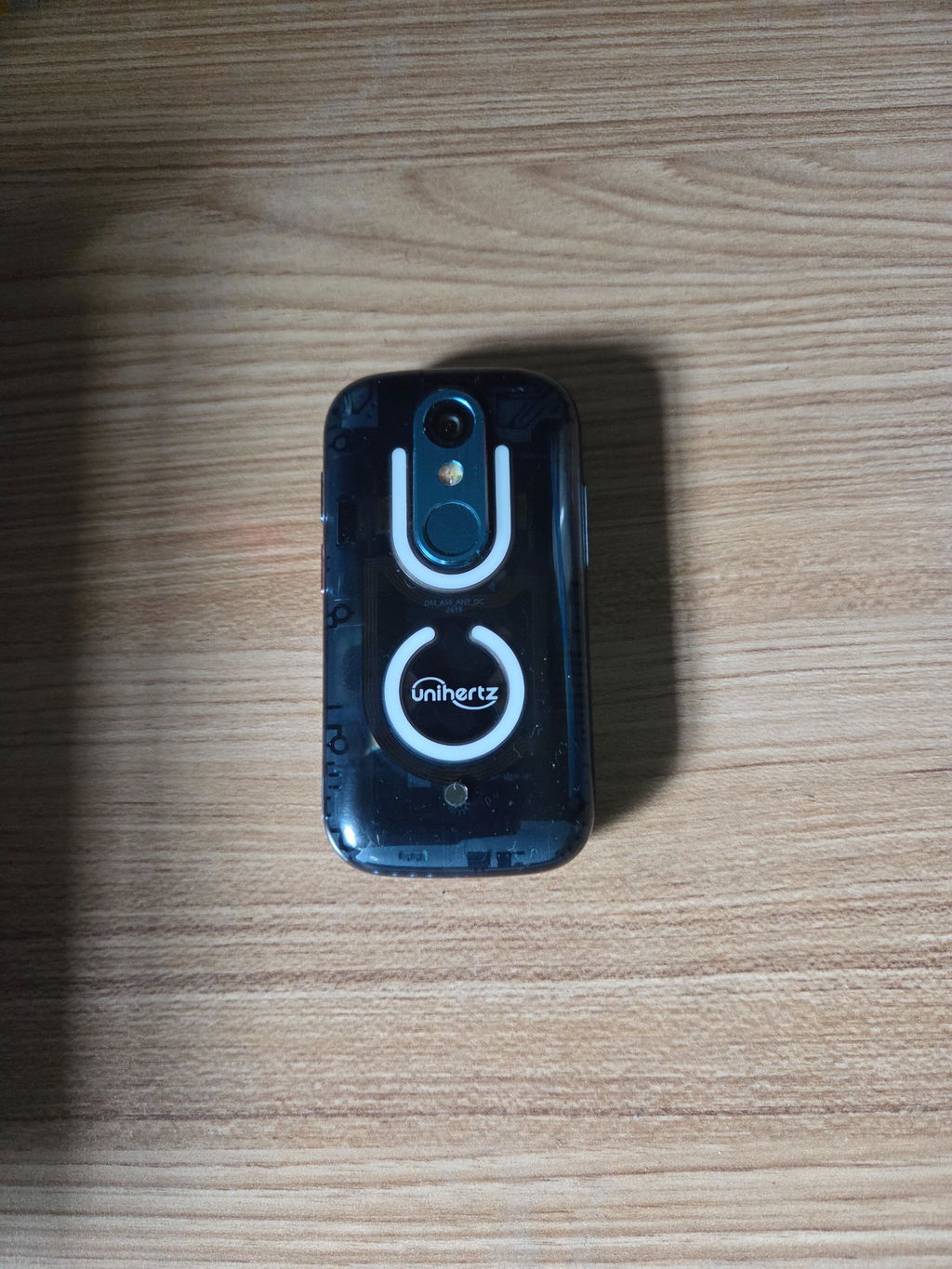
I bought the phone to have something that works with everything I need, but without being too distracting.
But there's too many issues with the phone. The battery drains extremely quickly on phone calls. Finger scan keeps messing up. And most important the phone overheated doing charging and now it's broken. The original charger was used.
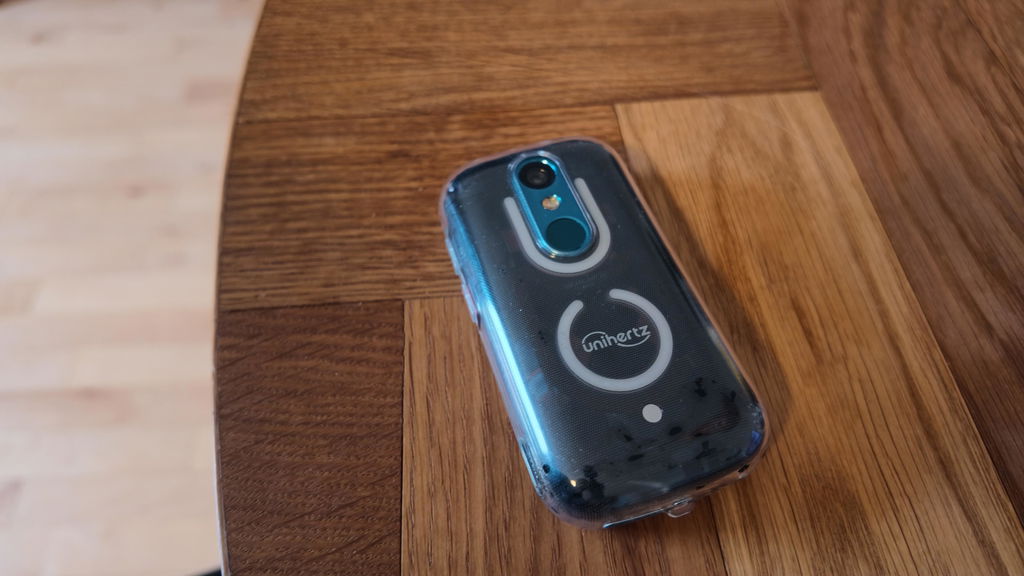
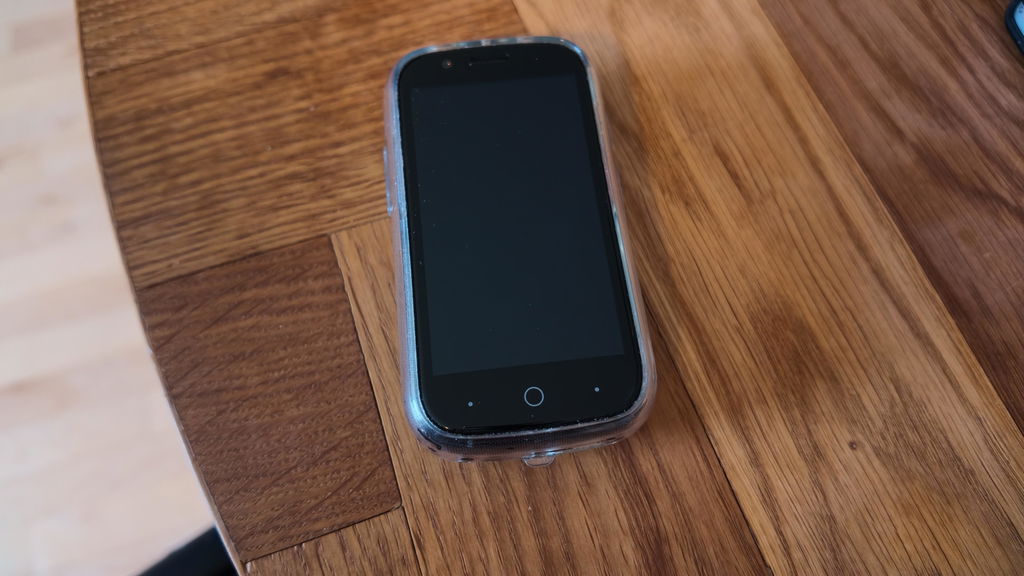
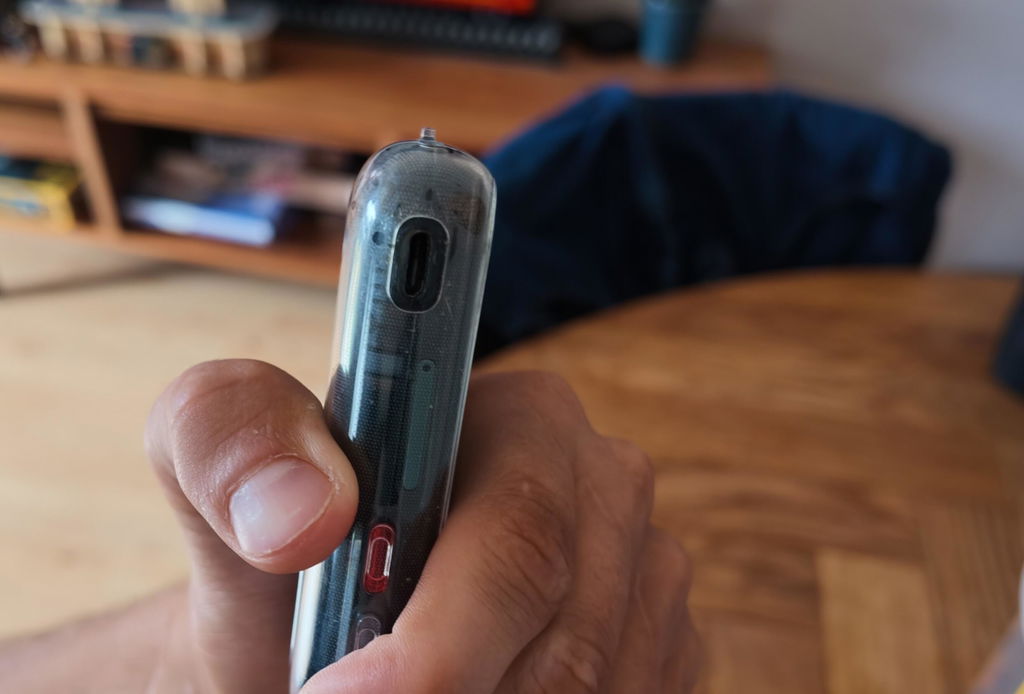
Nothing phone 4a pro is better
billshut