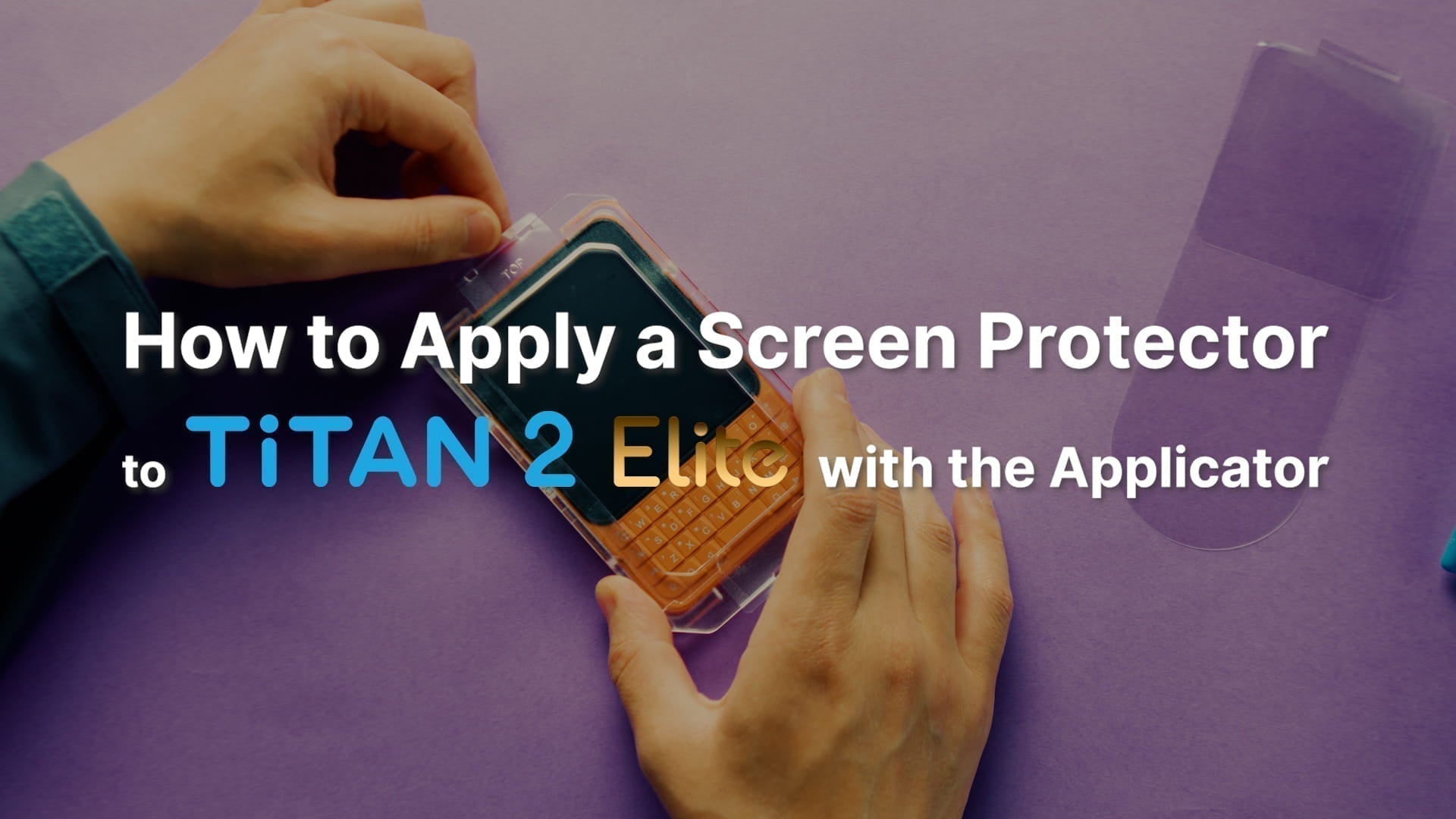


This tutorial walks you through applying the screen protector on your Unihertz Titan 2 Elite smartphone.
Please read the entire guide before you begin and make sure you feel comfortable completing every step. If you are unsure or prefer not to do it yourself, we recommend having a local trained phone technician perform the installation.
How to Apply a Screen Protector to Unihertz Titan 2 Elite with the Applicator
How to Apply a Screen Protector to Unihertz Titan 2 Elite with the Applicator Step by Step
 |
Step 01Front: Flat surface marked "TOP"Back: Raised positioning frame |
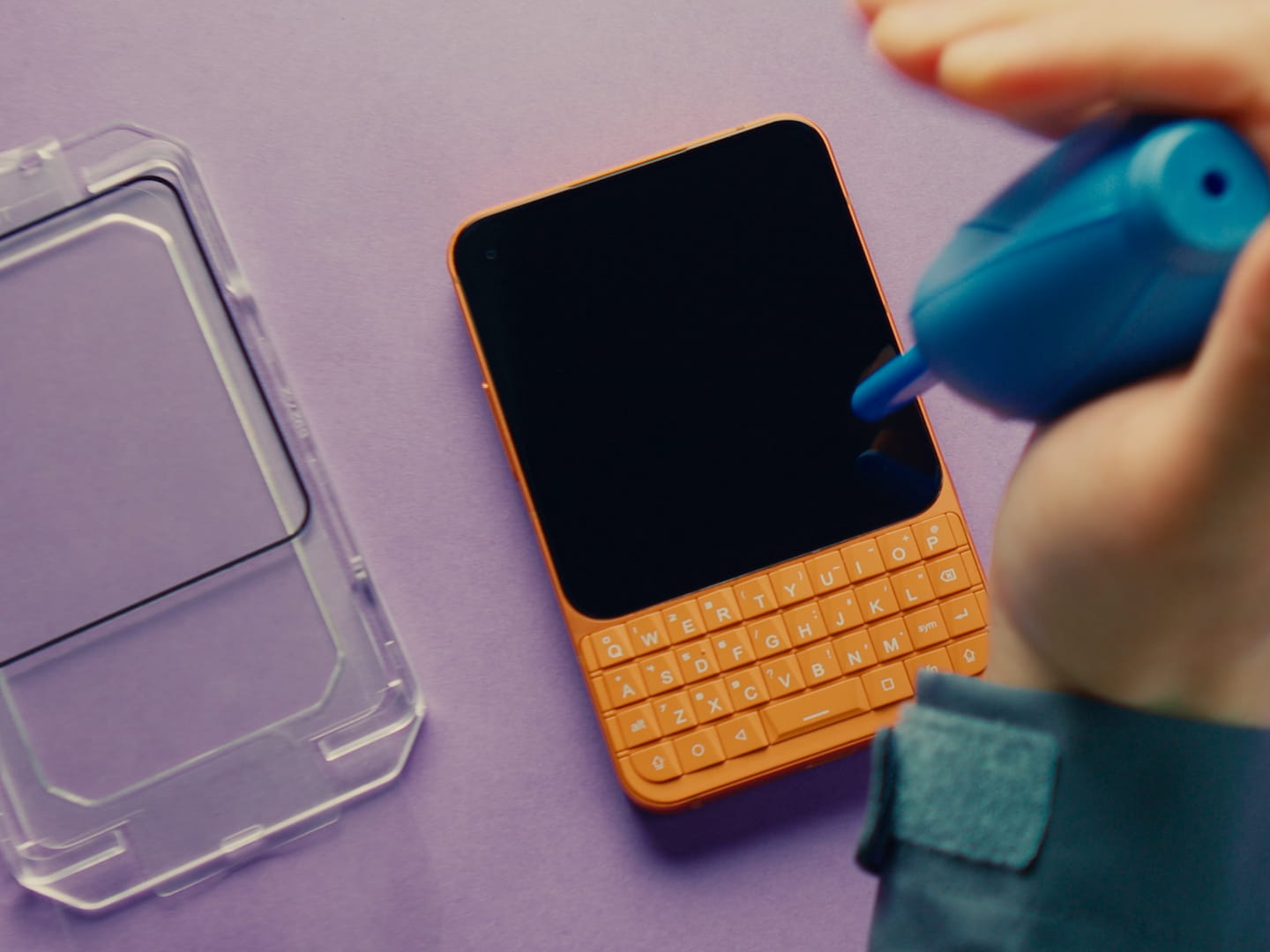 |
Step 02Clean the phone screen. |
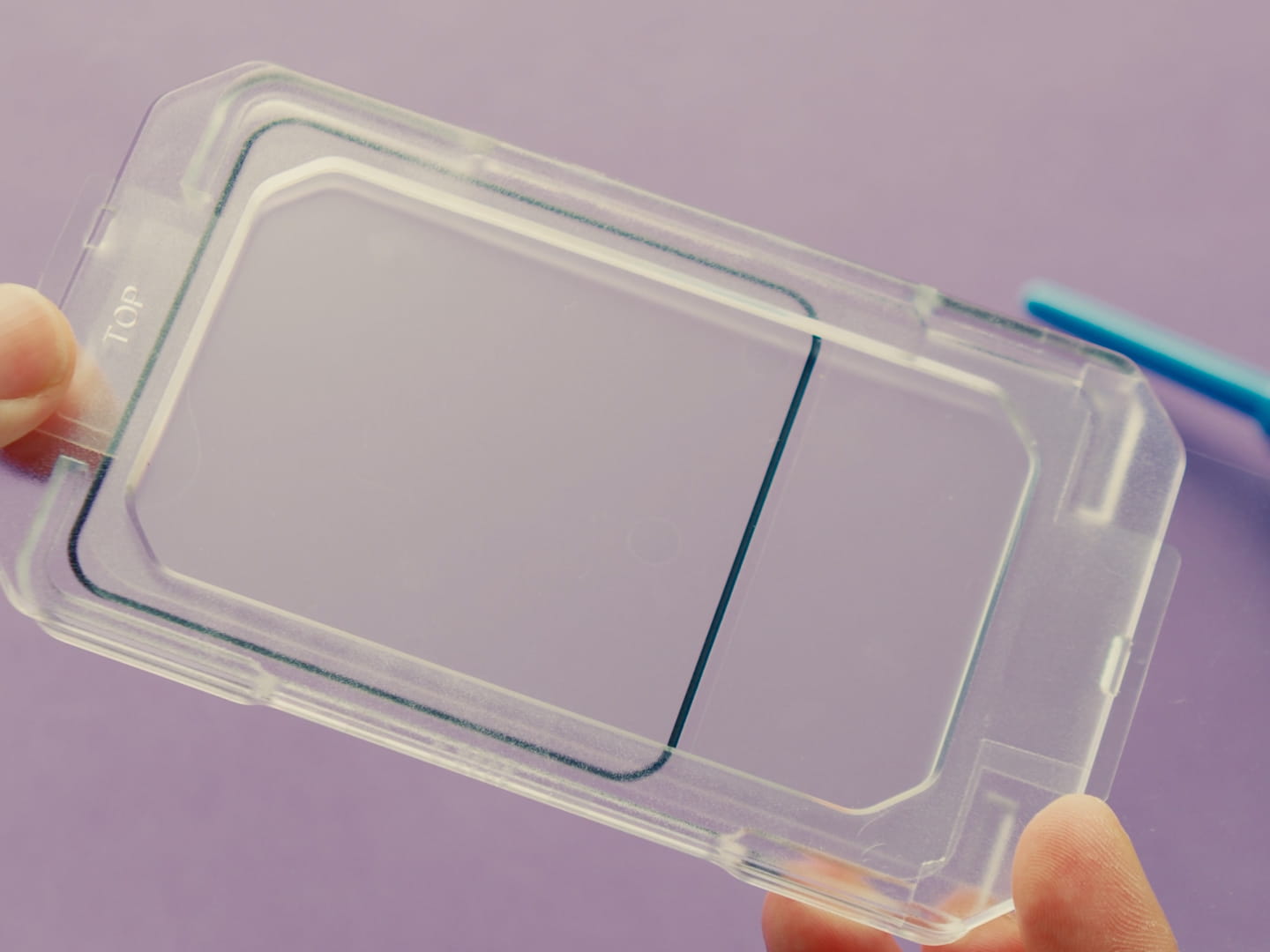 |
Step 03Ensure the applicator's front side faces up. |
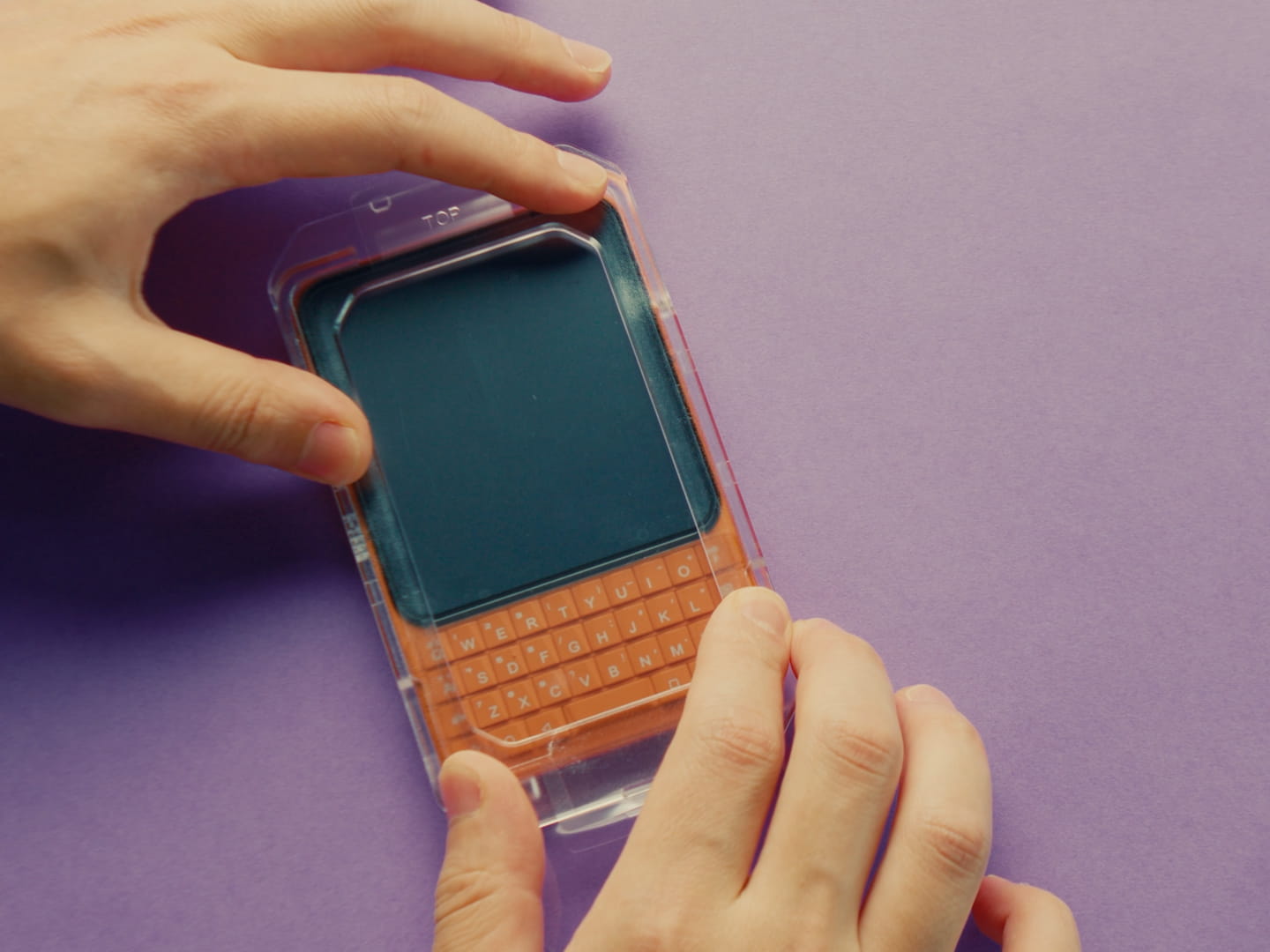 |
Step 04Align the applicator and secure it to the phone. |
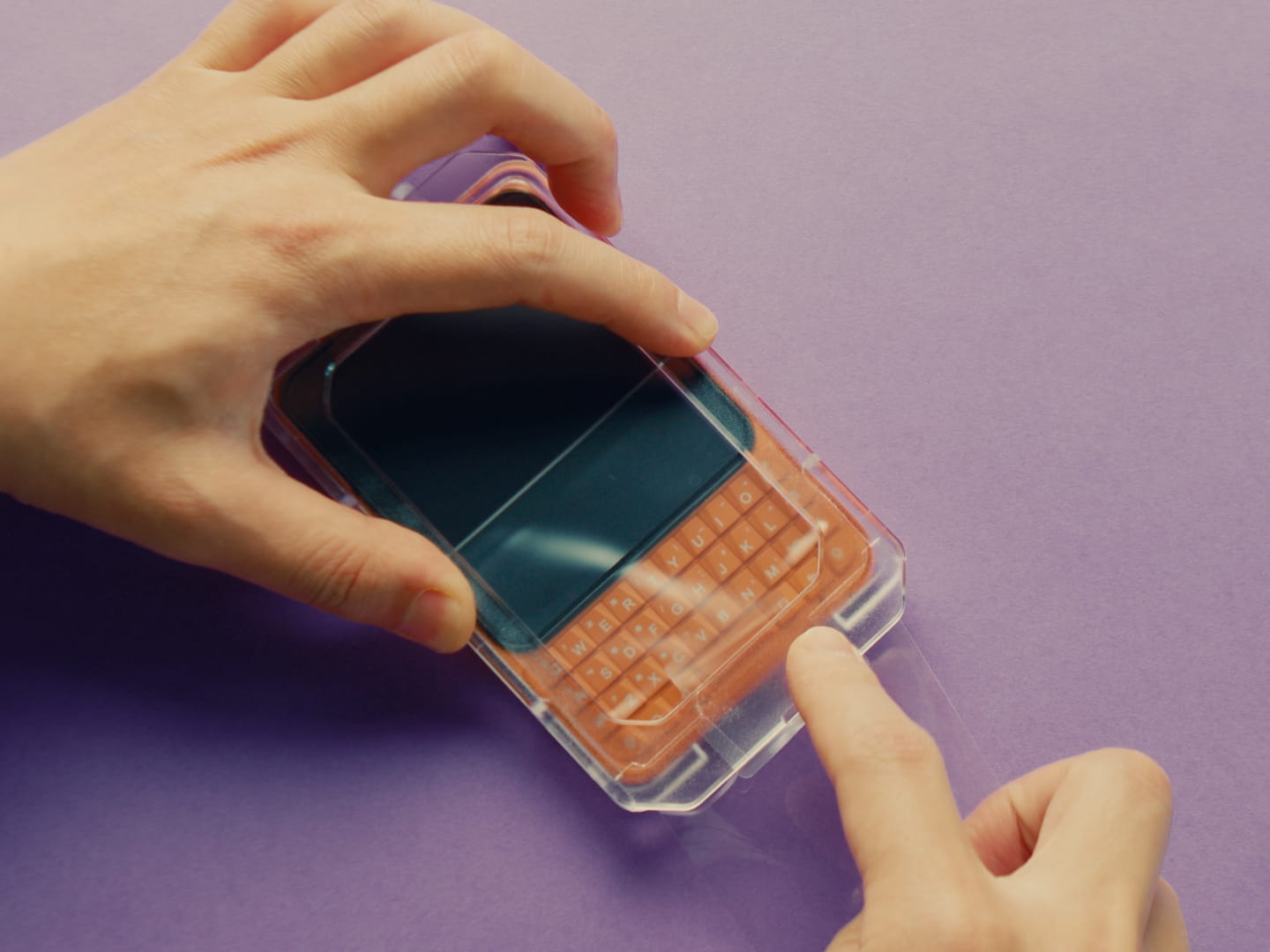 |
Step 05Gently pull out the bottom film. |
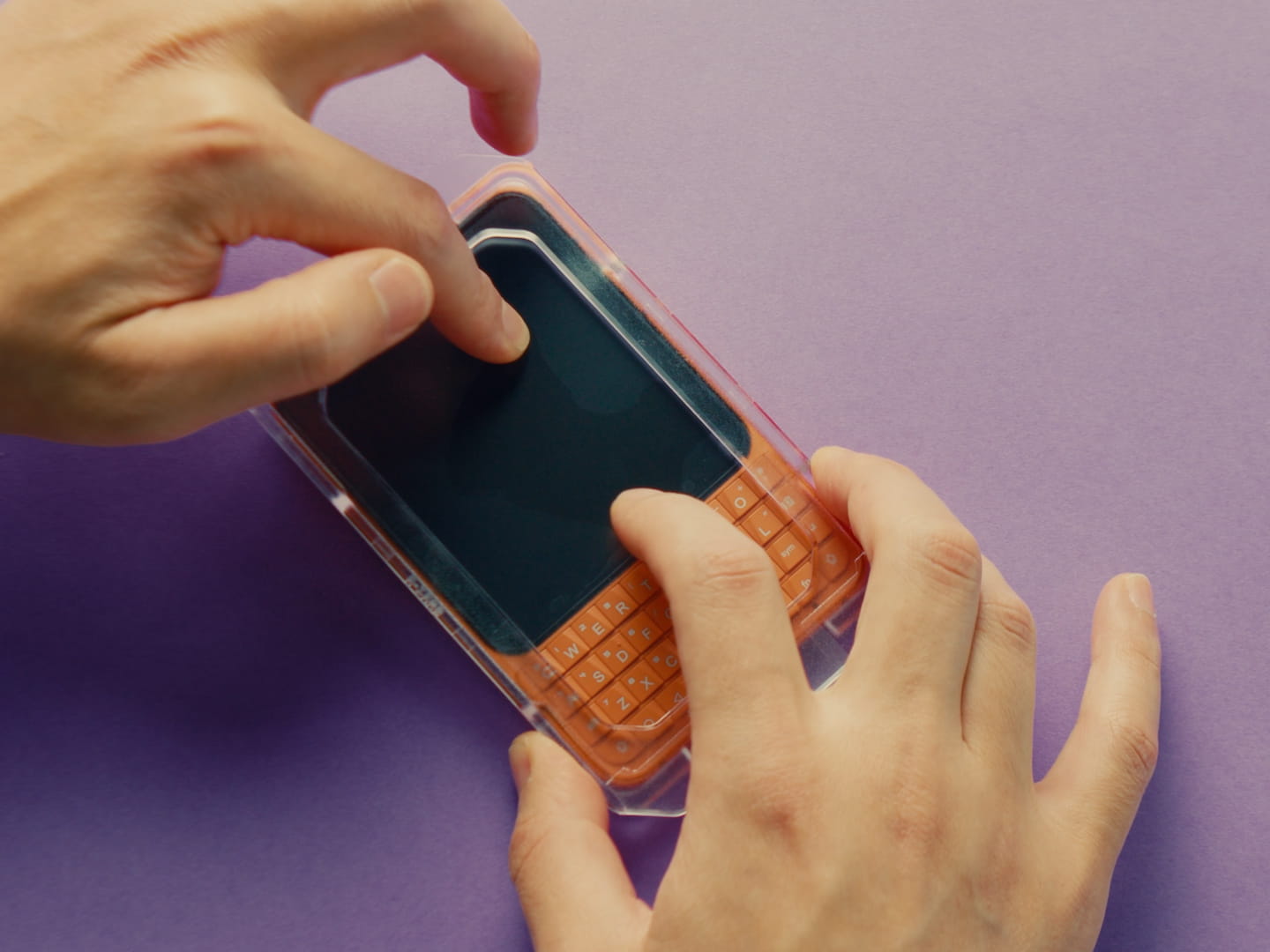 |
Step 06Lightly press the center of the screen to adhere. |
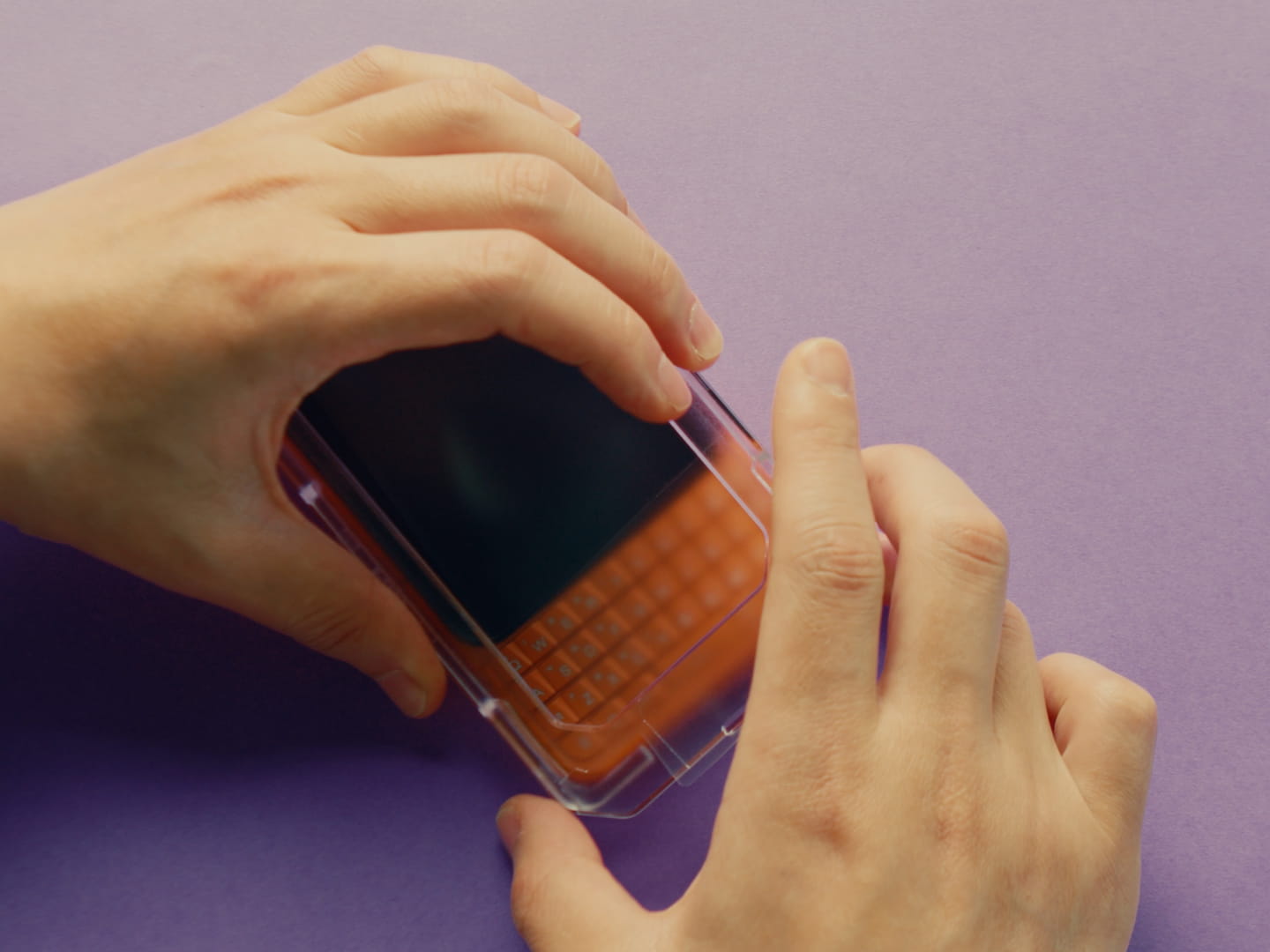 |
Step 07Remove the applicator carefully after adherence. |
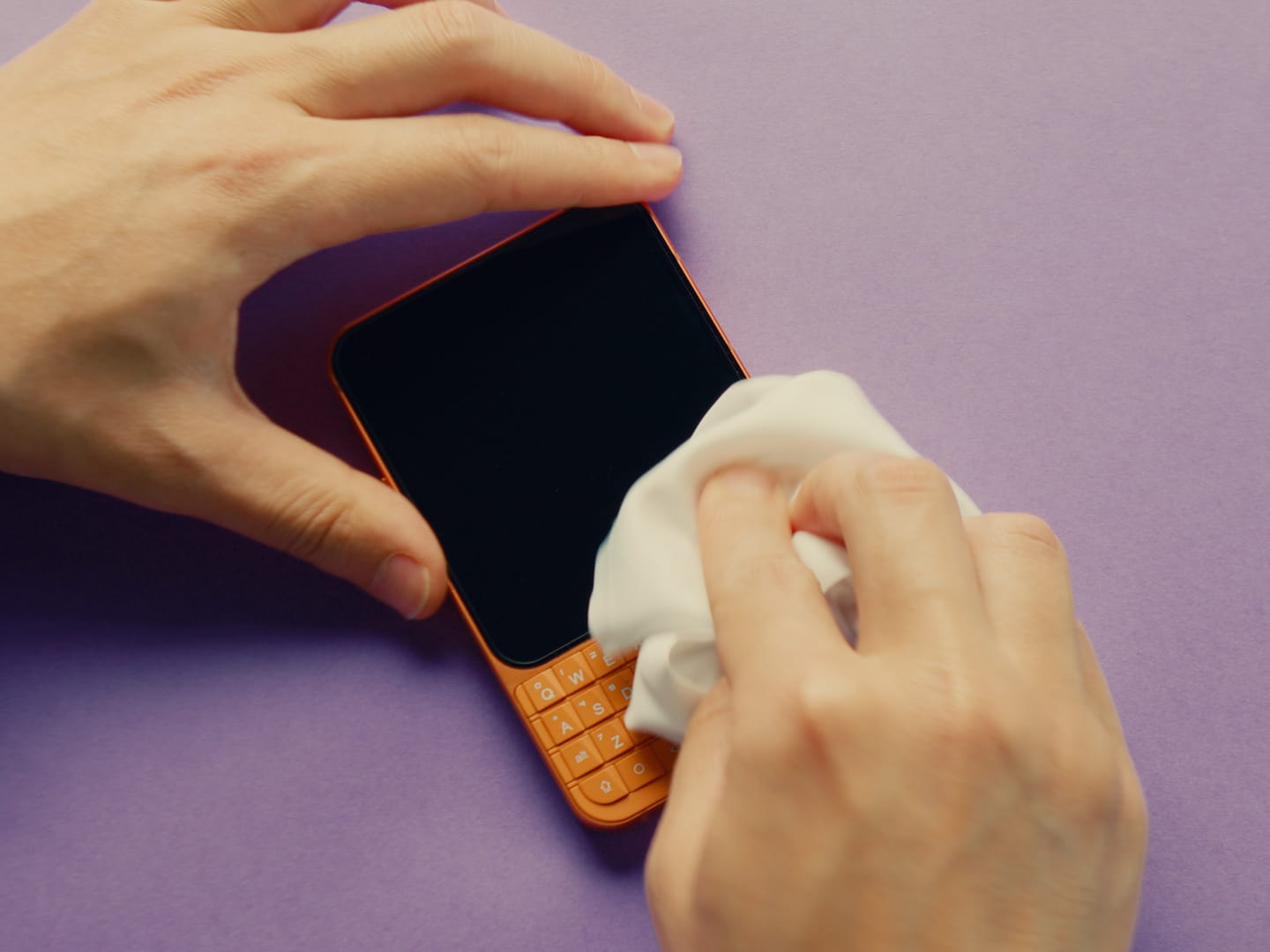 |
Step 08Use a soft cloth to push out any air bubbles along the edges. |
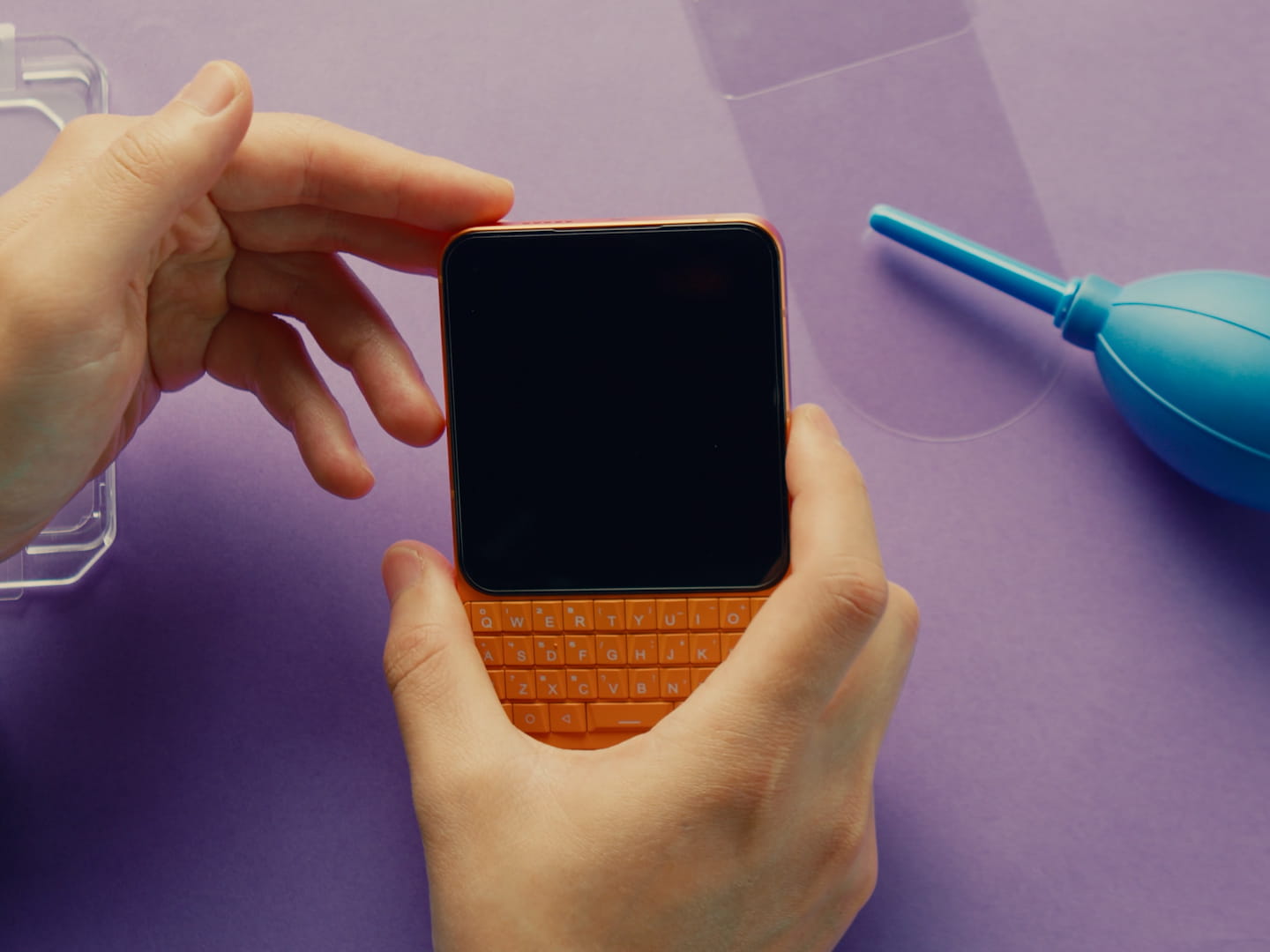 |
Step 09Screen protector application is complete. |
How to Reuse the Applicator with a Replacement Protector Step by Step
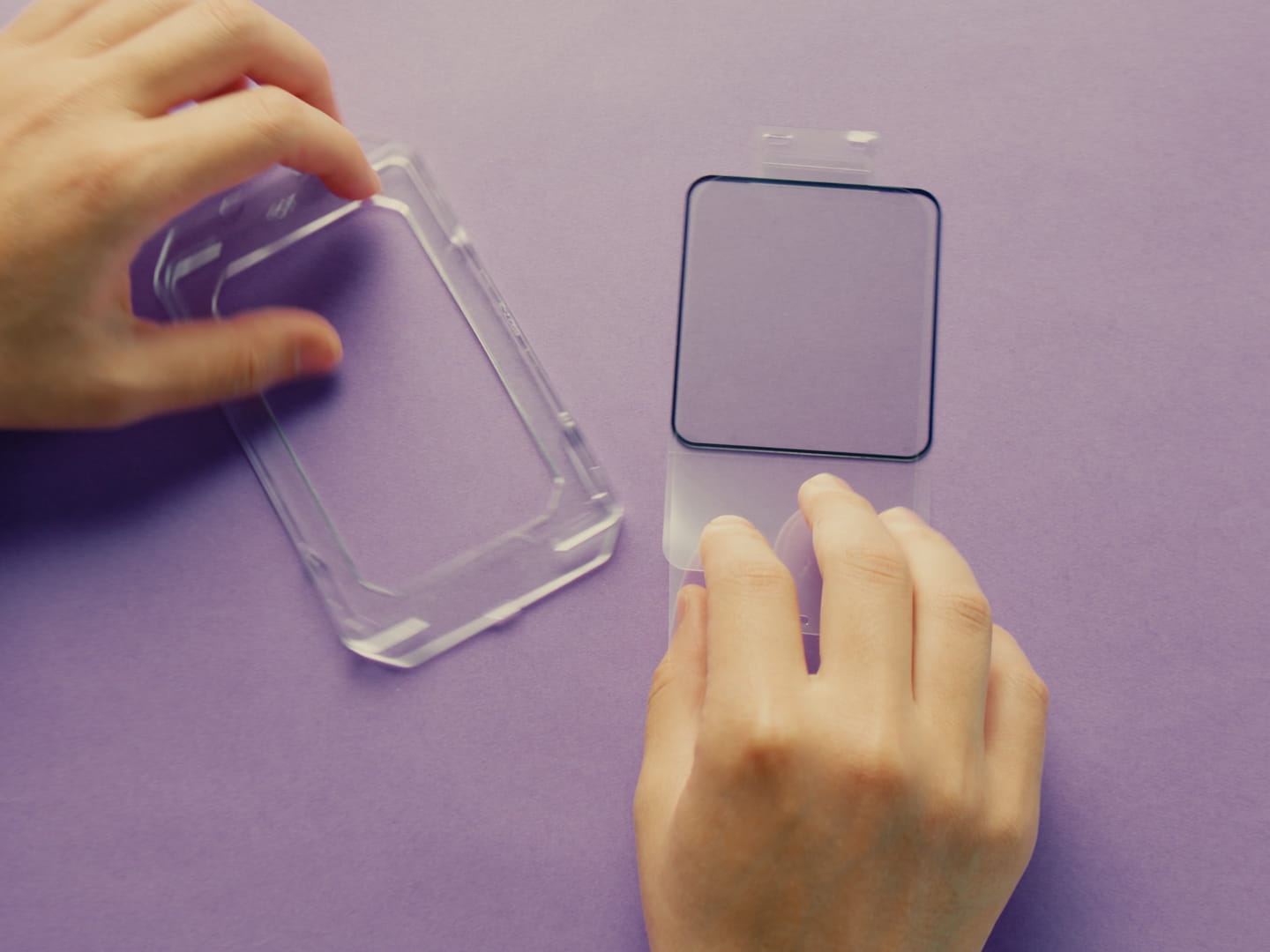 |
Step 01Separately purchased tempered glass protectors can also be reattached to the applicator. |
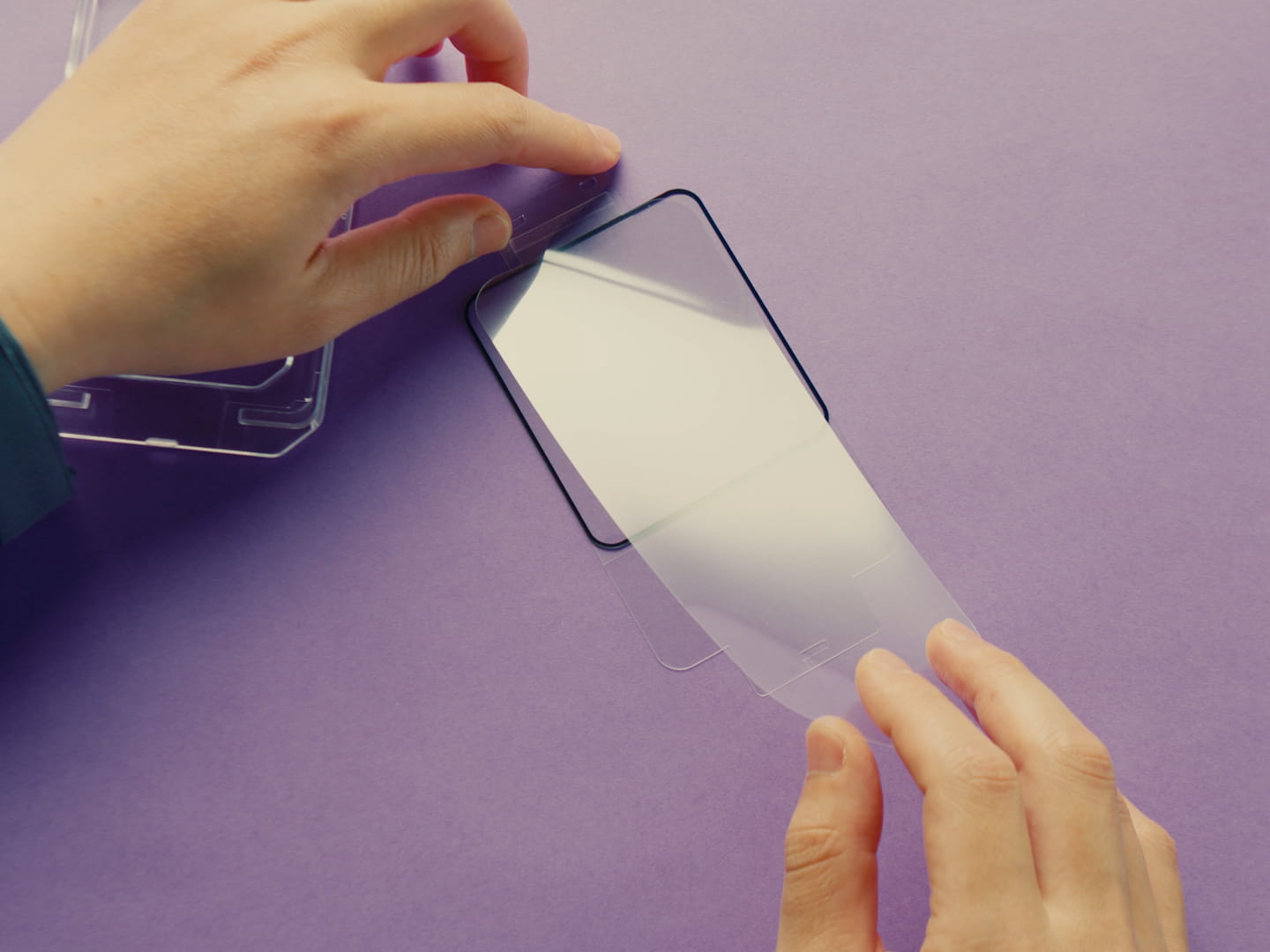 |
Step 02Place the applicator upside down, and keep the side of protector with the longer protective film facing up. |
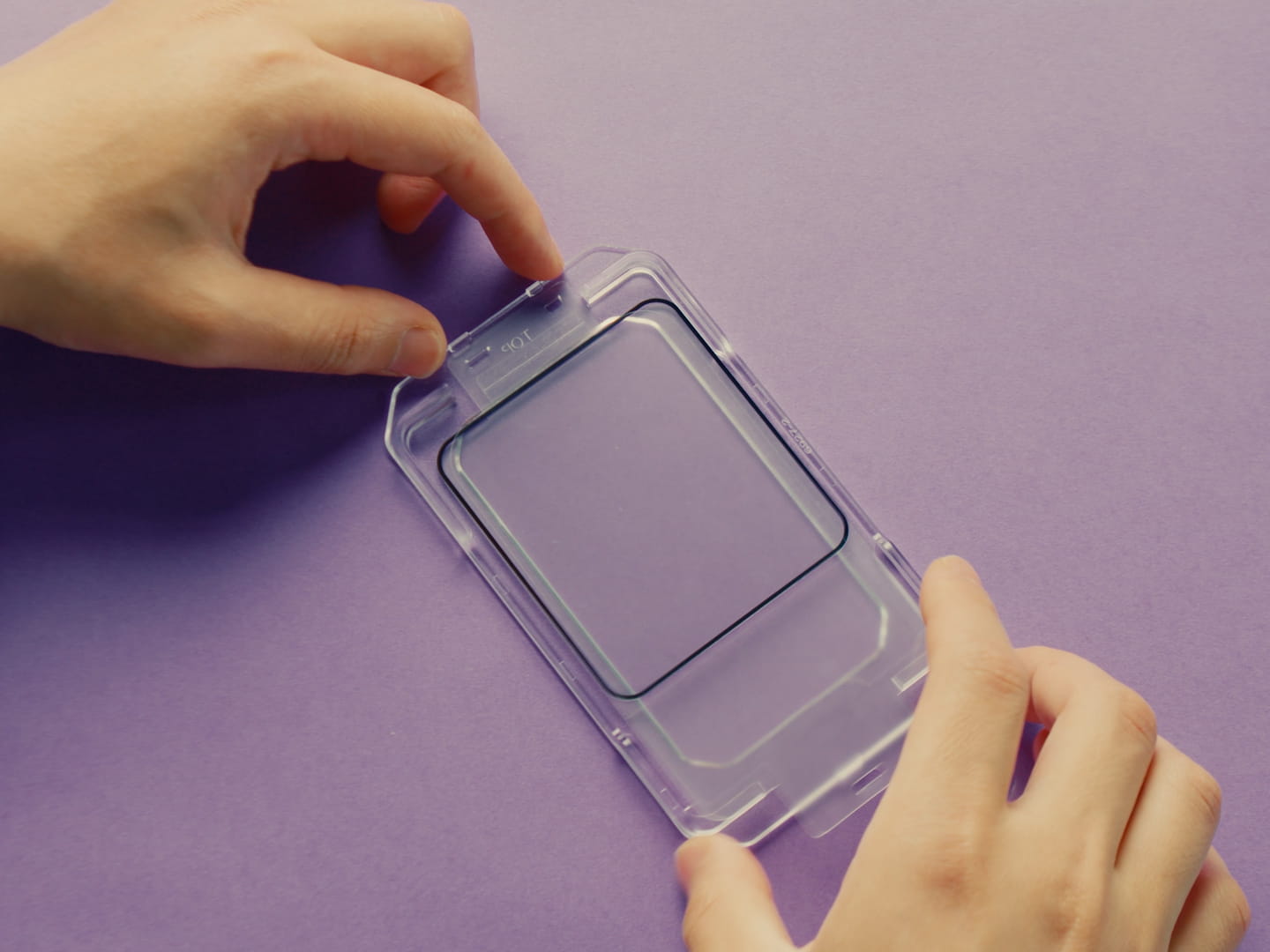 |
Step 03Align and attach the tempered glass protector with the applicator's positioning posts. |
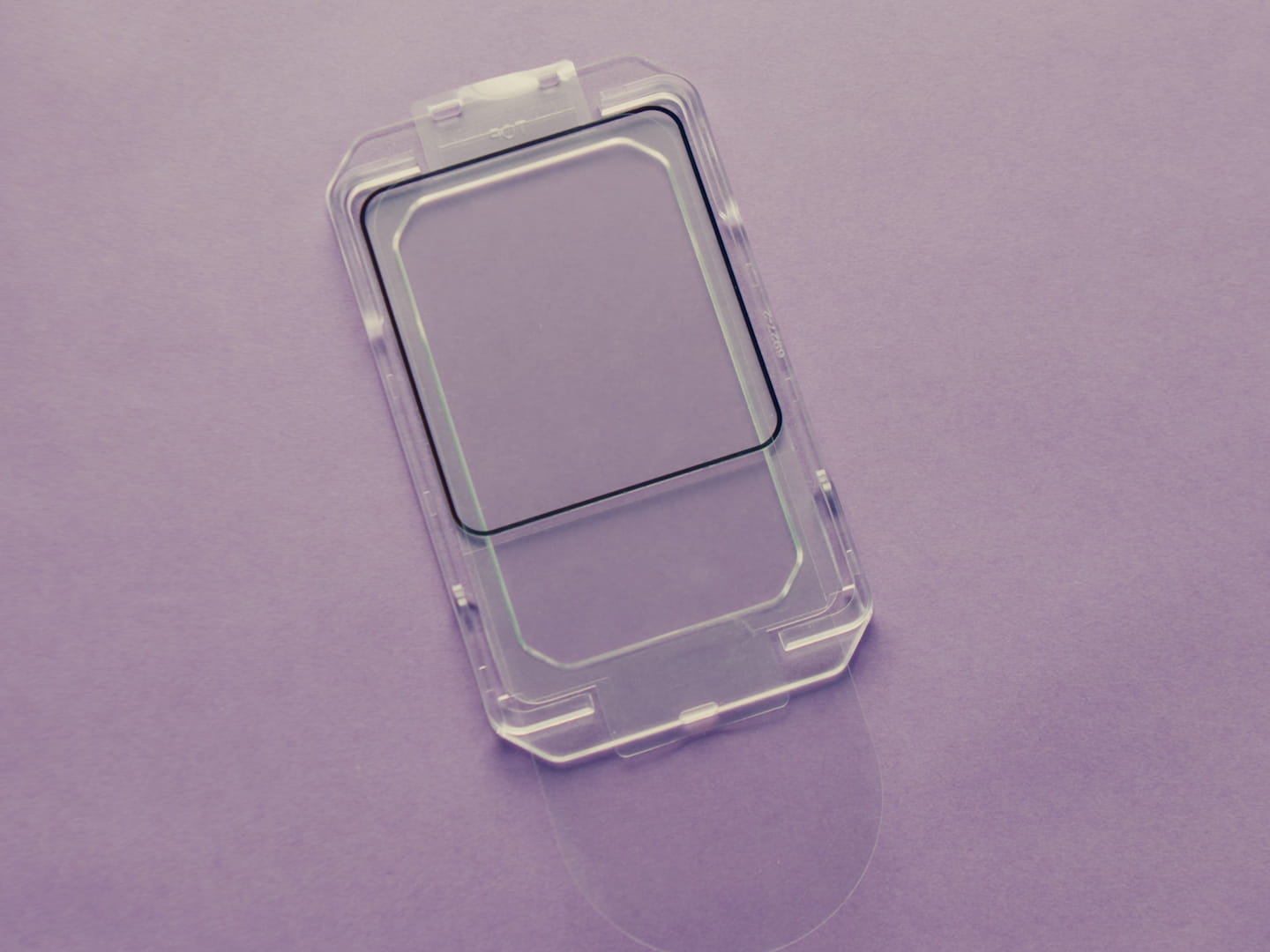 |
Step 04Attachment completed. |