

Dear Jelly Star Users,
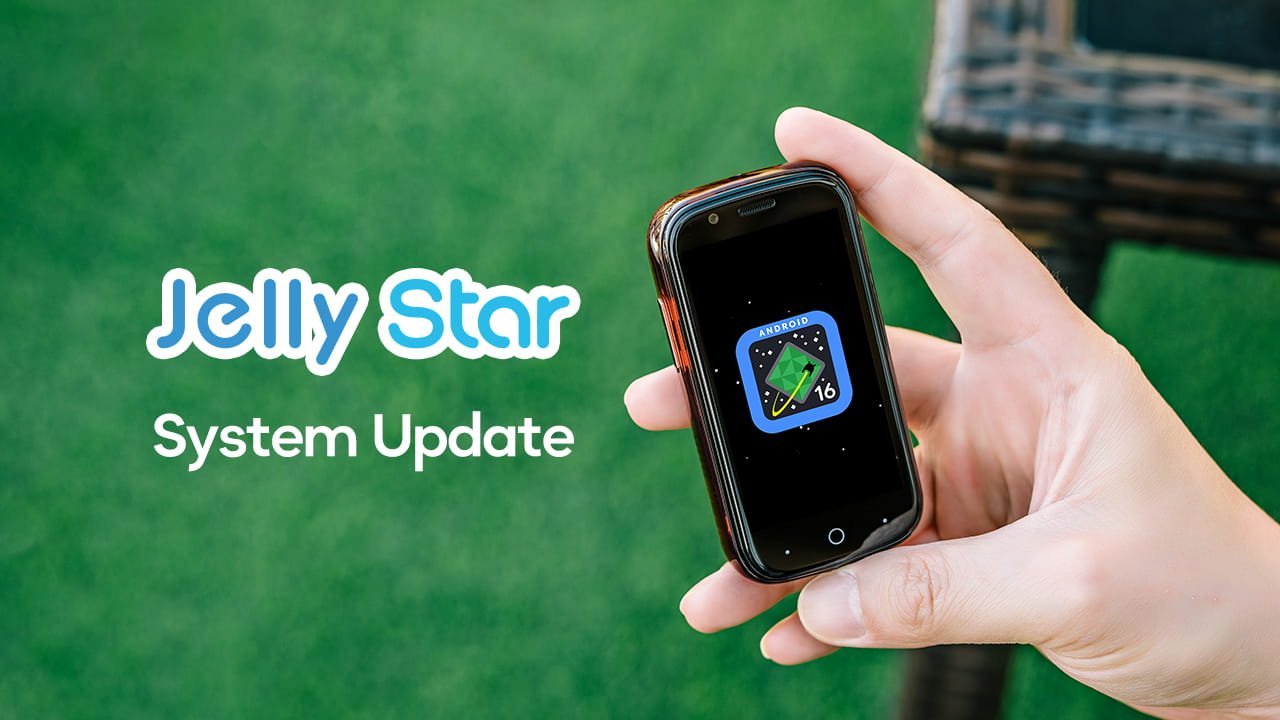
Great news. Unihertz has officially released the Android 16 upgrade for Jelly Star. This major update brings a refreshed operating system, the latest security patch, and a range of new tools designed to make your compact smartphone more powerful and easier to use.
Phased Rollout Plan
To ensure a stable experience, the Jelly Star Android 16 update will be released in phases.
- First batch: 1,000 users
- Feedback period: We will collect feedback from the first batch
- Second batch: Planned for mid-September
If you are not in the first batch, please be patient. We will expand the rollout soon.
How to Update
To update your Jelly Star, open Settings > About Phone > System Update. Tap Check for updates and install the latest software.
What's New in This Update
- System upgraded to Android 16
- Security patch updated to July 5, 2026 (20260705)
- Social app cloning support, available under Settings > Apps
- Custom shortcut now supports more functions
- New System Manager with App Lock, Privacy Space, and Garbage Cleaner
- AI Circle Search, available under Settings > Intelligent assistance
- Volume control via finger gestures, available under Settings > Gestures > Fingers Gesture
- Updated Google Assistant
- Updated Recorder
- Removed scheduled timer for power on/off
Before You Upgrade
- Back up your data first. This is a cross-version upgrade that involves a core system restructure. Backing up your data to external storage or the cloud is essential before you proceed.
- Consider your usage needs. If you rely daily on niche apps from the older Android 13 version, or if you require maximum system stability, please consider upgrading with caution.
Important: Use Only Official Update Methods
Do not use unofficial flashing tools to install the ROM. Unofficial tools may format the device and cause the loss of important system parameters. If this occurs, your device will need to be sent to our after-sales technical department for parameter reconfiguration to restore functionality. Please note that this type of repair is not covered by warranty.
We appreciate your support and trust in Unihertz. If you have any questions or need further assistance, please contact our customer support team.
Thank you for choosing Jelly Star.
Best regards,
Unihertz Team