

Dear Titan 2 Users,
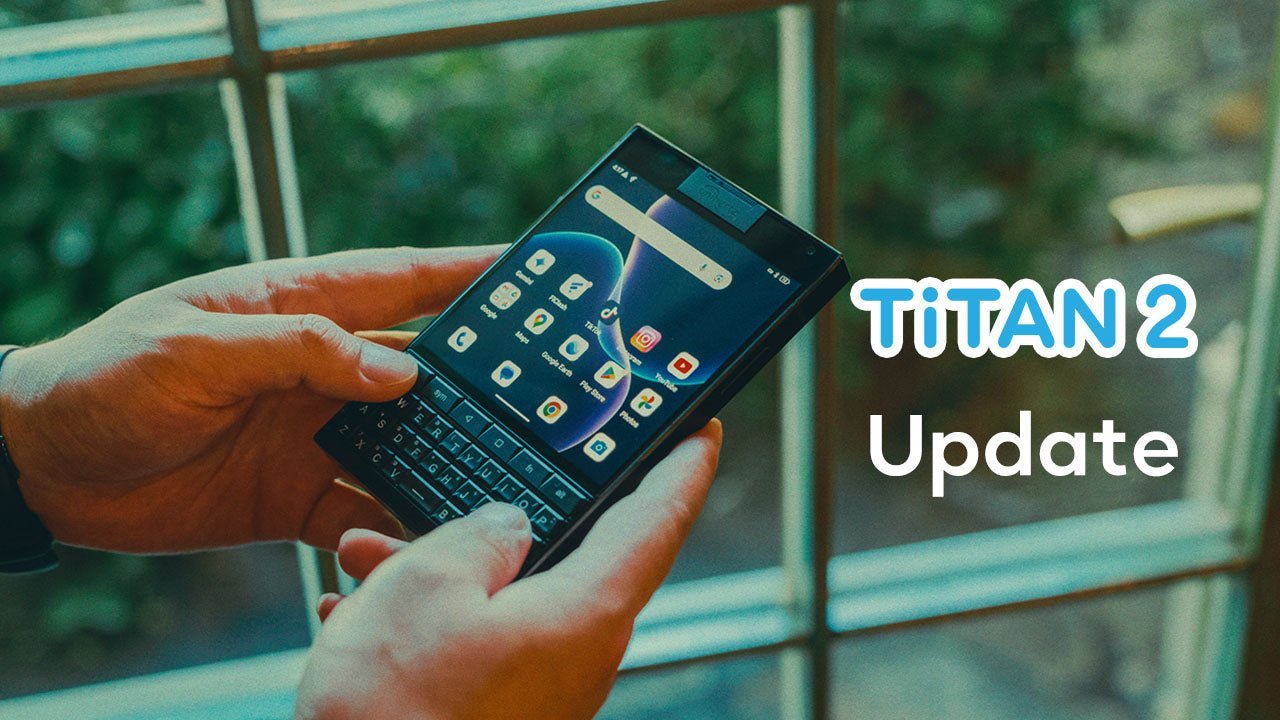
We're excited to announce a new update for Titan 2! To update your Titan 2 and enjoy the latest features, please go to Settings > About Phone > System Update*. Check for updates and install the latest software.
This major update brings several important improvements, including:
- Upgrade to Android 16
- Security patch updated to 2025-12-05
- Touchpad now supports mouse mode
- Customizable shortcut keys for Shift, Alt, Back, and Recent
- SubScreen optimizations:
a. Added a main switch for the SubScreen, supporting complete deactivation
b. Added a menu on the main screen to adjust the SubScreen brightness
c. Improved double‑tap‑to‑wake behavior for the SubScreen
d. Added security restrictions for apps used on the SubScreen - Added vibration mode switching function to the shortcut keys
- Update KIKA input method
- Optimized charging mechanism: device will switch to slow charging at 80% to protect battery health
As a precaution, we strongly advise you to back up your important data to your Google account or another reliable device. This helps ensure the safety and security of your information.
* DO NOT use unofficial flashing tools to install the ROM, as they may format the device and cause loss of important parameters. If this occurs, users will need to send their devices to our after-sales technical department for parameter reconfiguration to restore functionality, which won't be warranty-covered.
We appreciate your support and trust in Unihertz. If you have any questions or require further assistance, please don't hesitate to reach out to our customer support team.
Thank you for choosing Titan 2!
Best regards,
The Unihertz Team