

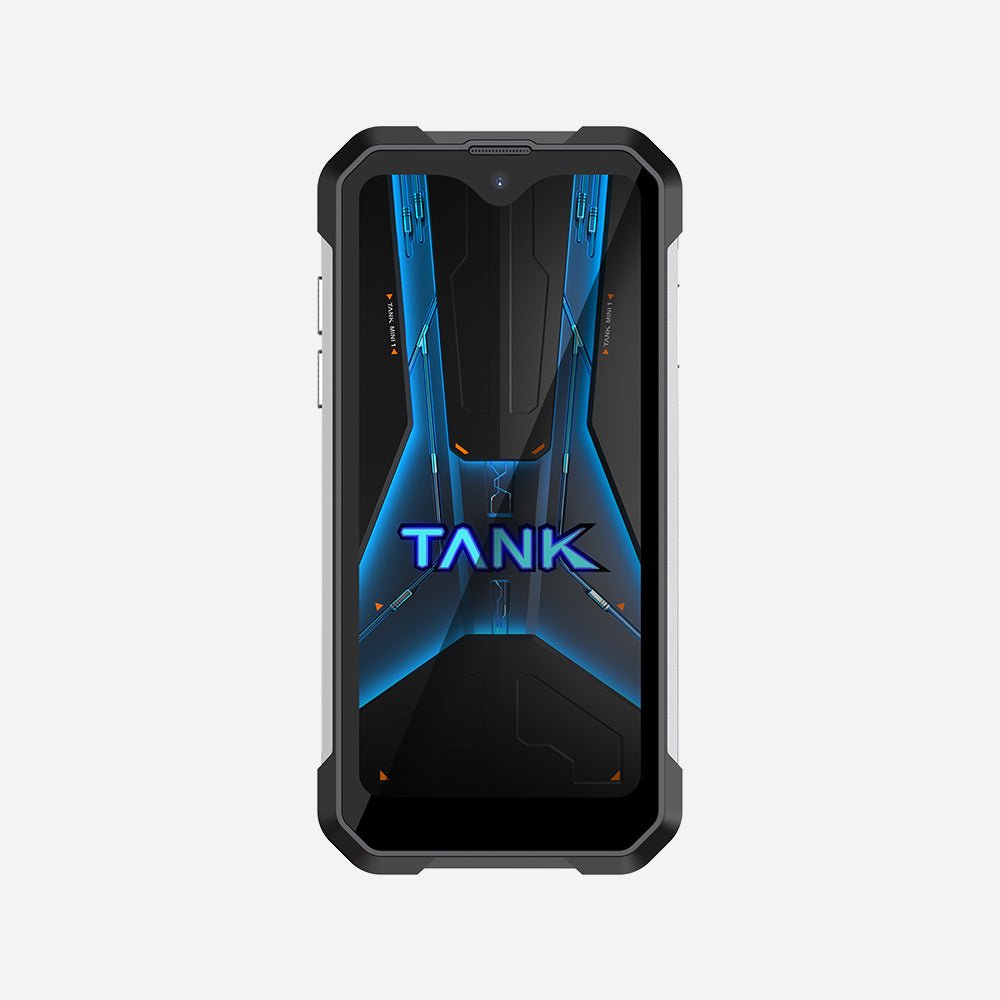
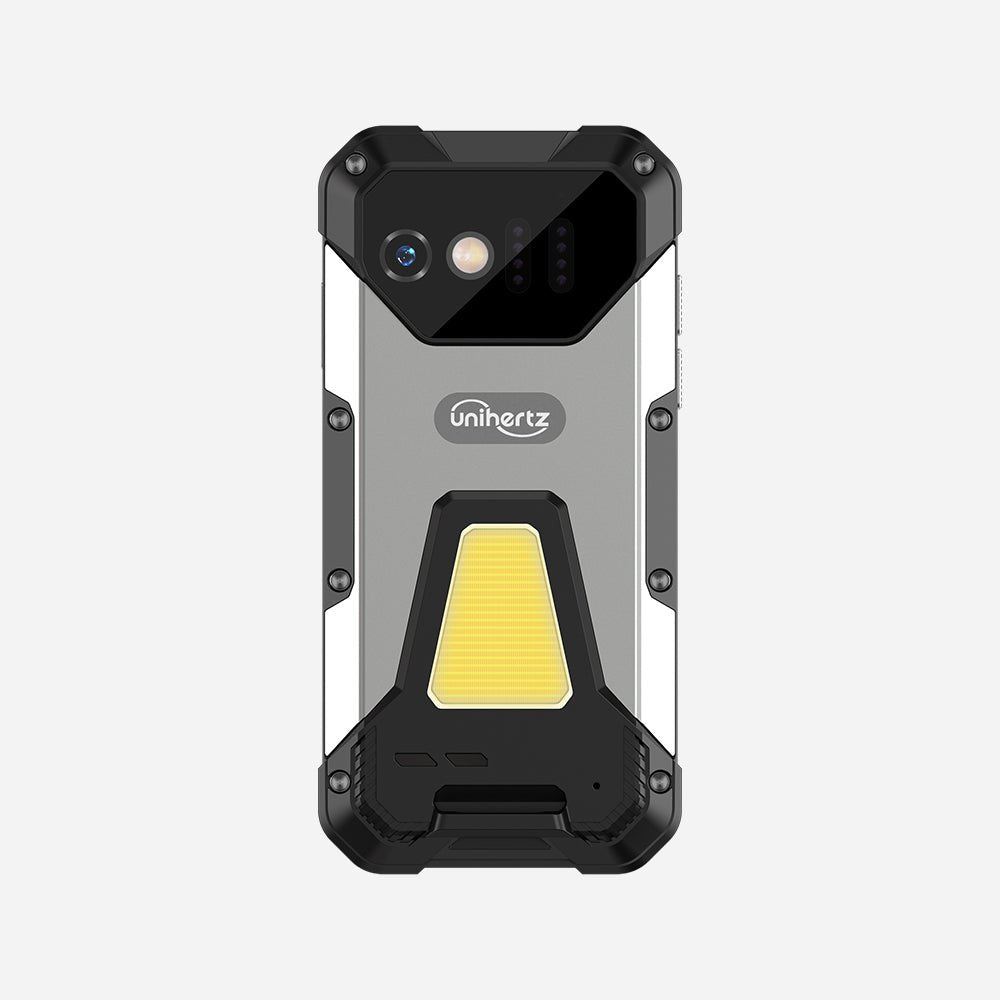
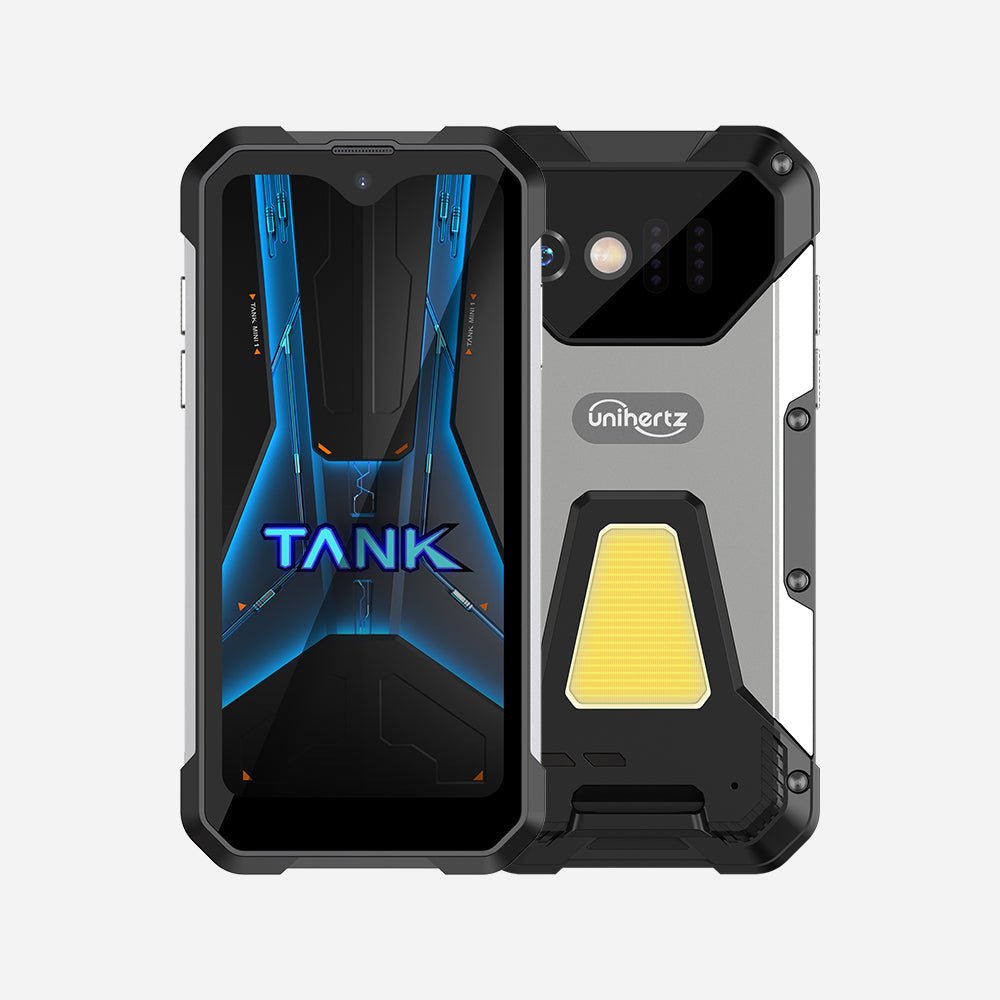
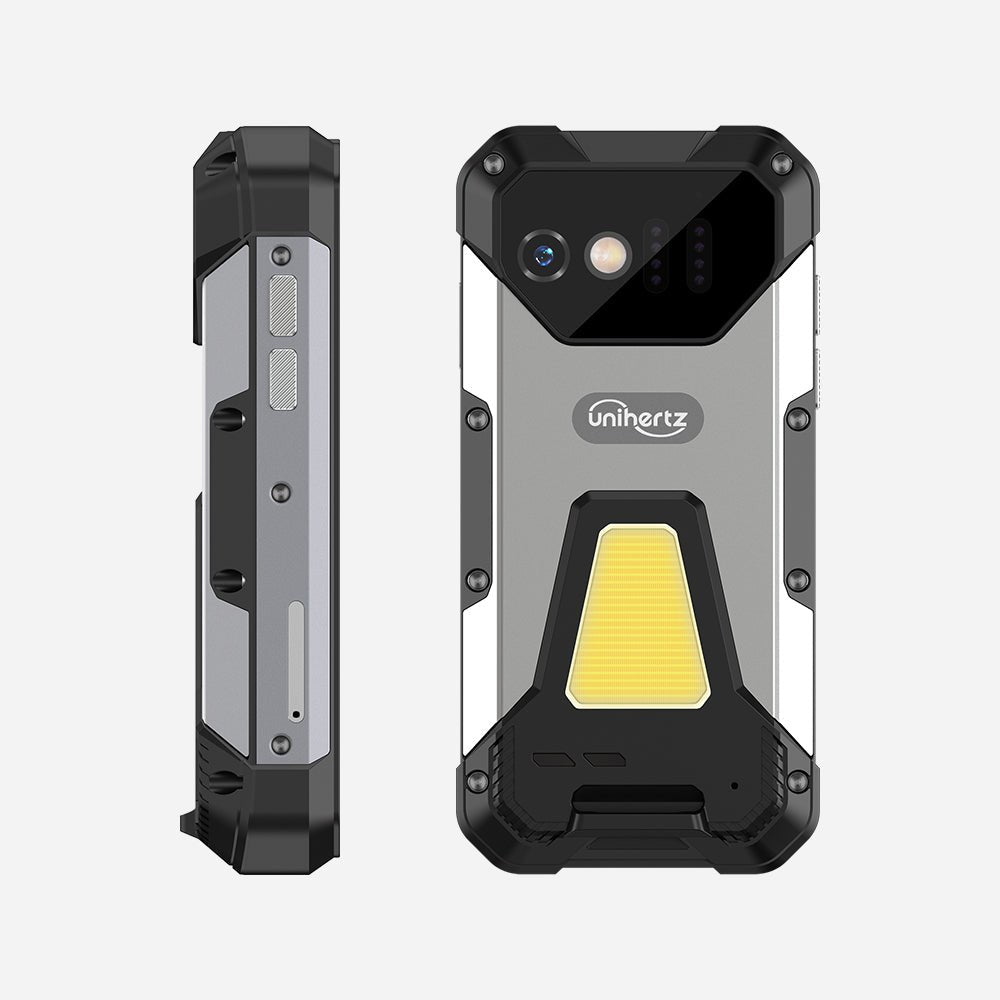
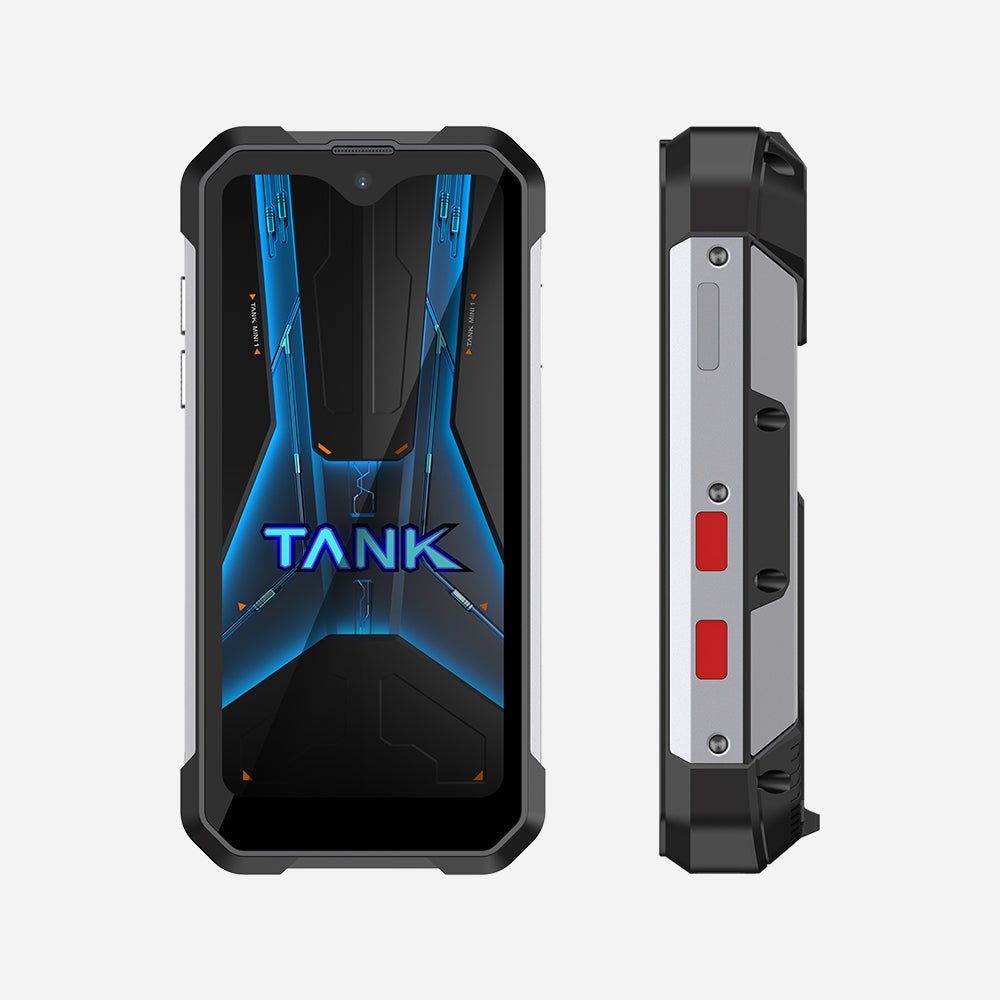
Tank Mini - 4.3インチのミニタフネススマートフォン(12GB RAM版)
認証済み



オプションを選択
認証済み
認証済み
Tank Miniで、比類のない性能と耐久性を体験してください

Tank Miniのご紹介
Tank Miniは片手操作を想定した、多用途のアウトドア向けタフネススマートフォンです。人間工学に基づいた4.3インチ画面で操作がスムーズになり、どこへでも手軽に持ち運べます。

性能を新たな高みへ
プロフェッショナルのために設計されたTank Miniは、12GB RAM、余裕の256GBストレージ(さらに1TB拡張可能)、そして先進的なHelio G99オクタコア・チップセットによる高効率パフォーマンスで、快適なマルチタスクを実現します。

パワフルな5800mAh急速充電バッテリー
大容量5800mAhバッテリーと33W急速充電の組み合わせにより、バッテリー切れを気にせず1日中安心してデバイスを使用できます。

リバース充電の互換性
Tank Miniのリバース充電機能により、ポータブル電源(モバイルバッテリー)として他のデバイスを充電でき、外出時にも頼れる多用途な相棒になります。

100MPリアカメラと32MPフロントカメラ
Tank Miniは、冒険を撮影して思い出を残すための信頼できるデバイスです。優れた100MPリアカメラと32MPフロントカメラにより、抜群の鮮明さ、細部表現、色再現性で高解像度の写真や自撮りを撮影できます。

過酷な環境に耐えるIP68のタフ設計
Tank MiniはIP68等級を取得し、過酷な環境にも耐えられるタフさを備えています。ハイキング、キャンプ、厳しい条件下での作業など、どんな場面でも耐え抜くよう設計されています。

高精度測位システム
4-in-1の高精度測位システムが、より速く安定したナビゲーション体験を提供し、移動の速いフィールドでの移動シーンでも常に現在地を把握できます。

背面のキャンプライト & 警告シミュレーター
キャンプライトと赤&青の警告シミュレーター機能を搭載し、Tank Miniはアウトドアの冒険での照明と緊急時の合図の両方に対応します。

側面にプログラム可能なキーを2つ搭載
Tank Miniは標準でプログラム可能な側面キーを2つ備え、シンプルなジェスチャーでお気に入りやよく使う機能に瞬時にアクセスできる専用ショートカットを作成できます。

オールインワンのデジタル・アウトドアツールボックス
多用途な機能を備えたTank Miniを、手放せないデジタル・アウトドアツールボックスに変えましょう。

Unihertz Tank Mini 仕様
基本情報
寸法: 120.7 × 58.8 × 23.3 mm重量: 240g (バッテリー含む)
CPU: Helio G99 オクタコア 2.0-2.2GHz
OS: Android 13
メモリ: 8GB + 256GB UFS 2.2
バッテリー: 取り外し不可 5800 mAh
充電速度: 33W
SIMカードタイプ: デュアルナノSIMカード
Micro SD: はい
カードスロット: SIM 1 + ハイブリッド (SIMまたはMicro SD)
ディスプレイ
素材: LCDディスプレイサイズ: 4.3インチ
解像度: 540 × 1200 ピクセル
カメラ
リアカメラ: 100MP メインカメラフロントカメラ: 32MP
接続性
バンド: 2G GSM: バンド 2/3/5/8, 3G WCDMA: バンド 1/2/4/5/6/8/19, 3G CDMA2000: バンド BC0/BC1, 4G FDD-LTE: バンド 1/2/3/4/5/7/8/12/13/17/18/19/20/25/26/28A/28B/66, 4G TDD-LTE: バンド 34/38/39/40/41Wi-Fi: WLAN 802.11 a/b/g/n/ac 2.4GHz/5GHz, Wi-Fi ダイレクト, Wi-Fi ディスプレイ, Wi-Fi ホットスポット
Bluetooth: Bluetooth 5.3
NFC: はい
ナビゲーション: GPS + GLONASS + BEIDOU + Galileo
機能
センサー: 指紋, Gセンサー, ジャイロスコープ, 近接, 環境光センサー, コンパス, 気圧計指紋認証: はい
顔認証: はい
赤外線ポート: はい
USB: USB Type C
USB OTG: はい
プログラム可能キー: はい
スピーカー: はい
3.5mm ヘッドフォンジャック: はい
ワイヤレス充電: いいえ
FMラジオ: はい
その他
色: ブラック防水・防塵: IP68 防水 / 防塵
耐衝撃: はい
キャンピングライト: はい
キャンピングライトの明るさ: 437 lm / 659 lm / 869 lm | 赤 & 青警告灯
レーザー距離計: いいえ
SAR値: SAR (EU 10g): 頭部 0.317 W/kg, 体 0.452 W/kg; SAR (US 1g): 頭部 0.541 W/kg, 体 0.821 W/kg
認証
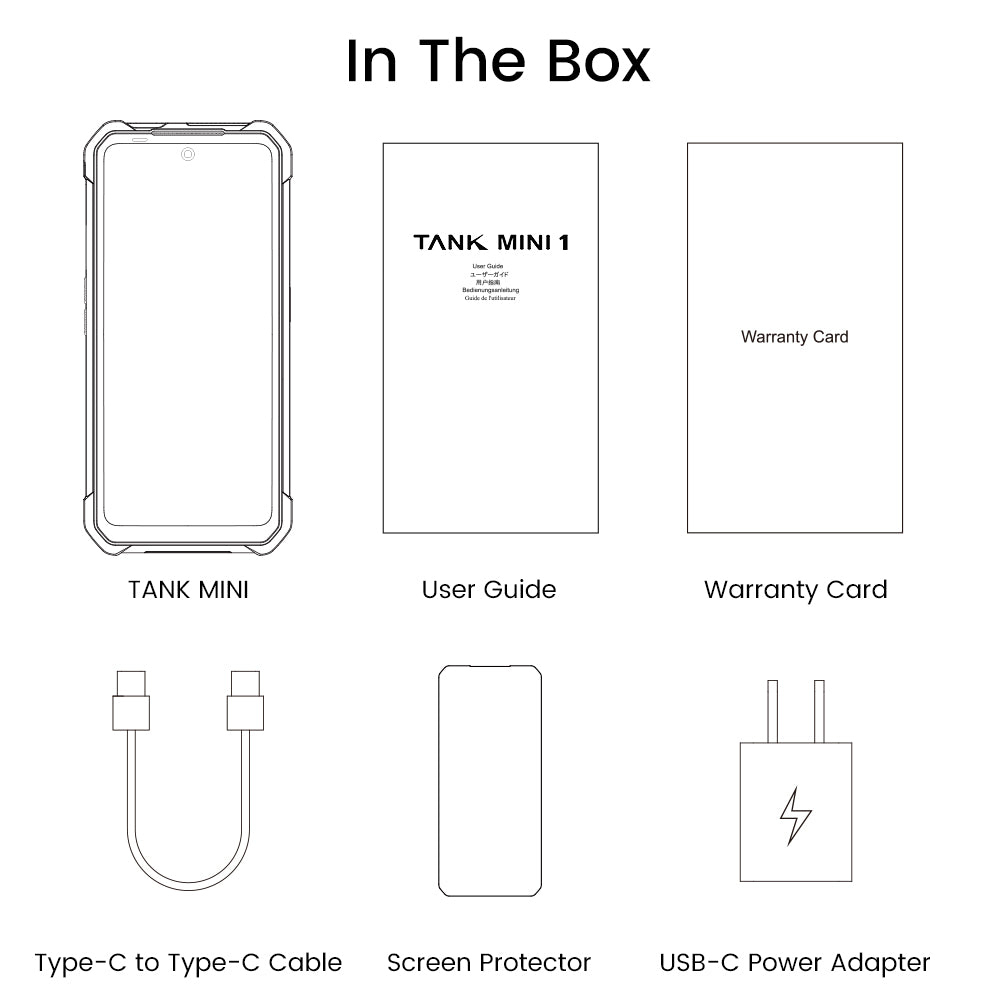
同梱品
GENERAL QUESTIONS
1. Go to Settings ->System ->About Phone ->IMEI number 1 and 2.
2. Look for the IMEIs on the box of the phone (if you still have it).
Settings ->System ->About phone ->Wireless update
Please follow these steps to clear cache before searching for the update again:
Settings -> App Notifications ->See all apps ->Show System (top right corner with 3 dots) ->Wireless update-> Clear Data and Cache
Reset to Factory Settings (When your phone can be turned on)
Settings ->System ->Reset Options ->Erase all data (factory reset)
Reset to Factory Settings (When your phone cannot be turned on)
Power off your phone -> Press and hold the Power and Volume up buttons -> After your phone vibrates, keep holding the buttons for 5 seconds to enter Recovery mode -> Press the Volume up and down buttons to select the option to clear data or restore your device to its factory settings -> then press the Power button to confirm -> Reboot your phone.
If you have forgotten your phone password and want to unlock it, you will have to restore your device to its factory settings. Then you can set it up again and set a new screen lock.
However, all data on your phone will be erased and cannot be restored. It is recommended that you confirm whether you have backed up your phone data on the cloud or by other means. It is also recommended that you confirm whether you or someone else has changed the PIN/password. If you still cannot recall the password, refer to last Question to restore your device.
English, English(UK), German, French, Italian, Portuguese, Spanish, Russian, Dutch, Japanese, Simplified Chinese, Traditional Chinese(Zhuyin, Cangjie, Quick input).
For the keyboard input of other languages, we may consider adding them in the future if we receive enough demands.
On the other hand, Android system supports a wide range of languages, with which you will be able to turn on touch screen input as a supplement.
TELECOM COMPATIBILITY
1. Check the feedback from other users here.
2. Please find the the phone's supported bands in product specs and check if those meet your sim-card carrier's needs or contact your carrier.
* Due to different carrier's policy regarding to unlocked phones, LTE wireless service may not be available even if listed bands are supported by your carrier. When this happens, please contact your carrier for more details.
Our phone can work fine in Verizon network. However, as it is not certified by Verizon, you cannot activate your new SIM card with it. Please activate the new SIM card with another Verizon certified device and then use it in your Unihertz phone.
TECHNICAL ISSUES (PROBLEM SHOOTING)
Please follow the guide to do a micro-calibration for your phone (you can also contact us for a video guide):
1. Please clear the dust in your proximity censor hole on top of your phone.
2. Input *#3377# in the Dial-up interface.
3. Click Distance calibration.
4. Follow the guide to finish the process.
Please permit the apps to run in the background by activating them in the following three settings:
1. Settings ->DuraSpeed
2. Settings ->Intelligent assitance ->App blocker
3. Settings ->App¬ification ->See all apps ->this app ->Battery ->Battery optimization and Background restriction->Don't optimize
You can also watch a video guide here.
It is not advised to downgrade your smartphone since there might be compatibility issues.
Please contact your operator and check the APN parameters.
1. Go to Sound Recorder app and run a recording test.
2. Check whether your SIM card works well on the other phone.
1. Please check if this only happened to some or all of friends you called.
2. Stay in the same location and insert your SIM card into another Android phone and the same issue arises.
3. Turn on call record in the call interface to record a call, then check whether the sound recorded is normal.
1. Please send us a full screenshot of your battery usage in Settings ->battery ->battery usage.
2. Follow these steps to capture the battery log and send it to service@unihertz.com for further analysis.
REPAIR AND WARRANTY
For repair, please send without the accessories.
For replacement or refund, please send with accessories in one package.
The broken glass is not covered by warranty.
Please send the smartphone back to us after negotiating with service@unihertz.com as we do not provide phone screen separately. Repair or replacement fee may apply.
The repaired/ replaced device will get extra 90 days warranty or the remaining original warranty period, whichever is longer.
Customer Reviews
Liked being compact and rugged, hated being bulky and for the internals!
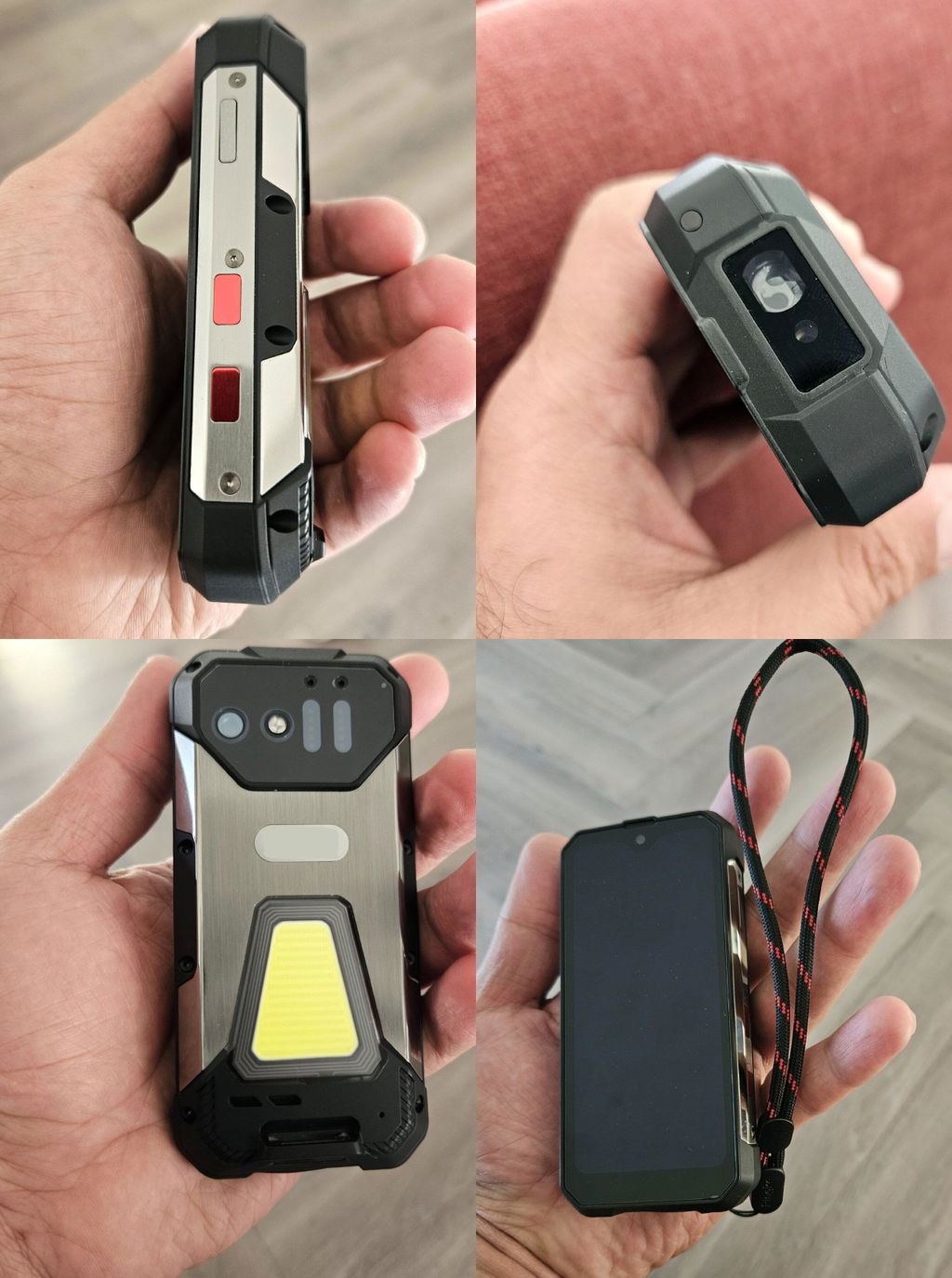
Hi Unihertz,
The tank mini is so excellent! According to the operation these days, I believe that tank mini is my favorite smartphone. The size and performance are fine to me. The most important thing is the battery life, it has a more life than other smartphone which has bigger size than it. Therefore, I hope you can produce the more product which has same physical size as tank mini. In the other hand, maybe you can try to design tank mini 2 at the same physical size and longer battery life. Tank mini has the same physical size with the mouse is so fantastic!
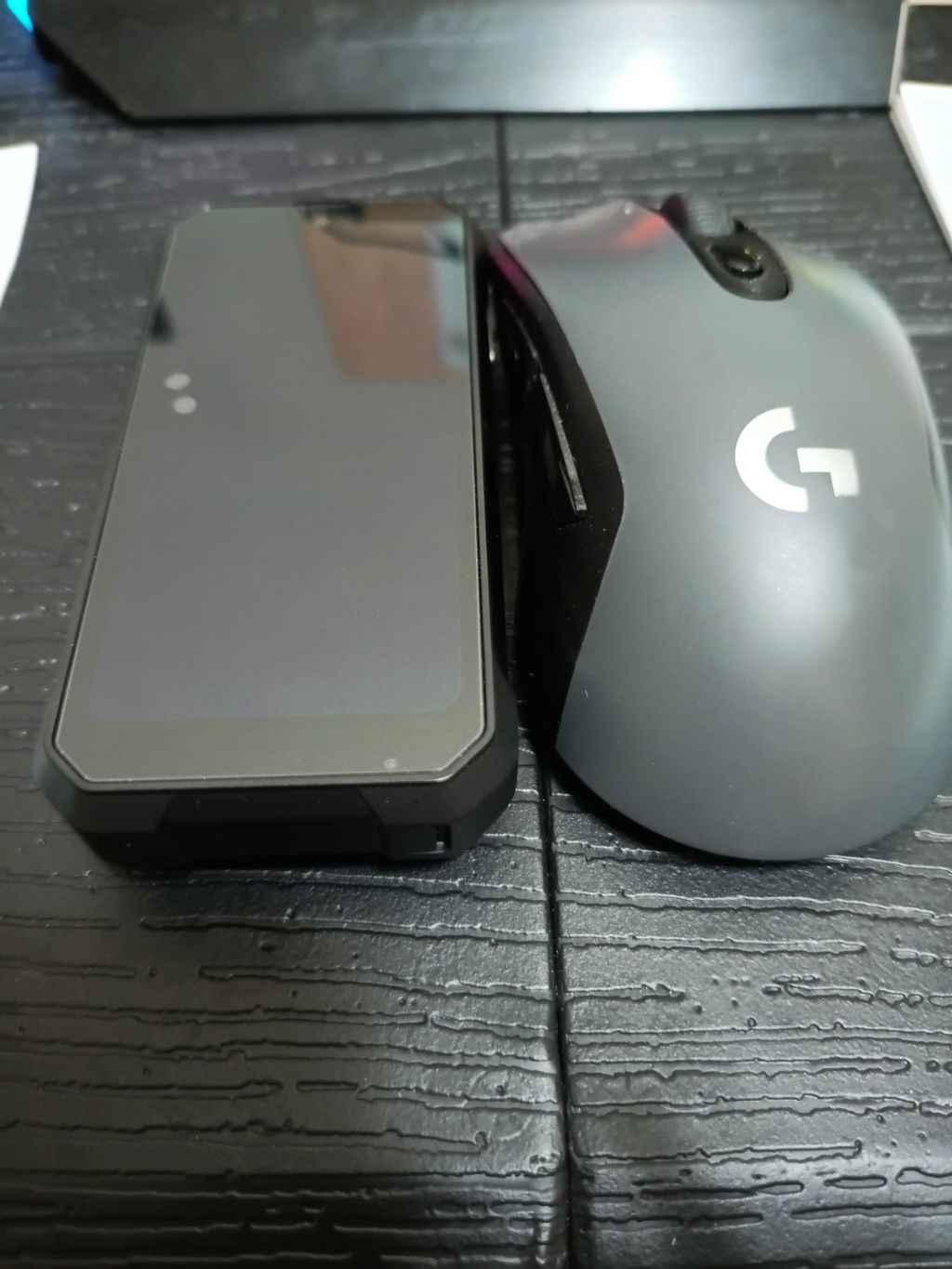
the best phone i have ever had. this is a very specific phone and not everyone will like it. but for me it is just 10 out of 10. i am very intensively involved in cycling and running and also really love to go to the mountains and go hiking. so my choice fell on compact phones for a very long time. in my arsenal over the past few years there have been various models of Sony Compact, then the iPhone 12 and 13 mini. these are the most convenient phones for using with one hand while running or intensive cycling, period. And then recently I found out about the Tank mini. At first I was quite skeptical about this phone since it was an unknown brand to me before that caused doubts. but still taking a risk I bought this phone and do not regret it one bit, period I have been using it for more than a month and I have something to tell. firstly, the design and ergonomics: the phone fits perfectly in the hand and is made very well. Secondly, performance and battery: the phone copes very well with all everyday tasks, And about the battery, here is a separate Thanks to the developers. The phone may seem very thick to you But in fact, it just fits perfectly and comfortably in your hand. And its battery is more than enough for two or even 3 days of average intensive use. Regarding the cameras, I will say right away, the cameras are the simplest for the budget segment, nothing surprising. But I did not buy this phone for photo capabilities)). A small digression regarding those who say that the screen is very small and inconvenient to use: You are idiots, remember When the iPhone 5 with a diagonal of 4 inches came out, you all ran and shouted "ugh, what a shovel" ..... Clowns 🤣.... here the screen is 4.3 inches and it is quite comfortable to use, I will not say that it is ideal, since typing text on the keyboard is not particularly easy, But to my surprise, I got used to the phone in just a few days. a few more words about the flashlight, It's winter now and it gets dark very early and the sun rises very late, I run a lot in the mornings and in the evenings and this flashlight is just an amazing thing that I use almost every day, which makes it an integral part of this phone. I was also very pleased that Android 13 is installed here, which is more than enough for all my tasks.I wish your company further development and success in prosperity. If you ever decide to release the next model, I will definitely buy it for myself.
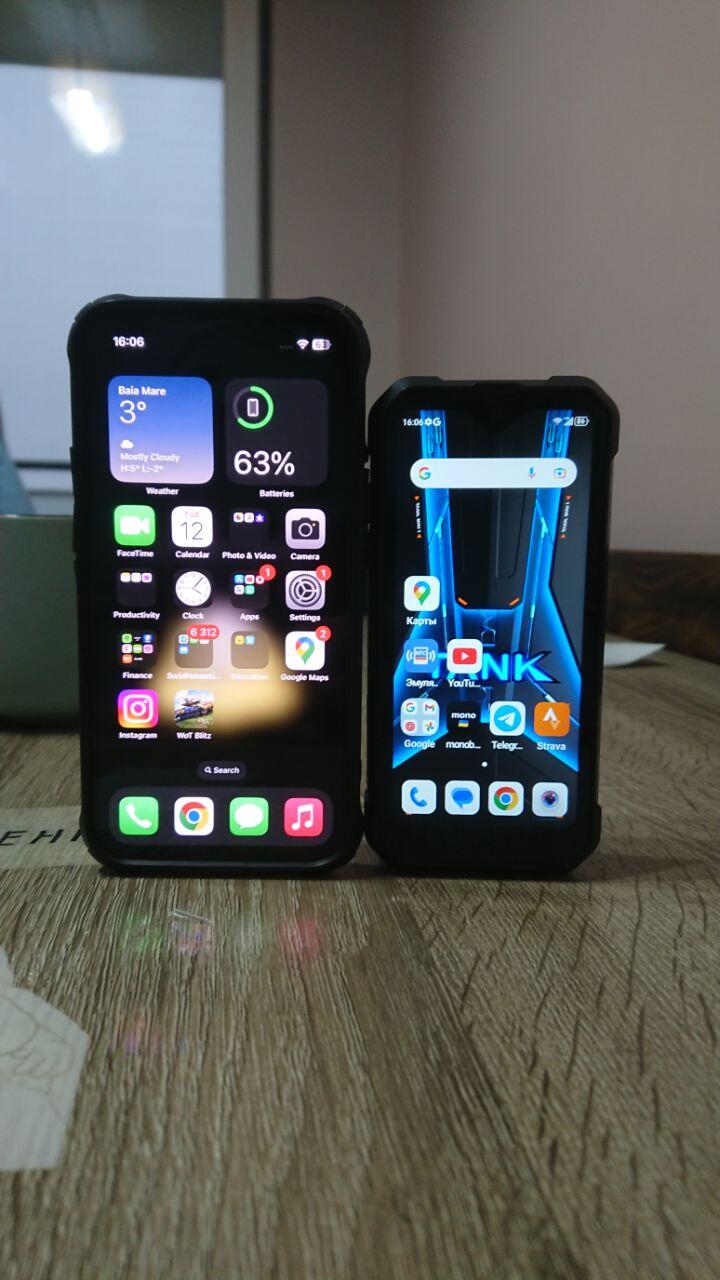
I love this little smart phone. Fits in the front pocket of my jeans. It has great battery power and it has done everything I have asked. I've been using it for over 2 years. I've dropped it a couple of times. No problems ever.
How does the NFC feature work or does it work at all?