
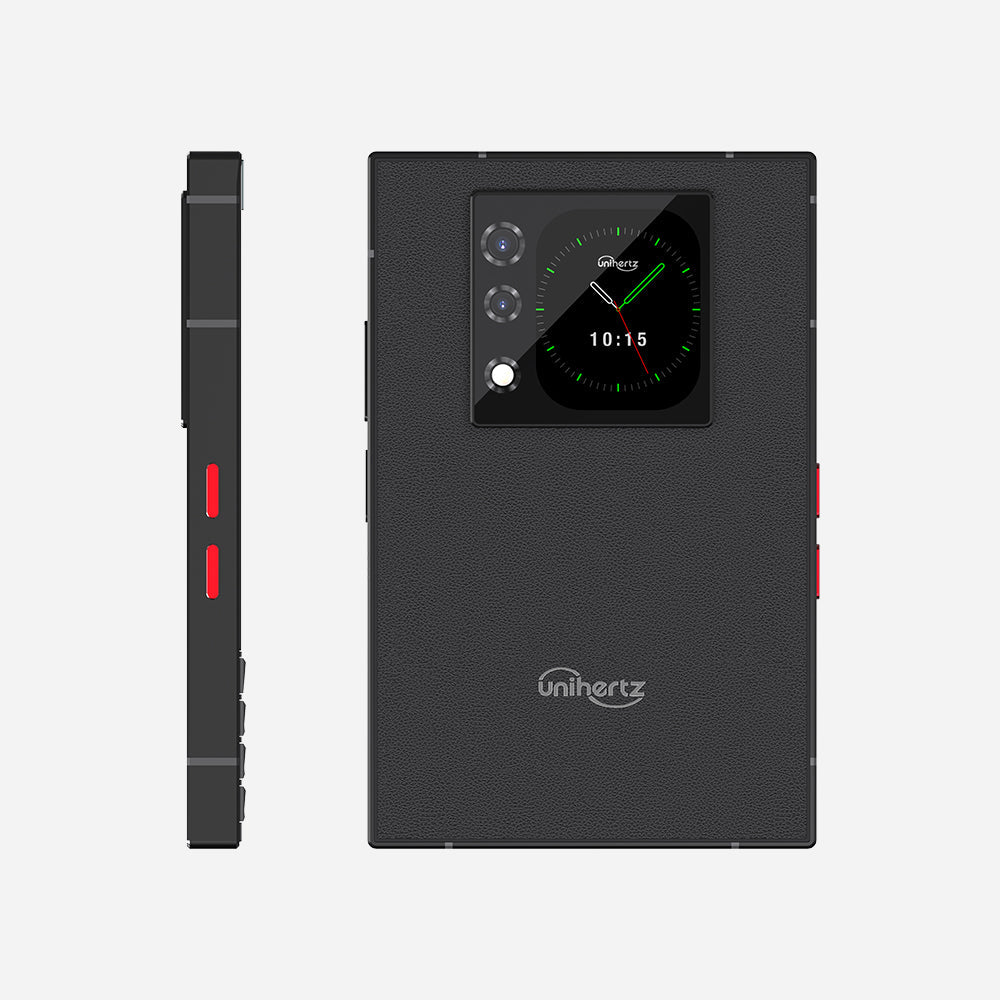
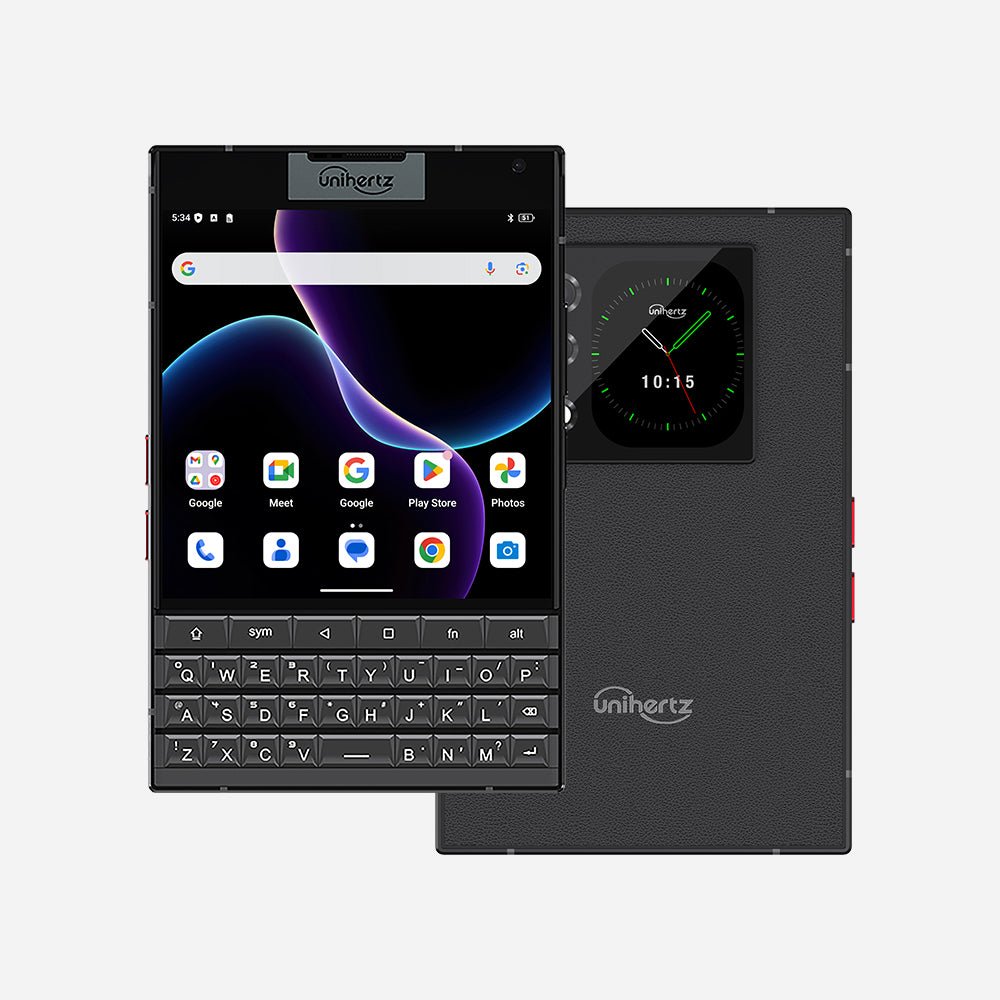
Titan 2 – das neueste 5G-QWERTY-Smartphone mit physischer Tastatur
Zertifiziert von




Optionen wählen
Zertifiziert von
Zertifiziert von
Titan 2 – das neueste 5G-Smartphone mit physischer QWERTY-Tastatur

Titan 2 ist das neueste 5G-Smartphone mit einer physischen QWERTY-Tastatur, angetrieben von Android 15, und verbindet klassisches Design mit modernen Spezifikationen.
Retro-Design, nicht-retro Spezifikationen.
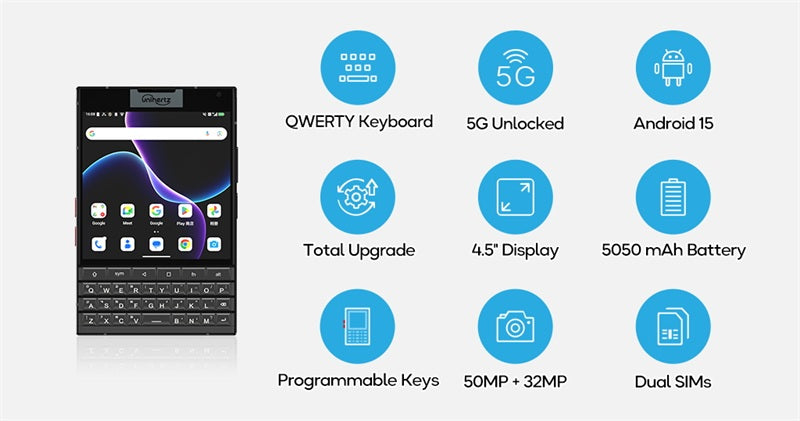
Wir stellen Titan 2 vor – nicht einfach nur eine Retro-Hommage, sondern ein neu konzipiertes Tastatur-Handy für die 5G-Ära: schlanker und leichter als sein Vorgänger, dabei leistungsstärker denn je.
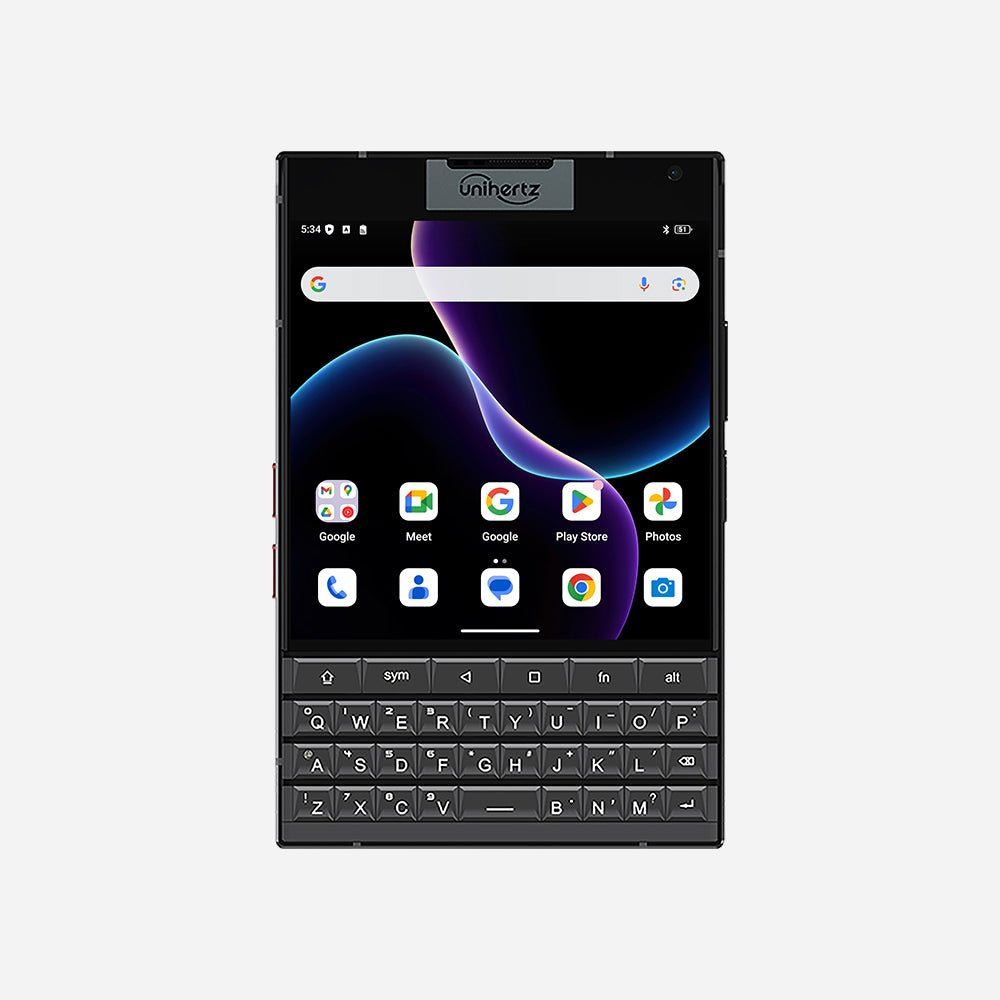
Verbesserte QWERTY-Tastatur
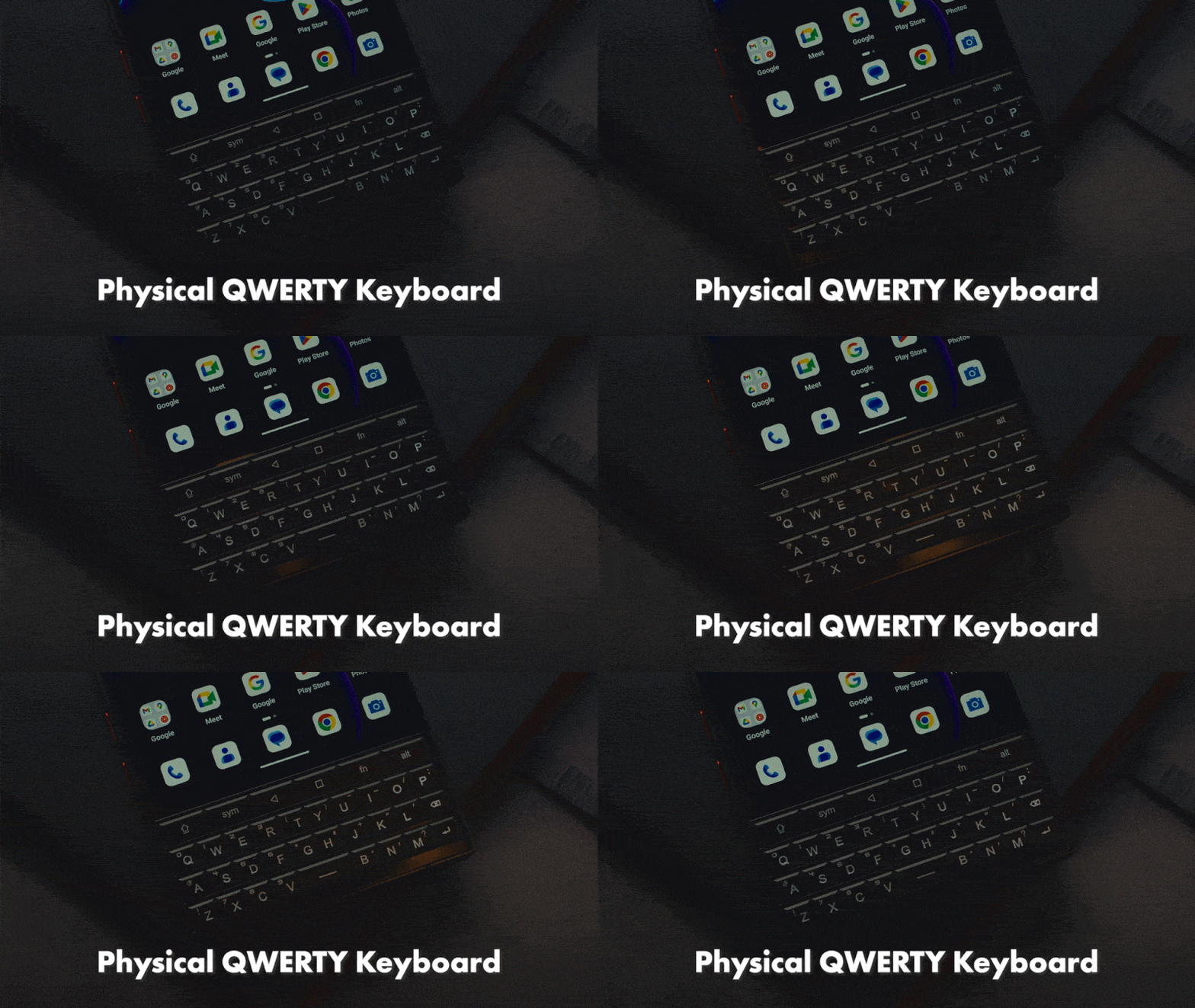
Titan 2 integriert eine vollständig neu entwickelte physische QWERTY-Tastatur und bietet ein komfortableres, zuverlässigeres und vielseitigeres taktiles Tipperlebnis.
Entdecke die coolen Funktionen der neuen Tastatur.
Hier sind die coolen Funktionen, die du mit der neuen Tastatur erleben kannst:
Anpassbare physische A–Z-Tasten
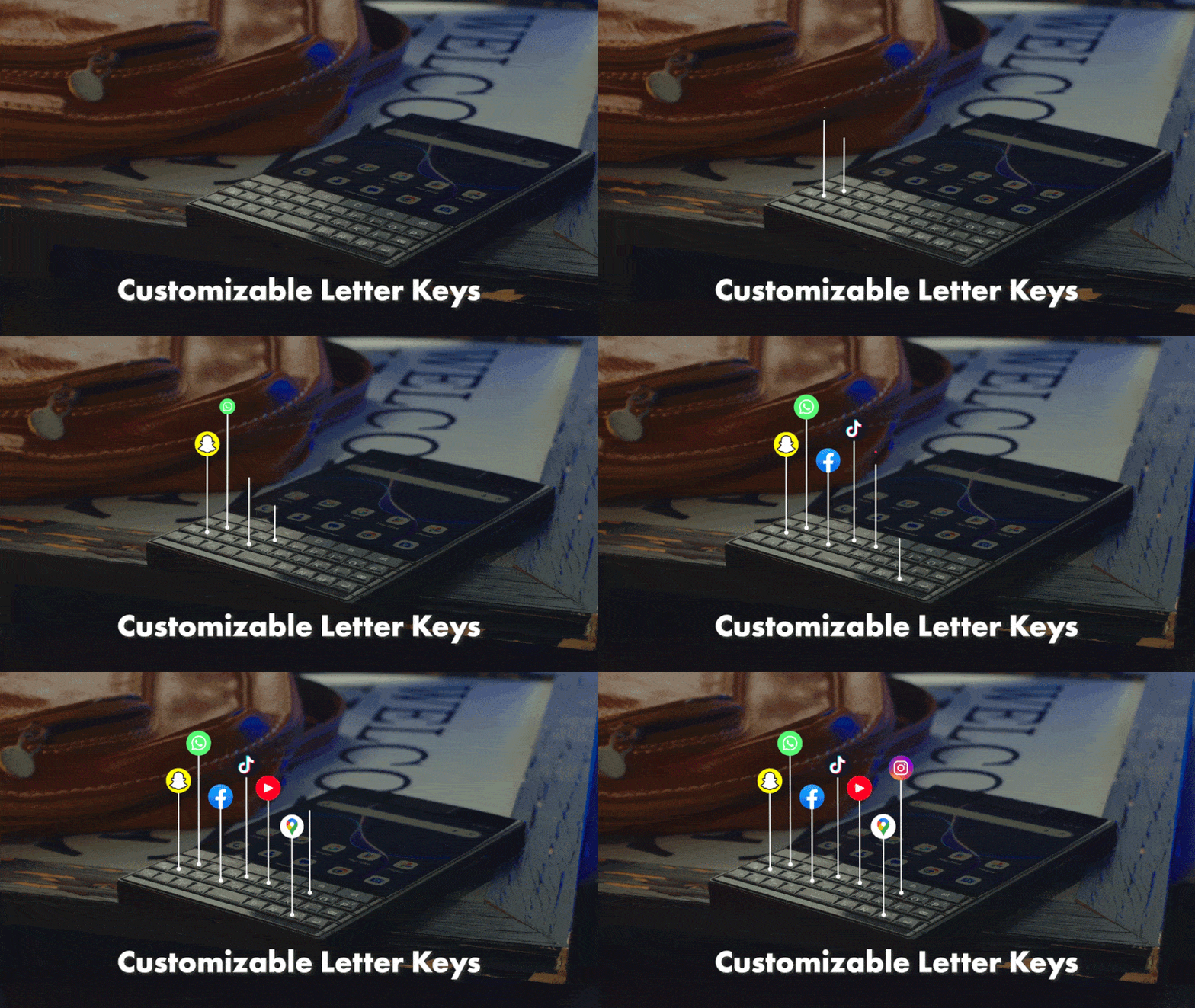
Weise jeder physischen Buchstabentaste Kurzbefehle für langes oder kurzes Drücken zu.
Scroll-Assistent
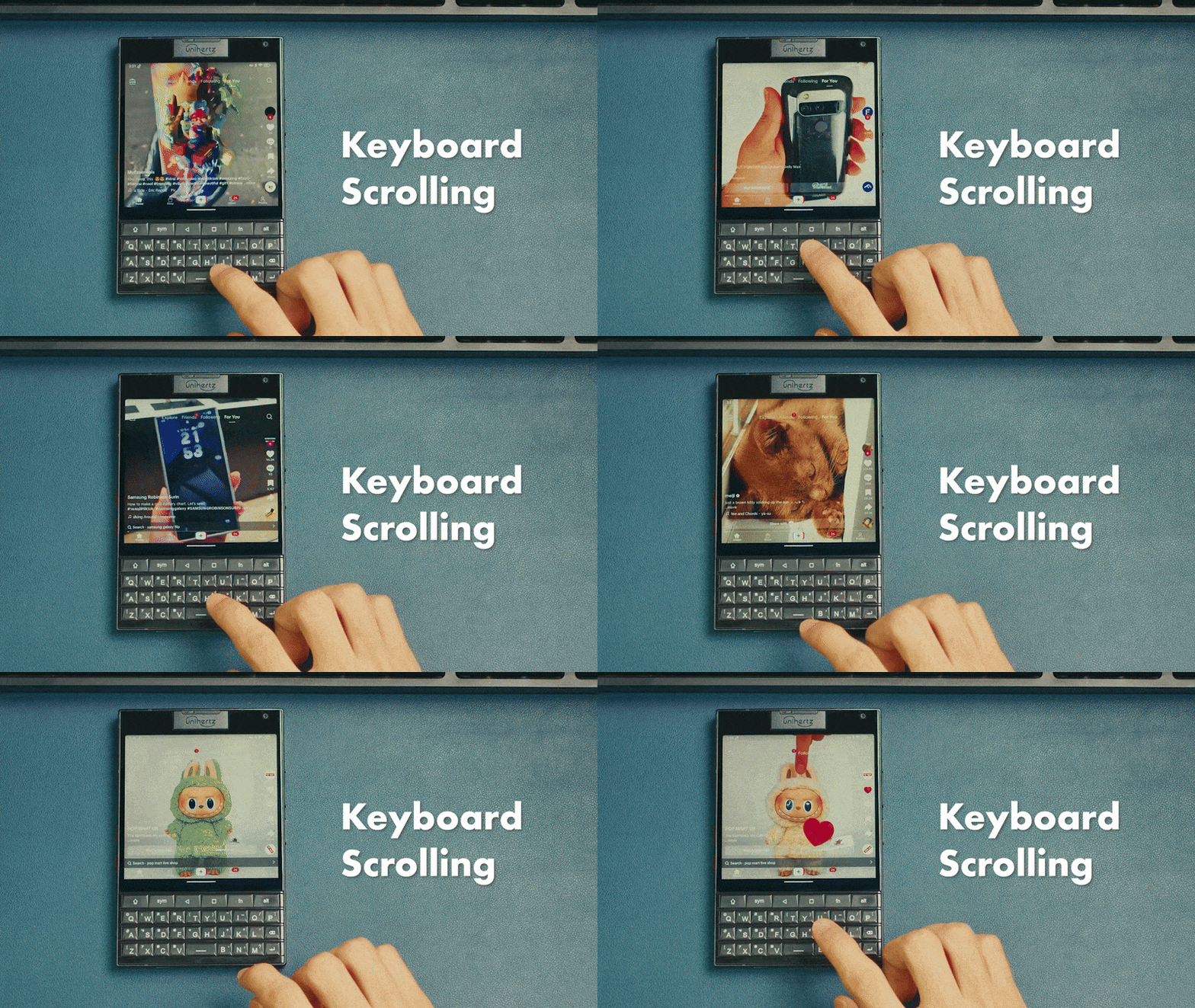
Wische über die Oberfläche der physischen Tastatur, um zu blättern
Cursor-Assistent
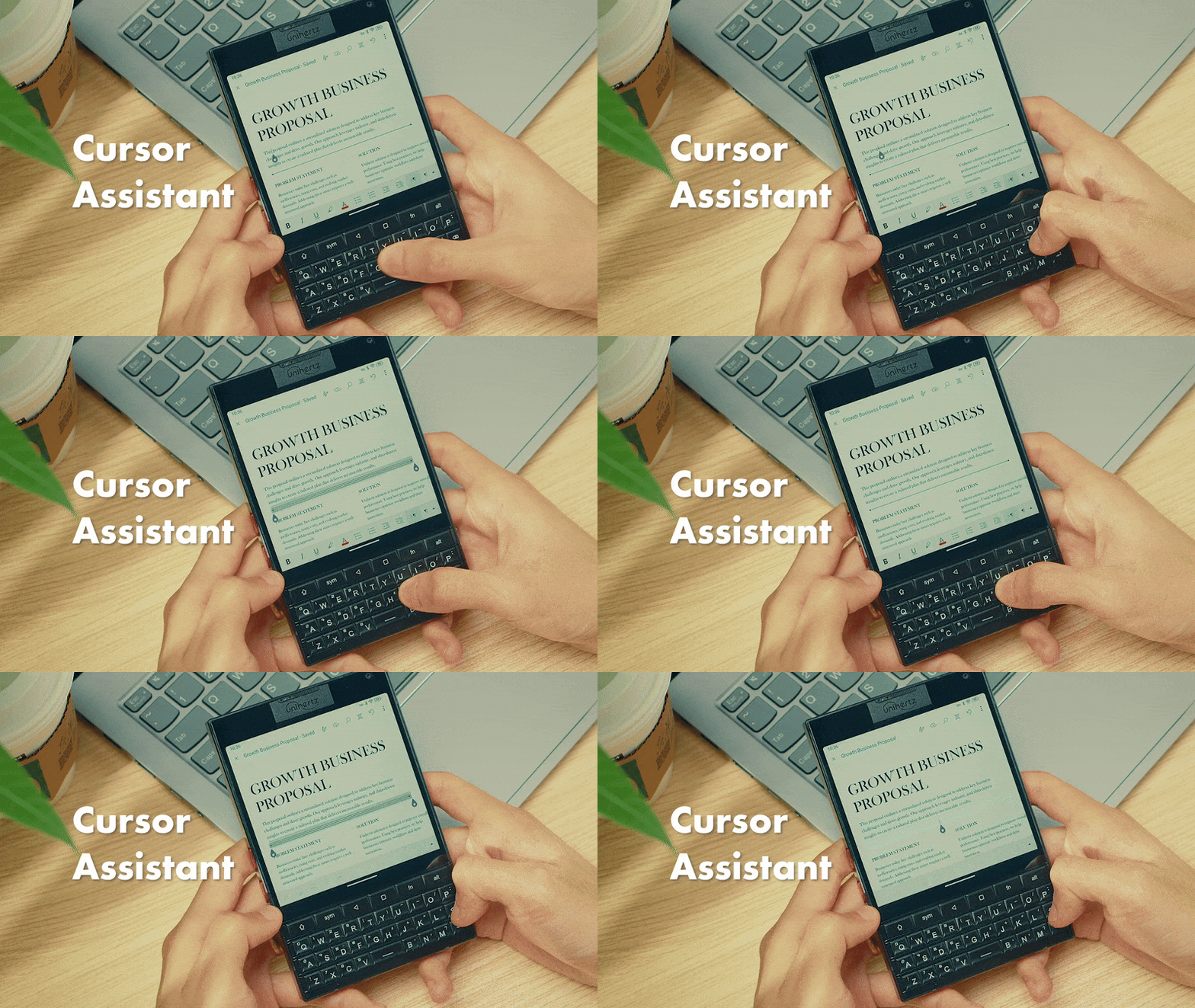
Bewege den Cursor per Tastaturgesten
Tastaturbeleuchtung
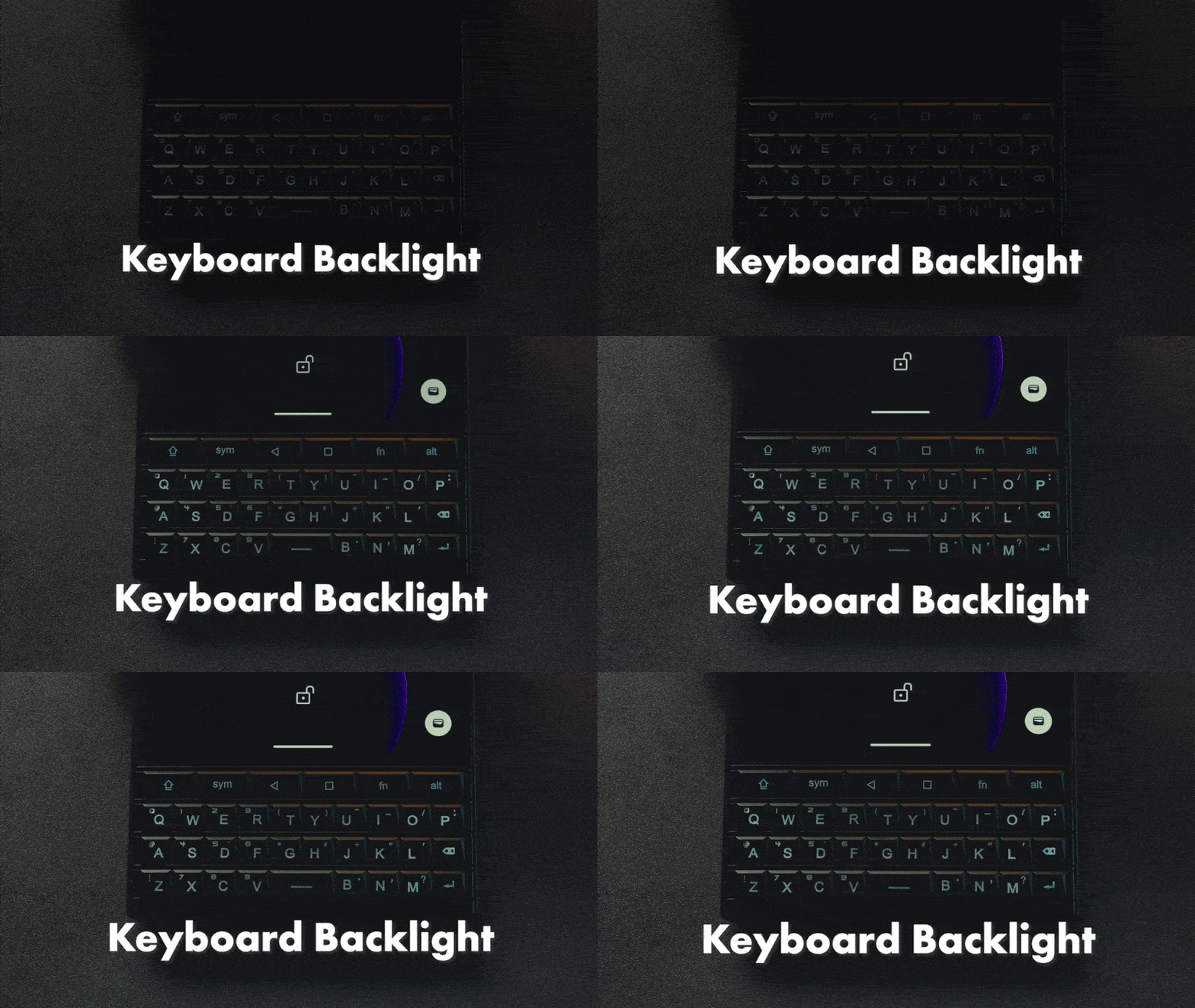
Die Tastatur leuchtet bei Nutzung im Dunkeln.
Mehrsprachige Unterstützung
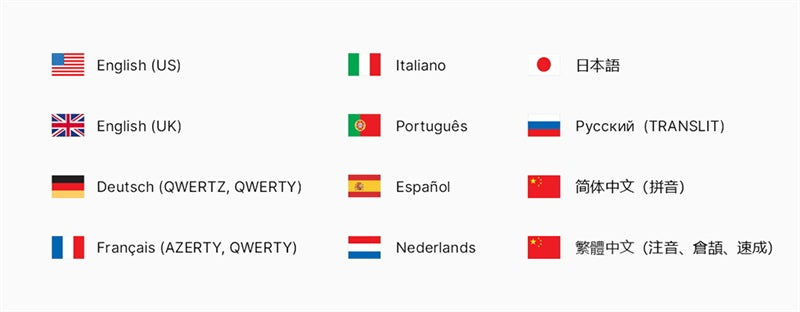
Liste der unterstützten Spracheingaben auf der physischen Tastatur
Globales 5G, ohne SIM-Lock
Titan 2 unterstützt weltweit die wichtigsten Frequenzen und Bänder. Das bedeutet, es funktioniert mit den meisten Netzbetreibern, sodass du dir keine Sorgen machen musst, vom Netz abgeschnitten zu sein.
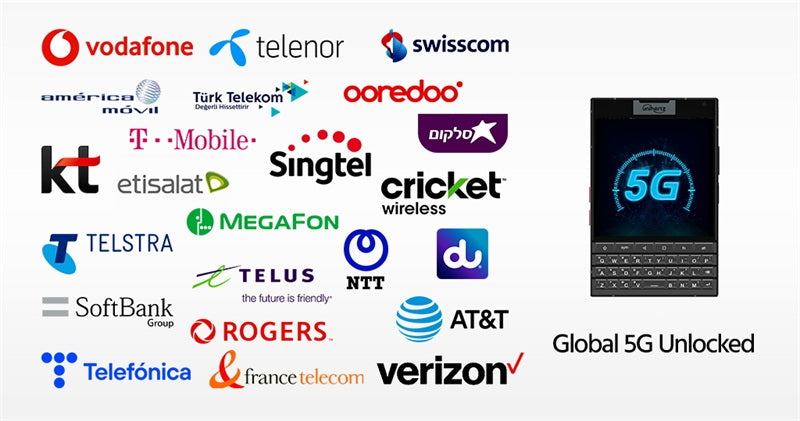
Gute Nachrichten für AT&T-Nutzer! Wir freuen uns, bekannt zu geben, dass Titan 2 getestet wurde und offiziell für den Betrieb sowohl im AT&T- als auch im Cricket-Netz autorisiert ist.
Android 15
Das neueste Android-15-Betriebssystem steigert deine Produktivität und schützt gleichzeitig deine sensiblen Daten – und bietet zudem eine bessere Bedienbarkeit sowie neue Funktionsverbesserungen.
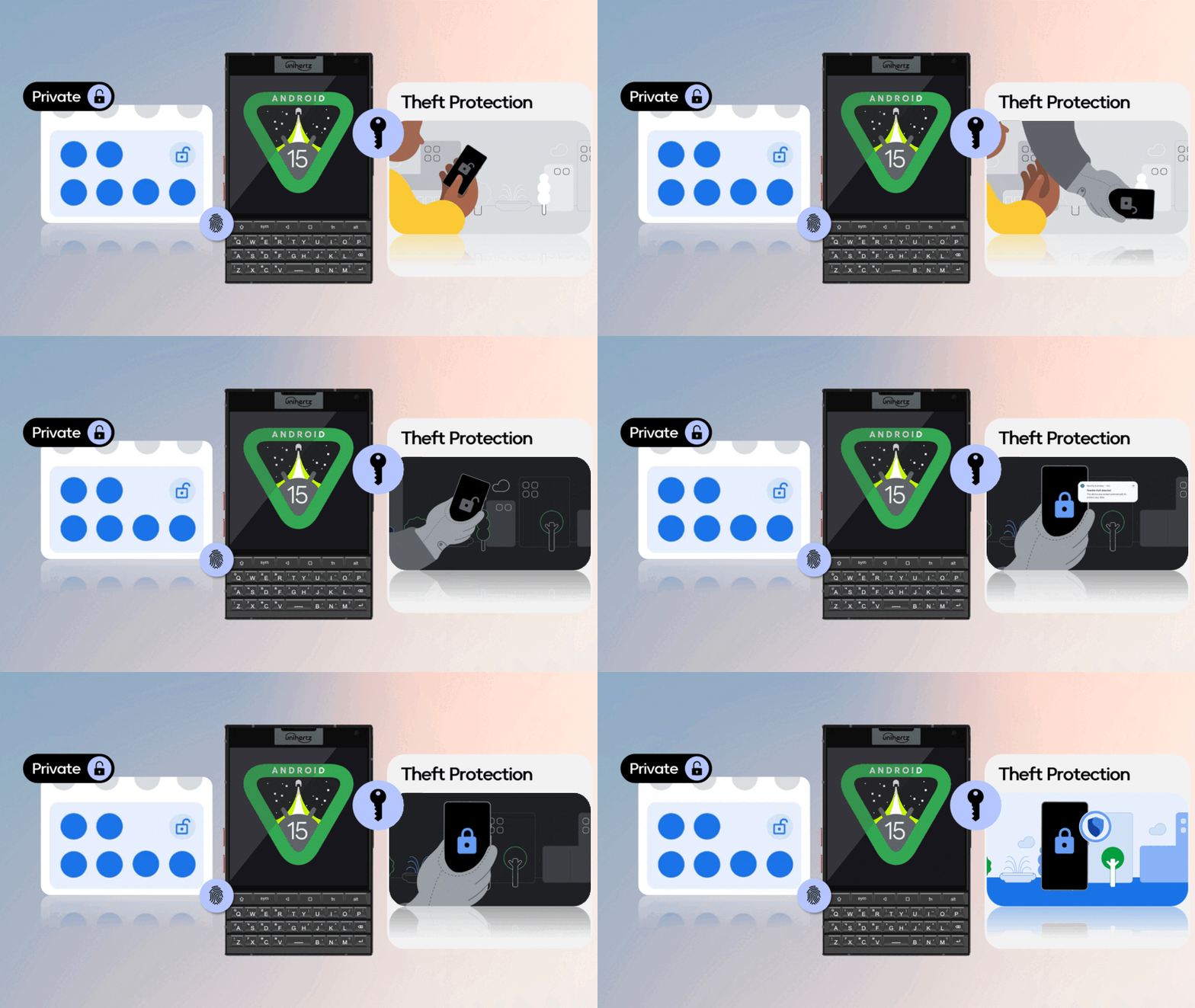
Neues Design
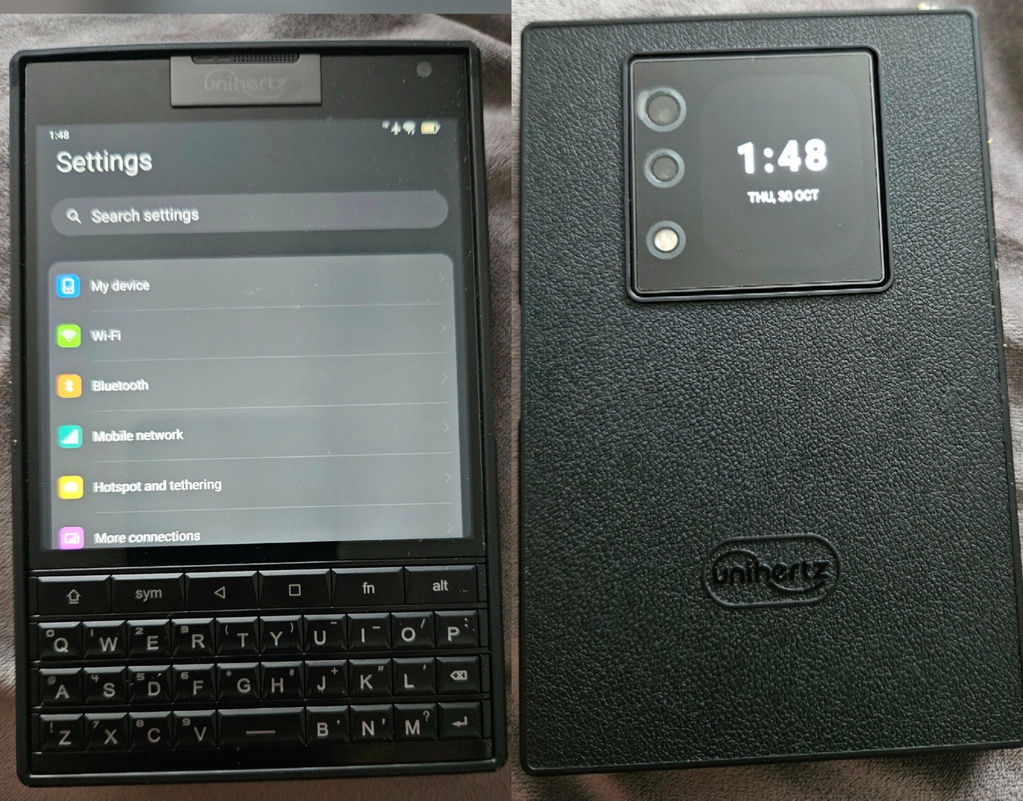
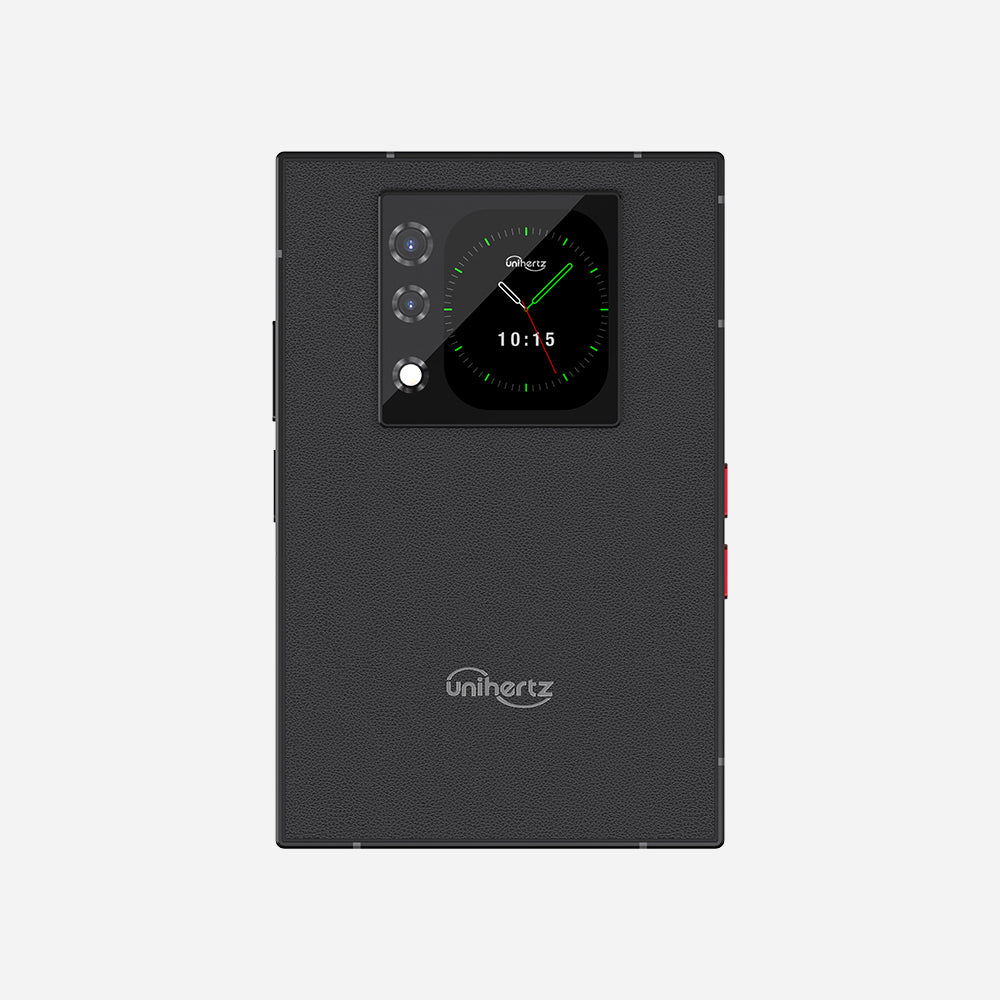
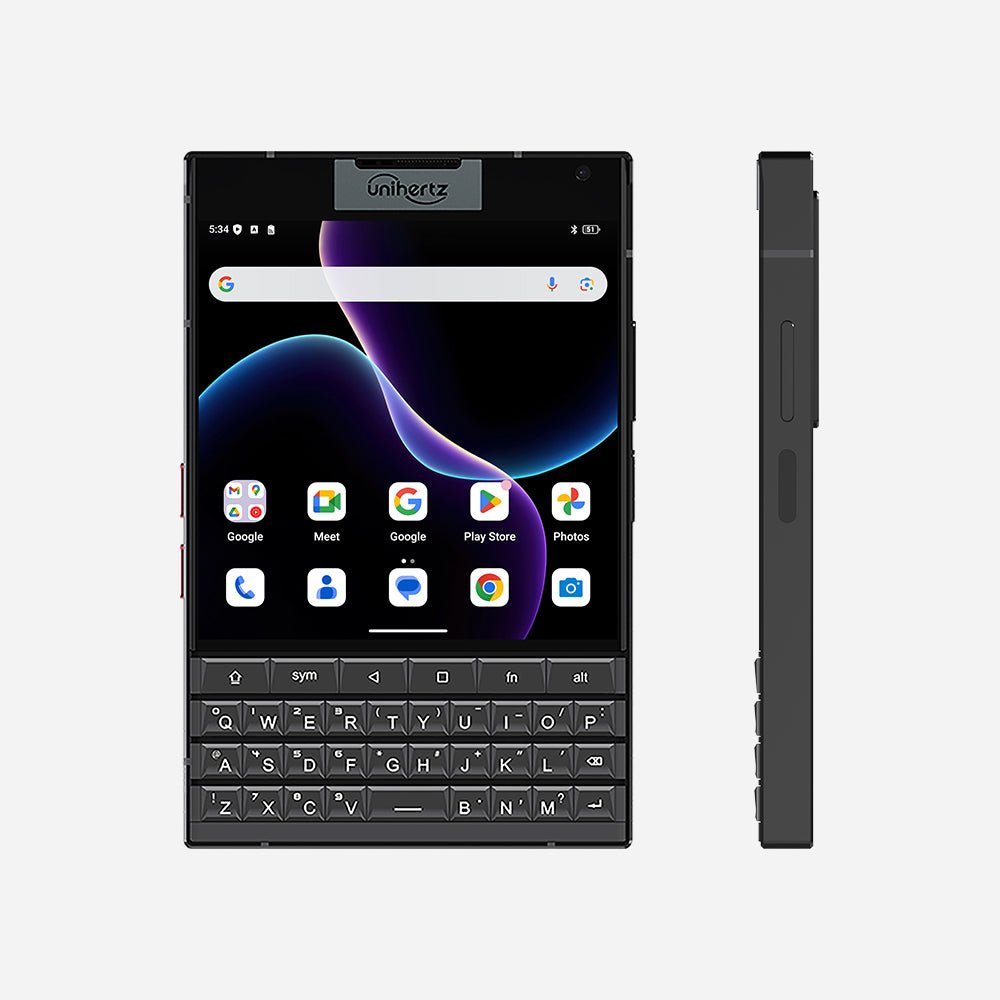
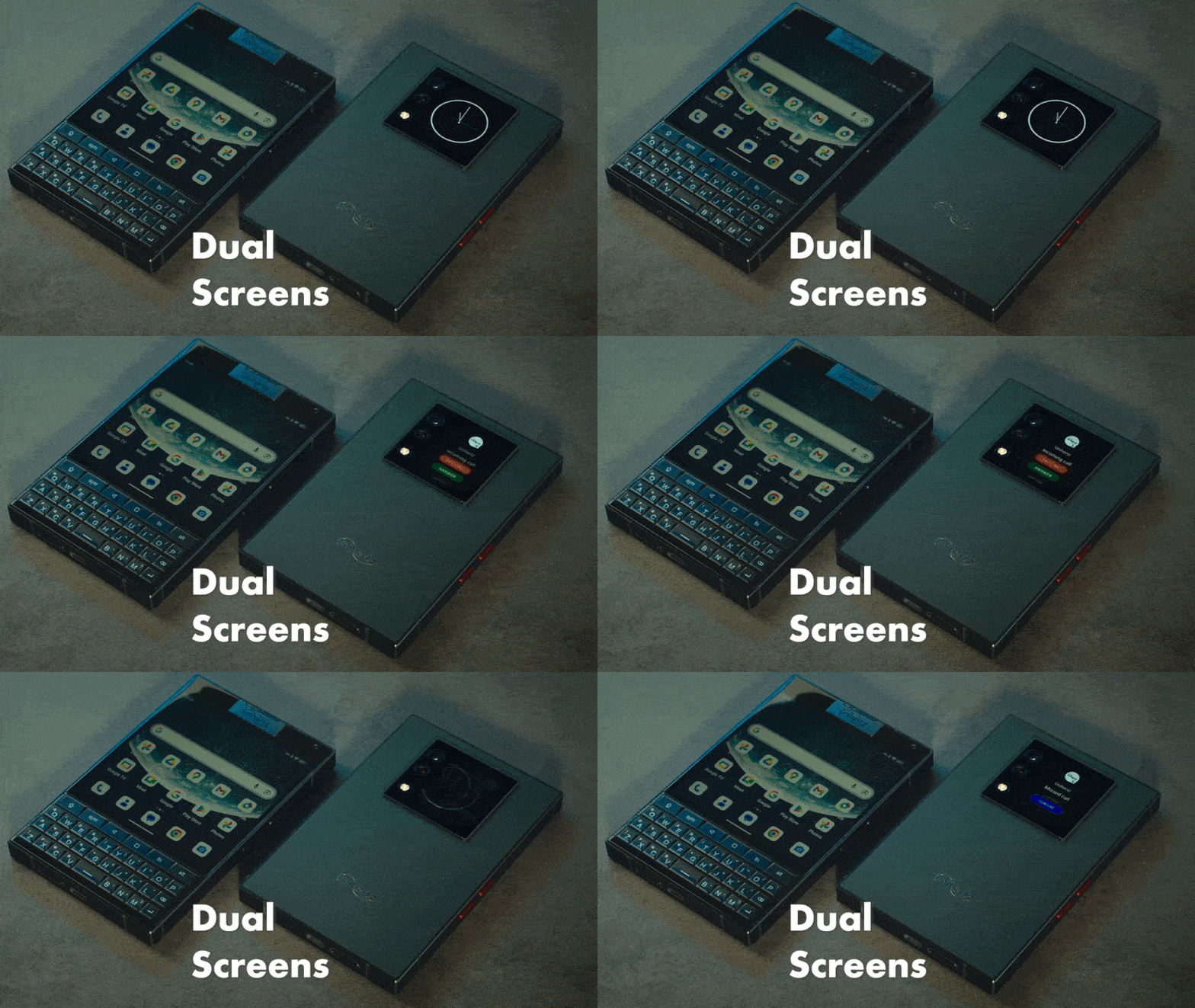
Titan 2 verfügt über ein 4,5-Zoll-Quadrat-Hauptdisplay mit einer Auflösung von 1.440 × 1.440 Pixeln sowie über ein sekundäres rückseitiges Display für ein noch kreativeres Dual-Screen-Erlebnis. Das Flat-Edge-Design verleiht dem Gerät einen modernen, schlanken Look.
Power, die hält
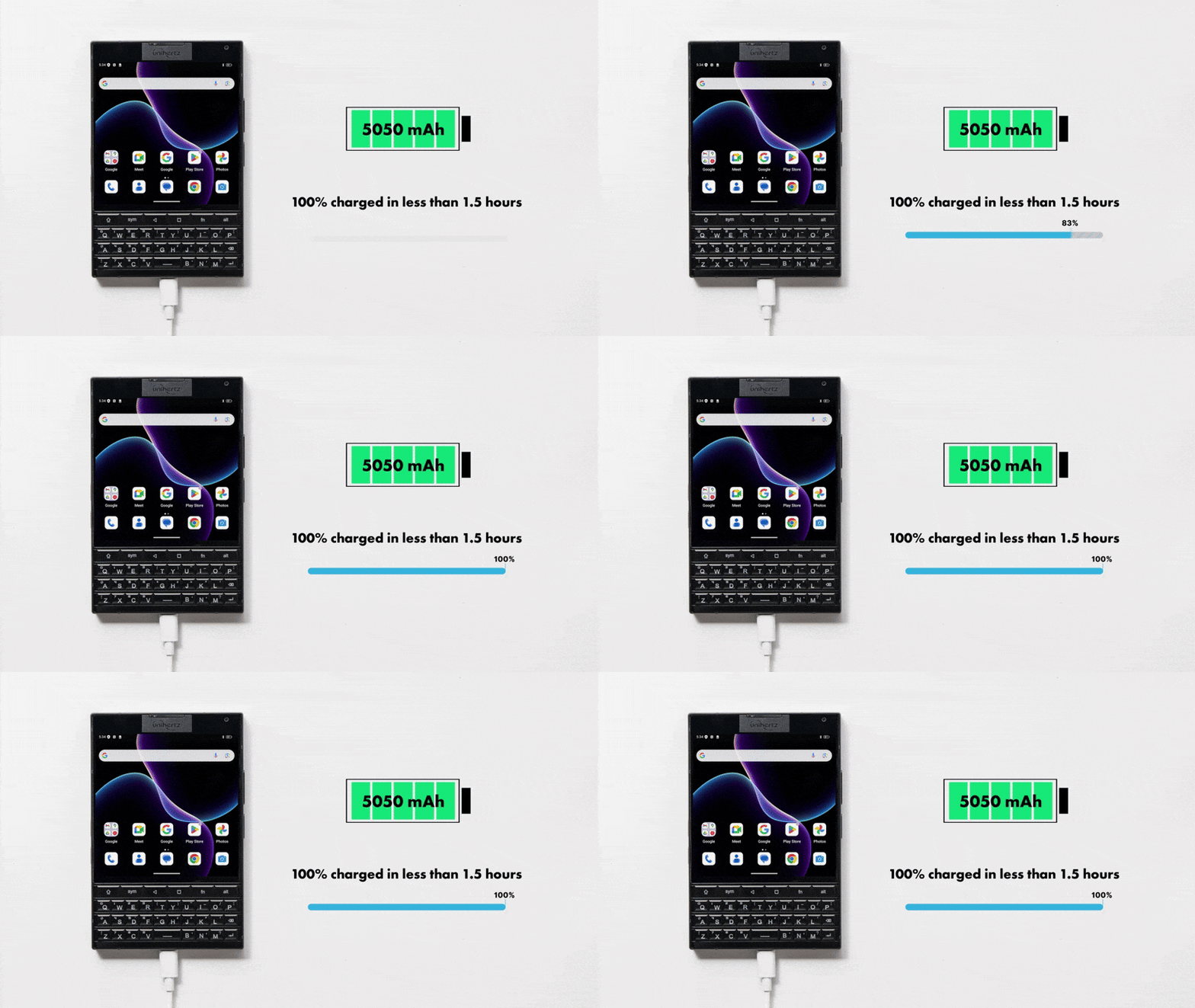
Titan 2 kommt mit einem 5050-mAh-Akku und 33-W-Schnellladen. Ob Multitasker, Reisende oder Power-User: Es liefert zuverlässig eine lang anhaltende Leistung, die zu deinem Lebenstempo passt.
Überragende Kamera
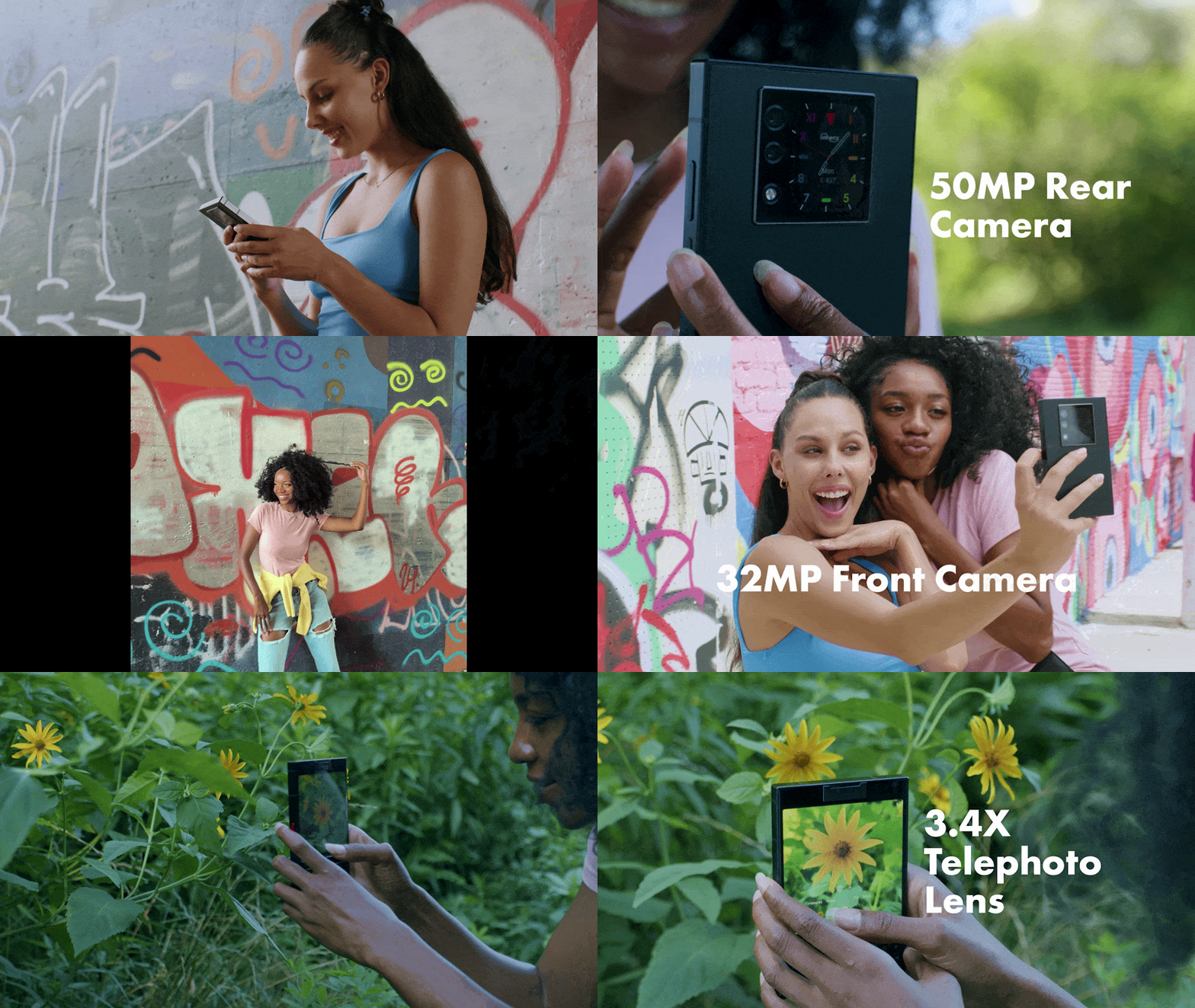
Titan 2 ist mit einem Dual-Objektiv-Modul ausgestattet, um beeindruckende Landschaften und detailreiche Nahaufnahmen einzufangen. Die hochwertige 50-MP-Hauptkamera und das 8-MP-Teleobjektiv sorgen dafür, dass du die bestmögliche Bildqualität erhältst. Die 32-MP-Frontkamera macht tolle Selfies.
Klassische Shortcut-Tasten
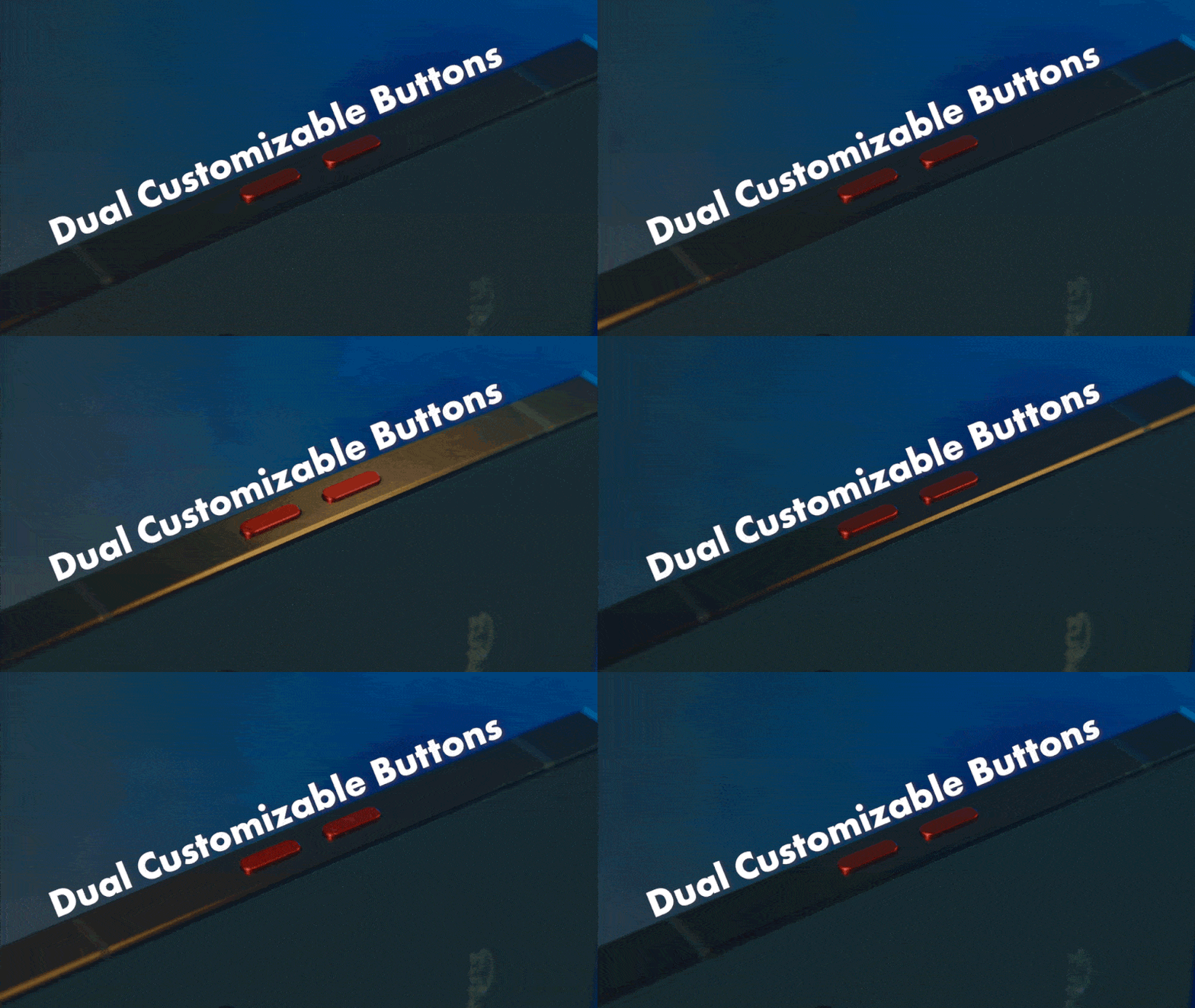
Titan 2 behält die klassischen roten programmierbaren Tasten an der Seite für den schnellen Zugriff auf deine am häufigsten genutzten Apps und Tools bei.
Unterstützung für Dual-SIM
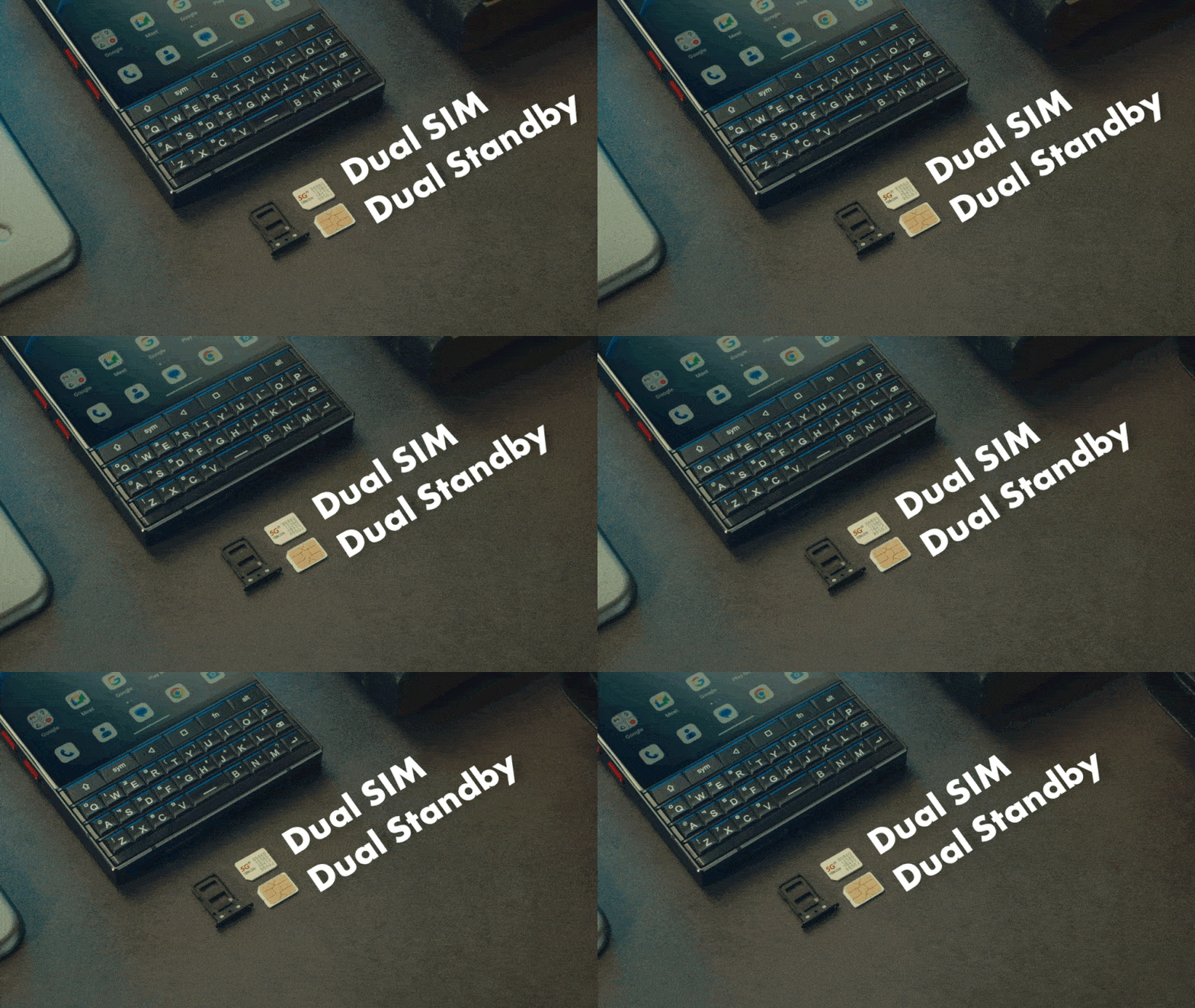
Titan 2 unterstützt zwei Nano-SIM-Karten für Work-Life-Balance und weltweites Roaming.
Drahtlose Konnektivität
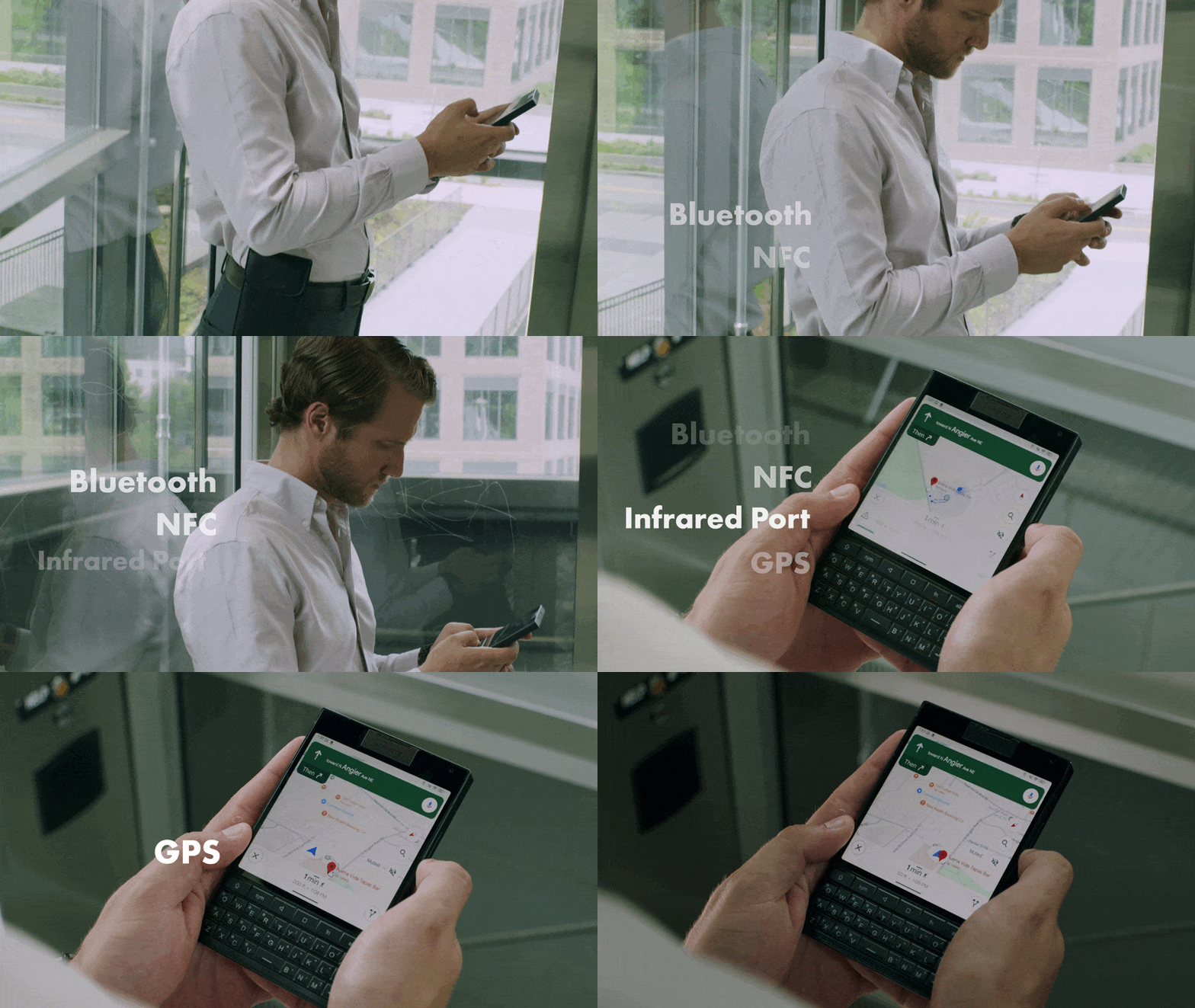
Titan 2 hält dich mit fortschrittlichen Wireless-Funktionen in Verbindung. Genieße Bluetooth 5.4, NFC, einen Infrarotanschluss, Dual-Band-GPS und mehr – alles für Konnektivität unterwegs entwickelt.
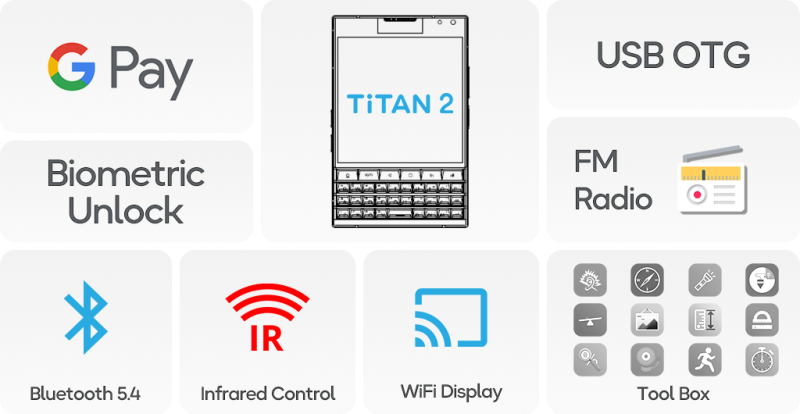
Mehr Funktionen, die dein Leben verbessern
Mit Funktionen wie Google Pay, Bluetooth 5.4, WiFi-Display, Fingerabdruckerkennung, USB OTG, UKW-Radio und einer praktischen Werkzeugkiste bietet Titan 2 maximale funktionale Leistung.
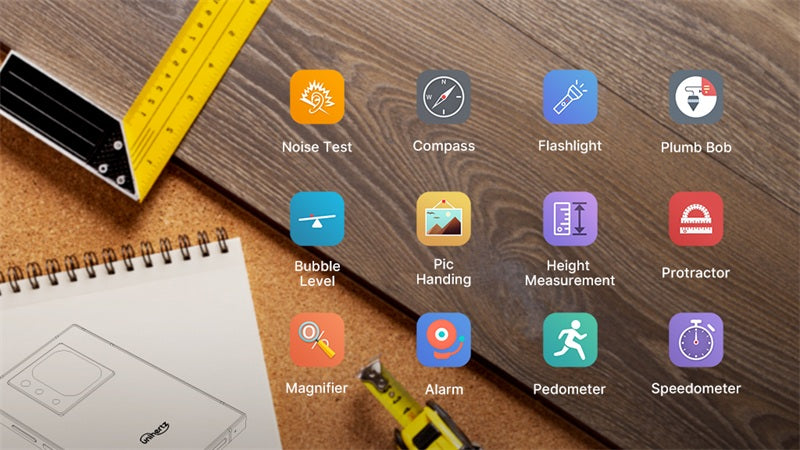
Ultimatives Mobile-Toolkit
Hör auf, mehrere Apps gleichzeitig zu jonglieren! Titan 2 hebt deine Produktivität auf ein neues Level, indem es wichtige Hilfsmittel wie Lineale, Schallpegelmesser und Schrittzähler in eine praktische Werkzeugkiste integriert – und dir so Zeit und Aufwand spart.
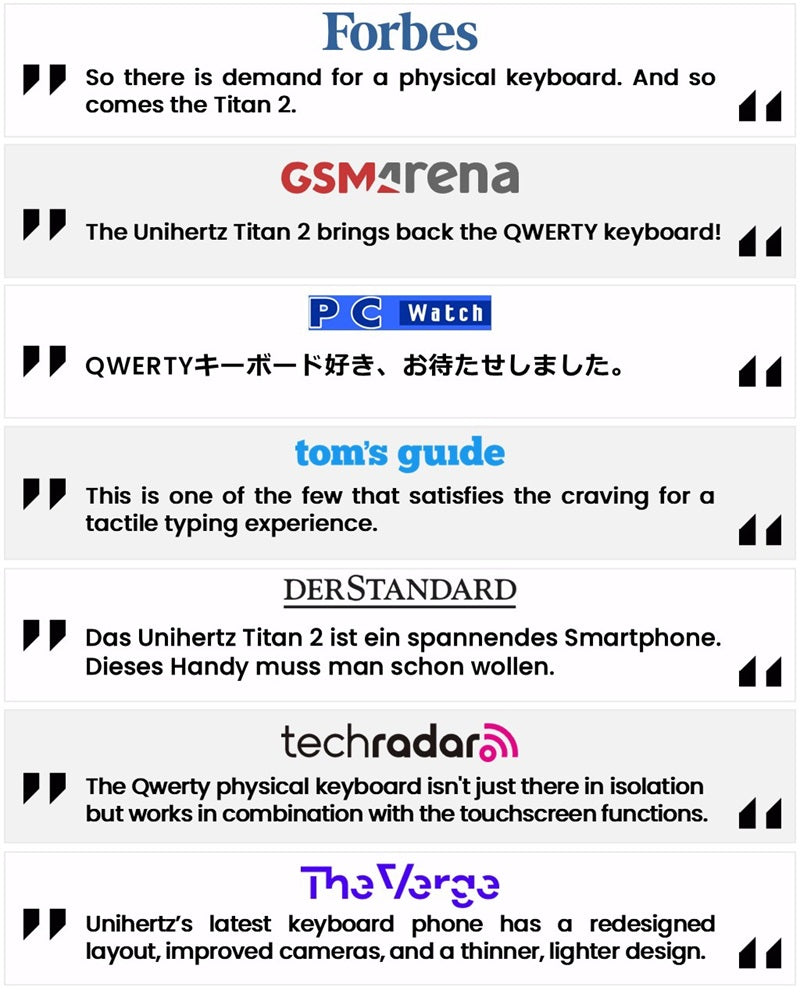
Medien-Empfehlungen
Man sagt, deine Technik-Wahl flüstert deine Prioritäten.
Dieses Smartphone ist mehr als ein Gerät – es ist eine Brücke zwischen Nostalgie und Innovation, entwickelt, damit du mühelos immer einen Schritt voraus bleibst und nie hinterherhinkst. Mit Titan 2 fühlt sich die Zukunft vertraut an, und Fortschritt fühlt sich persönlich an.
Unihertz Titan 2 Spezifikationen
Grundinformationen
Abmessungen: 137.8 × 88.7 × 10.8 mmGewicht: 235g (mit Akku)
CPU: Dimensity 7300 (5G) Octa-Core 2.0-2.6 GHz
OS: Android 15
Speicher: 12GB LPDDR5 + 512GB UFS 3.1
Akku: Nicht entnehmbar 5050 mAh
Ladeleistung: 33W
SIM-Kartentyp: Dual-Nano-SIM-Karte
Micro SD: Nein
Kartensteckplatz: Dual-SIMs
Anzeige
Material: LCDAnzeigegröße: Hauptbildschirm: 4.5 Zoll / Zweitbildschirm: 2 Zoll
Auflösung: Hauptbildschirm: 1440 × 1440 Pixel / Zweitbildschirm: 410 × 502 Pixel
Kamera
Rückkamera: 50MP Hauptkamera + 8MP TeleobjektivFrontkamera: 32MP
Konnektivität
Bänder:2G GSM: Bands 2/3/5/8, 3G WCDMA: Bands 1/2/4/5/6/8/19, 3G CDMA2000: Bands BC0/BC1, 4G FDD-LTE: Bands 1/2/3/4/5/7/8/12/13/17/18/19/20*/25/26/28A/28B/66/71†, 4G TDD-LTE: Bands 34/38/39/40/41/42/48, 5G NR: Bands N1/2/3/5/7/8/20*/25/26/28/38/40/41/48/66/71†/77/78, 5G NR (4×4 MIMO): Bands N1/3/38/41/48/77/78
* Nur von der General-Version unterstützt
† Nur von der US-Version unterstützt
Wi‑Fi: WLAN 802.11 a/b/g/n/ac/ax 2.4GHz/5GHz, 2×2 MIMO, Wi‑Fi Direct, Wi‑Fi Display, Wi‑Fi Hotspot , MU-MIMO
Bluetooth: Bluetooth 5.4
NFC: Ja
Navigation: GPS + GLONASS + BEIDOU + Galileo
Funktionen
Sensoren: Fingerabdruck, G‑Sensor, Kompass, Gyroskop, Näherung, UmgebungslichtsensorFingerabdruck: Ja
Infrarotanschluss: Ja
USB: USB Type C
USB OTG: Ja
Programmierbare Taste: Ja
Lautsprecher: Ja
3,5‑mm‑Kopfhöreranschluss: Nein
Kabelloses Laden: Nein
FM-Radio: Ja
Sonstiges
Farbe: SchwarzPhysische Tastaturen: QWERTY-Tastatur
SAR-Wert: SAR (EU 10g): Head 0.900 W/kg, Body 1.291 W/kg; SAR (US 1g): Head0.980 W/kg, Body 0.962 W/kg
Zertifizierungen

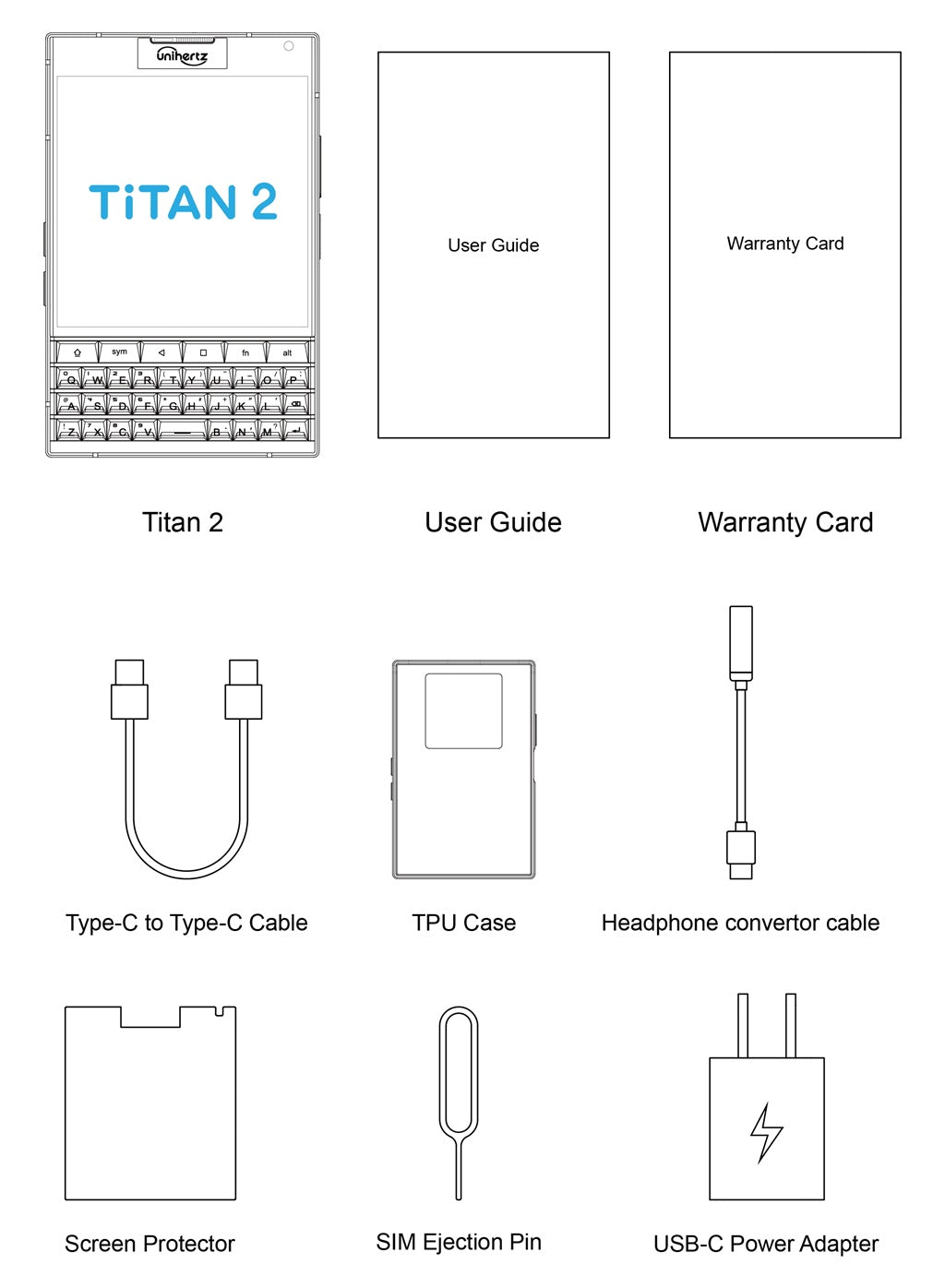
Lieferumfang
GENERAL QUESTIONS
1. Go to Settings ->System ->About Phone ->IMEI number 1 and 2.
2. Look for the IMEIs on the box of the phone (if you still have it).
Settings ->System ->About phone ->Wireless update
Please follow these steps to clear cache before searching for the update again:
Settings -> App Notifications ->See all apps ->Show System (top right corner with 3 dots) ->Wireless update-> Clear Data and Cache
Reset to Factory Settings (When your phone can be turned on)
Settings ->System ->Reset Options ->Erase all data (factory reset)
Reset to Factory Settings (When your phone cannot be turned on)
Power off your phone -> Press and hold the Power and Volume up buttons -> After your phone vibrates, keep holding the buttons for 5 seconds to enter Recovery mode -> Press the Volume up and down buttons to select the option to clear data or restore your device to its factory settings -> then press the Power button to confirm -> Reboot your phone.
If you have forgotten your phone password and want to unlock it, you will have to restore your device to its factory settings. Then you can set it up again and set a new screen lock.
However, all data on your phone will be erased and cannot be restored. It is recommended that you confirm whether you have backed up your phone data on the cloud or by other means. It is also recommended that you confirm whether you or someone else has changed the PIN/password. If you still cannot recall the password, refer to last Question to restore your device.
English, English(UK), German, French, Italian, Portuguese, Spanish, Russian, Dutch, Japanese, Simplified Chinese, Traditional Chinese(Zhuyin, Cangjie, Quick input).
For the keyboard input of other languages, we may consider adding them in the future if we receive enough demands.
On the other hand, Android system supports a wide range of languages, with which you will be able to turn on touch screen input as a supplement.
TELECOM COMPATIBILITY
1. Check the feedback from other users here.
2. Please find the the phone's supported bands in product specs and check if those meet your sim-card carrier's needs or contact your carrier.
* Due to different carrier's policy regarding to unlocked phones, LTE wireless service may not be available even if listed bands are supported by your carrier. When this happens, please contact your carrier for more details.
Our phone can work fine in Verizon network. However, as it is not certified by Verizon, you cannot activate your new SIM card with it. Please activate the new SIM card with another Verizon certified device and then use it in your Unihertz phone.
TECHNICAL ISSUES (PROBLEM SHOOTING)
Please follow the guide to do a micro-calibration for your phone (you can also contact us for a video guide):
1. Please clear the dust in your proximity censor hole on top of your phone.
2. Input *#3377# in the Dial-up interface.
3. Click Distance calibration.
4. Follow the guide to finish the process.
Please permit the apps to run in the background by activating them in the following three settings:
1. Settings ->DuraSpeed
2. Settings ->Intelligent assitance ->App blocker
3. Settings ->App¬ification ->See all apps ->this app ->Battery ->Battery optimization and Background restriction->Don't optimize
You can also watch a video guide here.
It is not advised to downgrade your smartphone since there might be compatibility issues.
Please contact your operator and check the APN parameters.
1. Go to Sound Recorder app and run a recording test.
2. Check whether your SIM card works well on the other phone.
1. Please check if this only happened to some or all of friends you called.
2. Stay in the same location and insert your SIM card into another Android phone and the same issue arises.
3. Turn on call record in the call interface to record a call, then check whether the sound recorded is normal.
1. Please send us a full screenshot of your battery usage in Settings ->battery ->battery usage.
2. Follow these steps to capture the battery log and send it to service@unihertz.com for further analysis.
REPAIR AND WARRANTY
For repair, please send without the accessories.
For replacement or refund, please send with accessories in one package.
The broken glass is not covered by warranty.
Please send the smartphone back to us after negotiating with service@unihertz.com as we do not provide phone screen separately. Repair or replacement fee may apply.
The repaired/ replaced device will get extra 90 days warranty or the remaining original warranty period, whichever is longer.
Customer Reviews
I loved my old Blackberry and still wanted a Smartphone that wasn't totally Google oriented. This fits the bill and is beautiful too! Camera takes lovely pics too.
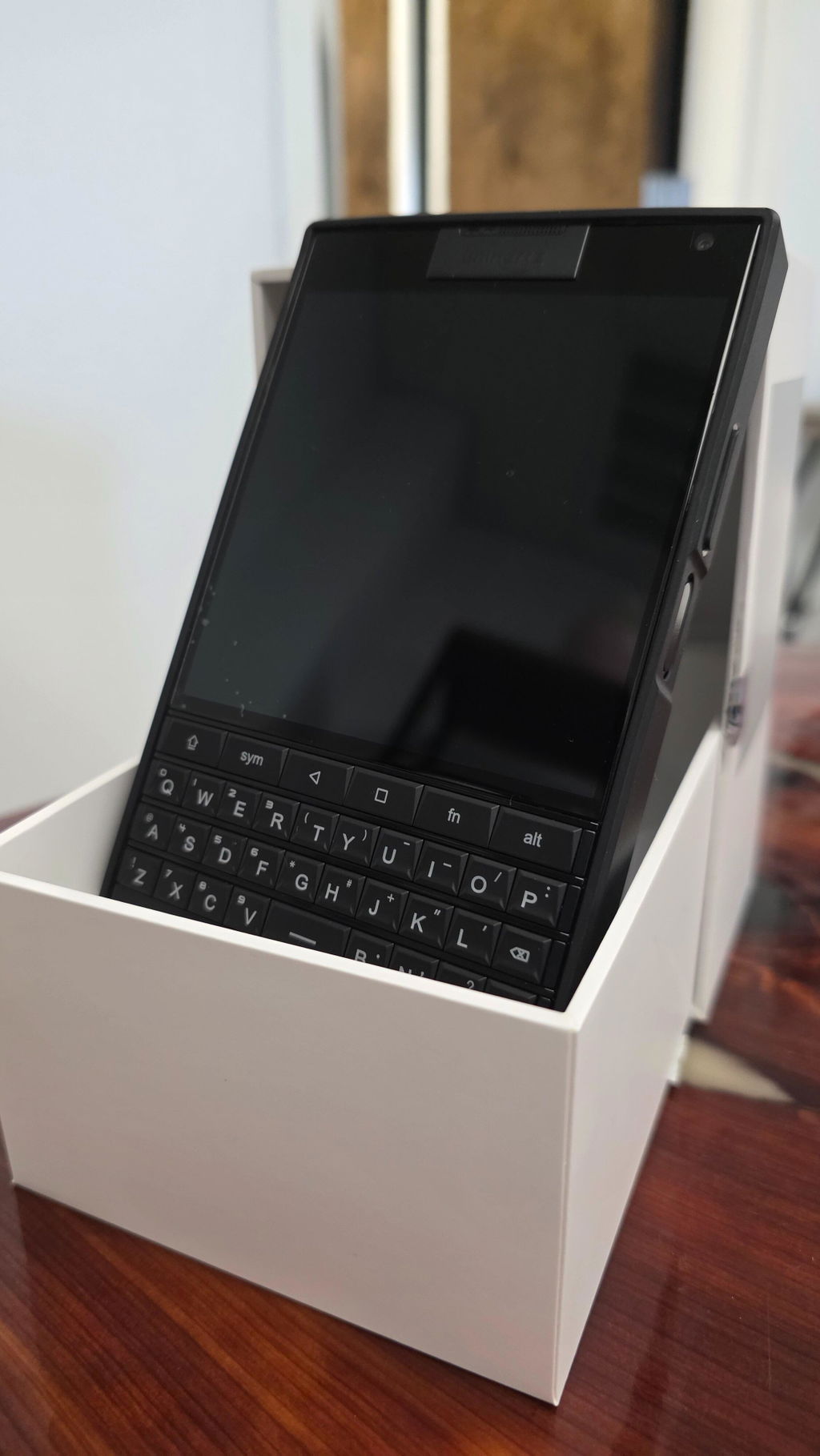
Ok, i already use it as my main phone for 1 week! This perfectly fine keyboard make me put my s25 as a secontary device!!! I use it for emails, chatting, calls, while its perfect for watching and buying/selling my stocks! For photos is ok, but for videos i'm using the s25 of course. It lucks of stabilization, so i can't use it for videos!
The phone is fast enough, not faster than s25 of course, but still it's perfectly usable! I thought it would be way slower, but ufs 3.1 and dimensity 7300 is perfectly fine!
I'm hoping Titan 2 Elite to be as fast as this, with a keyboard as good as the Titan 2! But i would prefer a better basic camera with ois! I don't care for the sub screen, because it's almost uselless... 12gb ram and 512gb storage is perfectly fine too! Removing the sub screen and adding a notifications led would be perfect for Titan 2 Elite!
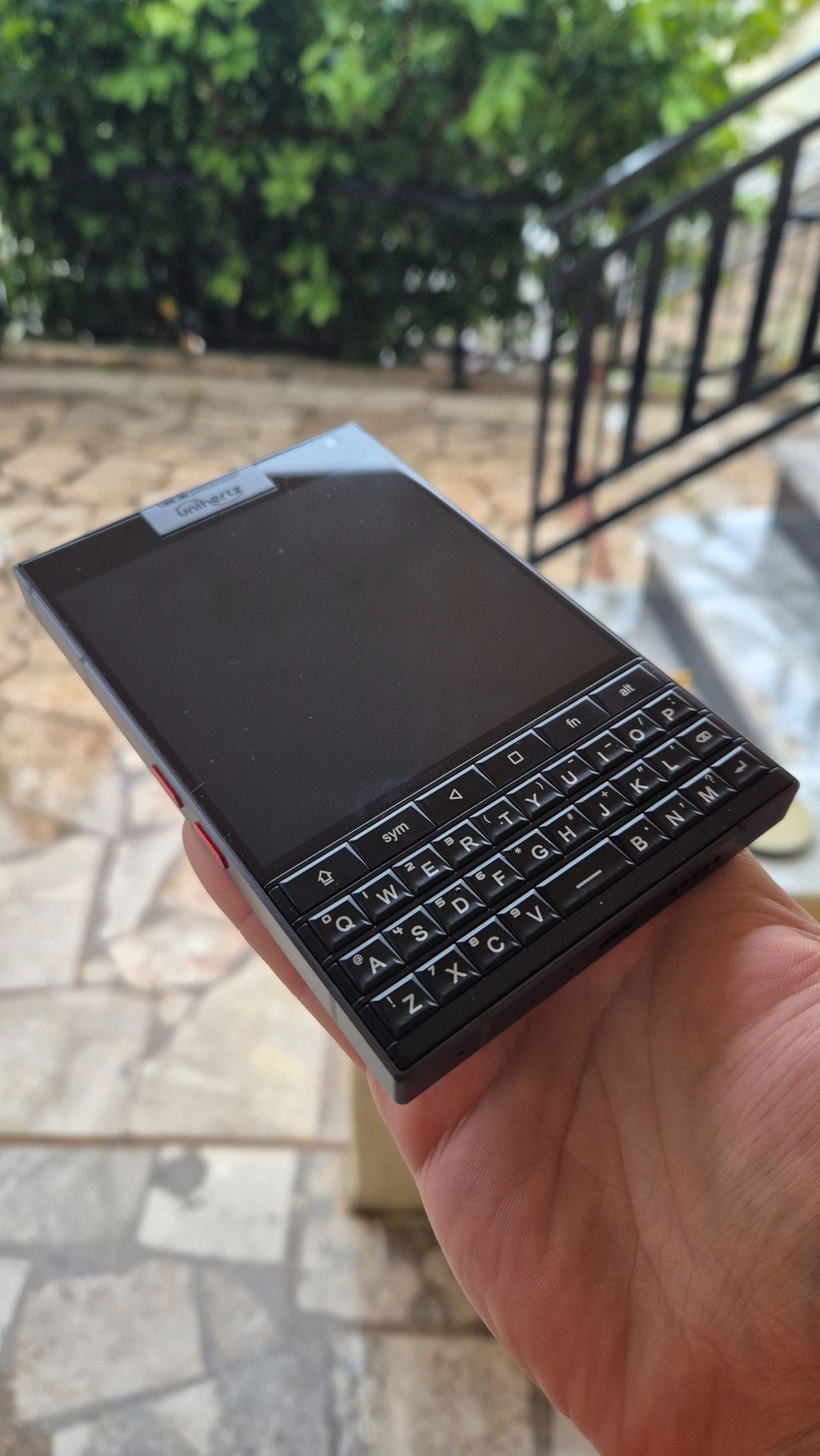
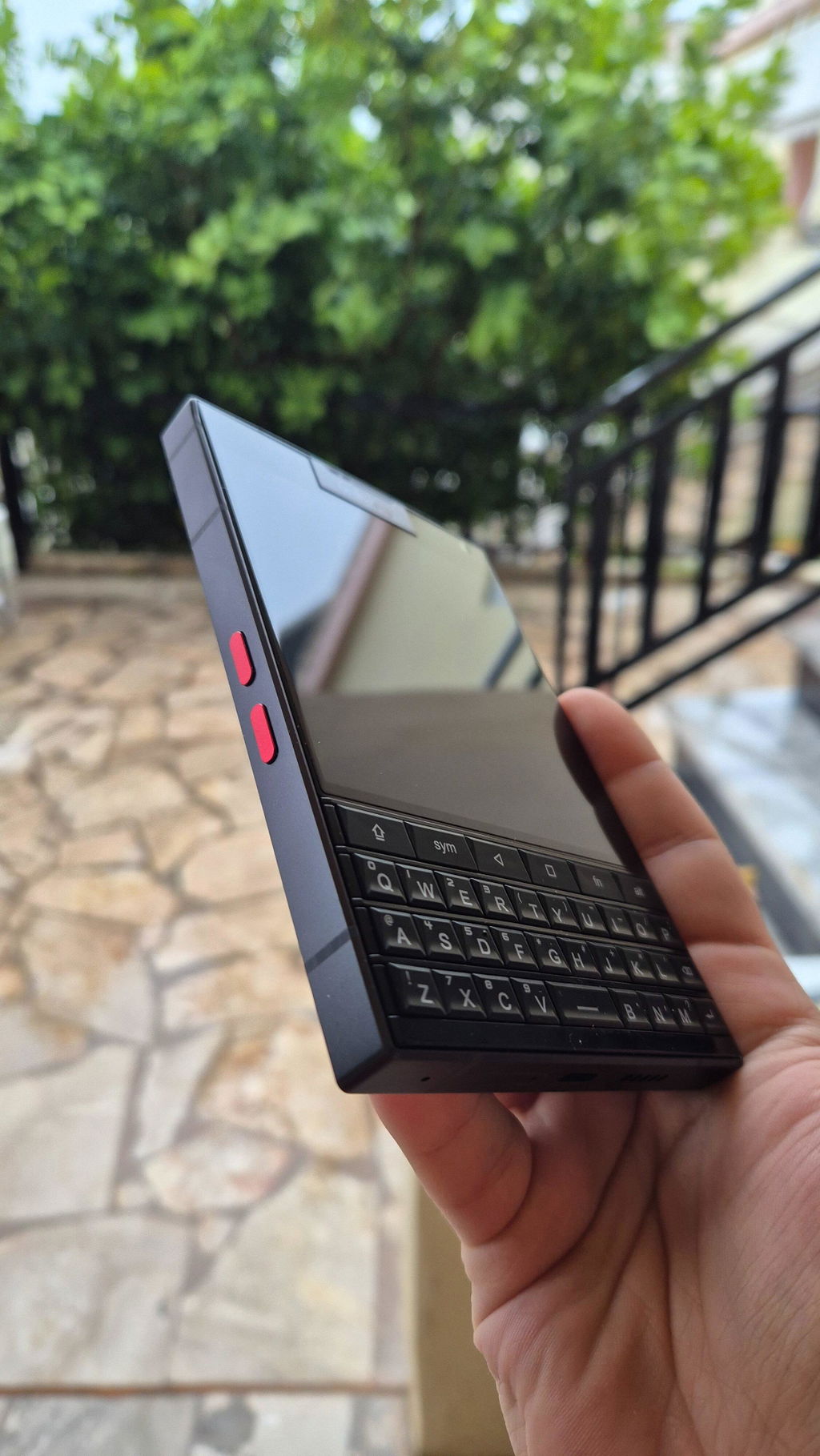
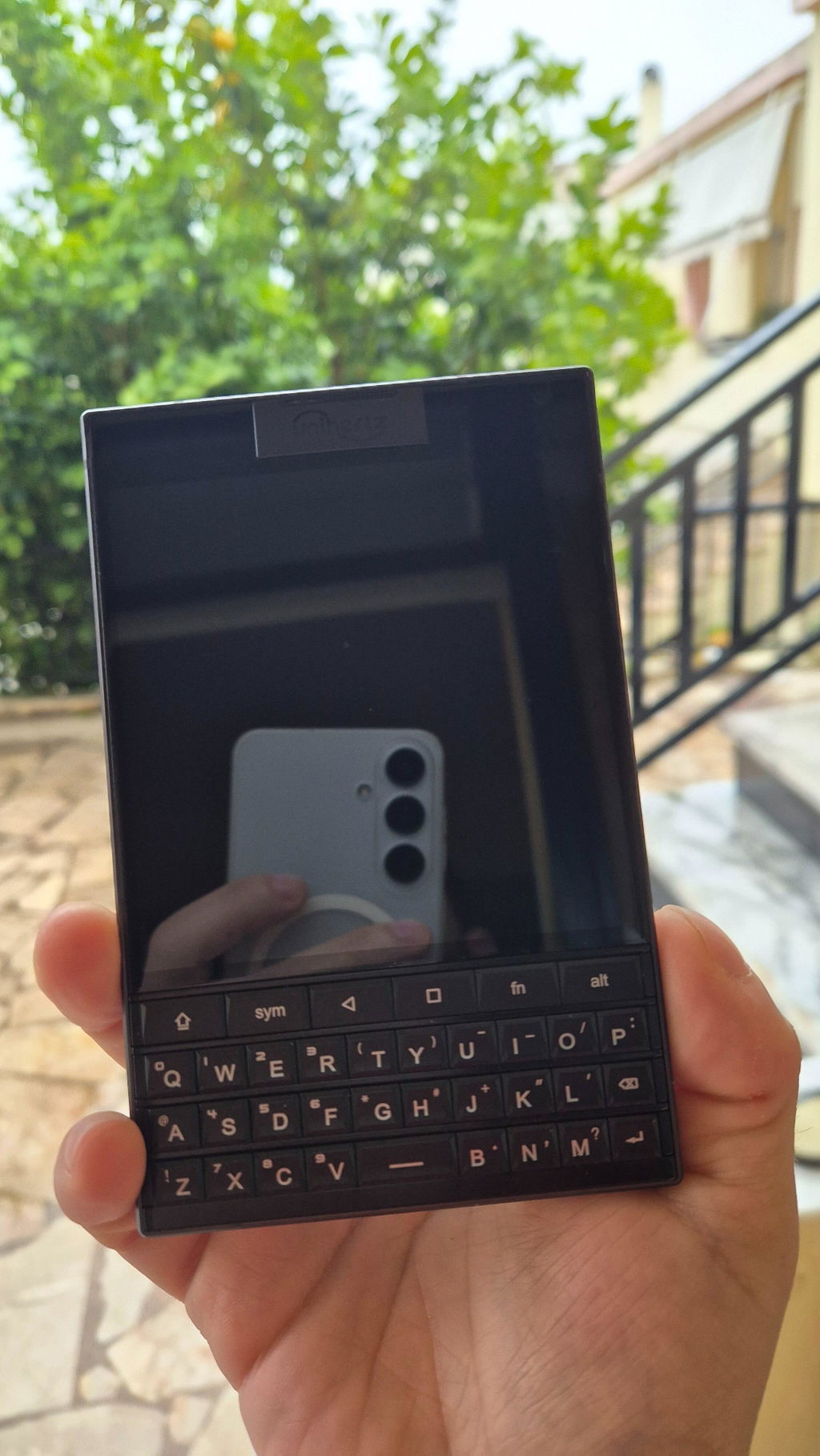
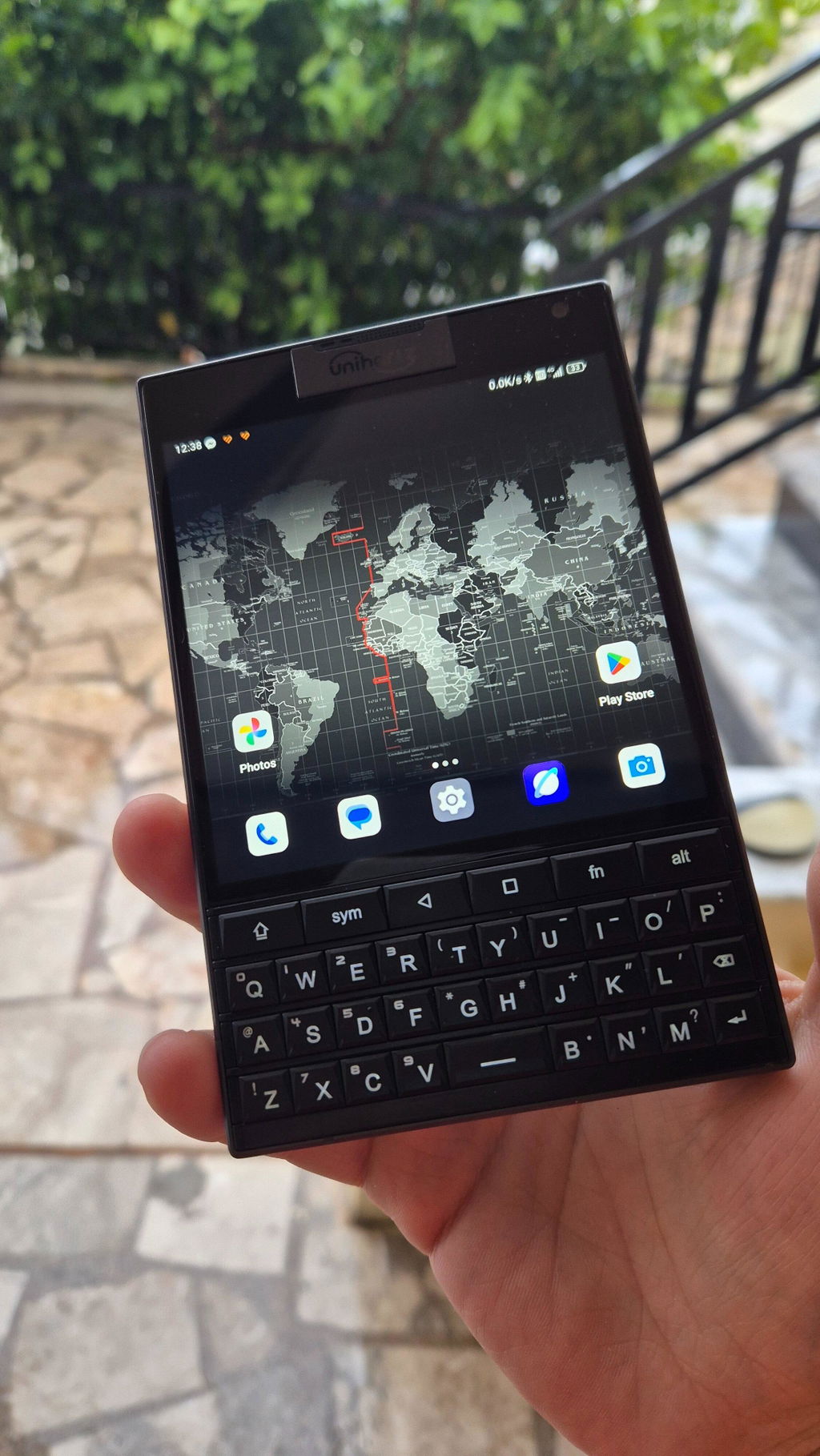
Arrived on time so that was a good sign. I love the industrial design at work here. It feels substantial and not for the faint of heart/strength to pick the heavy critter up. If you have poor upper body strength, this smartphone will definitely help you finish an email, text in Signal and develop a healthy bicep regime all at the same time. Brilliant really.
As far as the texting experience, it's bloody fantastic.
Unihertz, saving lives everyday through considerate heart healthy workouts.
Unihertz, the quiet humanitarians.
I am pleased with my recent purchase! Everything arrived exactly as described, and the quality is excellent. I'm very happy with the product condition value and appearance. It definitely met my expectations. I would recommend. I was a BlackBerry enthusiast. I hated when they went to the touch screen and then went out of business. Along came unihertz and restored my hope. I was using a Samsung Galaxy Z fold 7. I haven't used it since receiving my Titan 2. I get so many stares , compliments and questions. I direct them to the unihertz website so they can order there own. I am glad the QWERTY is back thank you unihertz.
I have used for a couple of months and switched to Jelly Max as this being a little too wide for my hands and I really don't use the QWERTY as much!