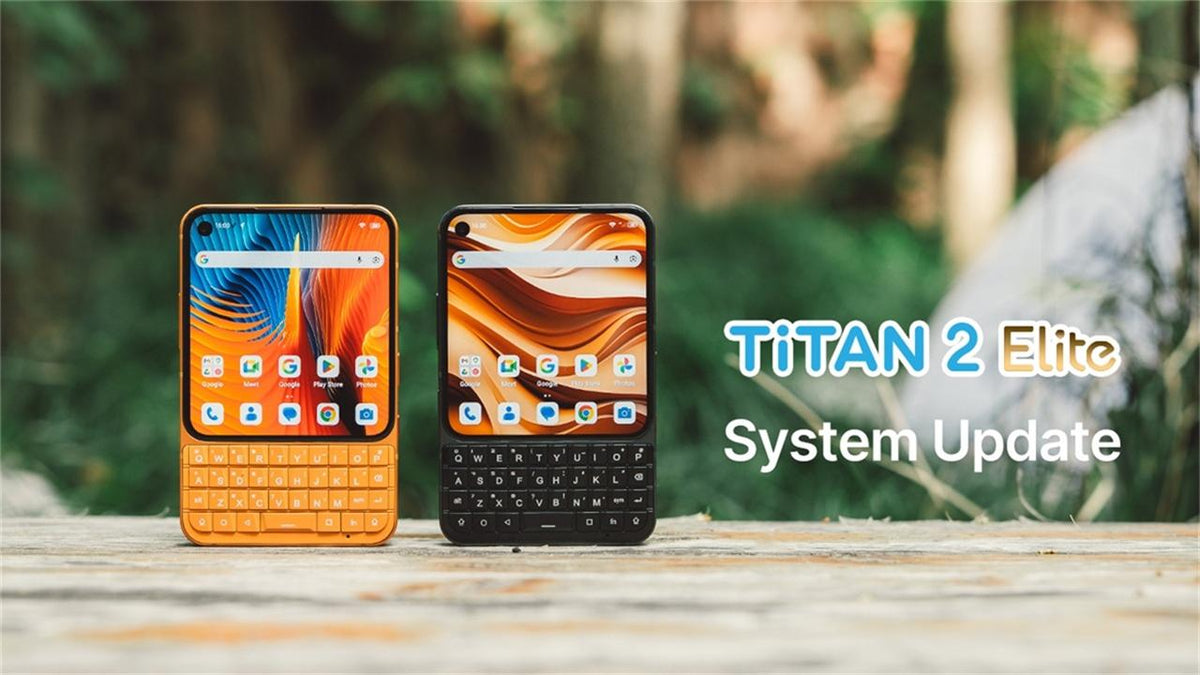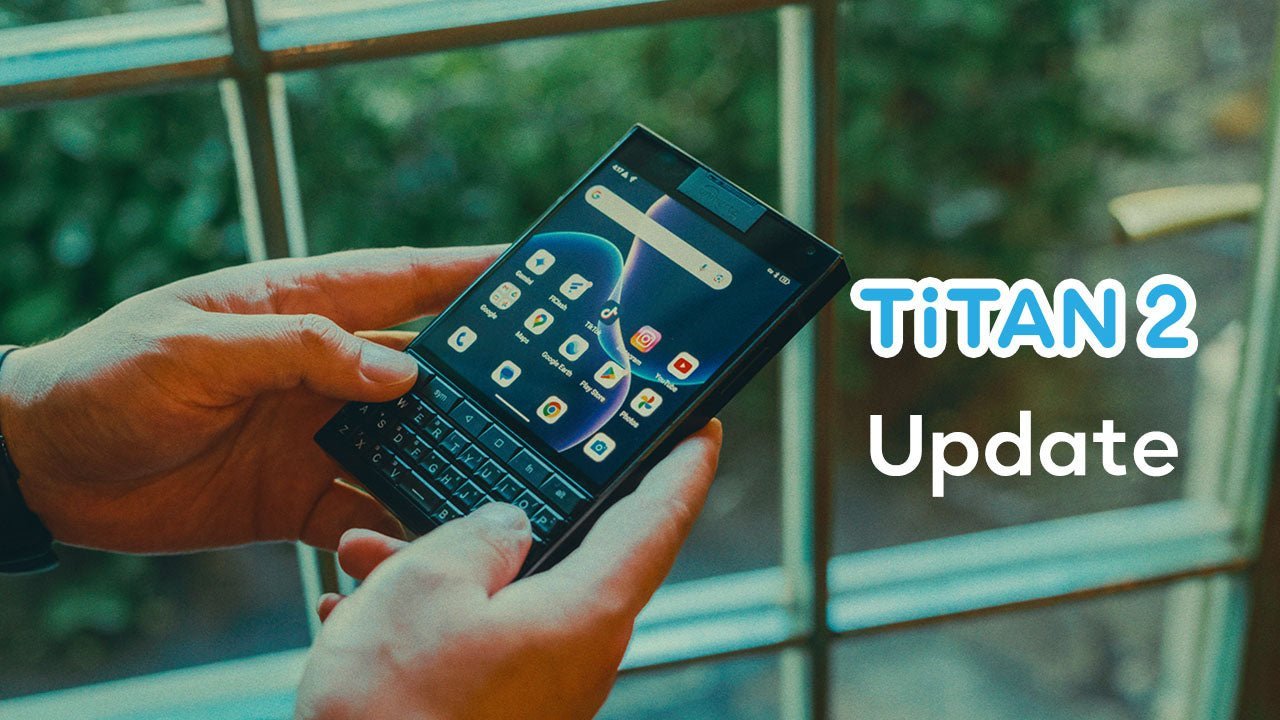


Dear Titan 2 Elite (Standard Version) Users,
Titan 2 Elite (Standard Version) has been in your hands for a few months now, and we are glad to hear that so many of you enjoy using our newest QWERTY smartphone.
We value the feedback that early adopters have shared over the past few months. A new software update is now rolling out to your device. It includes the September 2026 Android security patch, along with several fixes and improvements to the system. The full list is as below.
How to Update
Go to Settings > About phone > System update, tap Check for updates, and install the latest software. Before you start, make sure your battery is above 50% and you are connected to Wi-Fi. Do not turn off your device while the update is installing.
What's New in This Update
- Security patch updated to September 5, 2026
- Optimized the SD card driver for more stable read and write performance
- Improved the responsiveness of several keys
- Optimized Pocket Mode
- Optimized Mini Mode, which now switches between Mode 2 and Mode 3 with a long press in the Quick Panel
- Optimized the Always-on Display mode
- Optimized Scroll Assistant and added Mouse Mode support for the home screen
- Added support for more third-party chargers
- Shortcut keys can now be configured as Meta modifier keys
- Increased the camera shutter sound volume and reduced the minimum headphone volume
- Fixed an issue where the dark theme did not activate automatically at sunset
Before You Upgrade
This update will not erase your personal data, but we still recommend backing up your important data to your Google account or another reliable device.
After the Update
For a short time, your device may run slower than usual and use more battery while it optimizes apps in the background. Both will return to normal once optimization is complete.
Important: Use Only Official Update Methods
Do not use unofficial flashing tools to install the ROM. Unofficial tools may format the device and erase important system parameters. If this happens, the device must be returned to our after-sales technical department for reconfiguration, and this type of repair is not covered by warranty.
We appreciate your support and trust in Unihertz. If you have any questions, please contact our customer support team.
Unihertz Team