
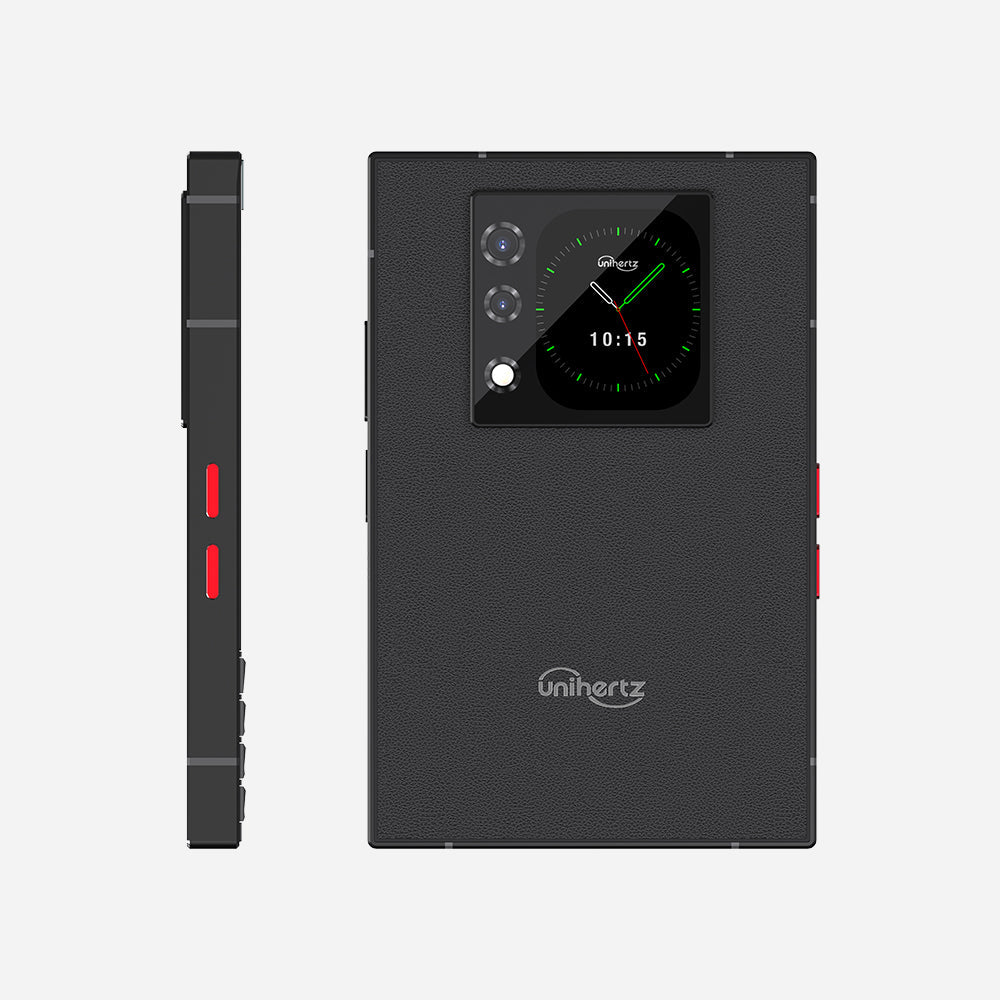
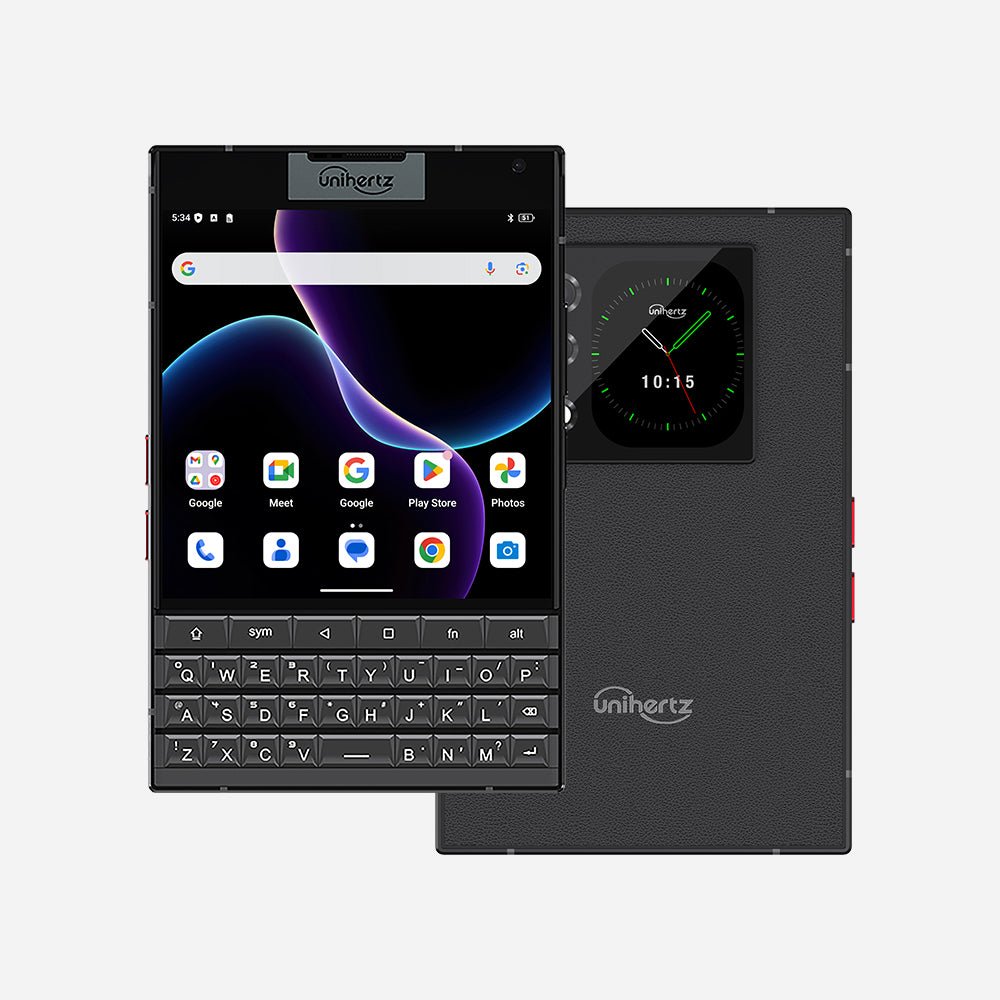
Titan 2 - 最新QWERTY物理キーボード搭載 Android 15 スマートフォン
認証済み




オプションを選択
認証済み
認証済み
Titan 2 - 最新QWERTY物理キーボード搭載 Android 15 スマートフォン
Titan 2はQWERTYキーボードを搭載したクラシックデザインAndroid 15スマートフォン。
レトロデザインの現代スペック。
Titan 2はただのレトロトリビュートではない。Titan 2は5G世代の概念で造られた新しいキーボードスマホ、前代よりスリークで軽く、より強く。
進化したQWERTYキーボード
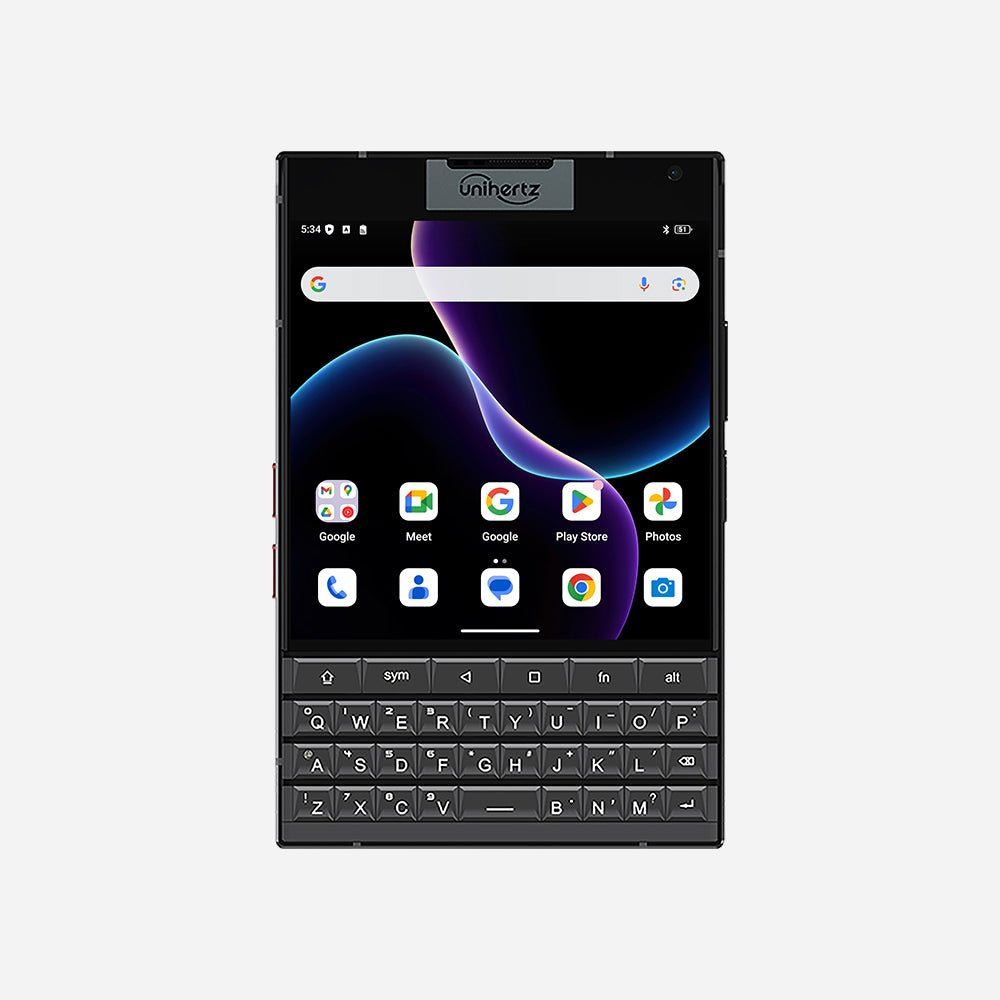
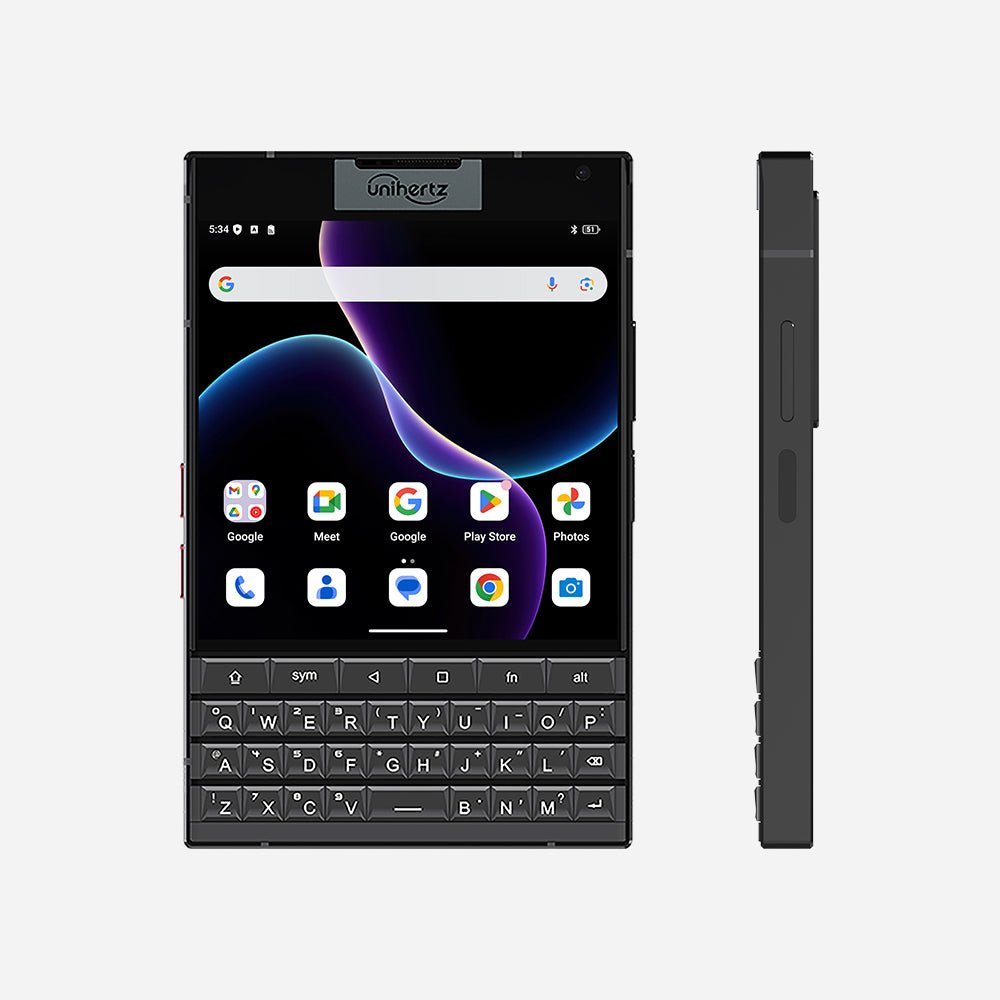
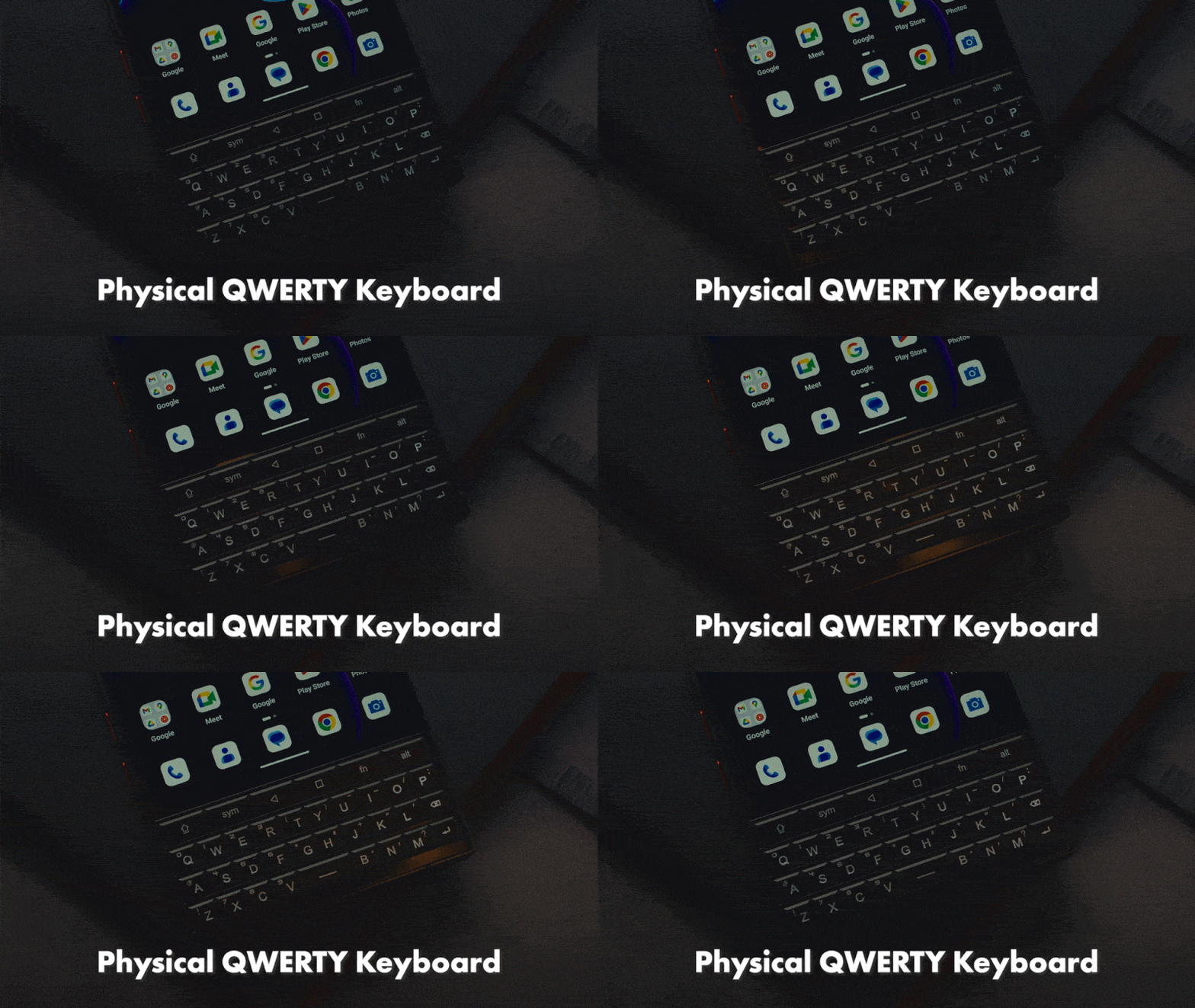
Titan 2は完全新規に設計された物理QWERTYキーボードを搭載して、多様なタイピング感はより心地よく、頼もしく。
キーボードの新機能をみつけよう。
新しいキーボードで以下の新機能を体験:
カスタマイズ可能なA-Zキー
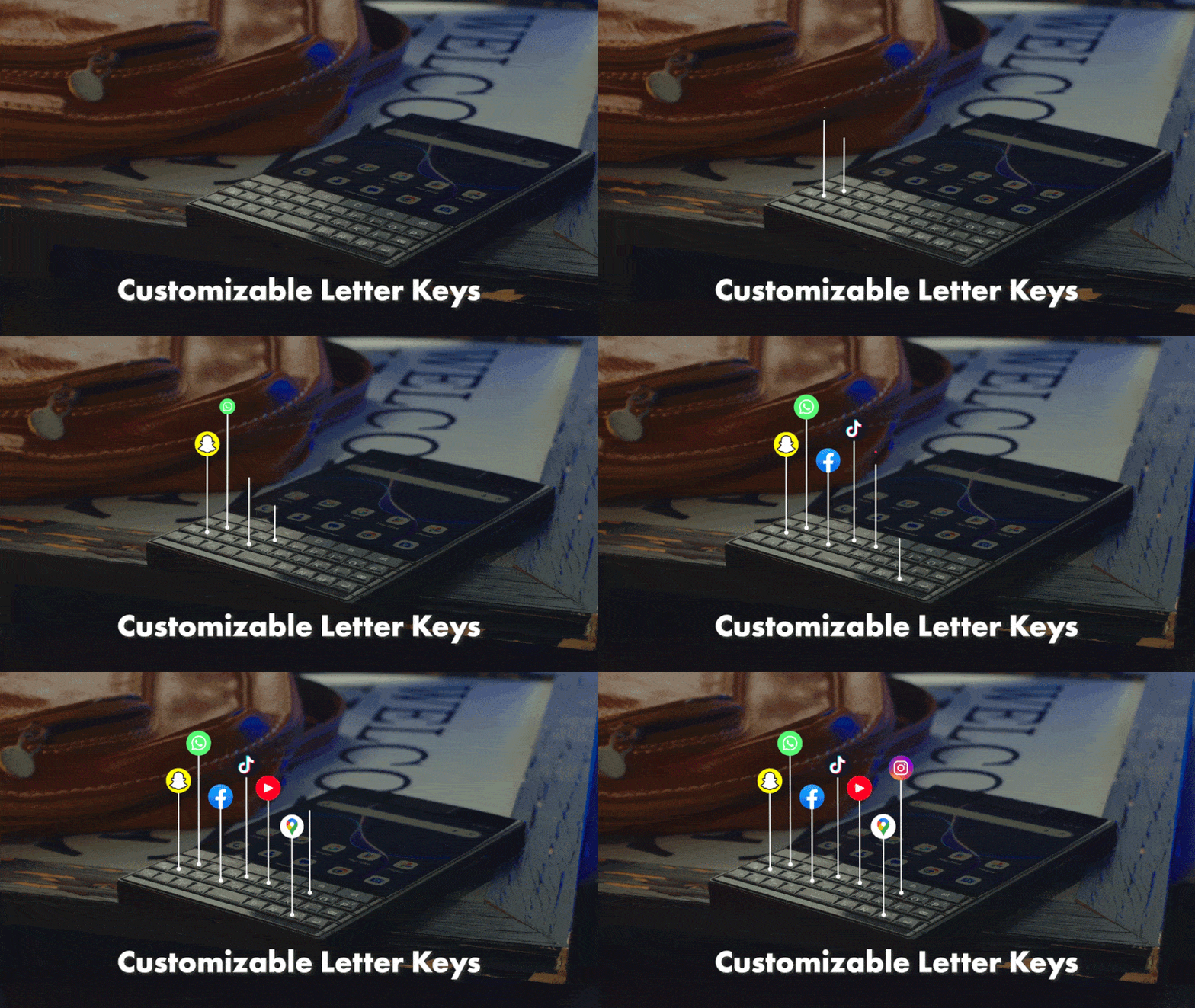
全てのアルファベットキーが長押しや短押しショートカットに設定可能。
スクロールアシスト
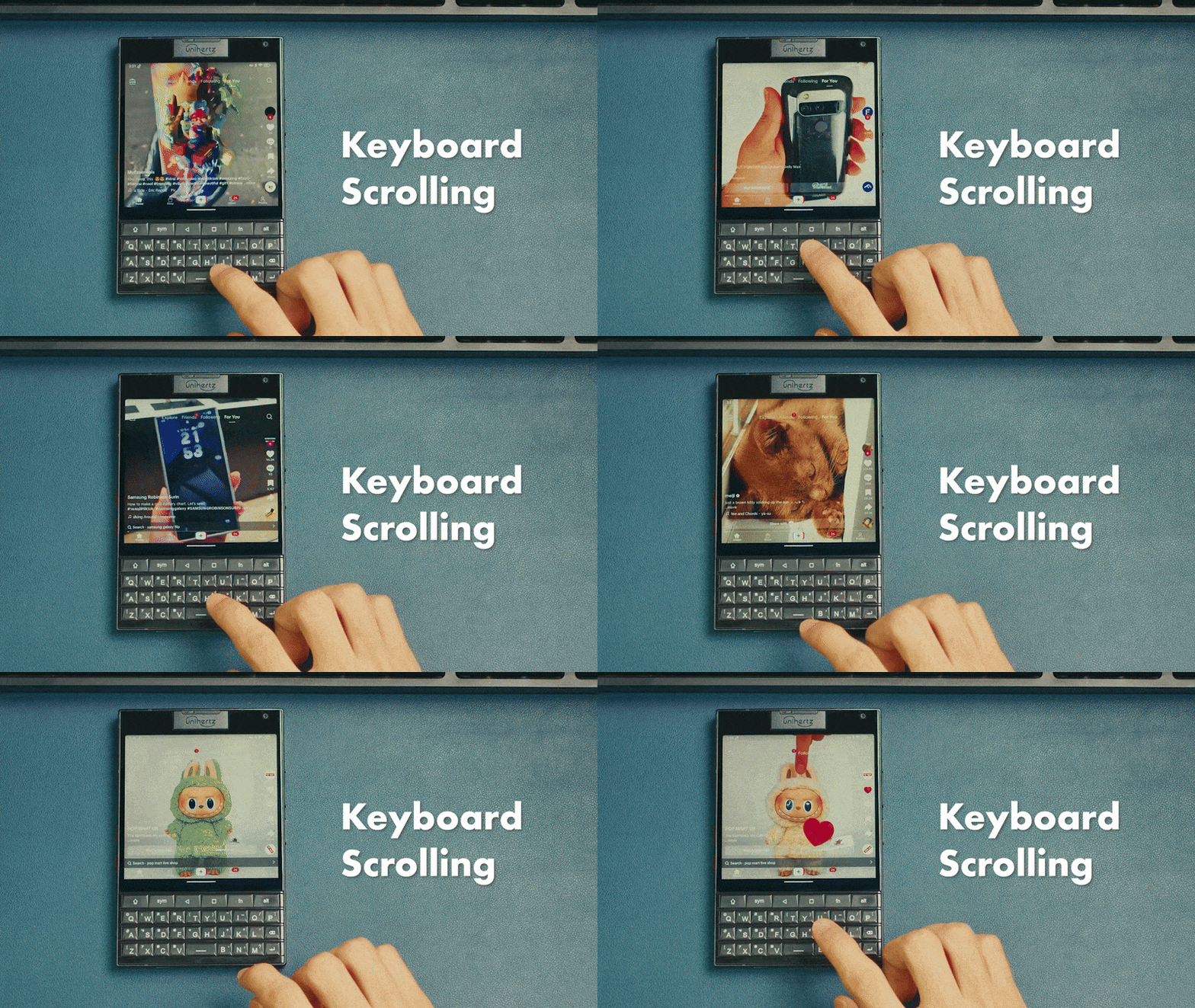
キーボード表面をスワイプしてネットサーフィン
カーソルアシスト
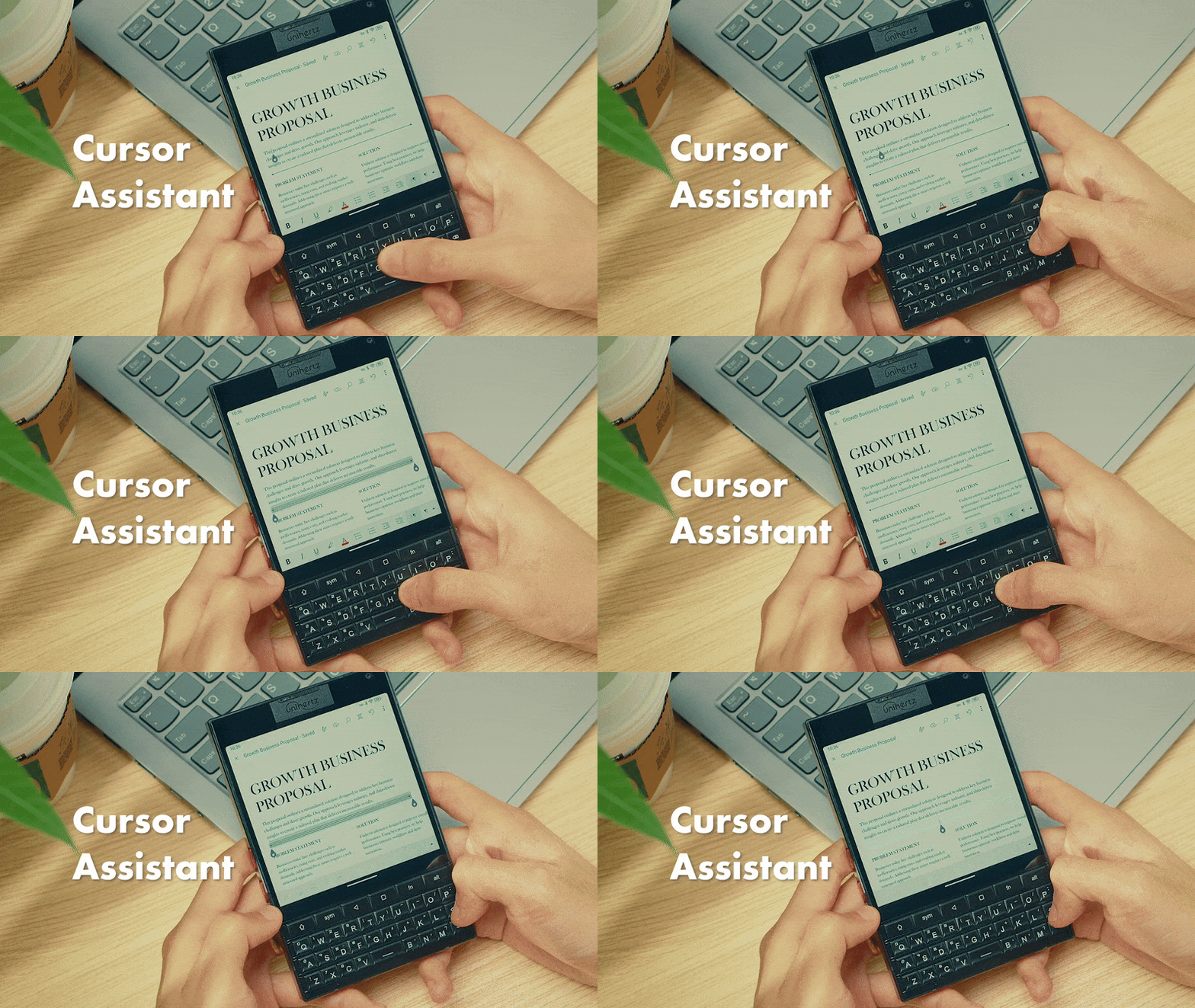
キーボードジェスチャーでカーソルを動かす
キーボードバックライト
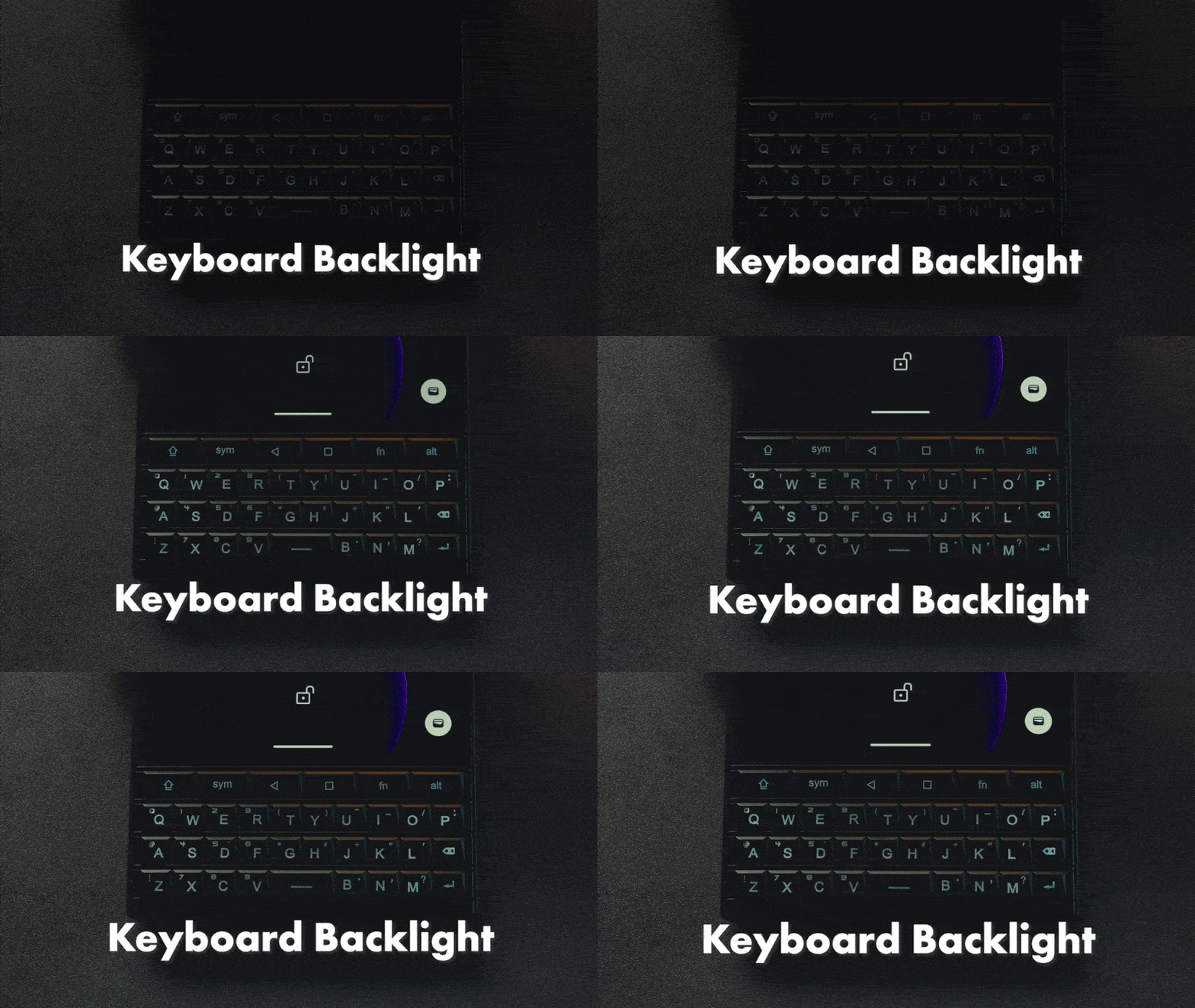
キーボードは暗い環境で使用すると光る。
対応多言語
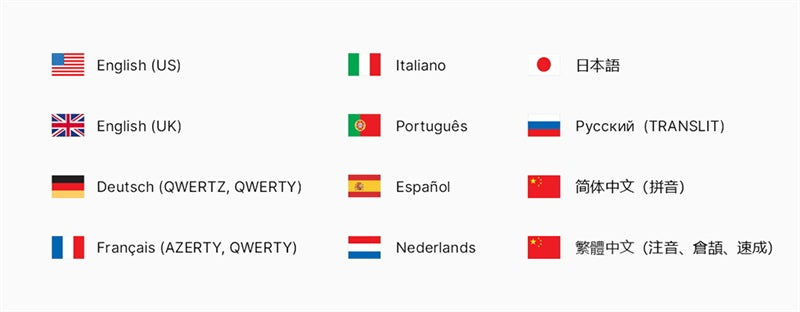
物理キーボード入力対応言語一覧
グローバル5G SIMフリー
Titan 2は全世界の主な周波数とバンドに対応。ほとんどのネットワークキャリアに対応し、ネットワークから外れる心配はありません。
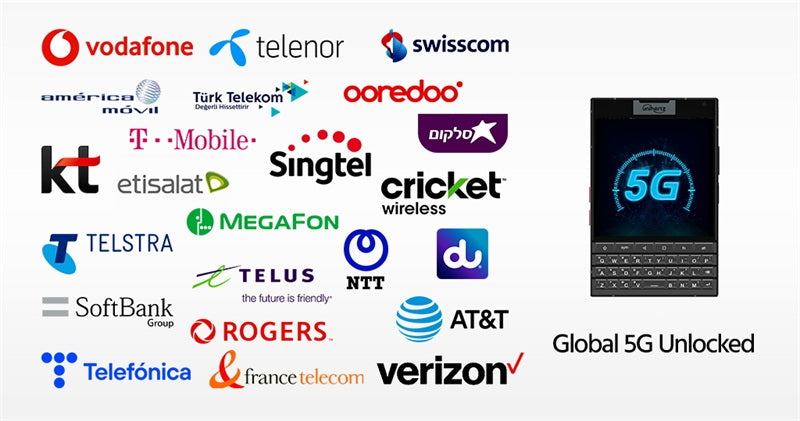
AT&Tユーザーにいいお知らせ!Unihertz Titan 2 は AT&T と Cricket の両ネットワークでの動作がテストされ、正式に認可されたことをお知らせいたします。
アンドロイド15
最新のAndroid 15 OSは使いやすさと新機能の強化を両立しながら、セキュリティを高める同時に生産力も上げています。
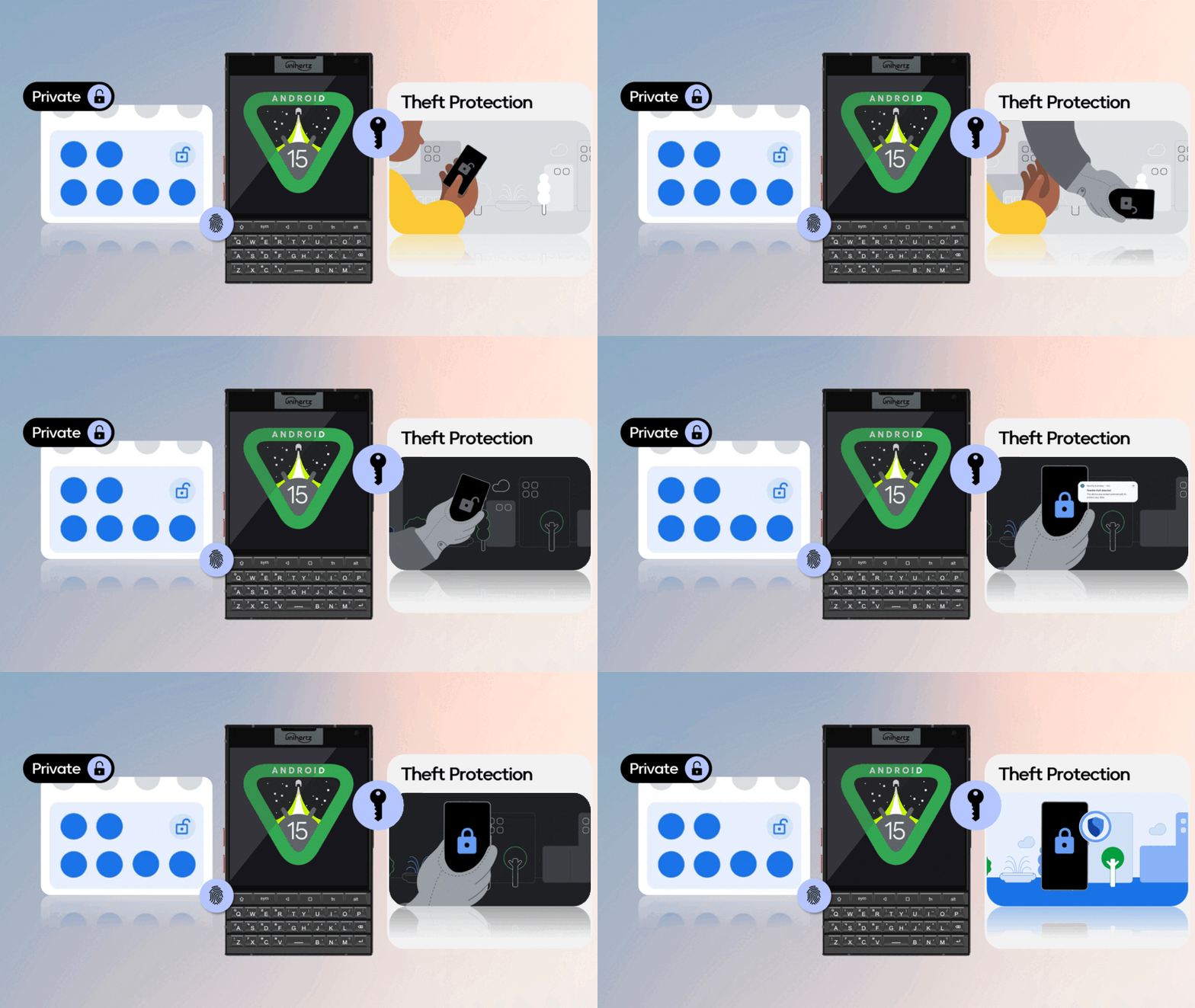
新たなデザイン
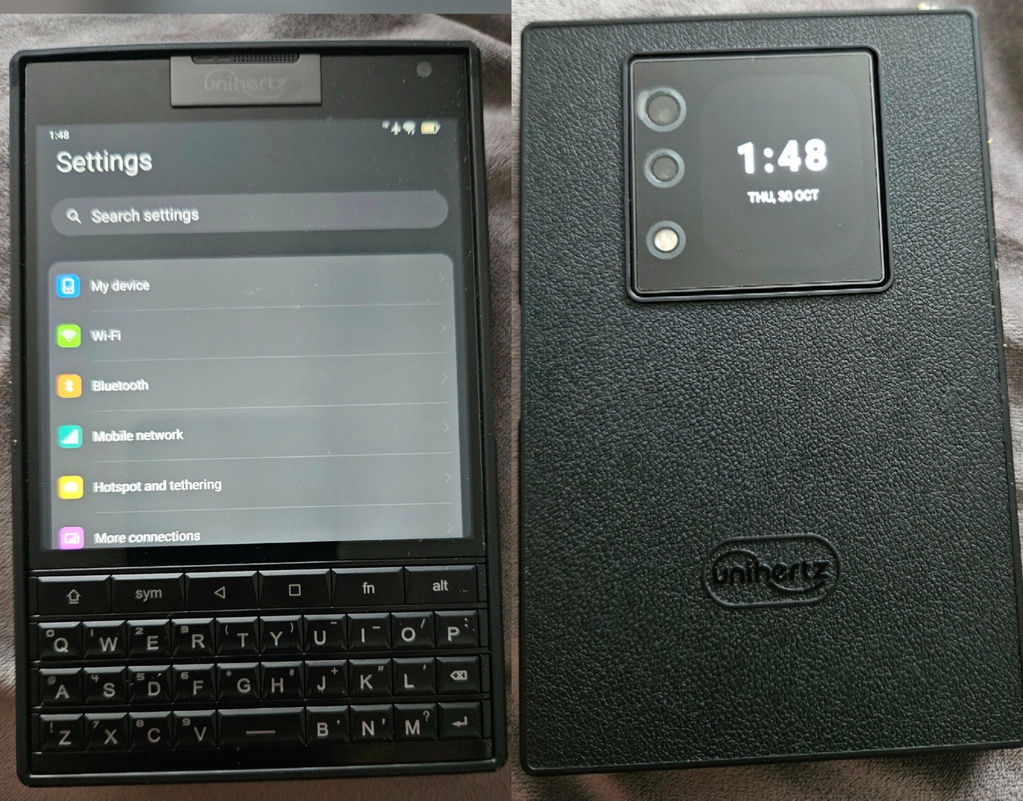
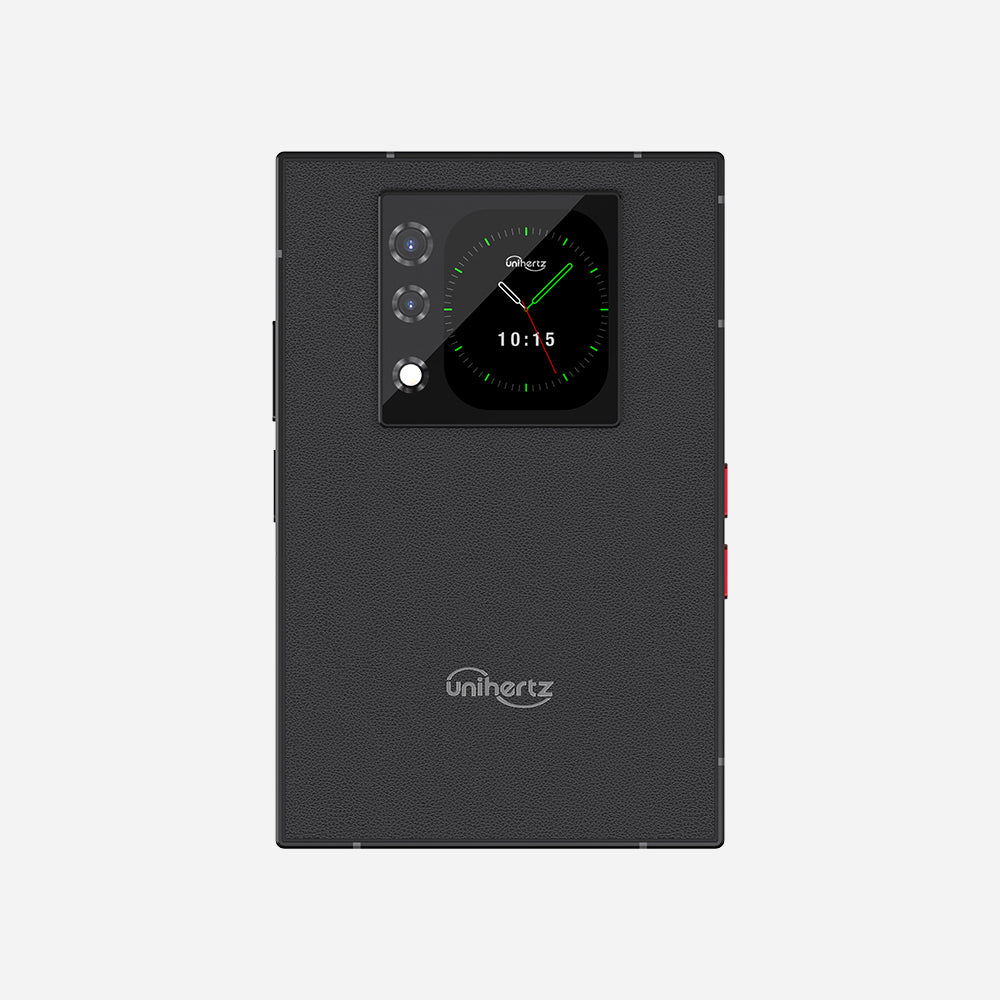
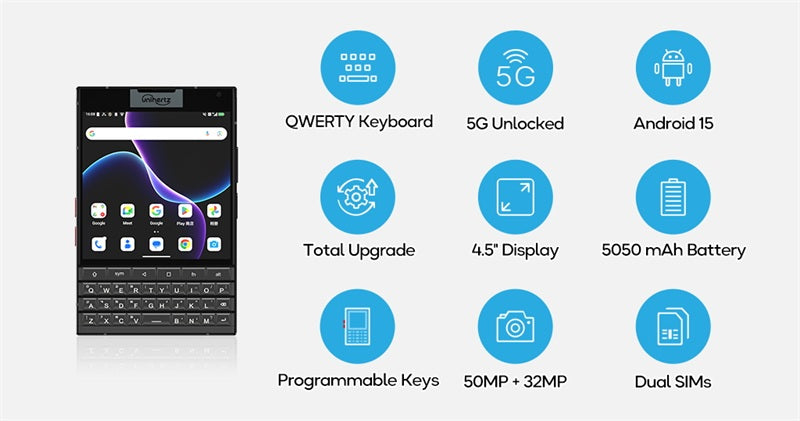
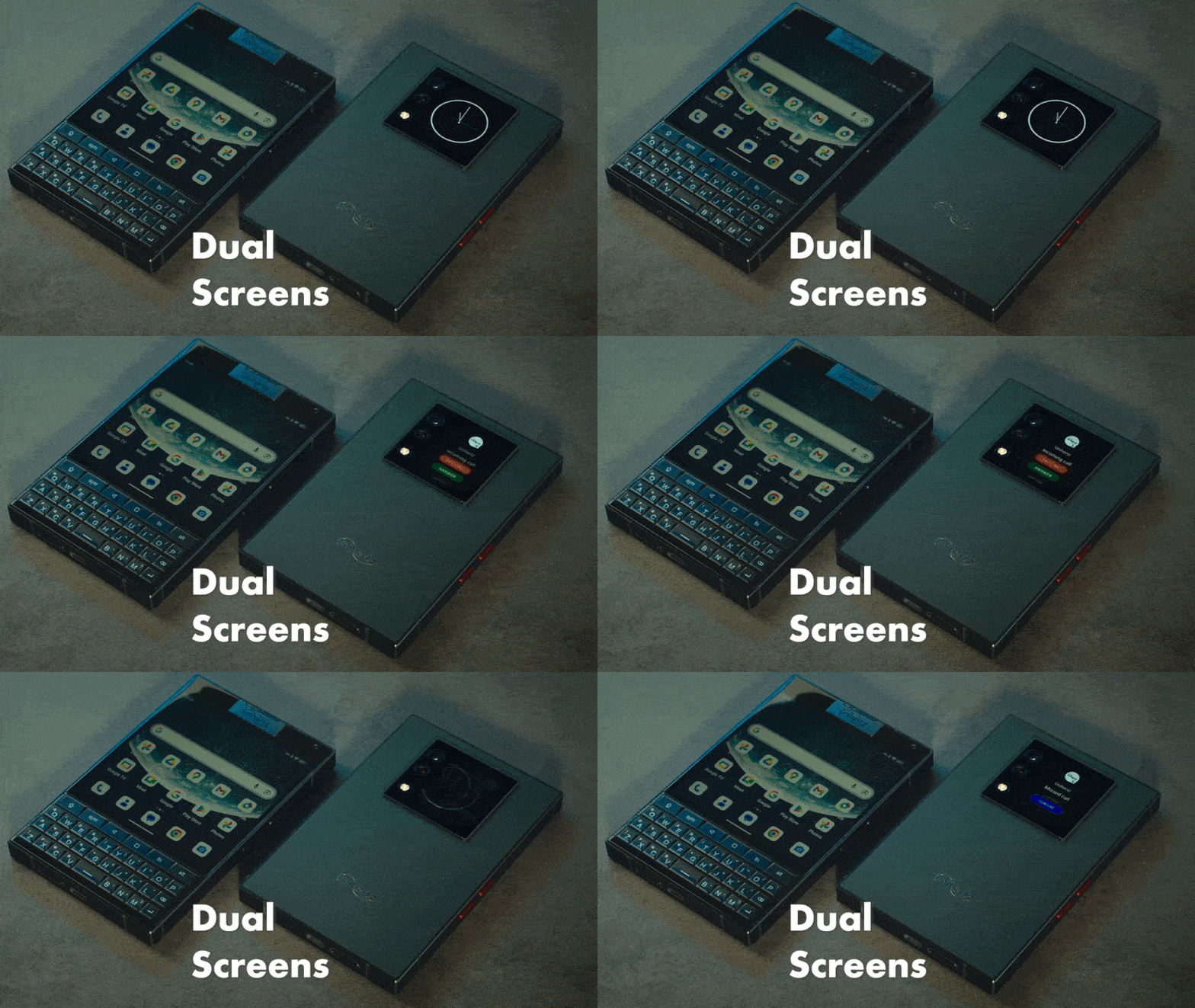
フラットデザインで現代感のタッチ、1,440 × 1,440画素の4.5インチ方形メインディスプレイとサブディスプレイで、より想像力あるデュアルスクリーンライフ。
継続パワー
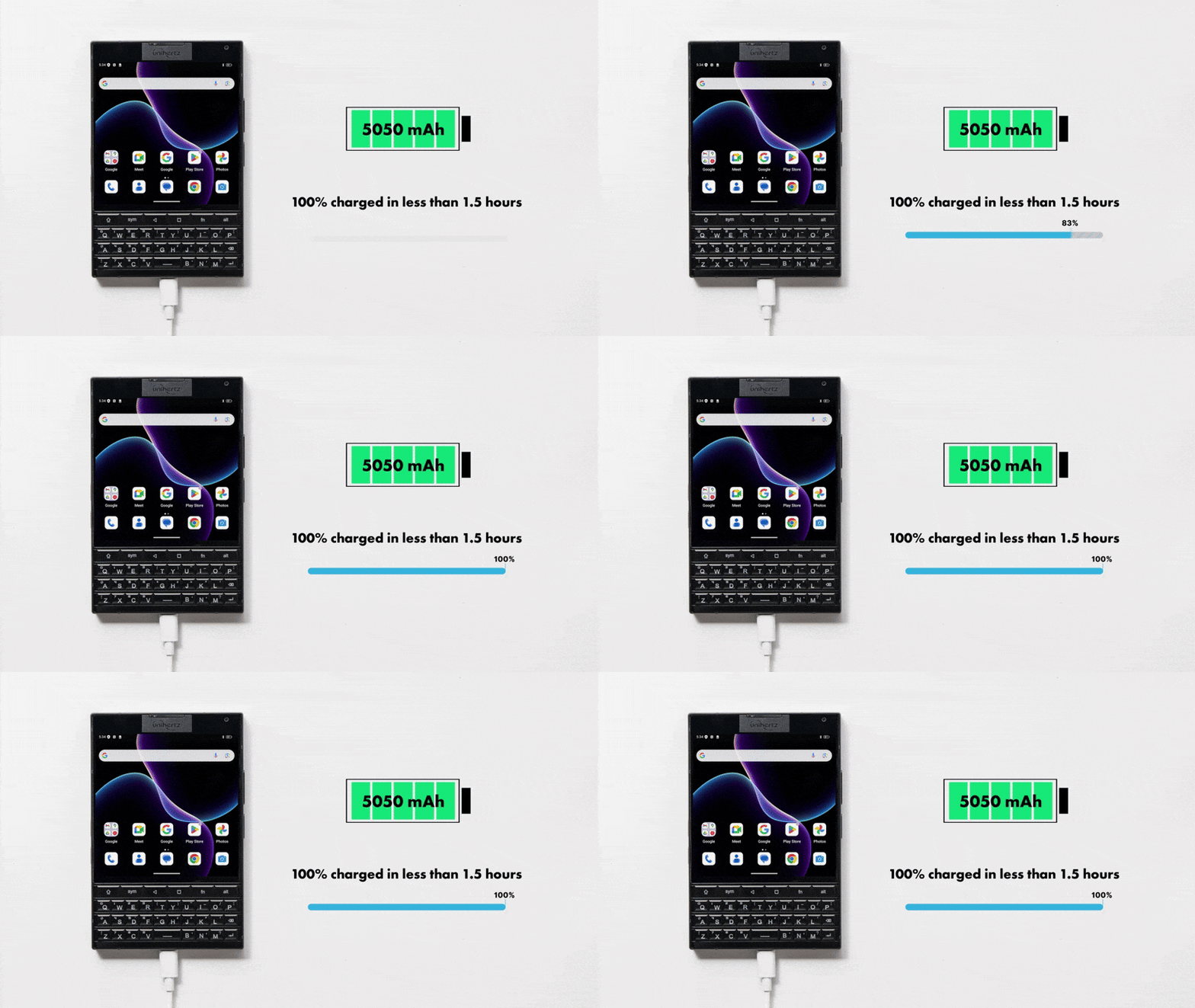
33W急速充電対応5050mAhのバッテリーはどんなマルチタスクも長時間使用も、いつも通りの性能を持ち、あなたのライフスタイルに合わせられます。
スペリアカメラ
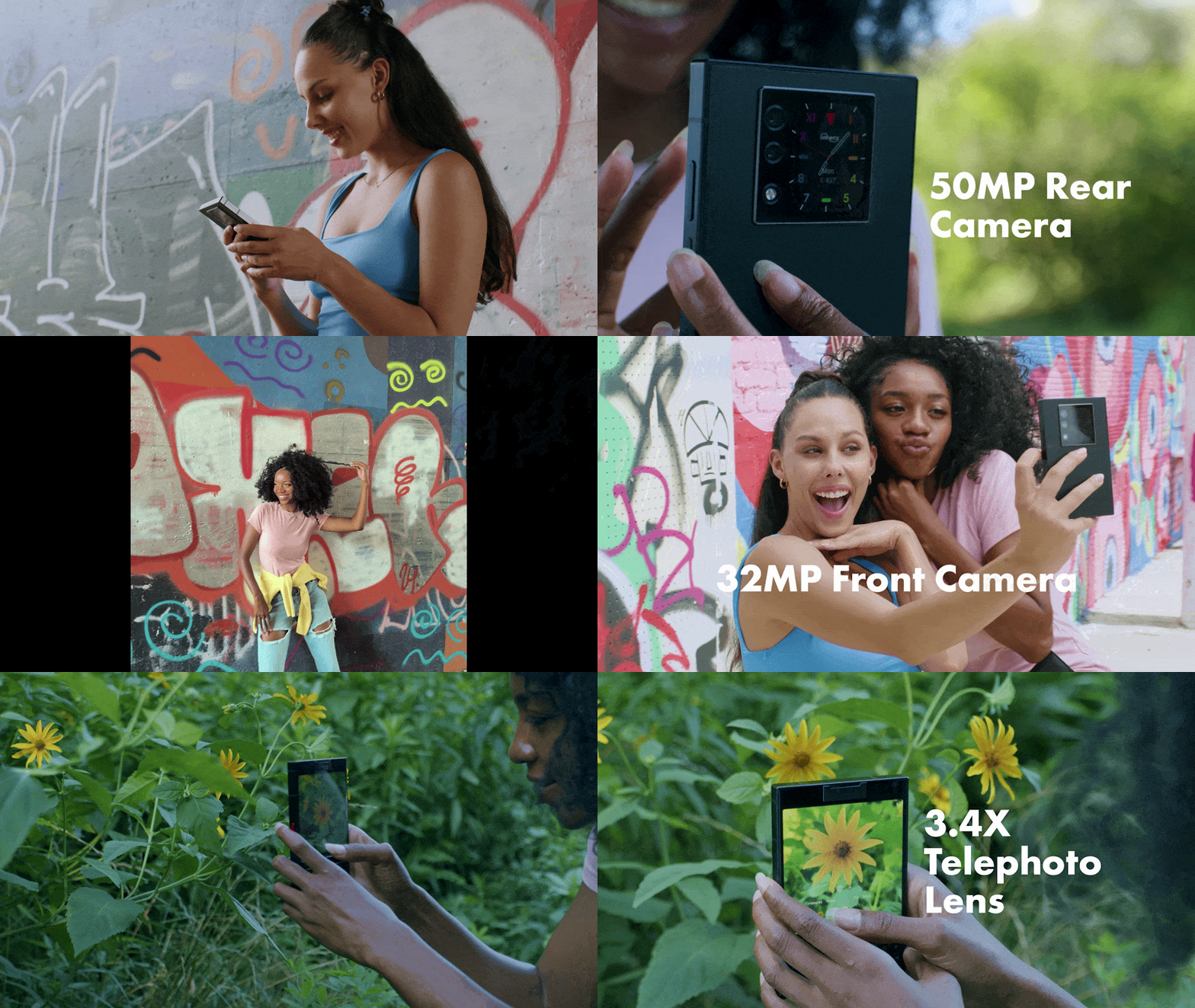
デュアルレンズモジュールでランドスケープもクローズアップもはっきり撮れます。50MPメインカメラ、32MPフロントカメラと8MP望遠レンズで撮れた写真もベストクオリティー。
ショートカットボタン
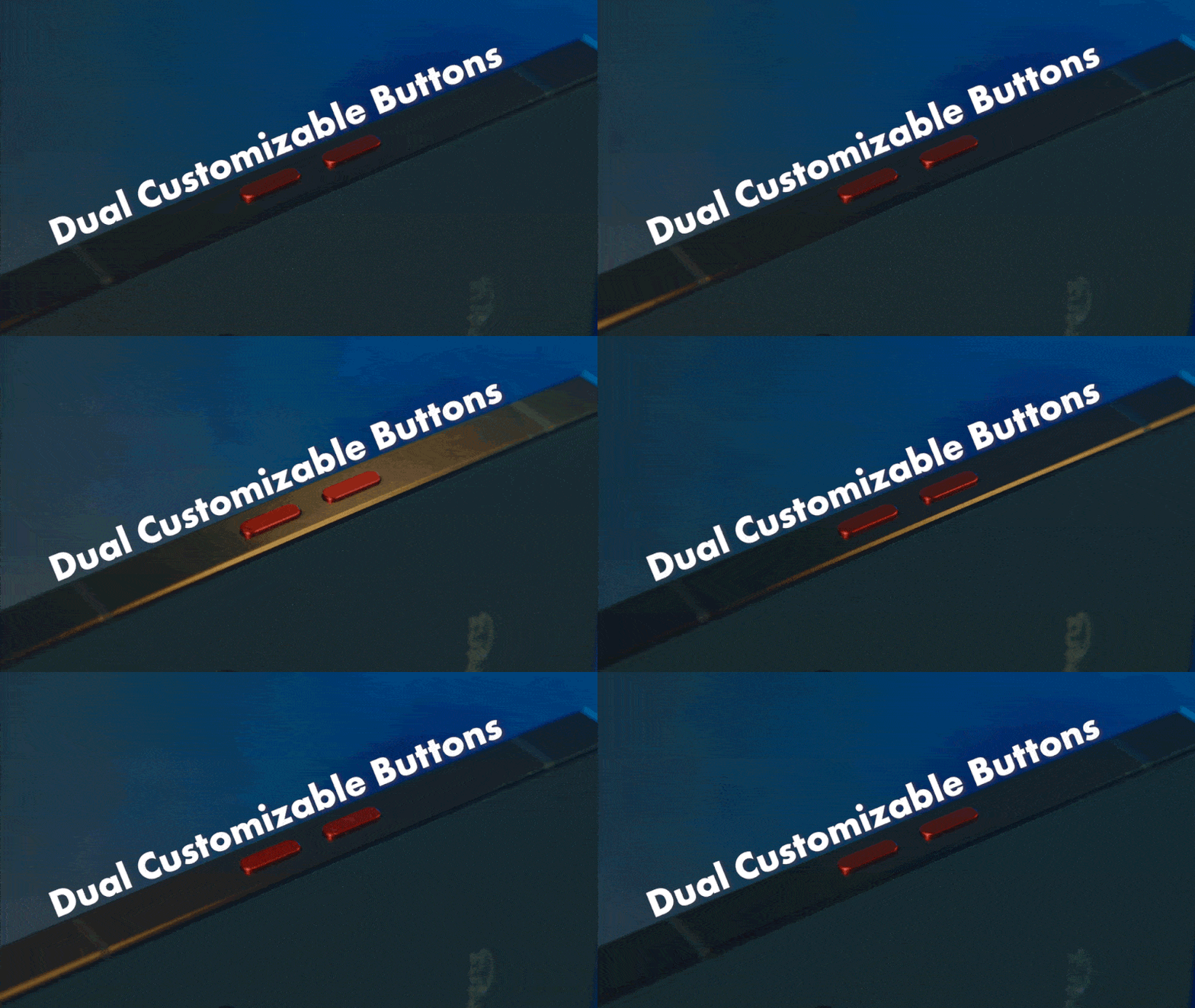
従来の側面プログラマブルキーが保留され、お気に入りのアプリやツールは歴代製品のようにクイックアクセス。
デュアルSIM対応
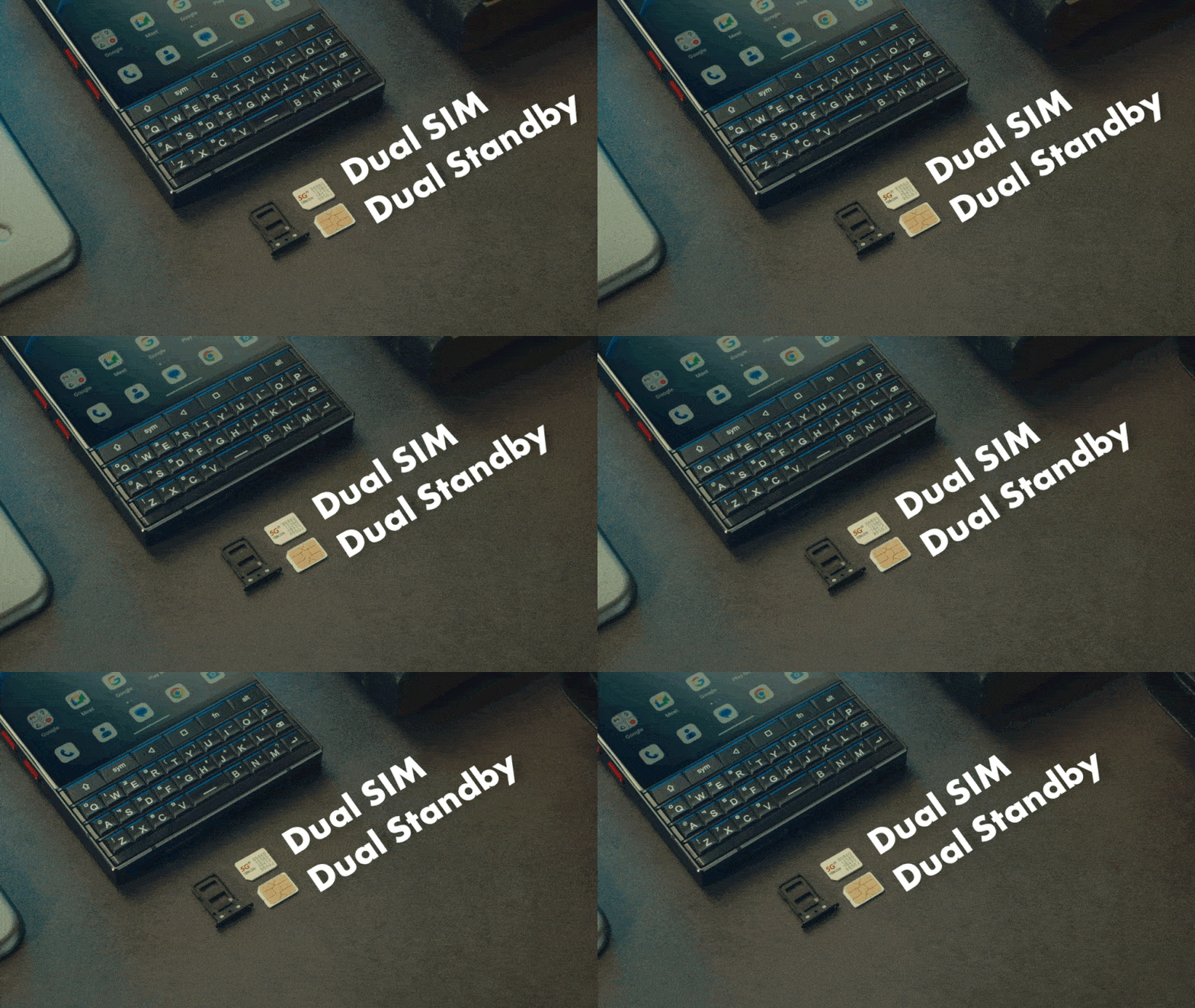
デュアルナノSIMとグローバルローミングで仕事と生活を両立。
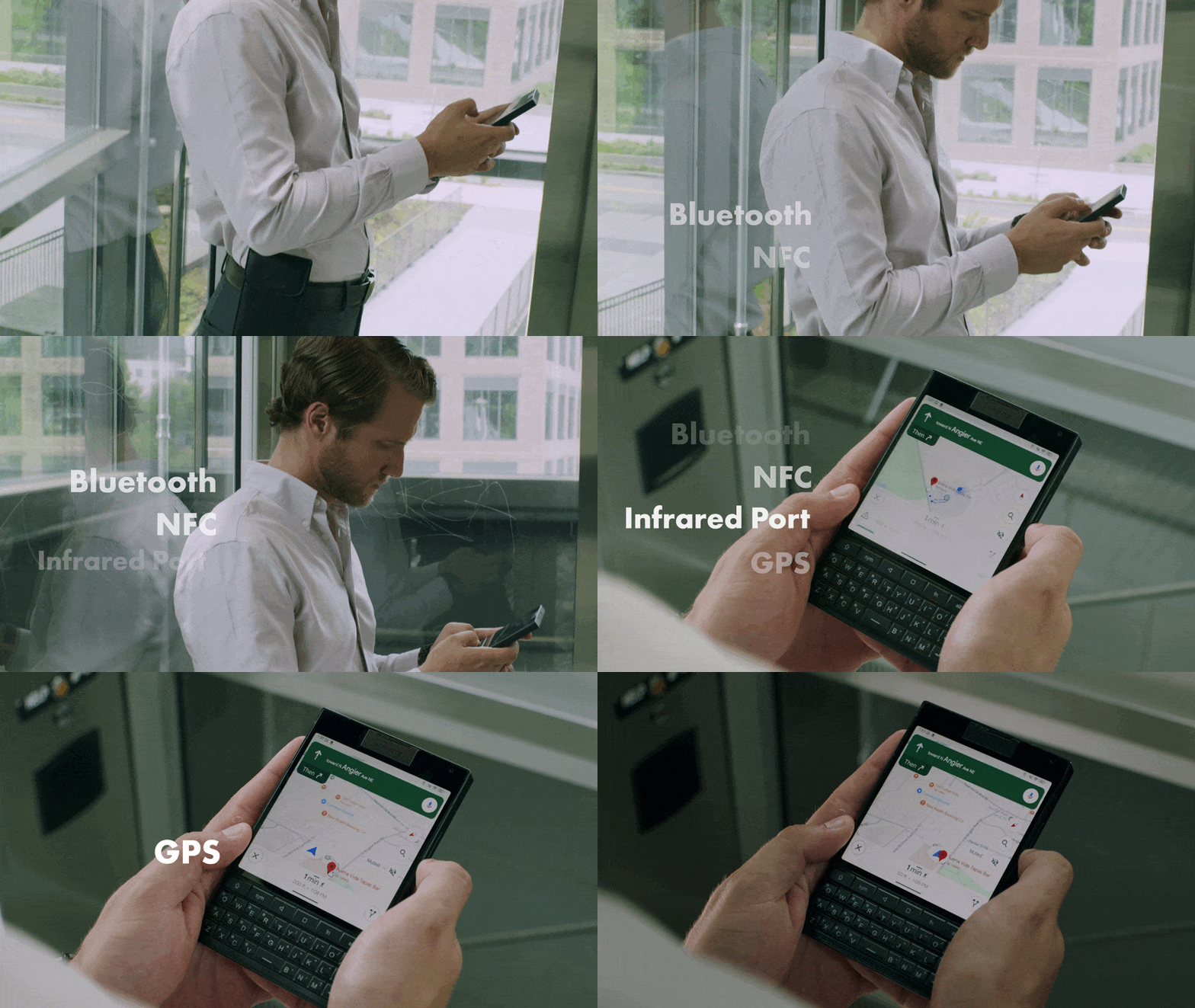
ワイヤレスコネクト
Titan 2の高度なワイヤレス機能で常に繋がり。Bluetooth 5.4、NFC、赤外線ポート、デュアルバンドGPSなどの機能はすべて接続性のために設計されています。
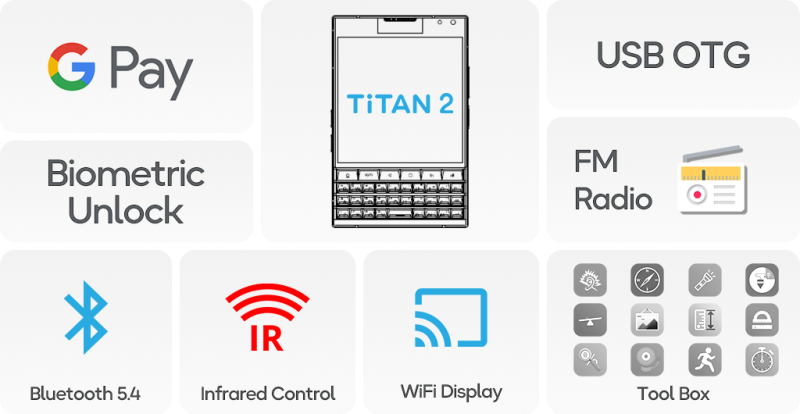
役立つ機能
Titan 2はGoogle Pay、Bluetooth 5.4、Wi-Fiディスプレイ、指紋認証、USB OTG、FMラジオ、ツールボックスなど便利な機能で全方位サービスしてくれます。
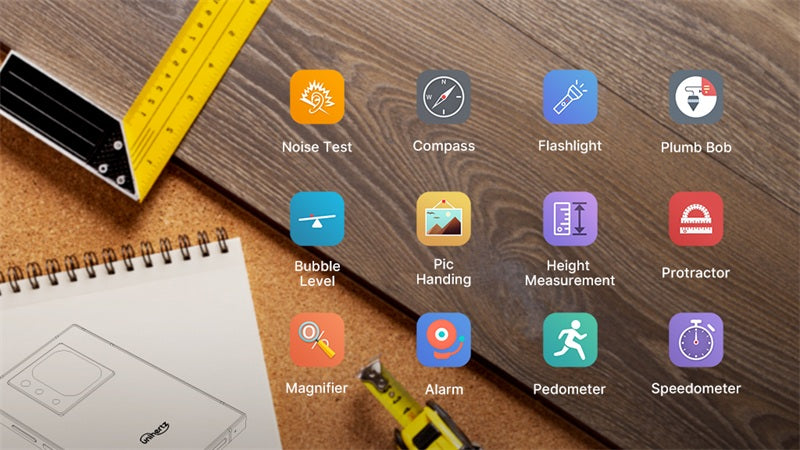
究極のモバイルツールキット
マルチタスクは御免!Titan 2は定規、騒音計や歩数計などのツールを一つのツールボックスに!節約した時間を生産力に!
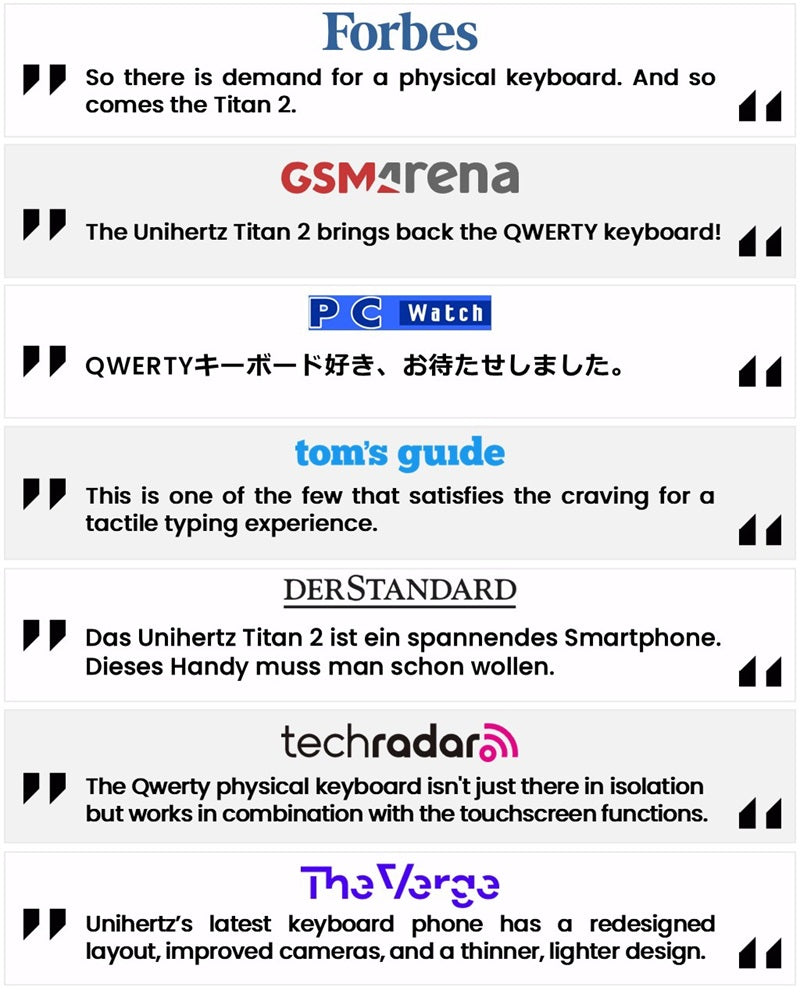
メディアエンドースメント
技術の選択は優先事項を決める。
スマートフォンはただのデバイスではなく、懐古と革新の架橋にもなる。未来は懐かしく、進化は皆それぞれ、Titan 2はあなたを時代の先に。
Unihertz Titan 2 仕様
基本情報
寸法: 137.8 × 88.7 × 10.8 mm重量: 235g (バッテリー含む)
CPU: Dimensity 7300 (5G) オクタコア 2.0-2.6 GHz
OS: Android 15
メモリ: 12GB LPDDR5 + 512GB UFS 3.1
バッテリー: 取り外し不可 5050 mAh
充電速度: 33W
SIMカードタイプ: デュアルナノSIMカード
Micro SD: なし
カードスロット: デュアルSIM
ディスプレイ
素材: LCDディスプレイサイズ: メインスクリーン: 4.5インチ / サブスクリーン: 2インチ
解像度: メインスクリーン: 1440 × 1440 ピクセル / サブスクリーン: 410 × 502 ピクセル
カメラ
リアカメラ: 50MP メインカメラ + 8MP 望遠フロントカメラ: 32MP
接続性
バンド:2G GSM: バンド 2/3/5/8, 3G WCDMA: バンド 1/2/4/5/6/8/19, 3G CDMA2000: バンド BC0/BC1, 4G FDD-LTE: バンド 1/2/3/4/5/7/8/12/13/17/18/19/20*/25/26/28A/28B/66/71†, 4G TDD-LTE: バンド 34/38/39/40/41/42/48, 5G NR: バンド N1/2/3/5/7/8/20*/25/26/28/38/40/41/48/66/71†/77/78, 5G NR (4×4 MIMO): バンド N1/3/38/41/48/77/78
* 一般バージョンのみ対応
† USバージョンのみ対応
Wi-Fi: WLAN 802.11 a/b/g/n/ac/ax 2.4GHz/5GHz, 2×2 MIMO, Wi-Fi Direct, Wi-Fi ディスプレイ, Wi-Fi ホットスポット, MU-MIMO
Bluetooth: Bluetooth 5.4
NFC: はい
ナビゲーション: GPS + GLONASS + BEIDOU + Galileo
機能
センサー: 指紋, Gセンサー, コンパス, ジャイロスコープ, 近接, 環境光センサー指紋認証: はい
赤外線ポート: はい
USB: USB Type C
USB OTG: はい
プログラム可能キー: はい
ラウドスピーカー: はい
3.5mm ヘッドフォンジャック: なし
ワイヤレス充電: なし
FMラジオ: はい
その他
色: ブラック物理キーボード: QWERTY キーボード
SAR値: SAR (EU 10g): 頭部 0.900 W/kg, 体 1.291 W/kg; SAR (US 1g): 頭部 0.980 W/kg, 体 0.962 W/kg
認証

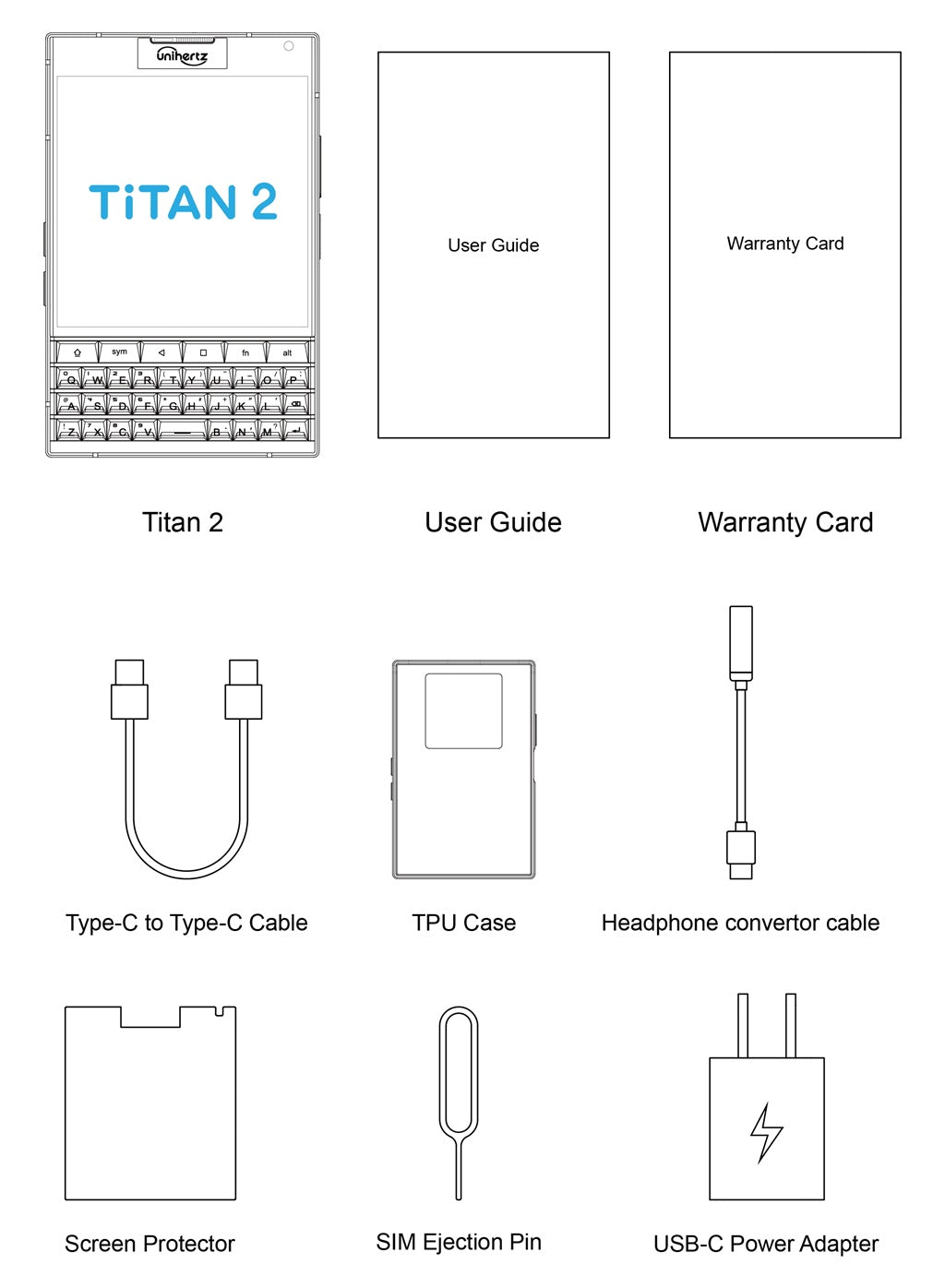
同梱物
GENERAL QUESTIONS
1. Go to Settings ->System ->About Phone ->IMEI number 1 and 2.
2. Look for the IMEIs on the box of the phone (if you still have it).
Settings ->System ->About phone ->Wireless update
Please follow these steps to clear cache before searching for the update again:
Settings -> App Notifications ->See all apps ->Show System (top right corner with 3 dots) ->Wireless update-> Clear Data and Cache
Reset to Factory Settings (When your phone can be turned on)
Settings ->System ->Reset Options ->Erase all data (factory reset)
Reset to Factory Settings (When your phone cannot be turned on)
Power off your phone -> Press and hold the Power and Volume up buttons -> After your phone vibrates, keep holding the buttons for 5 seconds to enter Recovery mode -> Press the Volume up and down buttons to select the option to clear data or restore your device to its factory settings -> then press the Power button to confirm -> Reboot your phone.
If you have forgotten your phone password and want to unlock it, you will have to restore your device to its factory settings. Then you can set it up again and set a new screen lock.
However, all data on your phone will be erased and cannot be restored. It is recommended that you confirm whether you have backed up your phone data on the cloud or by other means. It is also recommended that you confirm whether you or someone else has changed the PIN/password. If you still cannot recall the password, refer to last Question to restore your device.
English, English(UK), German, French, Italian, Portuguese, Spanish, Russian, Dutch, Japanese, Simplified Chinese, Traditional Chinese(Zhuyin, Cangjie, Quick input).
For the keyboard input of other languages, we may consider adding them in the future if we receive enough demands.
On the other hand, Android system supports a wide range of languages, with which you will be able to turn on touch screen input as a supplement.
TELECOM COMPATIBILITY
1. Check the feedback from other users here.
2. Please find the the phone's supported bands in product specs and check if those meet your sim-card carrier's needs or contact your carrier.
* Due to different carrier's policy regarding to unlocked phones, LTE wireless service may not be available even if listed bands are supported by your carrier. When this happens, please contact your carrier for more details.
Our phone can work fine in Verizon network. However, as it is not certified by Verizon, you cannot activate your new SIM card with it. Please activate the new SIM card with another Verizon certified device and then use it in your Unihertz phone.
TECHNICAL ISSUES (PROBLEM SHOOTING)
Please follow the guide to do a micro-calibration for your phone (you can also contact us for a video guide):
1. Please clear the dust in your proximity censor hole on top of your phone.
2. Input *#3377# in the Dial-up interface.
3. Click Distance calibration.
4. Follow the guide to finish the process.
Please permit the apps to run in the background by activating them in the following three settings:
1. Settings ->DuraSpeed
2. Settings ->Intelligent assitance ->App blocker
3. Settings ->App¬ification ->See all apps ->this app ->Battery ->Battery optimization and Background restriction->Don't optimize
You can also watch a video guide here.
It is not advised to downgrade your smartphone since there might be compatibility issues.
Please contact your operator and check the APN parameters.
1. Go to Sound Recorder app and run a recording test.
2. Check whether your SIM card works well on the other phone.
1. Please check if this only happened to some or all of friends you called.
2. Stay in the same location and insert your SIM card into another Android phone and the same issue arises.
3. Turn on call record in the call interface to record a call, then check whether the sound recorded is normal.
1. Please send us a full screenshot of your battery usage in Settings ->battery ->battery usage.
2. Follow these steps to capture the battery log and send it to service@unihertz.com for further analysis.
REPAIR AND WARRANTY
For repair, please send without the accessories.
For replacement or refund, please send with accessories in one package.
The broken glass is not covered by warranty.
Please send the smartphone back to us after negotiating with service@unihertz.com as we do not provide phone screen separately. Repair or replacement fee may apply.
The repaired/ replaced device will get extra 90 days warranty or the remaining original warranty period, whichever is longer.
Customer Reviews
I loved my old Blackberry and still wanted a Smartphone that wasn't totally Google oriented. This fits the bill and is beautiful too! Camera takes lovely pics too.
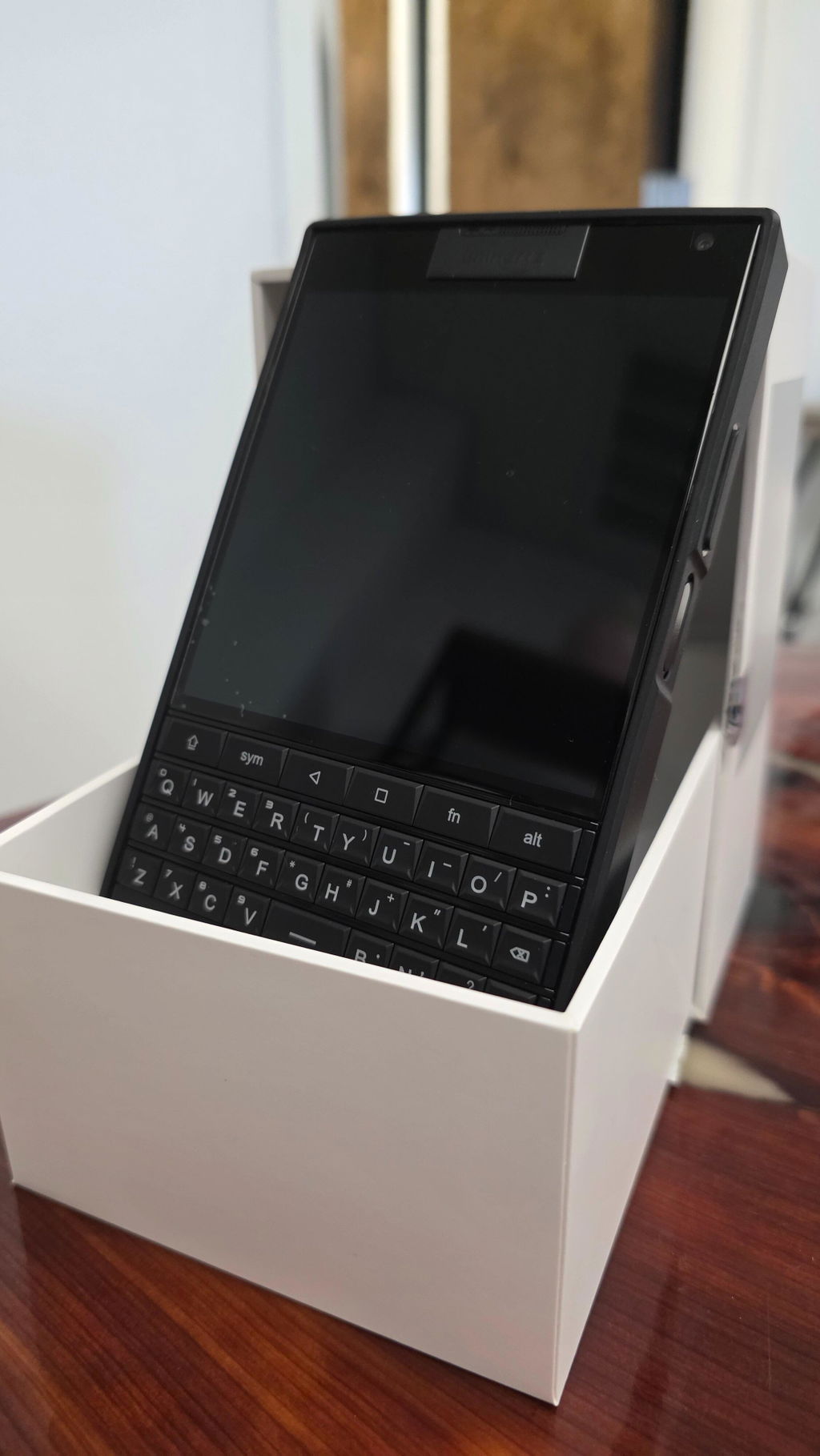
Ok, i already use it as my main phone for 1 week! This perfectly fine keyboard make me put my s25 as a secontary device!!! I use it for emails, chatting, calls, while its perfect for watching and buying/selling my stocks! For photos is ok, but for videos i'm using the s25 of course. It lucks of stabilization, so i can't use it for videos!
The phone is fast enough, not faster than s25 of course, but still it's perfectly usable! I thought it would be way slower, but ufs 3.1 and dimensity 7300 is perfectly fine!
I'm hoping Titan 2 Elite to be as fast as this, with a keyboard as good as the Titan 2! But i would prefer a better basic camera with ois! I don't care for the sub screen, because it's almost uselless... 12gb ram and 512gb storage is perfectly fine too! Removing the sub screen and adding a notifications led would be perfect for Titan 2 Elite!
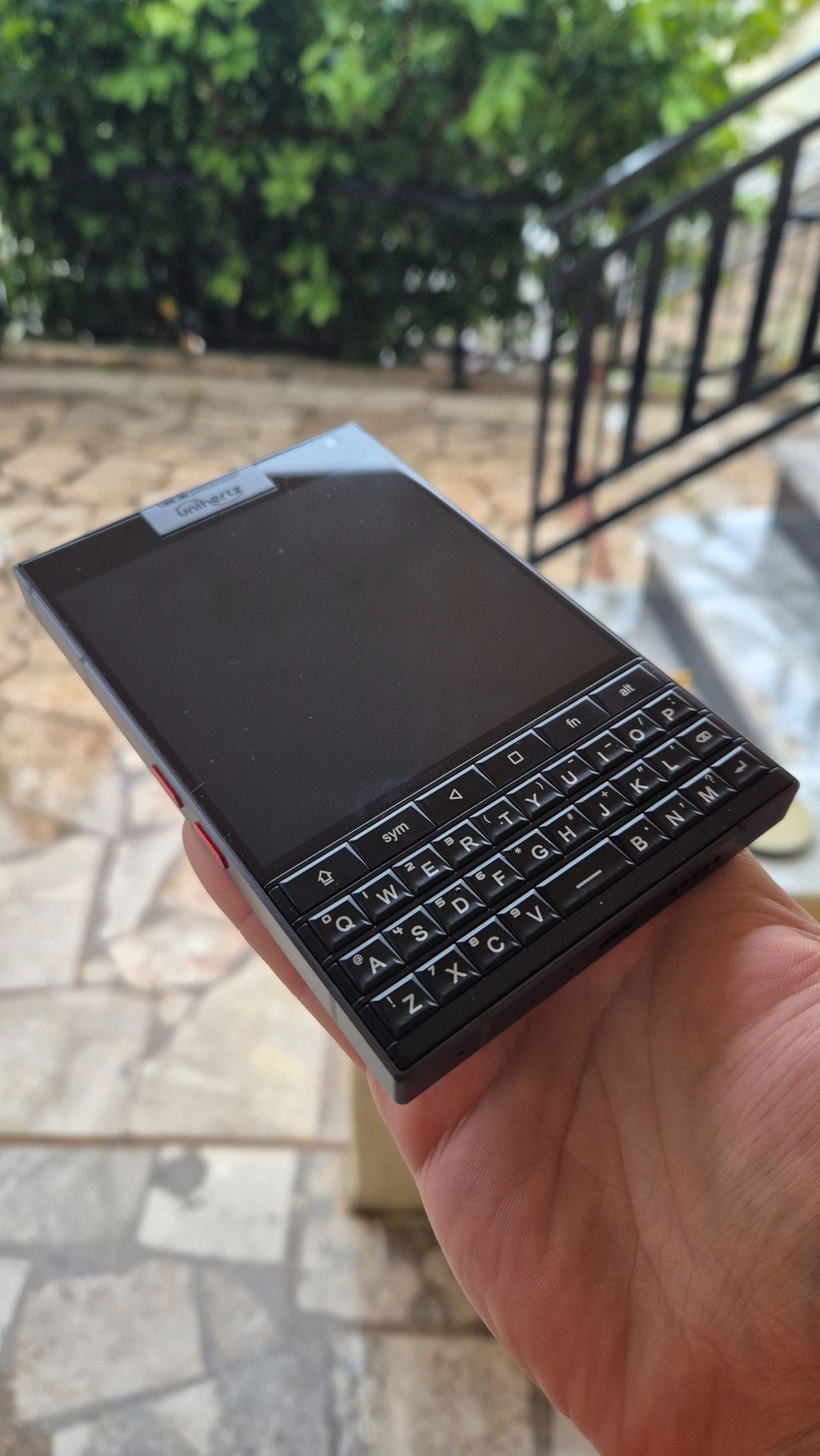
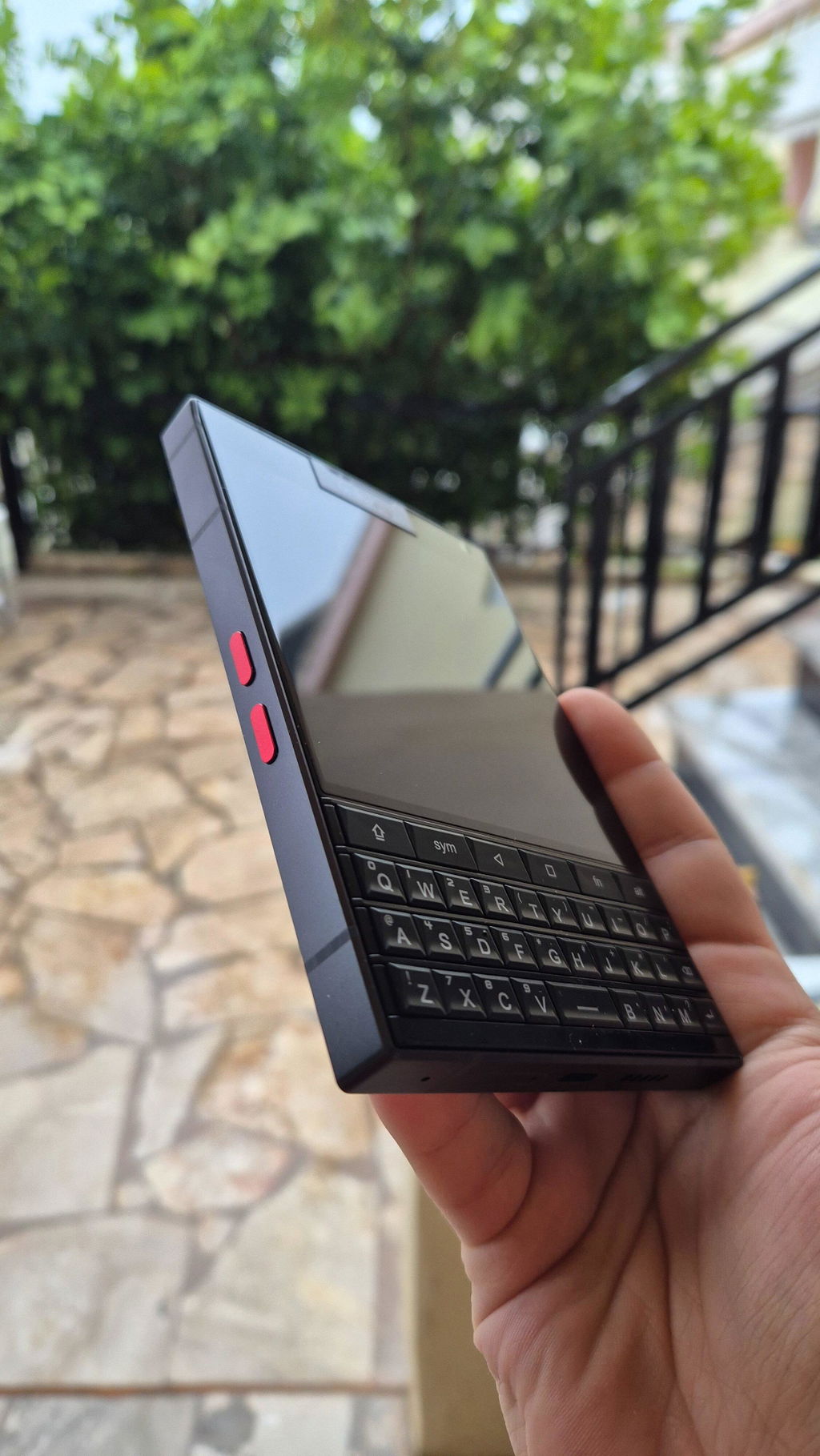
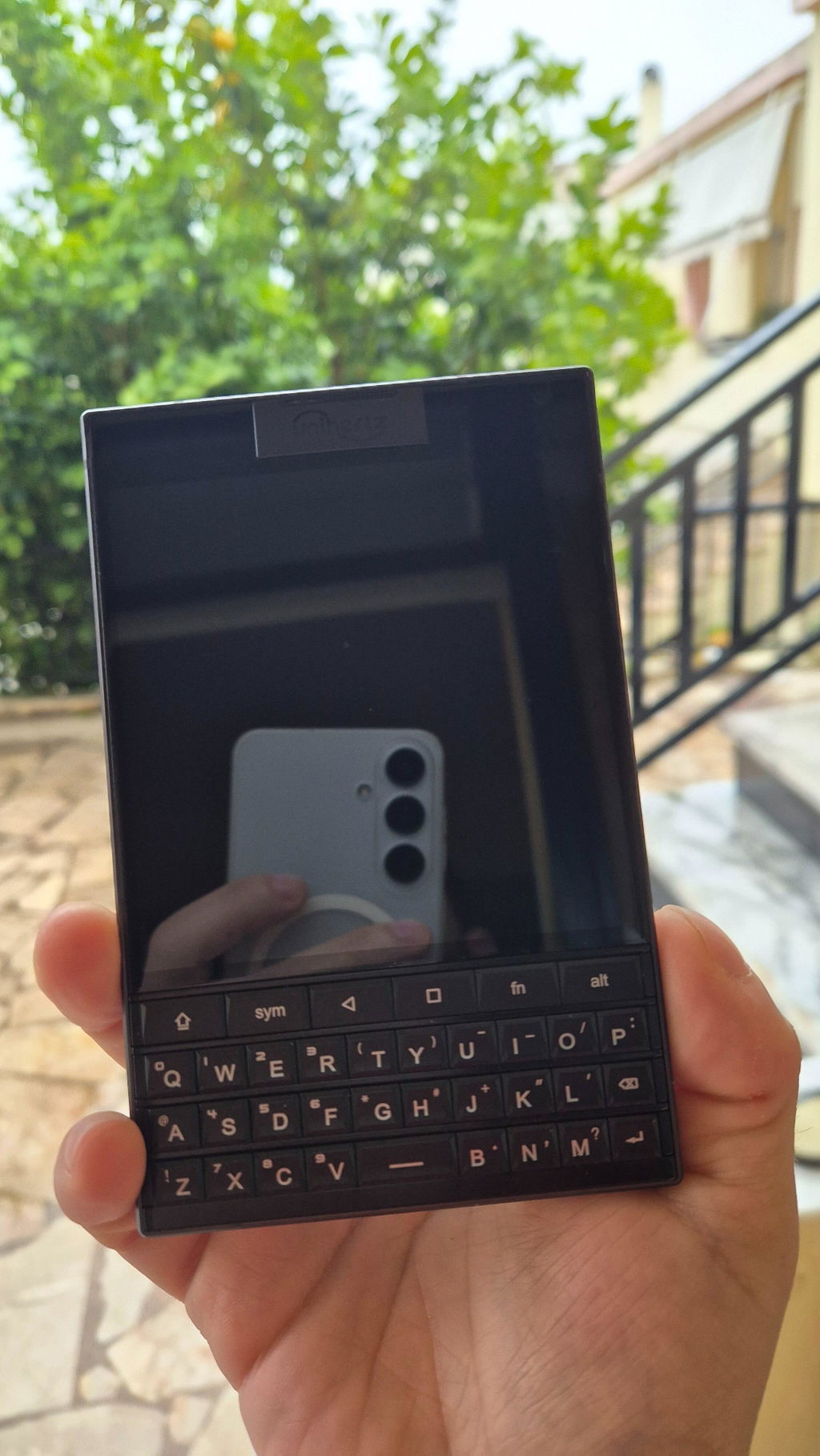
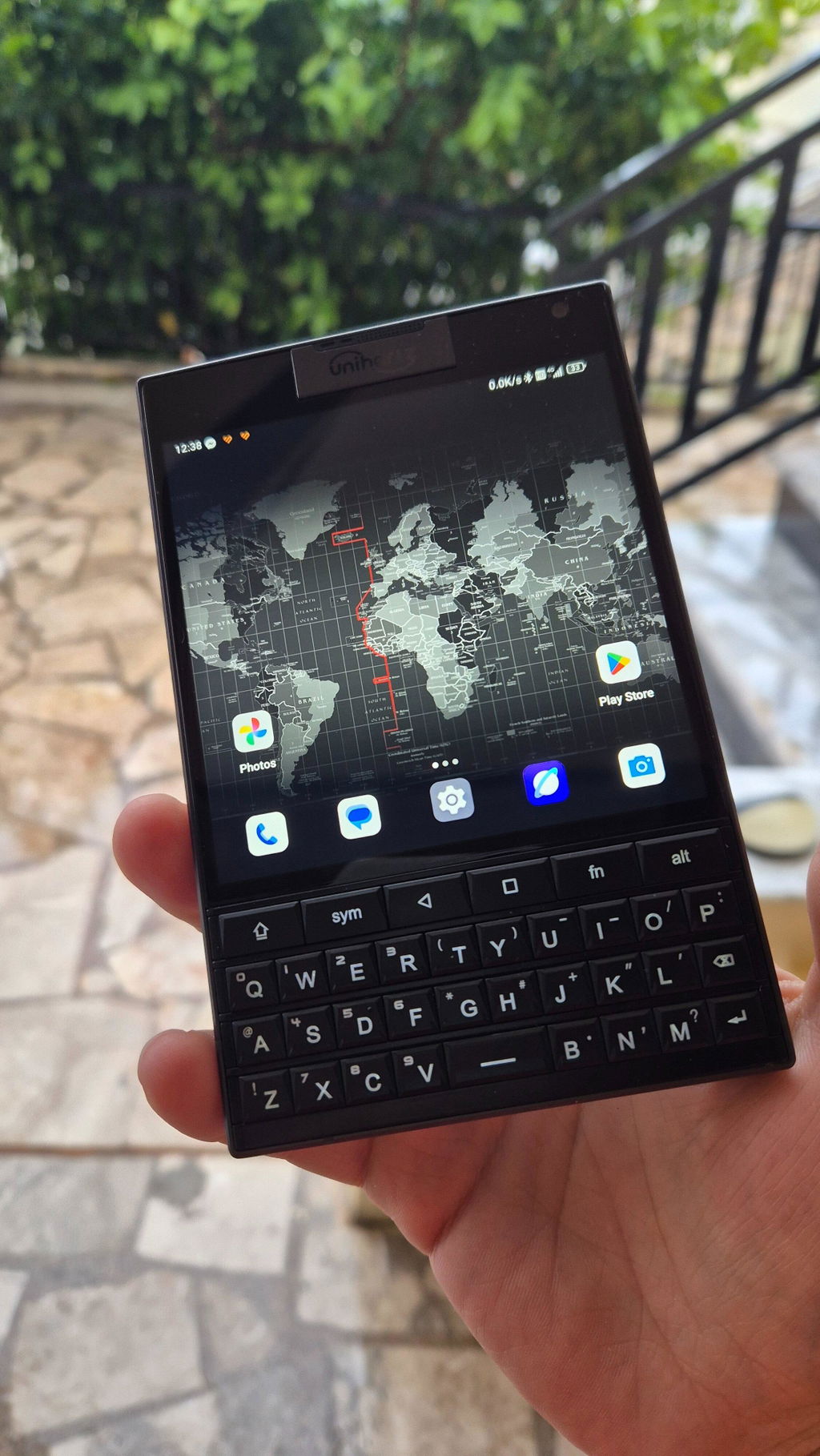
Arrived on time so that was a good sign. I love the industrial design at work here. It feels substantial and not for the faint of heart/strength to pick the heavy critter up. If you have poor upper body strength, this smartphone will definitely help you finish an email, text in Signal and develop a healthy bicep regime all at the same time. Brilliant really.
As far as the texting experience, it's bloody fantastic.
Unihertz, saving lives everyday through considerate heart healthy workouts.
Unihertz, the quiet humanitarians.
I am pleased with my recent purchase! Everything arrived exactly as described, and the quality is excellent. I'm very happy with the product condition value and appearance. It definitely met my expectations. I would recommend. I was a BlackBerry enthusiast. I hated when they went to the touch screen and then went out of business. Along came unihertz and restored my hope. I was using a Samsung Galaxy Z fold 7. I haven't used it since receiving my Titan 2. I get so many stares , compliments and questions. I direct them to the unihertz website so they can order there own. I am glad the QWERTY is back thank you unihertz.
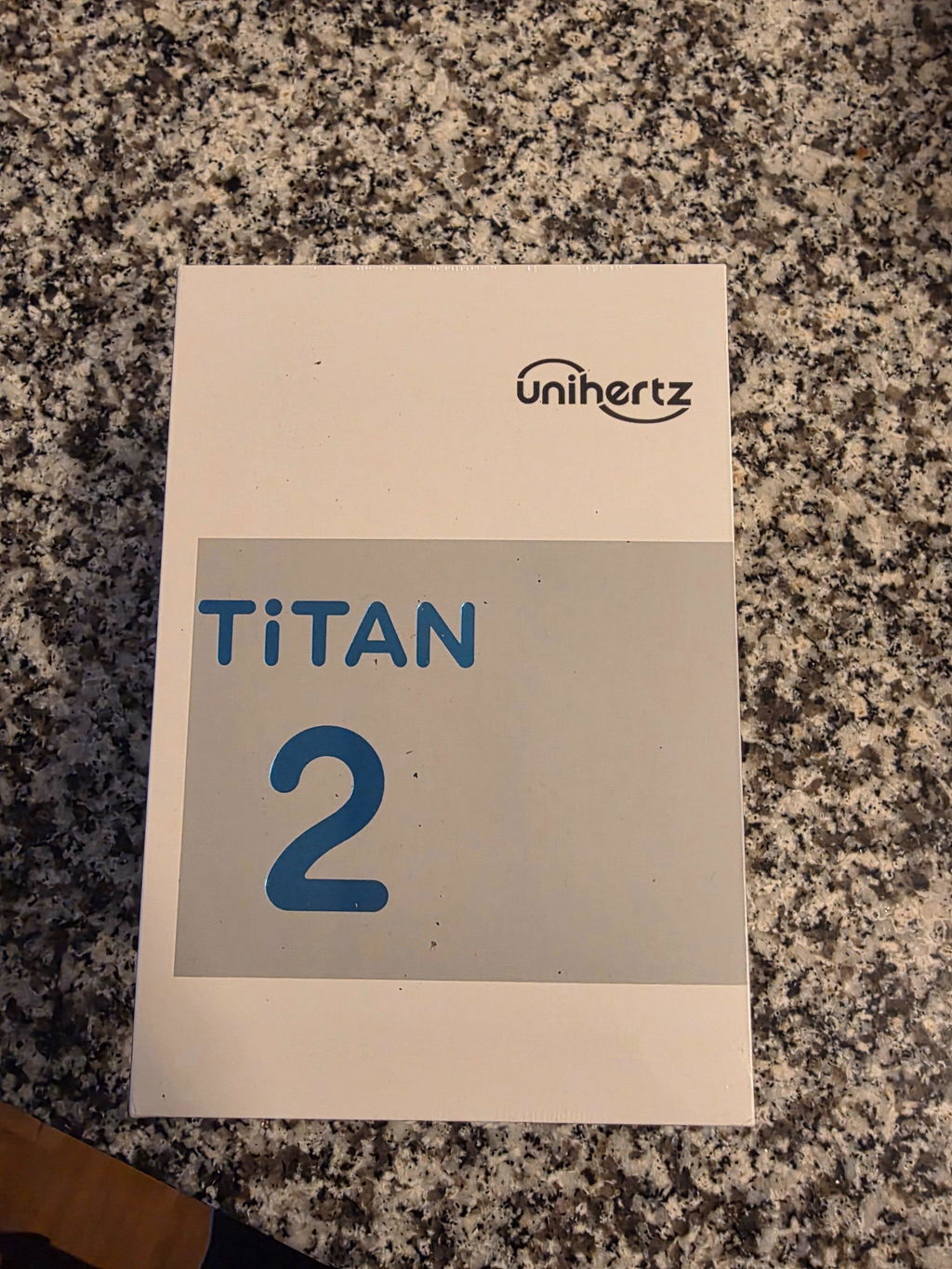
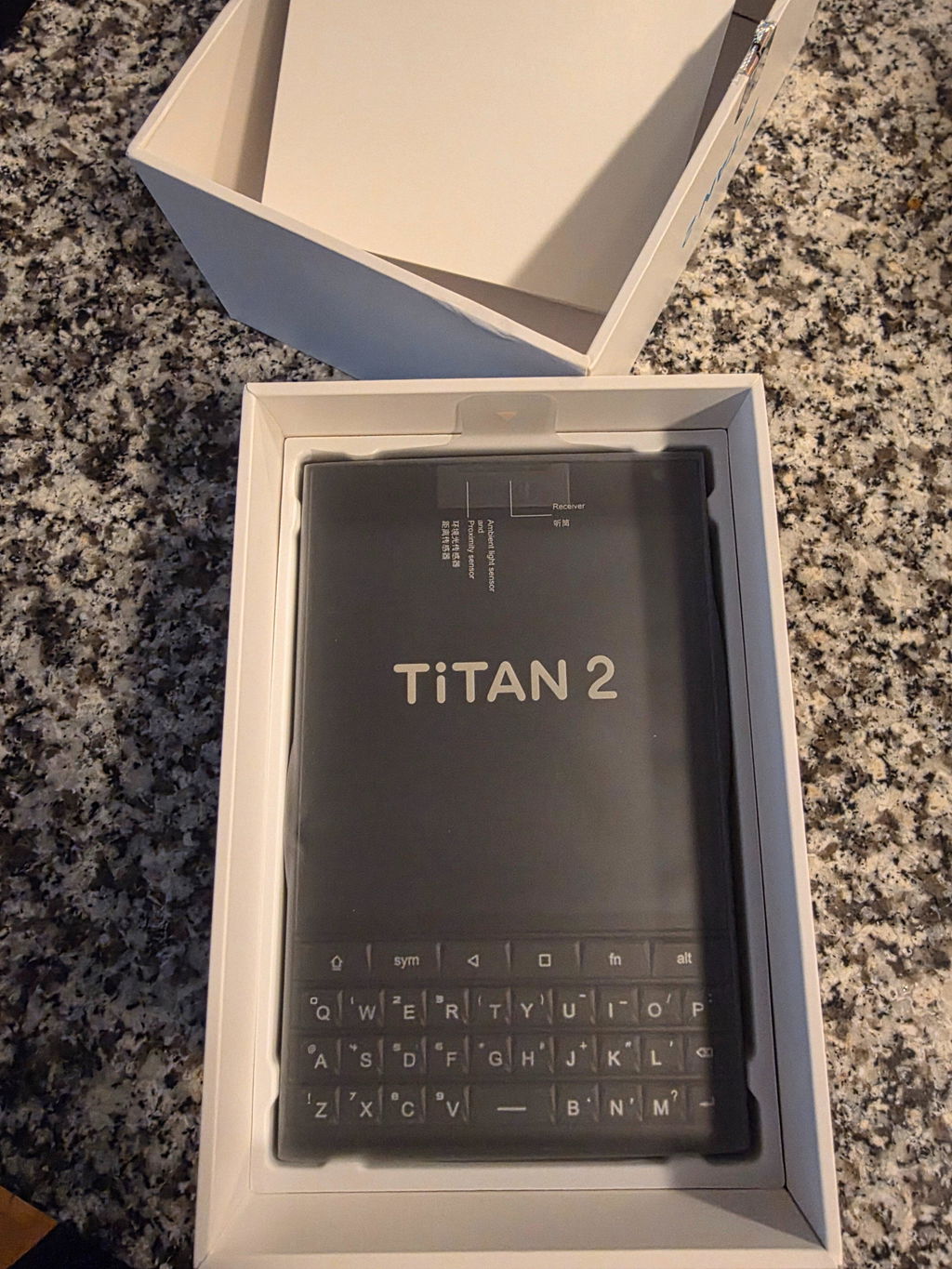
I have used for a couple of months and switched to Jelly Max as this being a little too wide for my hands and I really don't use the QWERTY as much!