
Titan 2 - The Latest 5G QWERTY Physical Keyboard Smartphone





Choose options
Titan 2 - The Latest 5G QWERTY Physical Keyboard Smartphone

Titan 2 is the latest 5G smartphone with a QWERTY physical keyboard, powered by Android 15, blending classic design with modern specs.
Retro Design, Non-Retro Specs.
Introducing Titan 2— it isn’t simply a retro tribute, but a new keyboard phone reimagined for the 5G era, sleeker and lighter than its predecessor, yet more powerful than ever.
Elevated QWERTY Keyboard
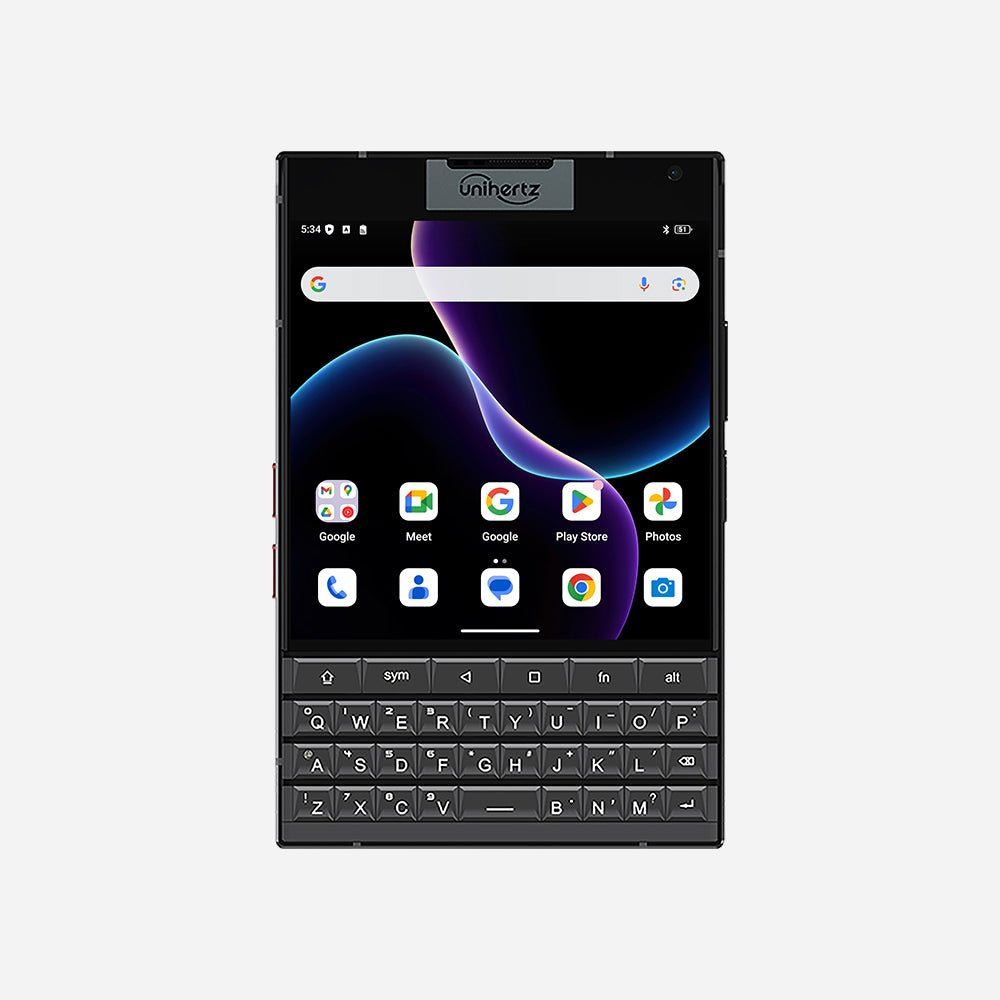
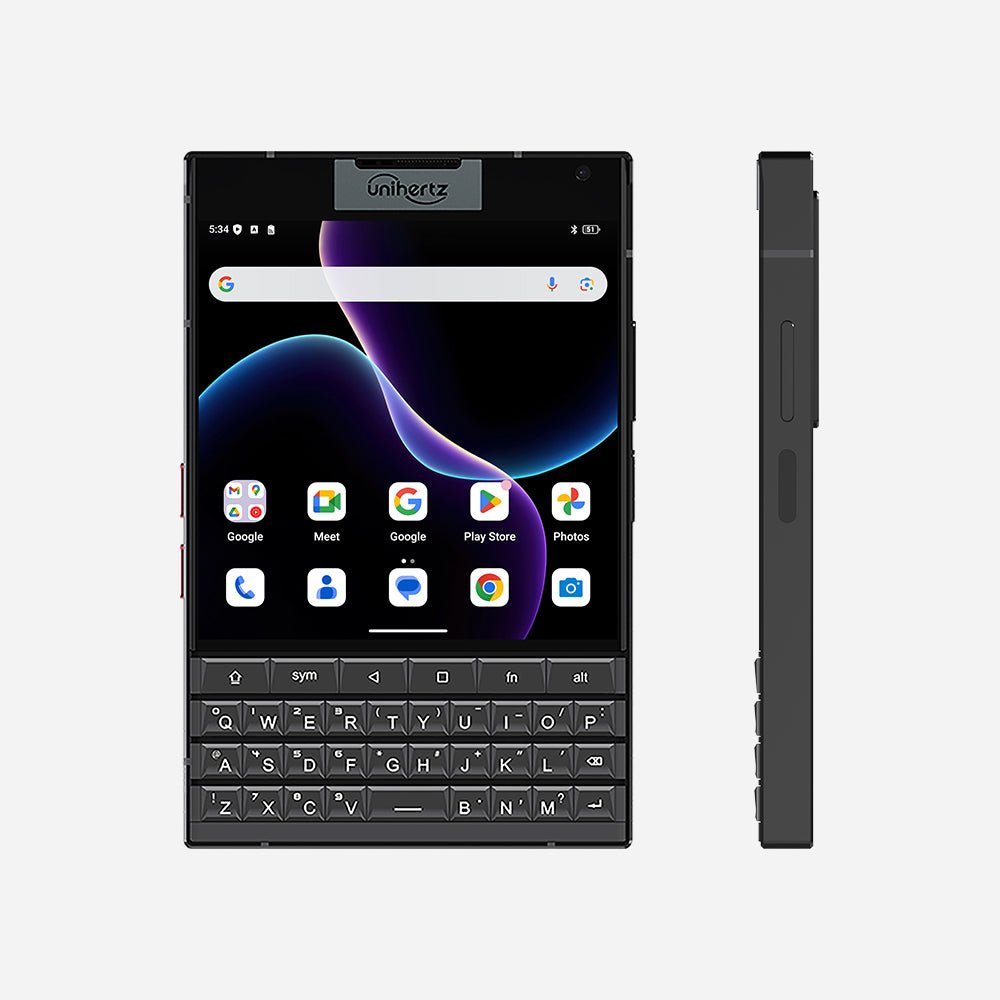
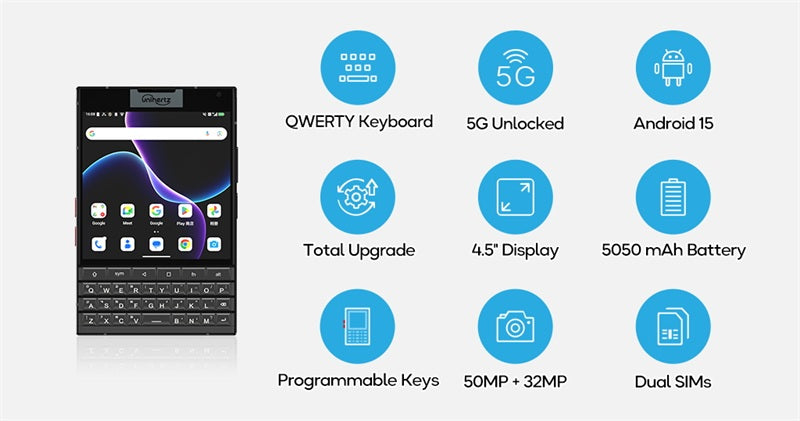
Titan 2 integrates a fully redesigned physical QWERTY keyboard, delivering a more comfortable, reliable, and versatile tactile typing experience.
Discover the new keyboard's cool features.
Here are the cool features you can experience with the new keyboard:
Customizable A-Z Physical Keys
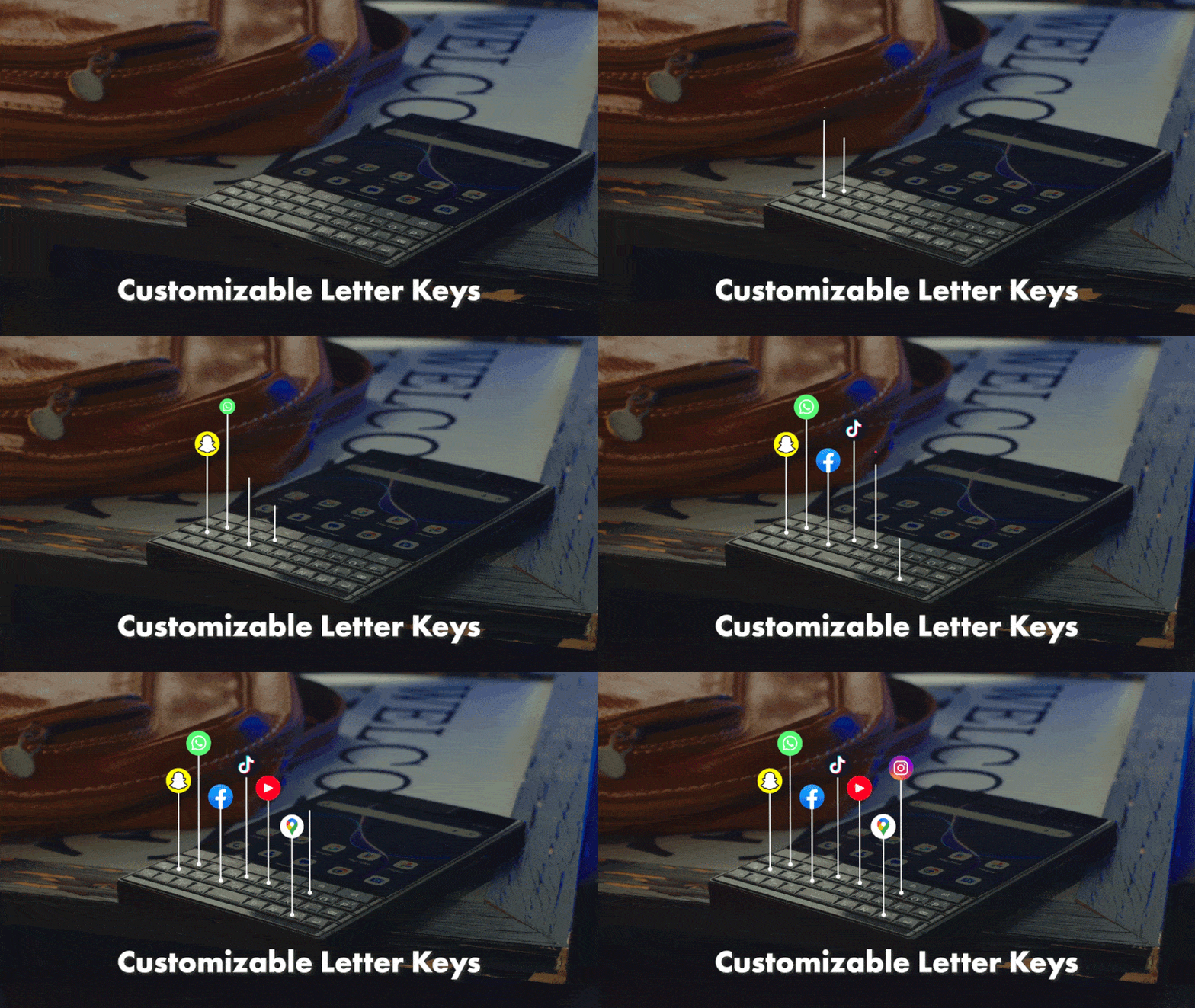
Assign long-press or short-press shortcuts to each physical letter key.
Scroll Assistant
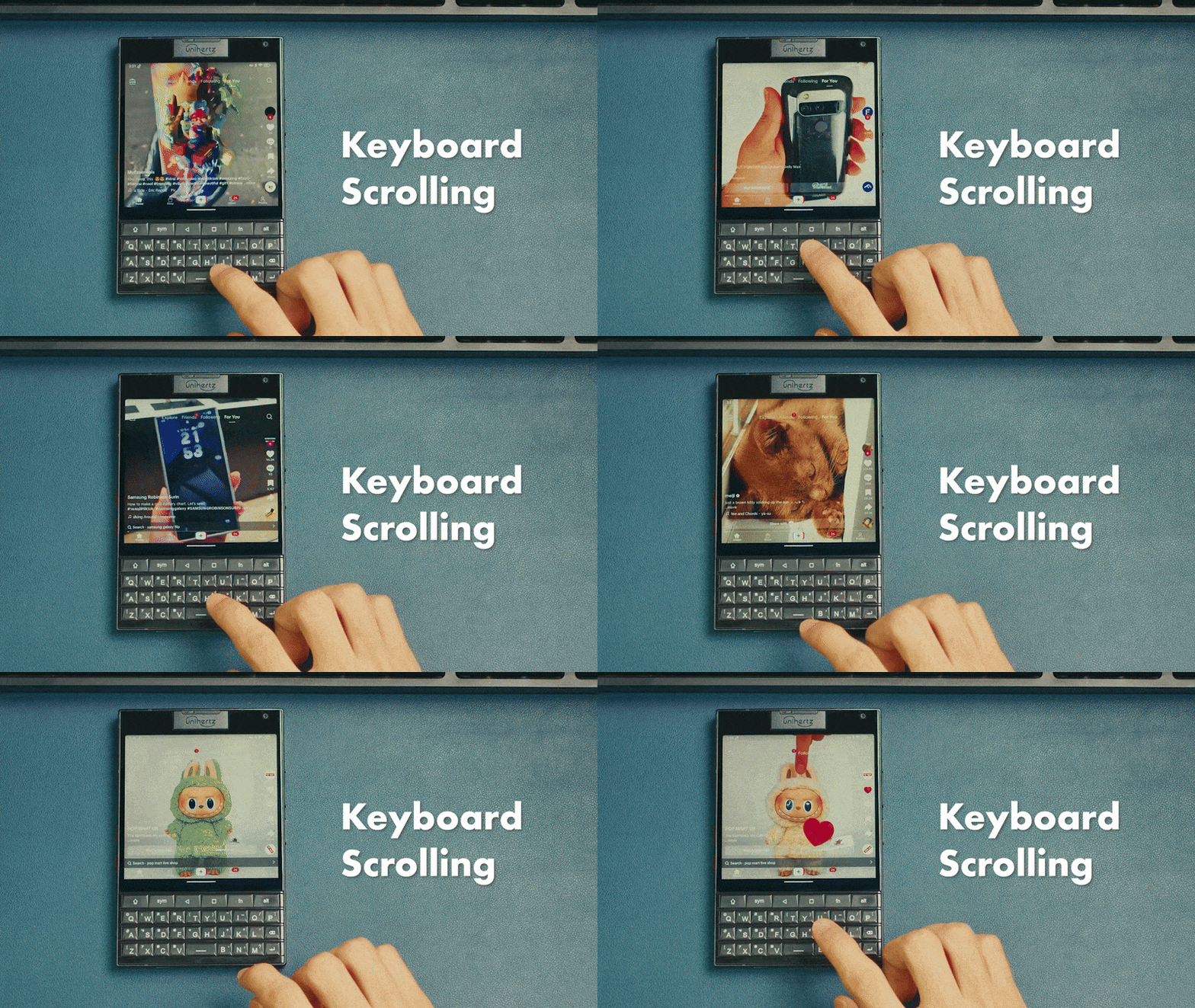
Swipe on the physical keyboard surface to browse
Cursor Assistant
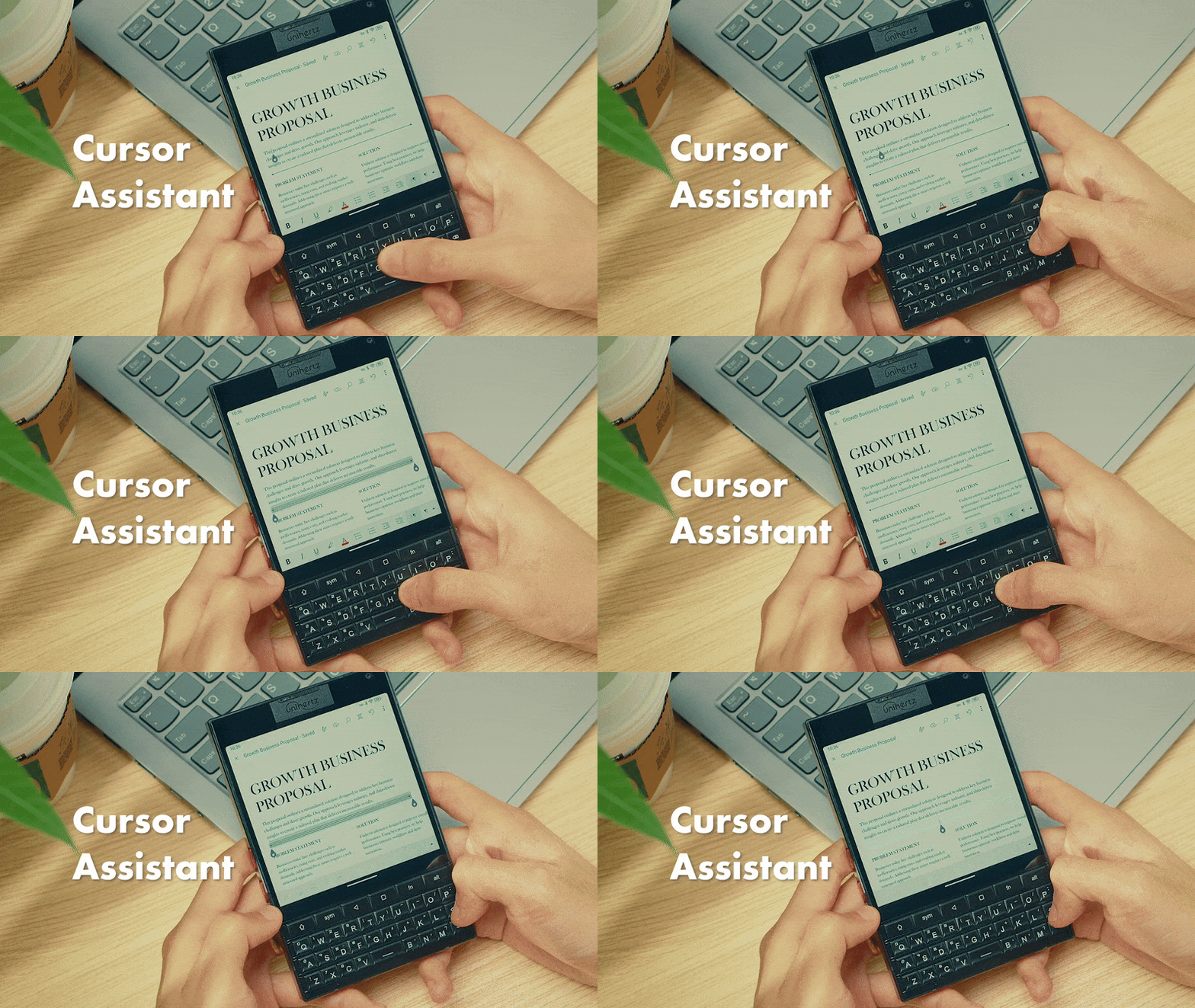
Move the cursor via keyboard gestures
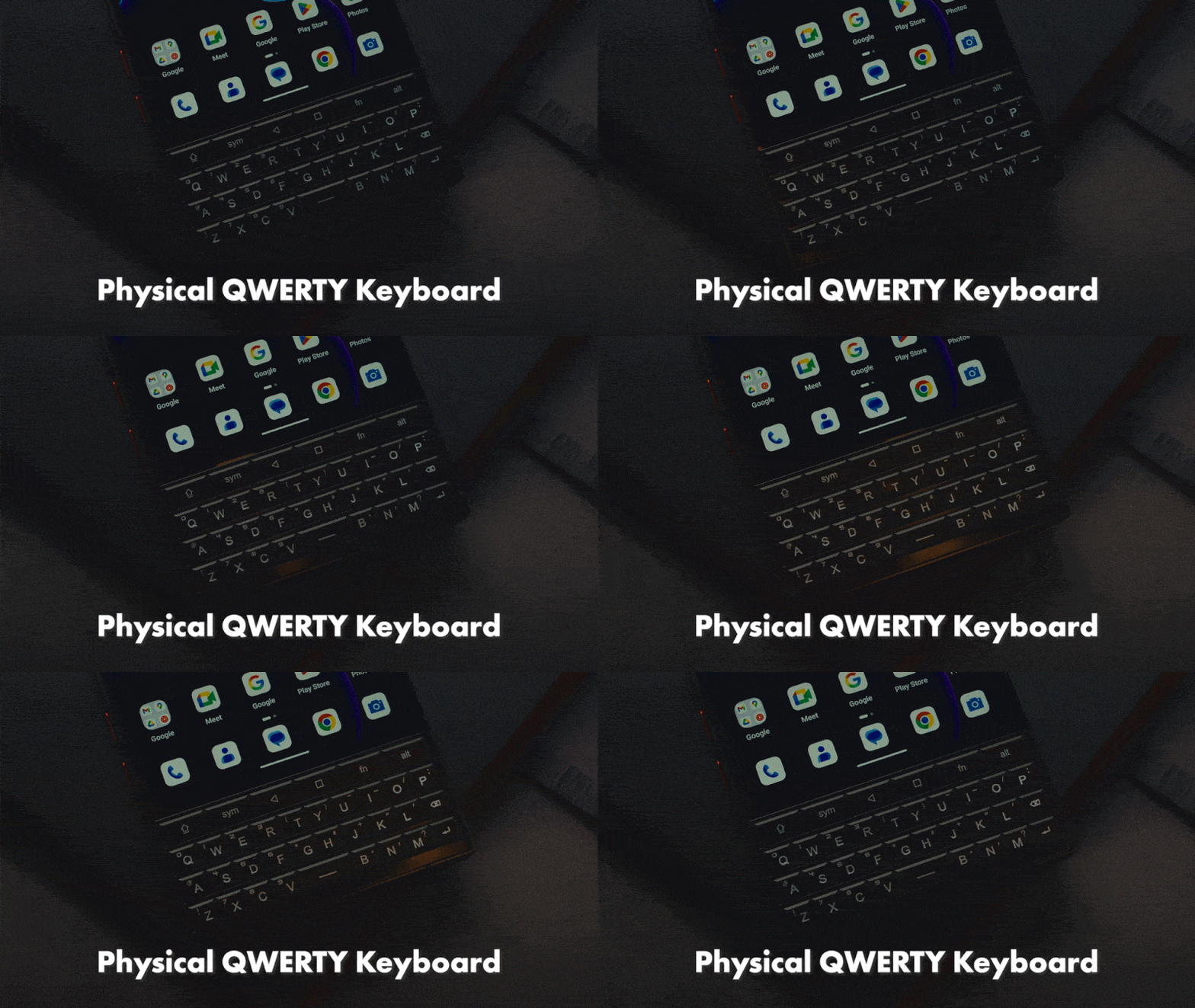
Keyboard Backlight
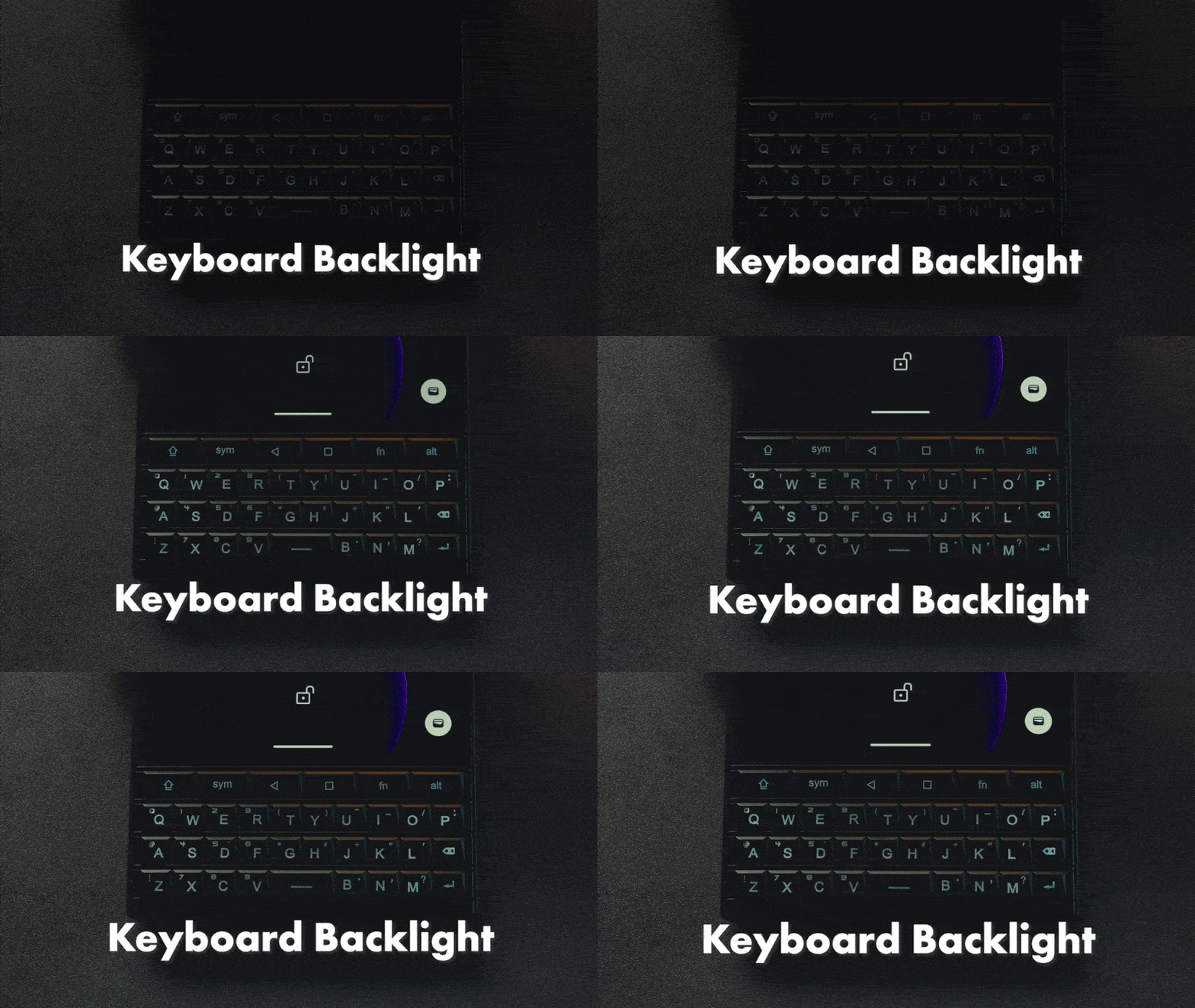
The keyboard lights up during use in darkness.
Multilingual Support
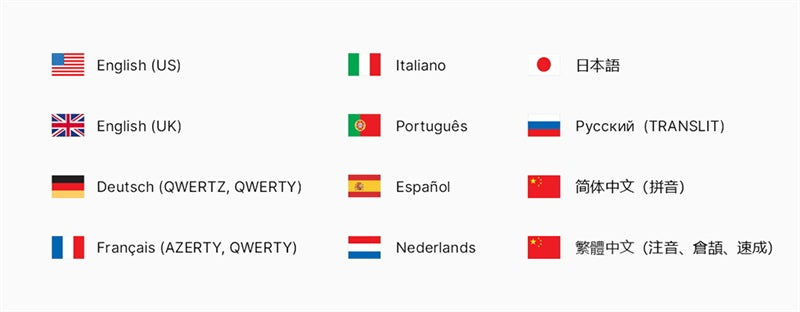
List of supported language inputs on the physical keyboard
Global 5G Unlocked
Titan 2 supports major frequencies and bands globally. This means it'll work with most of the network carriers, so you don’t have to worry about living off the grid.
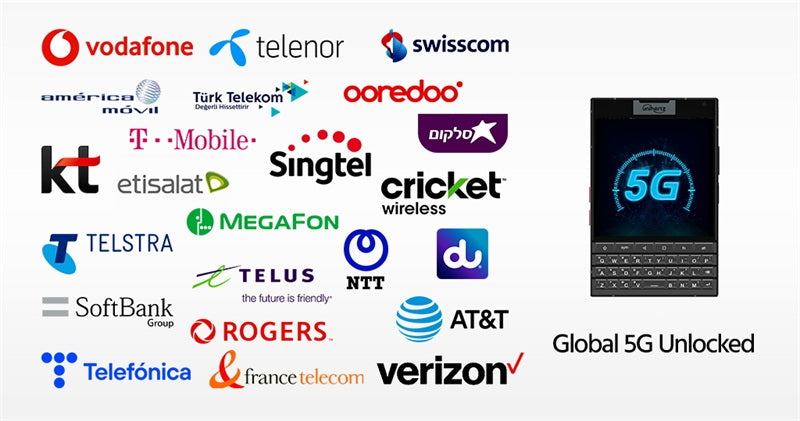
Good news for AT&T users! We are pleased to announce that the Titan 2 has been tested and is officially authorized to operate on both AT&T's and Cricket's network.
Android 15
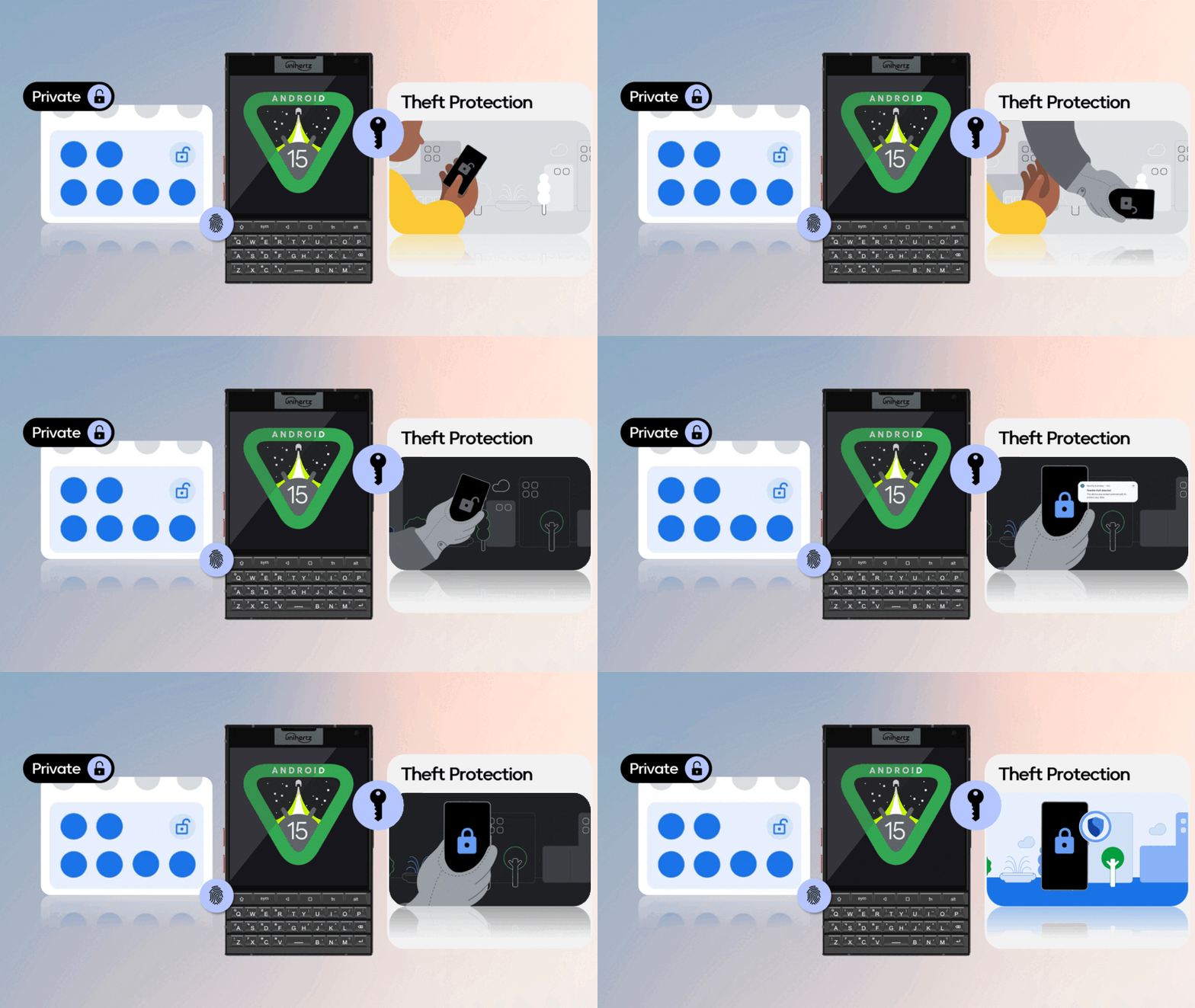
The latest Android 15 OS improves your productivity while safeguarding your sensitive data, all while providing greater usability and new feature enhancements.
New Design
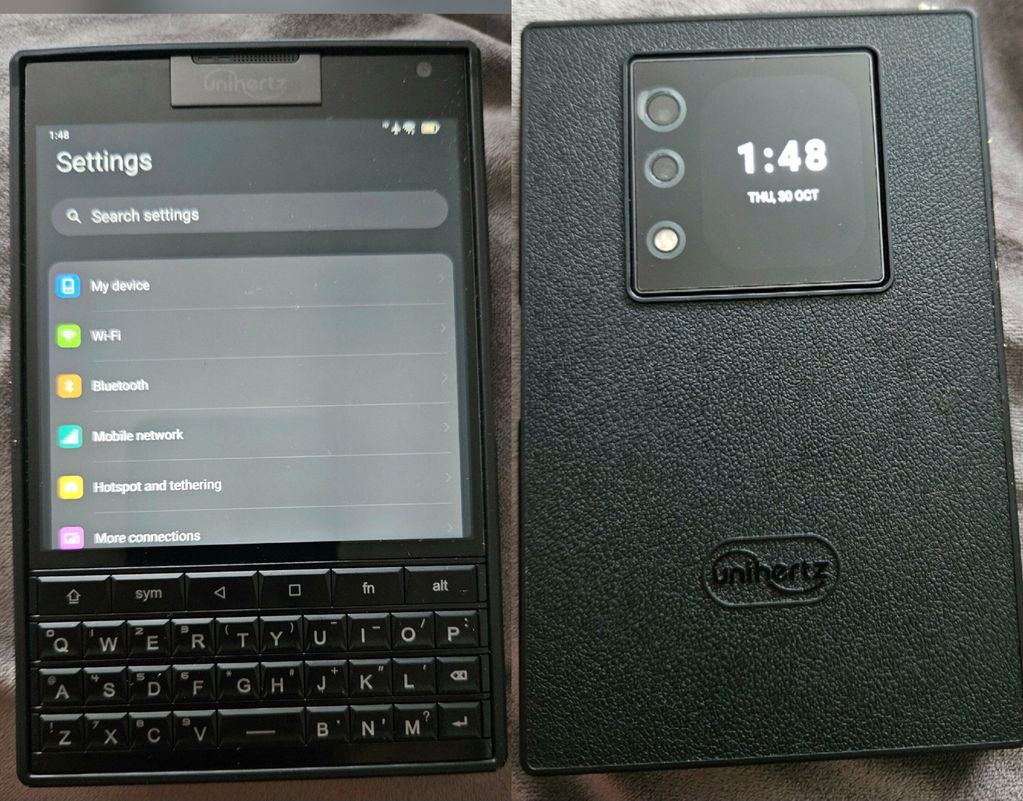
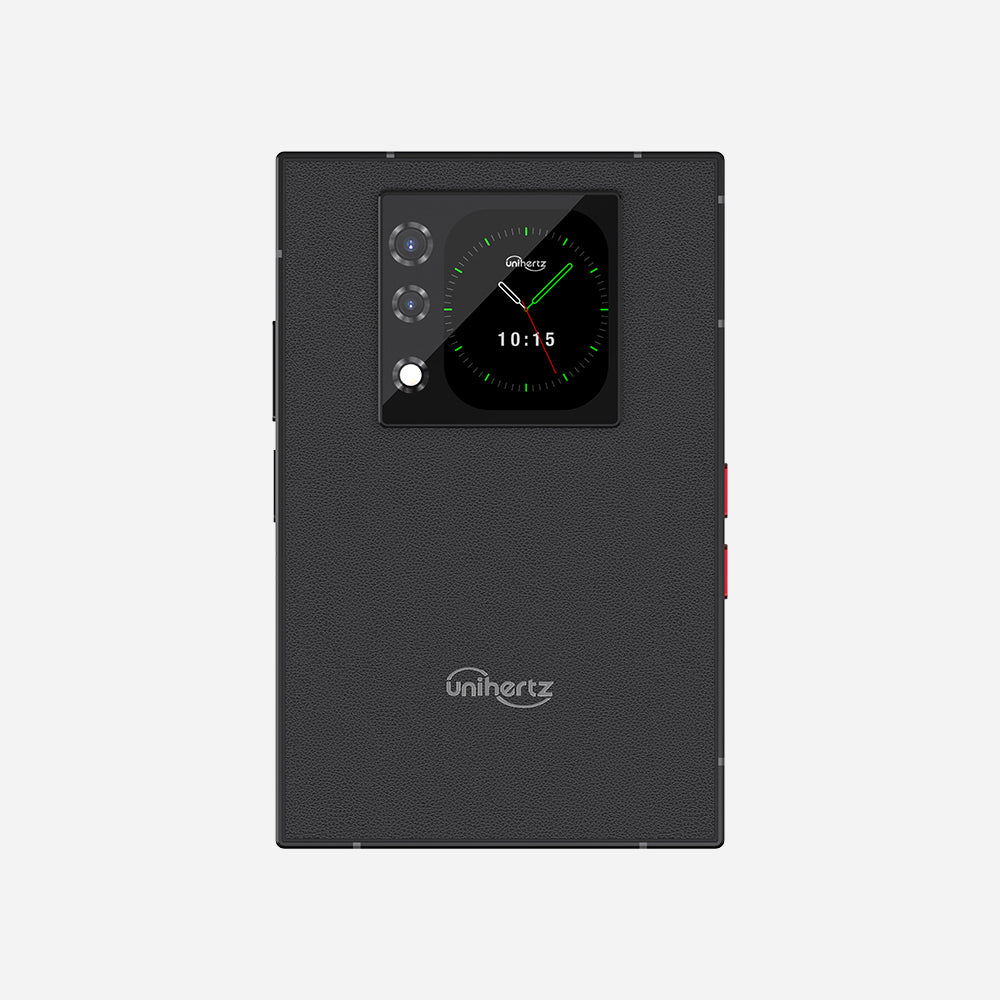
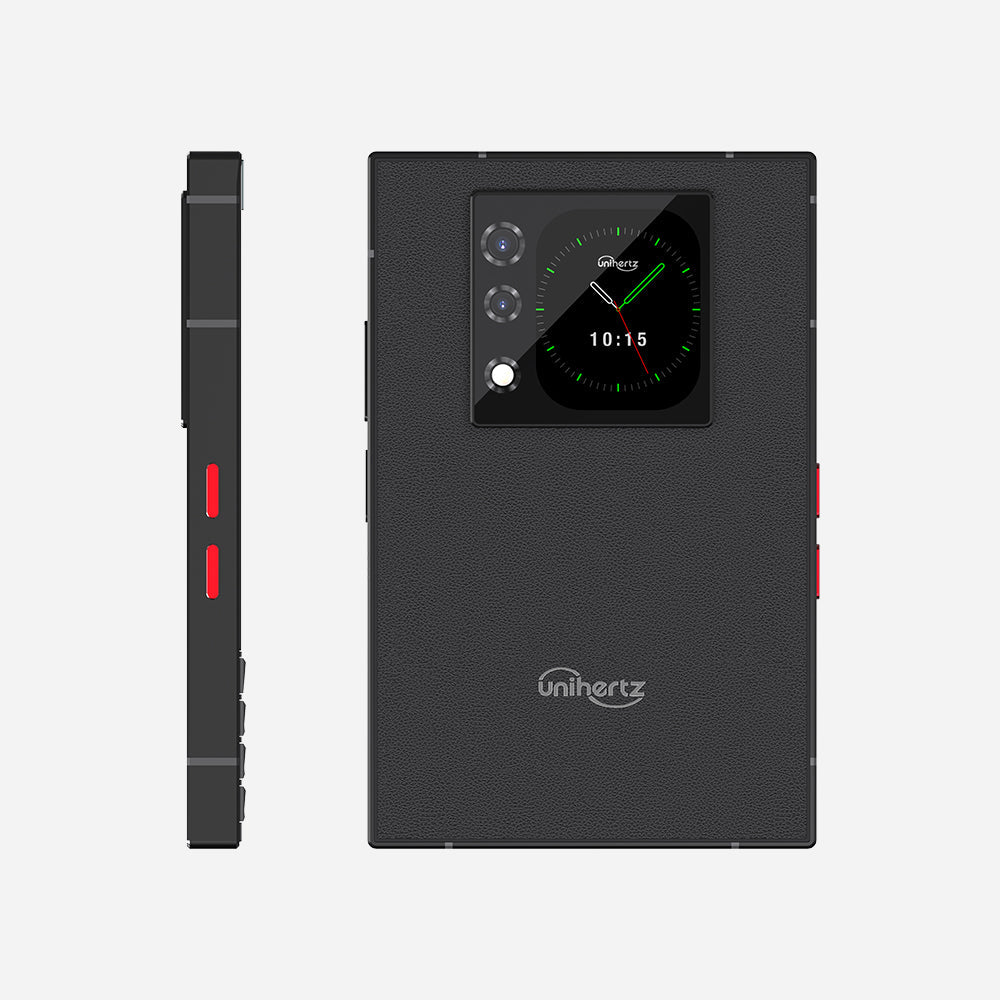
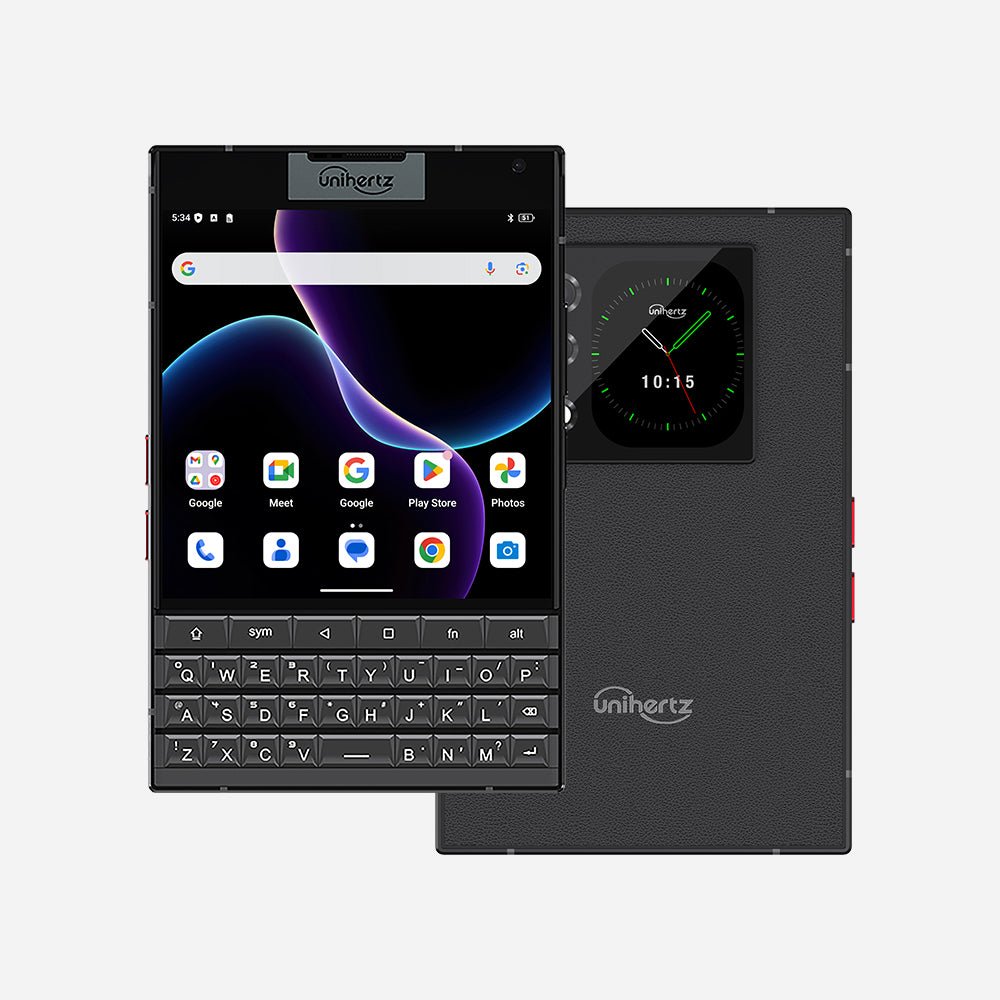
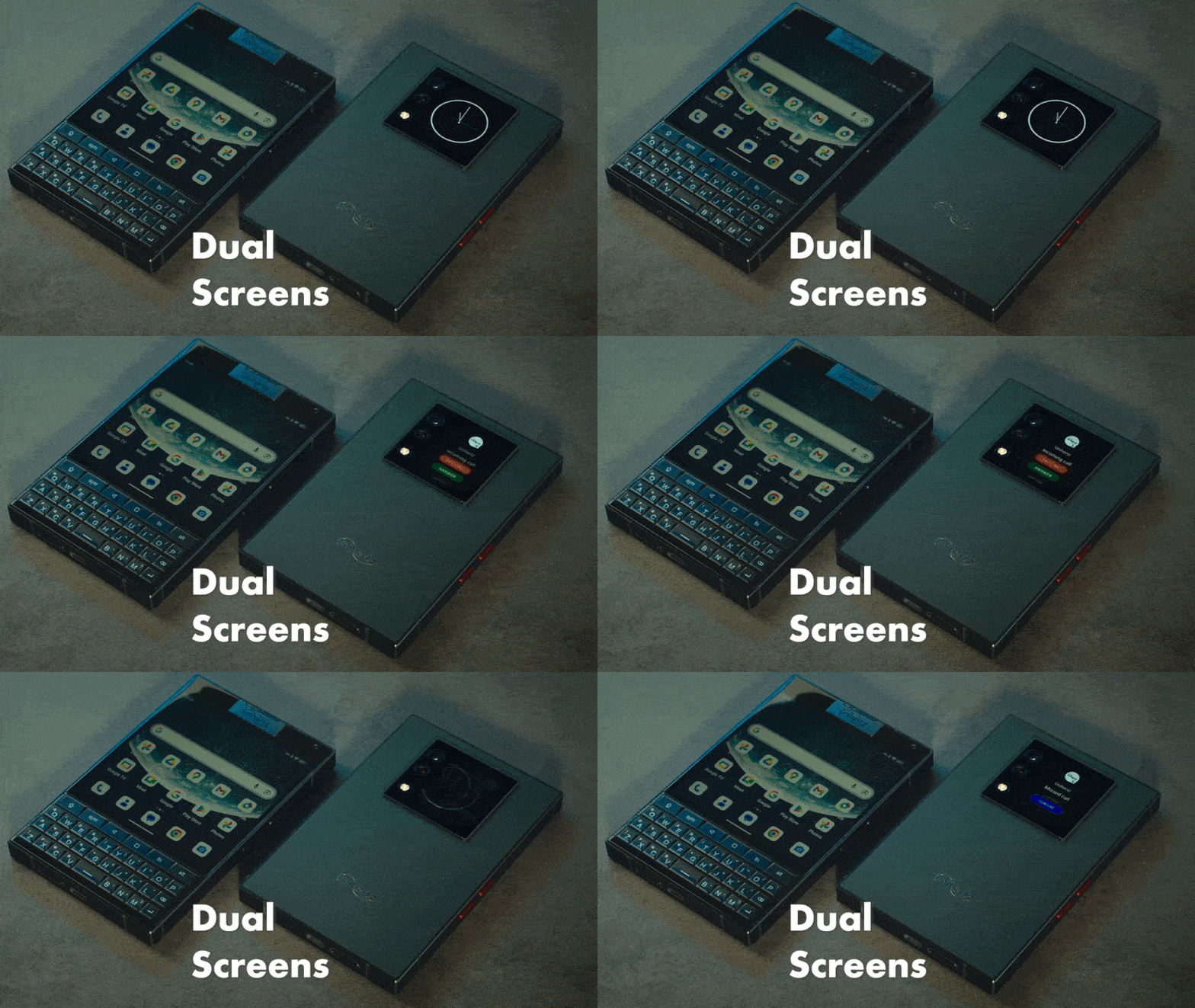
Titan 2 features a 4.5-inch square primary display with a resolution of 1,440 × 1,440 pixels, alongside a secondary rear display for an even more imaginative dual-screen experience. Its flat-edge design adds a modern, sleek touch to the device.
Power that Lasts
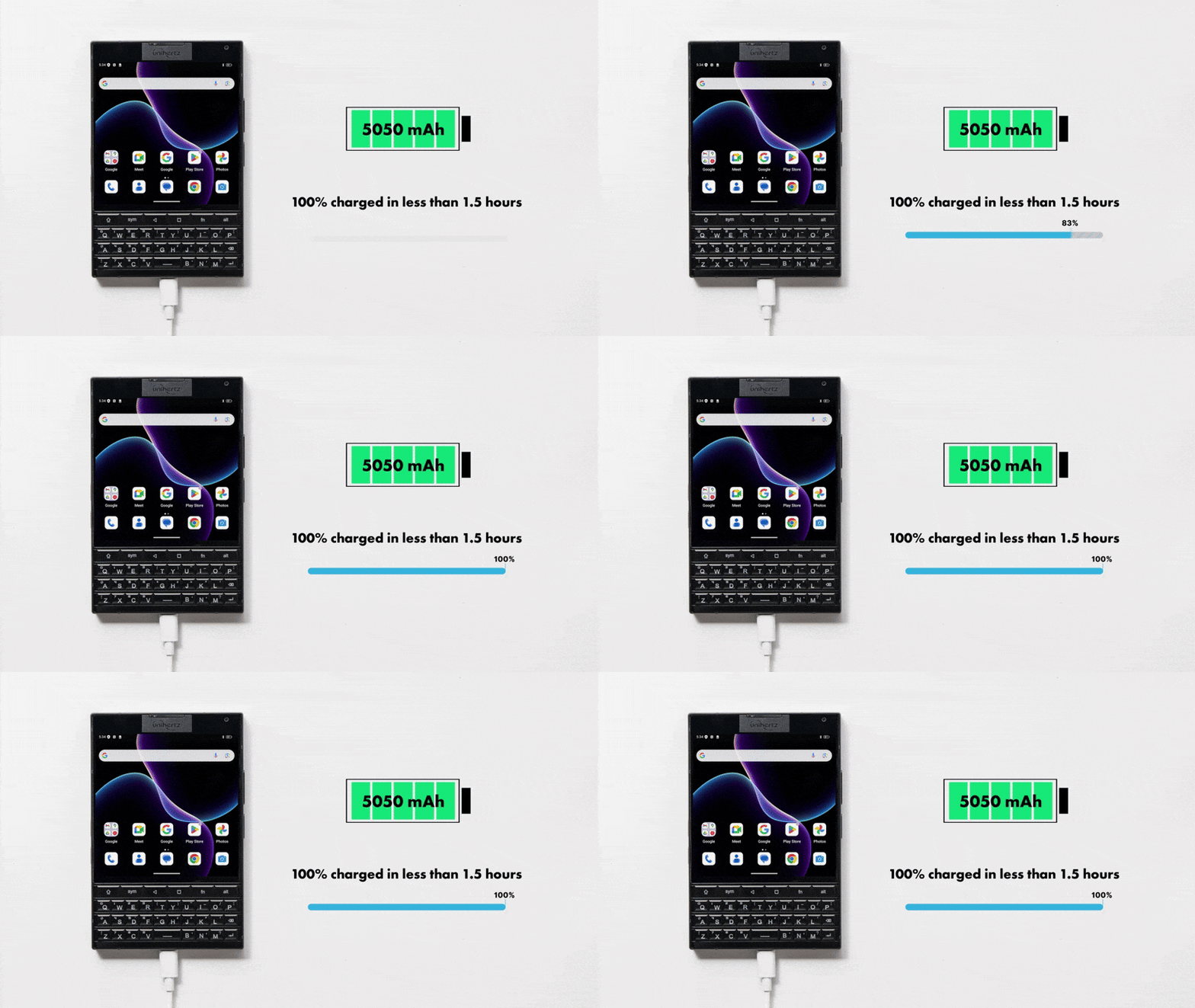
Titan 2 comes with a 5050mAh battery with 33W fast charging. Whether you're a multitasker, traveler, or power user, it consistently delivers long-lasting performance to match your pace of life.
Superior Camera
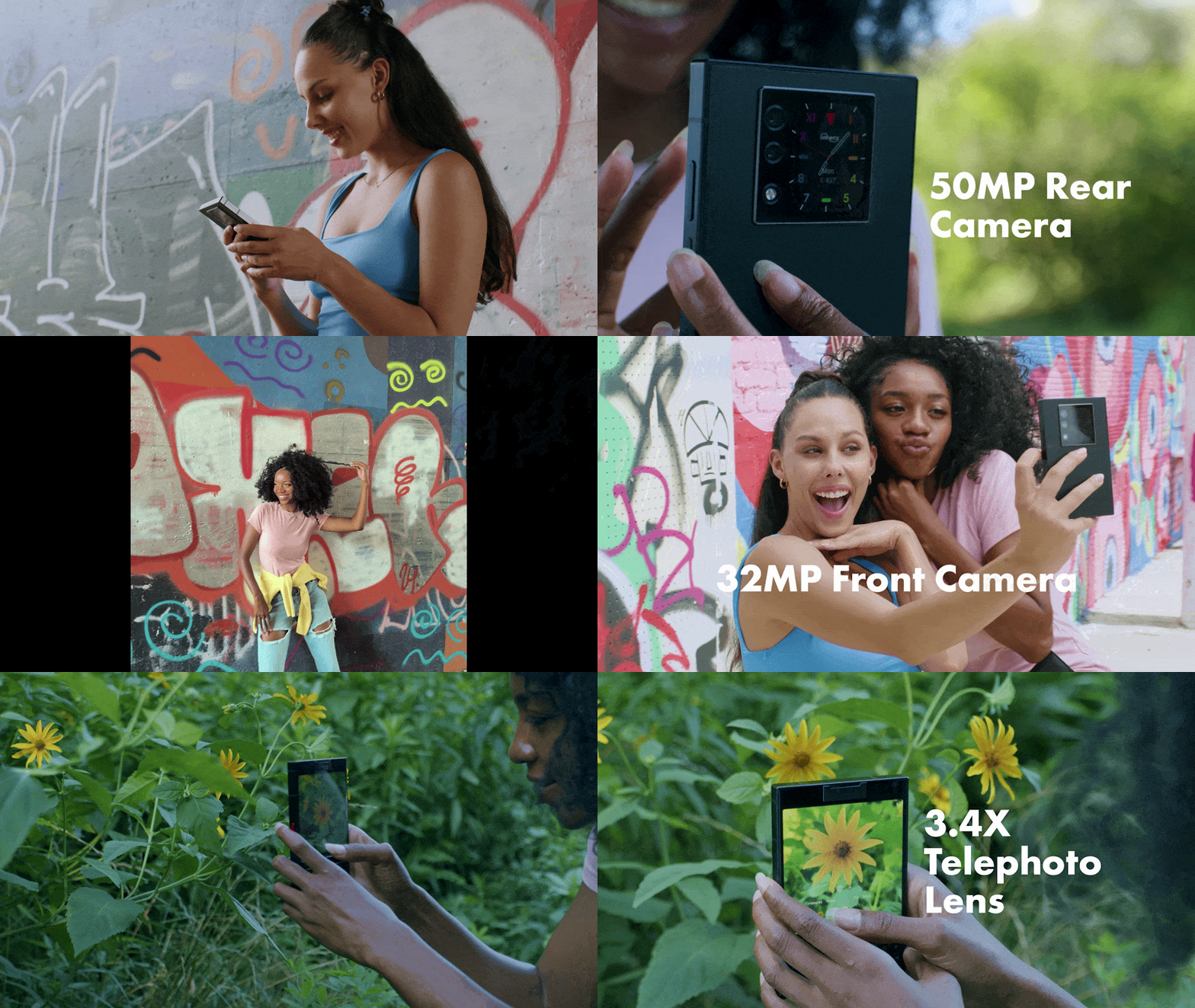
Titan 2 is equipped with a dual-lens module for capturing stunning landscapes and detailed close-ups. Its high-quality 50MP main camera and 8MP telephoto lens ensure you'll get the best possible image quality. The 32MP front camera snaps great selfies.
Classic Shortcut Buttons
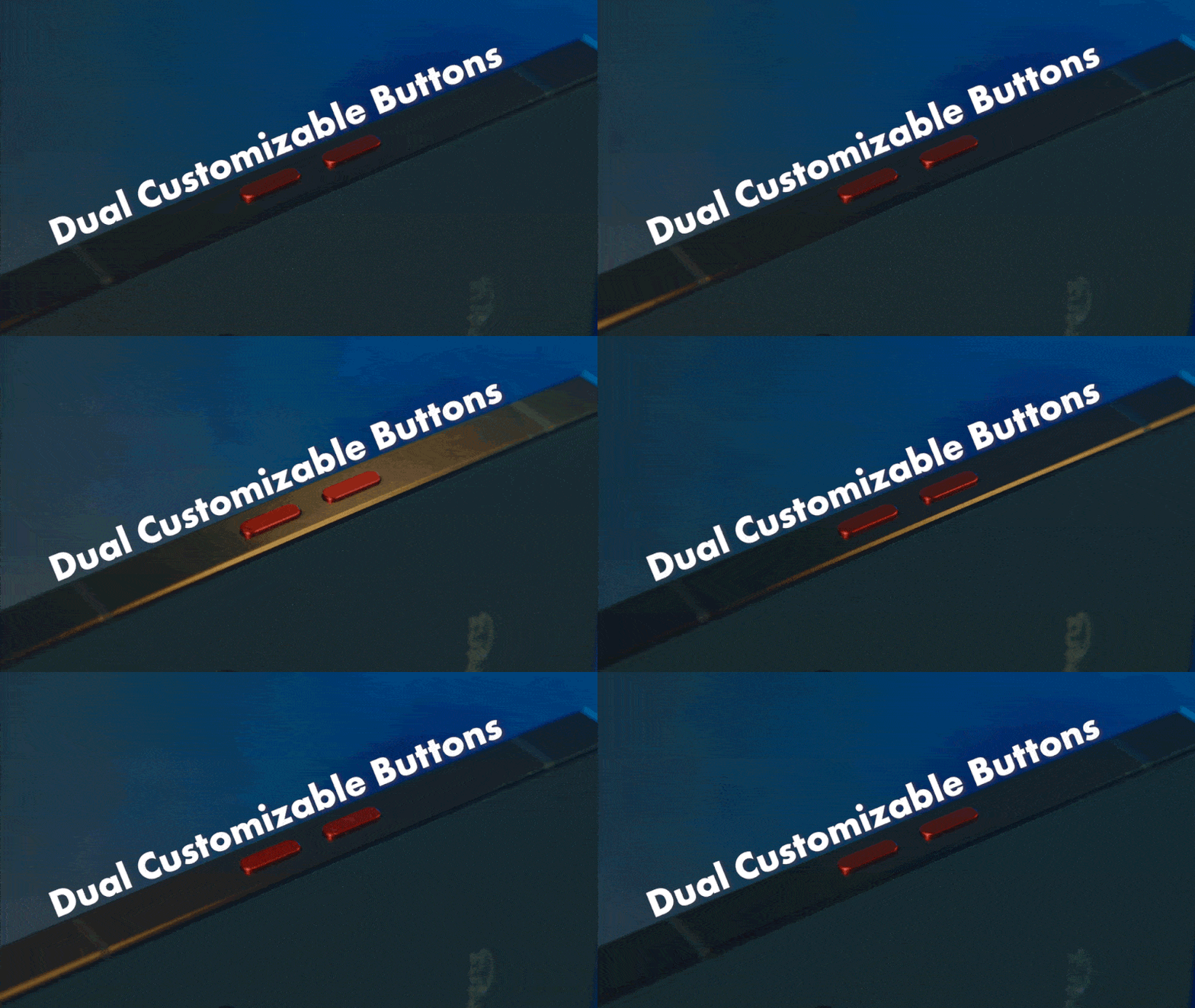
Titan 2 retains the classic red programmable buttons on the side for quick access to your most frequently used apps and tools.
Dual SIMs Support
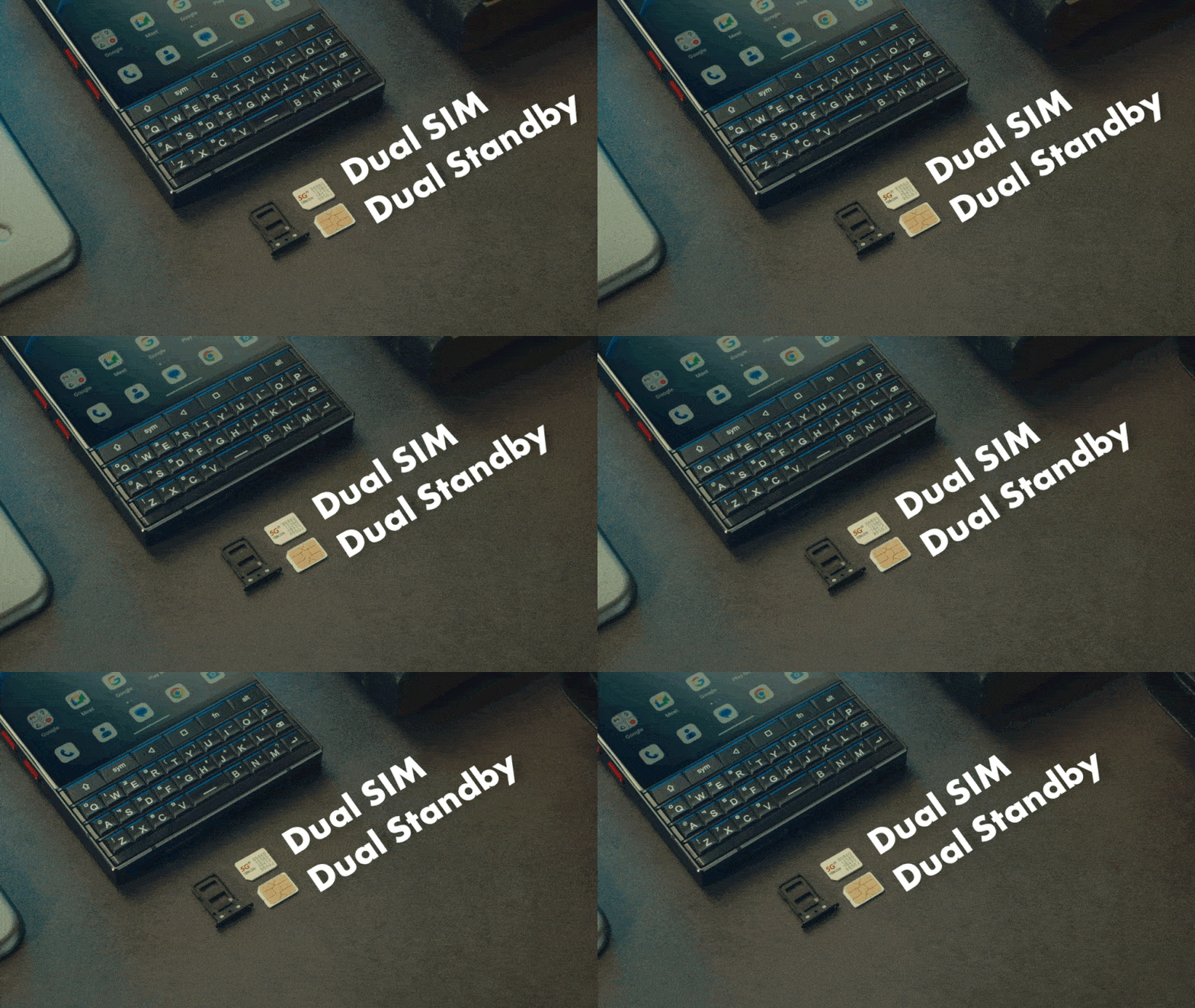
Titan 2 supports dual nano-SIM cards for work-life balance and global roaming.
Wireless Connectivity
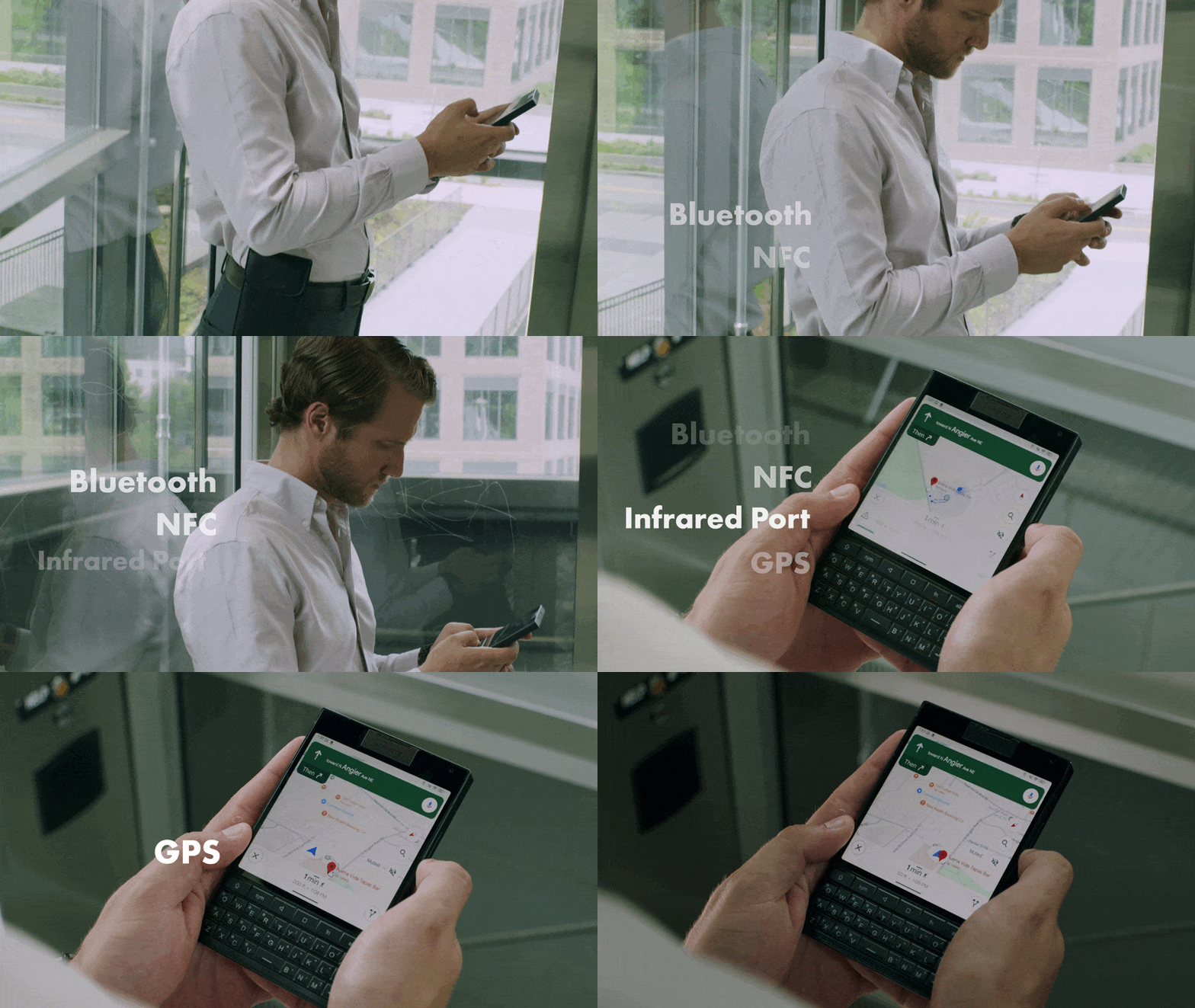
Titan 2 keeps you connected with advanced wireless capabilities. Enjoy Bluetooth 5.4, NFC, an infrared port, dual-band GPS, and more, all designed for connectivity on the go.
More Features That Benefit Your Life
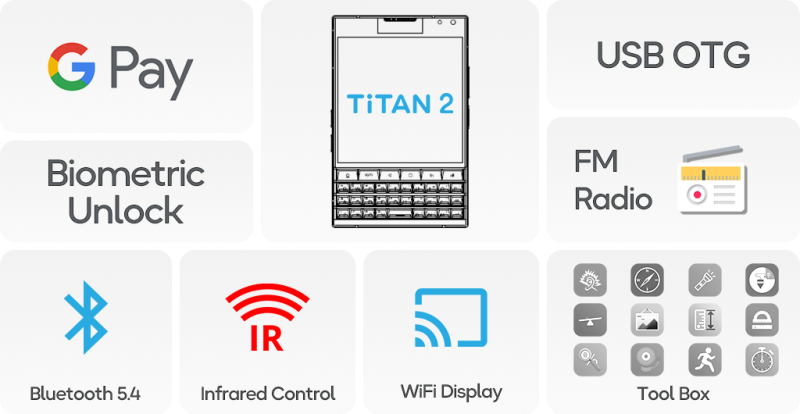
With features like the Google Pay, Bluetooth 5.4, WiFi display, fingerprint recognition, USB OTG, FM radio and useful tool box, Titan 2 offers the utmost functional performance.
Ultimate Mobile Toolkit
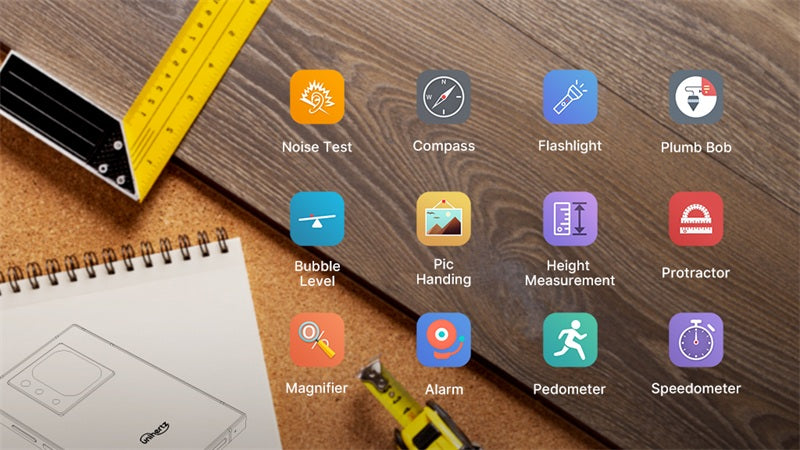
Stop juggling multiple apps! Titan 2 unlocks new levels of productivity integrating essential utilities like rulers, sound meters, and step counters into a useful toolbox, saving you time and effort.
Media Endorsements
They say your tech choice whispers your priorities.
This phone is more than a device—it’s a bridge between nostalgia and innovation, designed to keep you effortlessly ahead, never trailing behind. With Titan 2, the future feels familiar, and progress feels personal.
Unihertz Titan 2 Specifications
Basic Information
Dimensions: 137.8 × 88.7 × 10.8 mmWeight: 235g (With Battery)
CPU: Dimensity 7300 (5G) Octa-Core 2.0-2.6 GHz
OS: Android 15
Memory: 12GB LPDDR5 + 512GB UFS 3.1
Battery: Non-Removable 5050 mAh
Charge Rate: 33W
SIM Card Type: Dual Nano SIM Card
Micro SD: No
Card Slot: Dual SIMs
Display
Material: LCDDisplay Size: Main Screen: 4.5 inches / Sub Screen: 2 inches
Resolution: Main Screen: 1440 × 1440 Pixels / Sub Screen: 410 × 502 Pixels
Camera
Rear Camera: 50MP Main Camera + 8MP TelephotoFront Camera: 32MP
Connectivity
Bands:2G GSM: Bands 2/3/5/8, 3G WCDMA: Bands 1/2/4/5/6/8/19, 3G CDMA2000: Bands BC0/BC1, 4G FDD-LTE: Bands 1/2/3/4/5/7/8/12/13/17/18/19/20*/25/26/28A/28B/66/71†, 4G TDD-LTE: Bands 34/38/39/40/41/42/48, 5G NR: Bands N1/2/3/5/7/8/20*/25/26/28/38/40/41/48/66/71†/77/78, 5G NR (4×4 MIMO): Bands N1/3/38/41/48/77/78
* Supported only by the General Version
† Supported only by the US Version
Wi-Fi: WLAN 802.11 a/b/g/n/ac/ax 2.4GHz/5GHz, 2×2 MIMO, Wi-Fi Direct, Wi-Fi Display, Wi-Fi Hotspot , MU-MIMO
Bluetooth: Bluetooth 5.4
NFC: Yes
Navigation: GPS + GLONASS + BEIDOU + Galileo
Features
Sensors: Fingerprint, G-Sensor, Compass, Gyroscope, Proximity, Ambient Light SensorFingerprint: Yes
Infrared Port: Yes
USB: USB Type C
USB OTG: Yes
Programmable Key: Yes
Loudspeaker: Yes
3.5mm Headphone Jack: No
Wireless Charging: No
FM Radio: Yes
Misc
Color: BlackPhysical Keyboards: QWERTY Keyboard
SAR Value: SAR (EU 10g): Head 0.900 W/kg, Body 1.291 W/kg; SAR (US 1g): Head0.980 W/kg, Body 0.962 W/kg
Certifications

In the Box
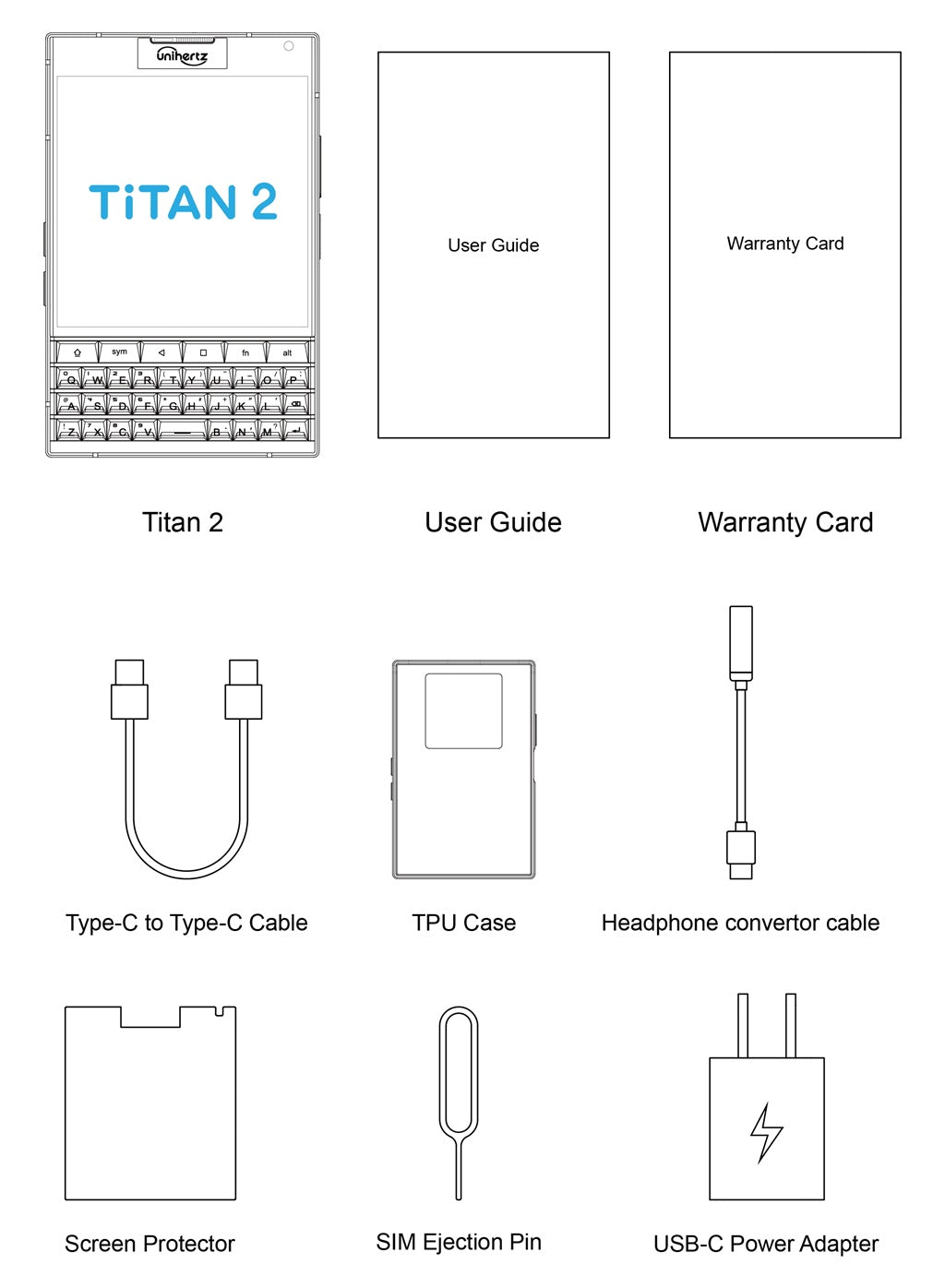
GENERAL QUESTIONS
1. Go to Settings ->System ->About Phone ->IMEI number 1 and 2.
2. Look for the IMEIs on the box of the phone (if you still have it).
Settings ->System ->About phone ->Wireless update
Please follow these steps to clear cache before searching for the update again:
Settings -> App Notifications ->See all apps ->Show System (top right corner with 3 dots) ->Wireless update-> Clear Data and Cache
Reset to Factory Settings (When your phone can be turned on)
Settings ->System ->Reset Options ->Erase all data (factory reset)
Reset to Factory Settings (When your phone cannot be turned on)
Power off your phone -> Press and hold the Power and Volume up buttons -> After your phone vibrates, keep holding the buttons for 5 seconds to enter Recovery mode -> Press the Volume up and down buttons to select the option to clear data or restore your device to its factory settings -> then press the Power button to confirm -> Reboot your phone.
If you have forgotten your phone password and want to unlock it, you will have to restore your device to its factory settings. Then you can set it up again and set a new screen lock.
However, all data on your phone will be erased and cannot be restored. It is recommended that you confirm whether you have backed up your phone data on the cloud or by other means. It is also recommended that you confirm whether you or someone else has changed the PIN/password. If you still cannot recall the password, refer to last Question to restore your device.
English, English(UK), German, French, Italian, Portuguese, Spanish, Russian, Dutch, Japanese, Simplified Chinese, Traditional Chinese(Zhuyin, Cangjie, Quick input).
For the keyboard input of other languages, we may consider adding them in the future if we receive enough demands.
On the other hand, Android system supports a wide range of languages, with which you will be able to turn on touch screen input as a supplement.
TELECOM COMPATIBILITY
1. Check the feedback from other users here.
2. Please find the the phone's supported bands in product specs and check if those meet your sim-card carrier's needs or contact your carrier.
* Due to different carrier's policy regarding to unlocked phones, LTE wireless service may not be available even if listed bands are supported by your carrier. When this happens, please contact your carrier for more details.
Our phone can work fine in Verizon network. However, as it is not certified by Verizon, you cannot activate your new SIM card with it. Please activate the new SIM card with another Verizon certified device and then use it in your Unihertz phone.
TECHNICAL ISSUES (PROBLEM SHOOTING)
Please follow the guide to do a micro-calibration for your phone (you can also contact us for a video guide):
1. Please clear the dust in your proximity censor hole on top of your phone.
2. Input *#3377# in the Dial-up interface.
3. Click Distance calibration.
4. Follow the guide to finish the process.
Please permit the apps to run in the background by activating them in the following three settings:
1. Settings ->DuraSpeed
2. Settings ->Intelligent assitance ->App blocker
3. Settings ->App¬ification ->See all apps ->this app ->Battery ->Battery optimization and Background restriction->Don't optimize
You can also watch a video guide here.
It is not advised to downgrade your smartphone since there might be compatibility issues.
Please contact your operator and check the APN parameters.
1. Go to Sound Recorder app and run a recording test.
2. Check whether your SIM card works well on the other phone.
1. Please check if this only happened to some or all of friends you called.
2. Stay in the same location and insert your SIM card into another Android phone and the same issue arises.
3. Turn on call record in the call interface to record a call, then check whether the sound recorded is normal.
1. Please send us a full screenshot of your battery usage in Settings ->battery ->battery usage.
2. Follow these steps to capture the battery log and send it to service@unihertz.com for further analysis.
REPAIR AND WARRANTY
For repair, please send without the accessories.
For replacement or refund, please send with accessories in one package.
The broken glass is not covered by warranty.
Please send the smartphone back to us after negotiating with service@unihertz.com as we do not provide phone screen separately. Repair or replacement fee may apply.
The repaired/ replaced device will get extra 90 days warranty or the remaining original warranty period, whichever is longer.
Customer Reviews
I loved my old Blackberry and still wanted a Smartphone that wasn't totally Google oriented. This fits the bill and is beautiful too! Camera takes lovely pics too.
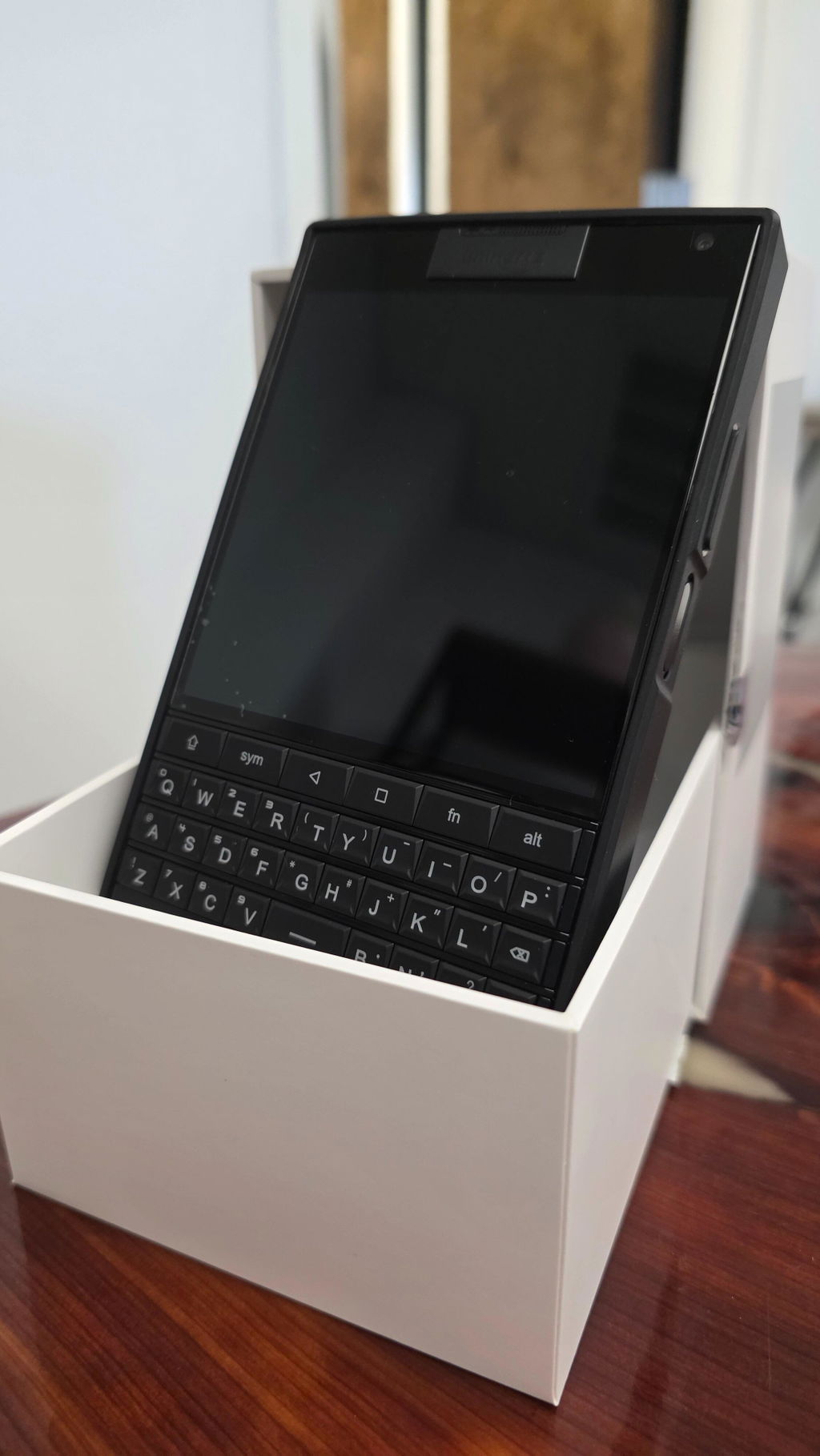
Ok, i already use it as my main phone for 1 week! This perfectly fine keyboard make me put my s25 as a secontary device!!! I use it for emails, chatting, calls, while its perfect for watching and buying/selling my stocks! For photos is ok, but for videos i'm using the s25 of course. It lucks of stabilization, so i can't use it for videos!
The phone is fast enough, not faster than s25 of course, but still it's perfectly usable! I thought it would be way slower, but ufs 3.1 and dimensity 7300 is perfectly fine!
I'm hoping Titan 2 Elite to be as fast as this, with a keyboard as good as the Titan 2! But i would prefer a better basic camera with ois! I don't care for the sub screen, because it's almost uselless... 12gb ram and 512gb storage is perfectly fine too! Removing the sub screen and adding a notifications led would be perfect for Titan 2 Elite!
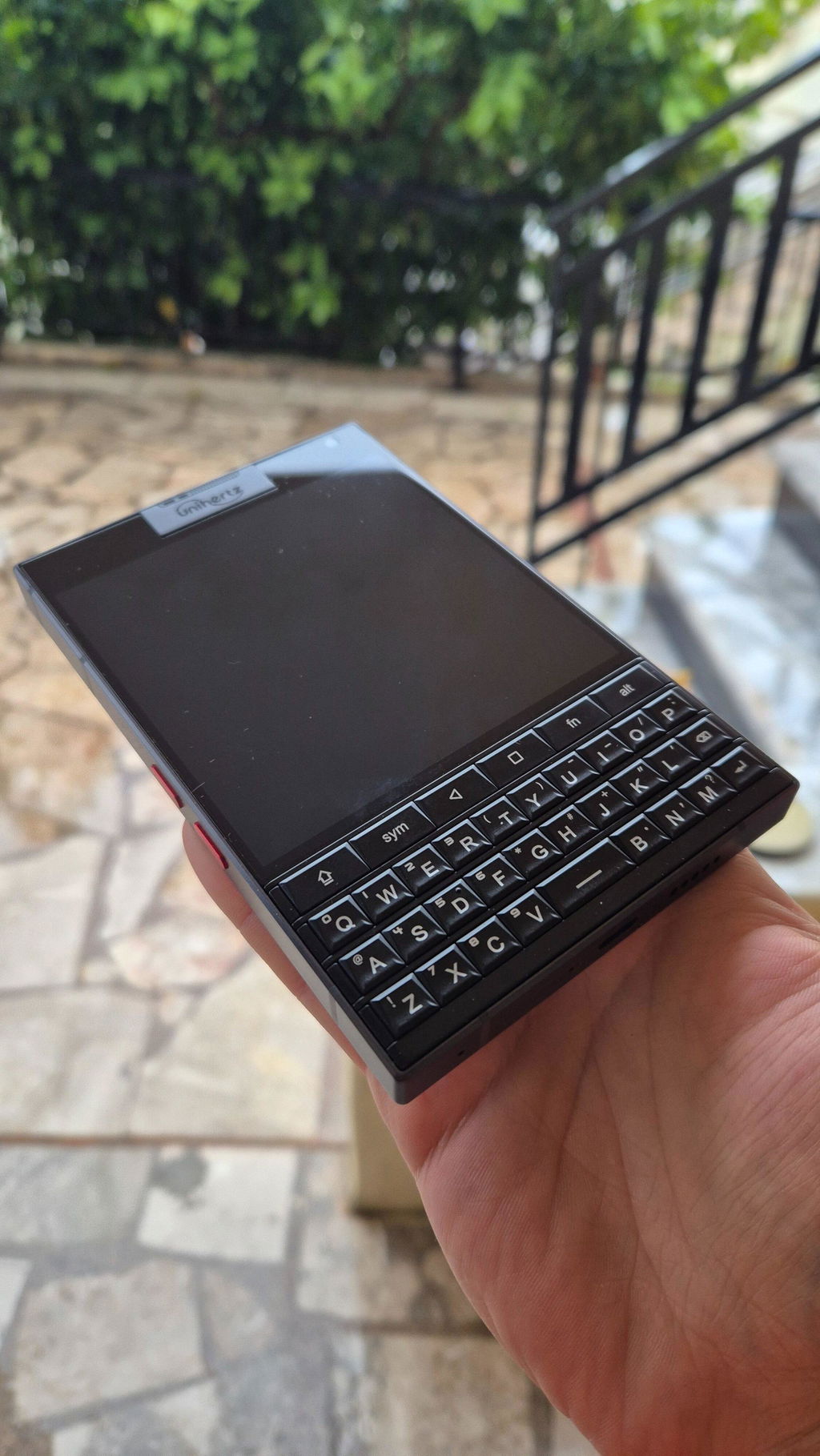
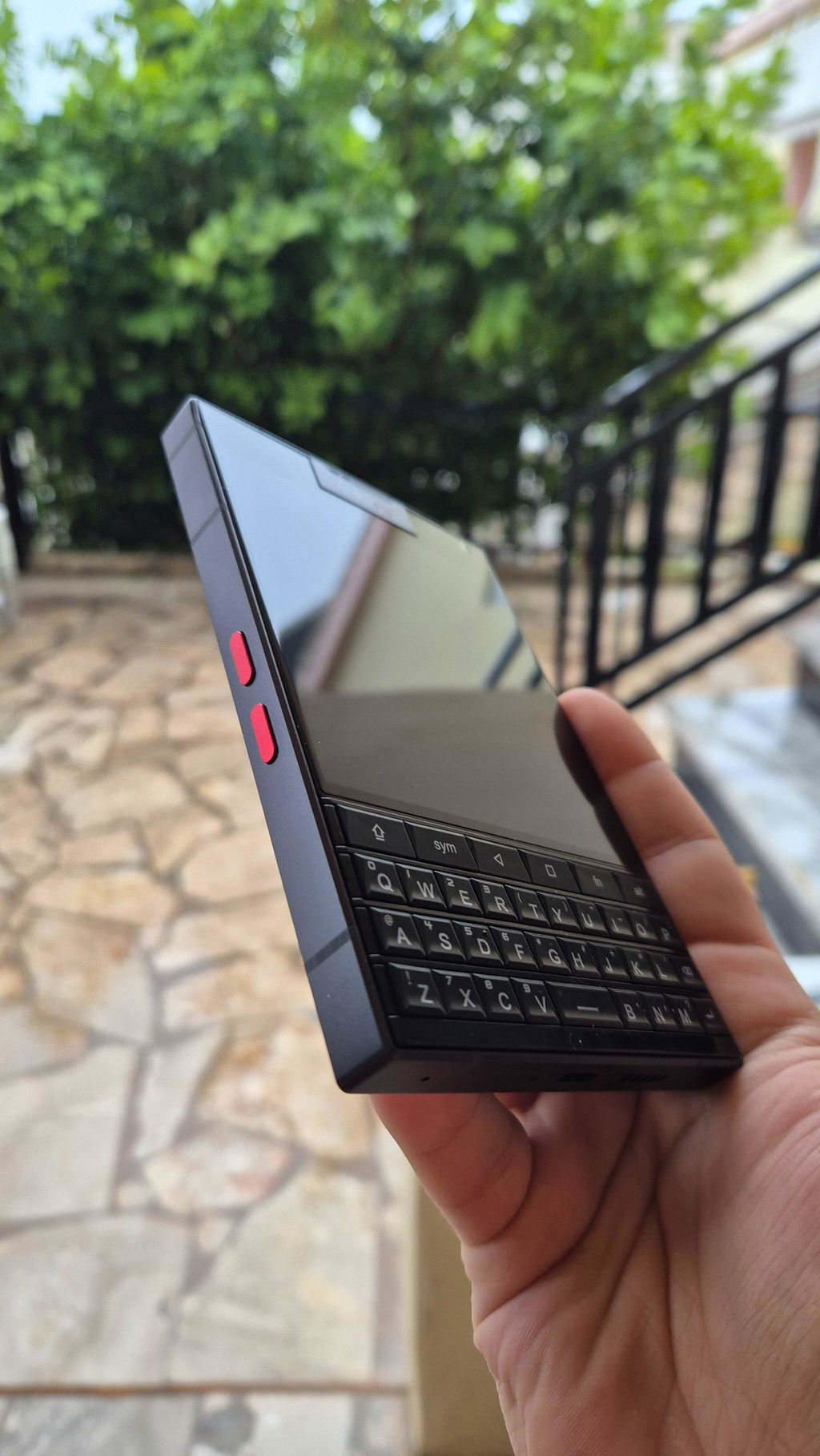
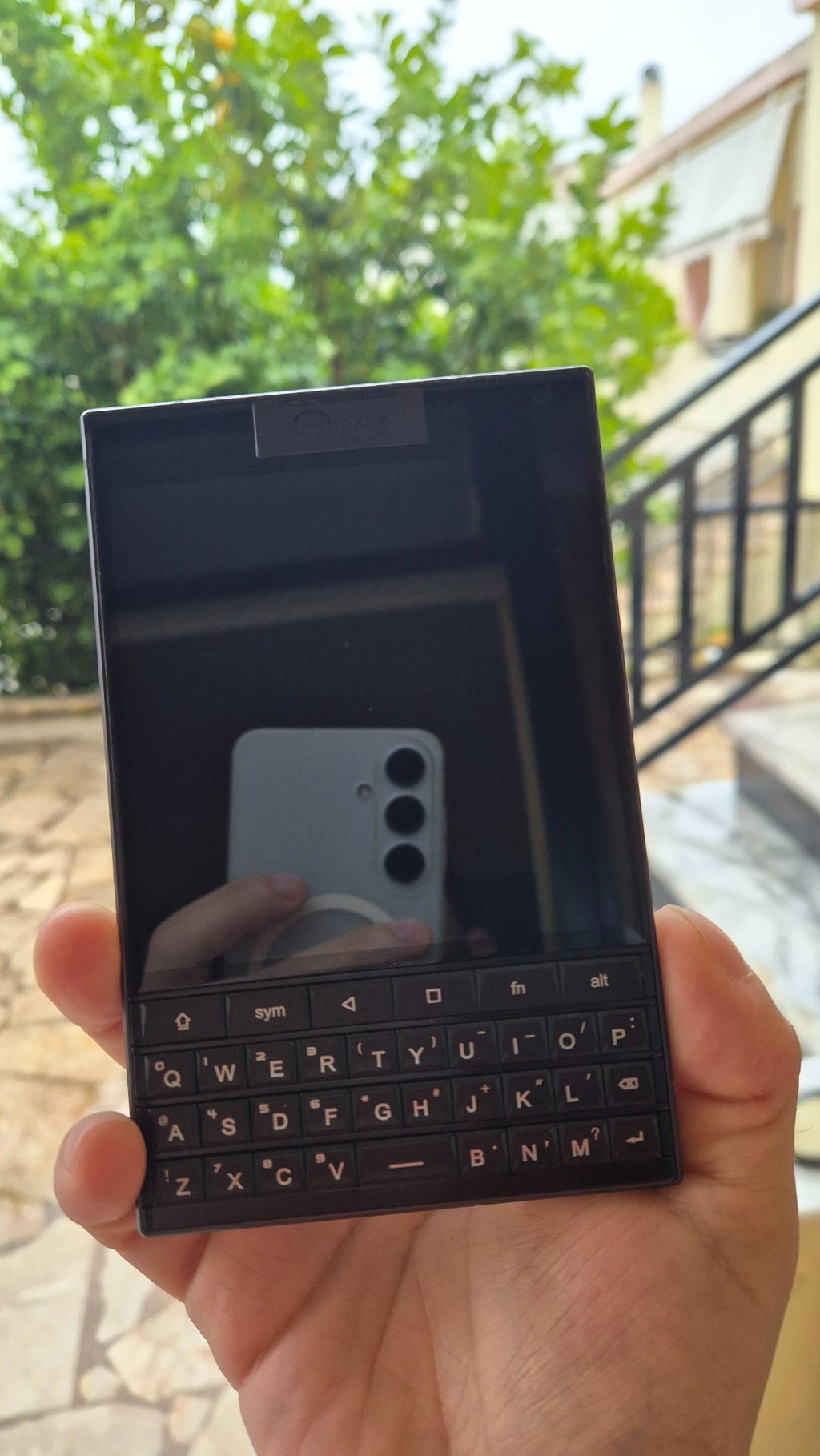
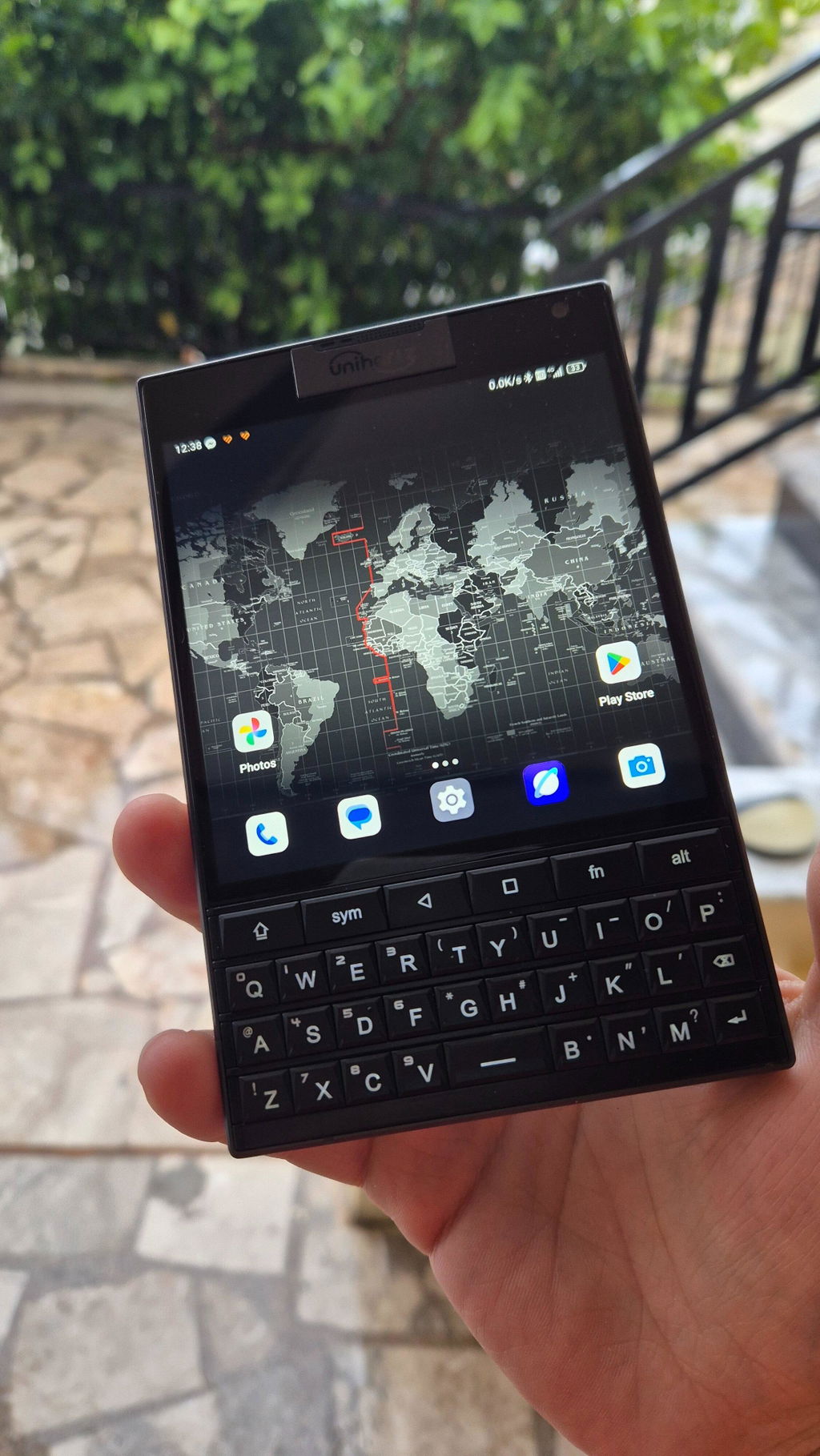
Arrived on time so that was a good sign. I love the industrial design at work here. It feels substantial and not for the faint of heart/strength to pick the heavy critter up. If you have poor upper body strength, this smartphone will definitely help you finish an email, text in Signal and develop a healthy bicep regime all at the same time. Brilliant really.
As far as the texting experience, it's bloody fantastic.
Unihertz, saving lives everyday through considerate heart healthy workouts.
Unihertz, the quiet humanitarians.
I am pleased with my recent purchase! Everything arrived exactly as described, and the quality is excellent. I'm very happy with the product condition value and appearance. It definitely met my expectations. I would recommend. I was a BlackBerry enthusiast. I hated when they went to the touch screen and then went out of business. Along came unihertz and restored my hope. I was using a Samsung Galaxy Z fold 7. I haven't used it since receiving my Titan 2. I get so many stares , compliments and questions. I direct them to the unihertz website so they can order there own. I am glad the QWERTY is back thank you unihertz.
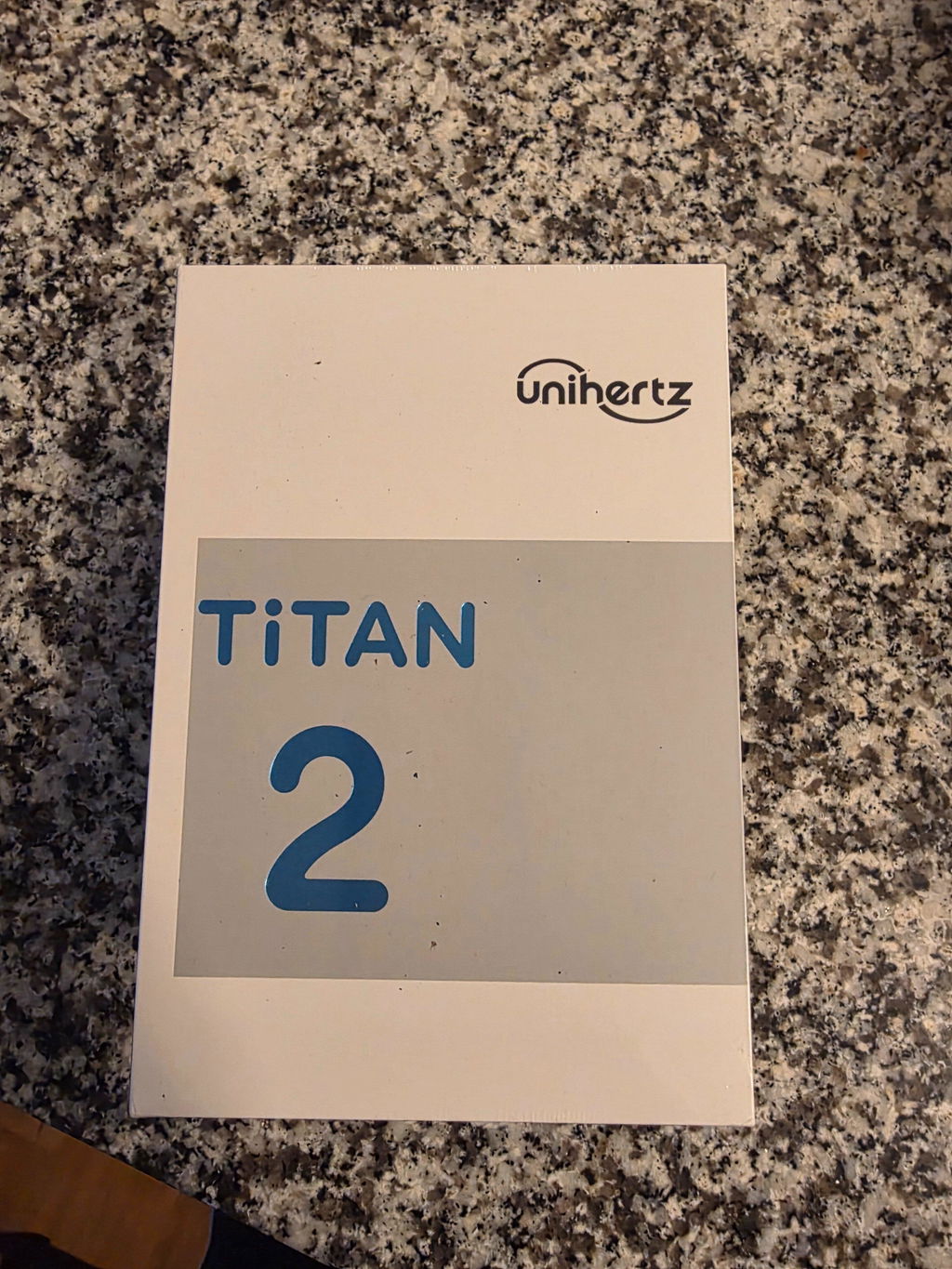
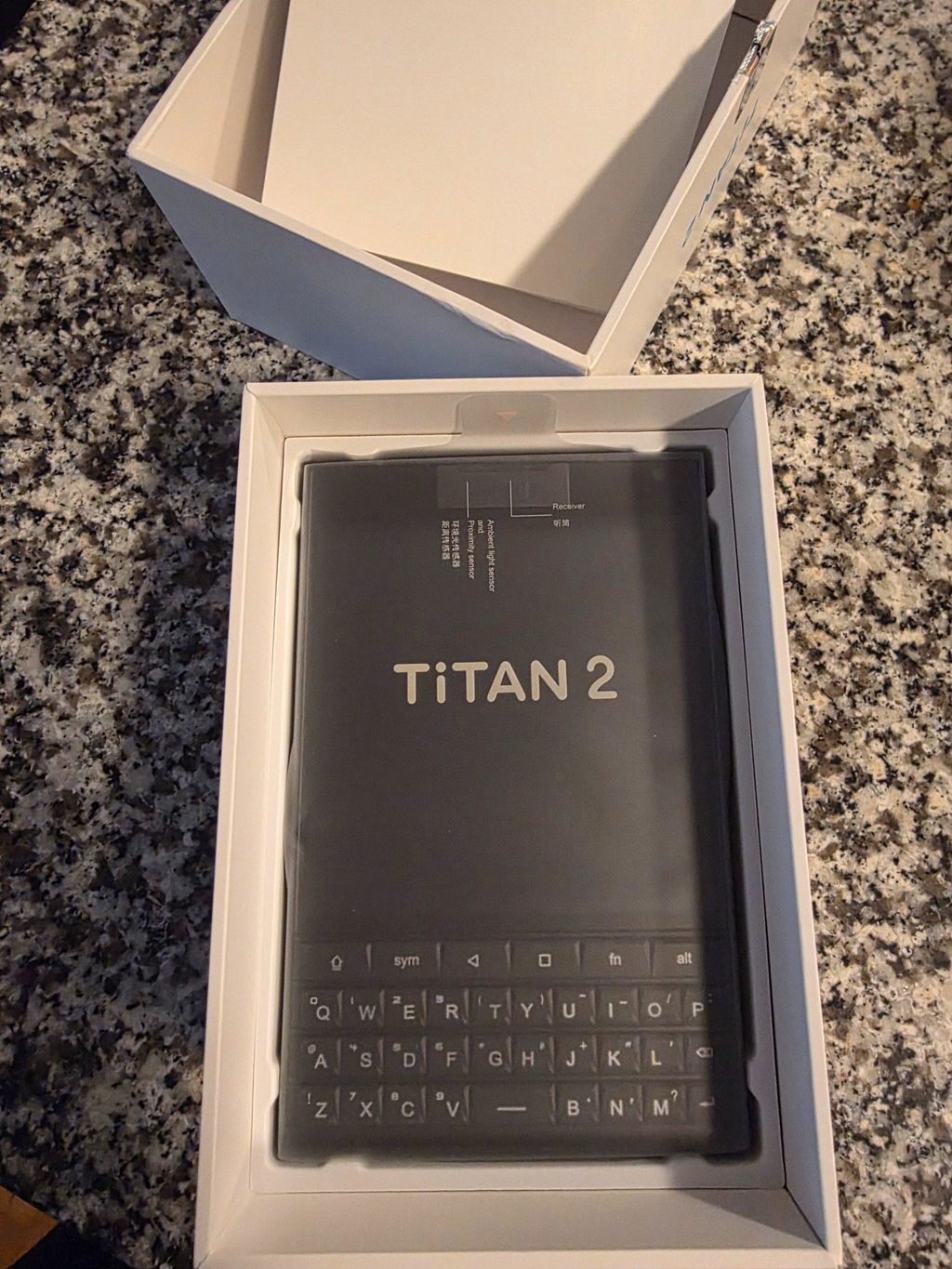
I have used for a couple of months and switched to Jelly Max as this being a little too wide for my hands and I really don't use the QWERTY as much!